C1 – Missing Notes Agent
← Back to index | ← C – Agents | → C2 – APV Integrity Check
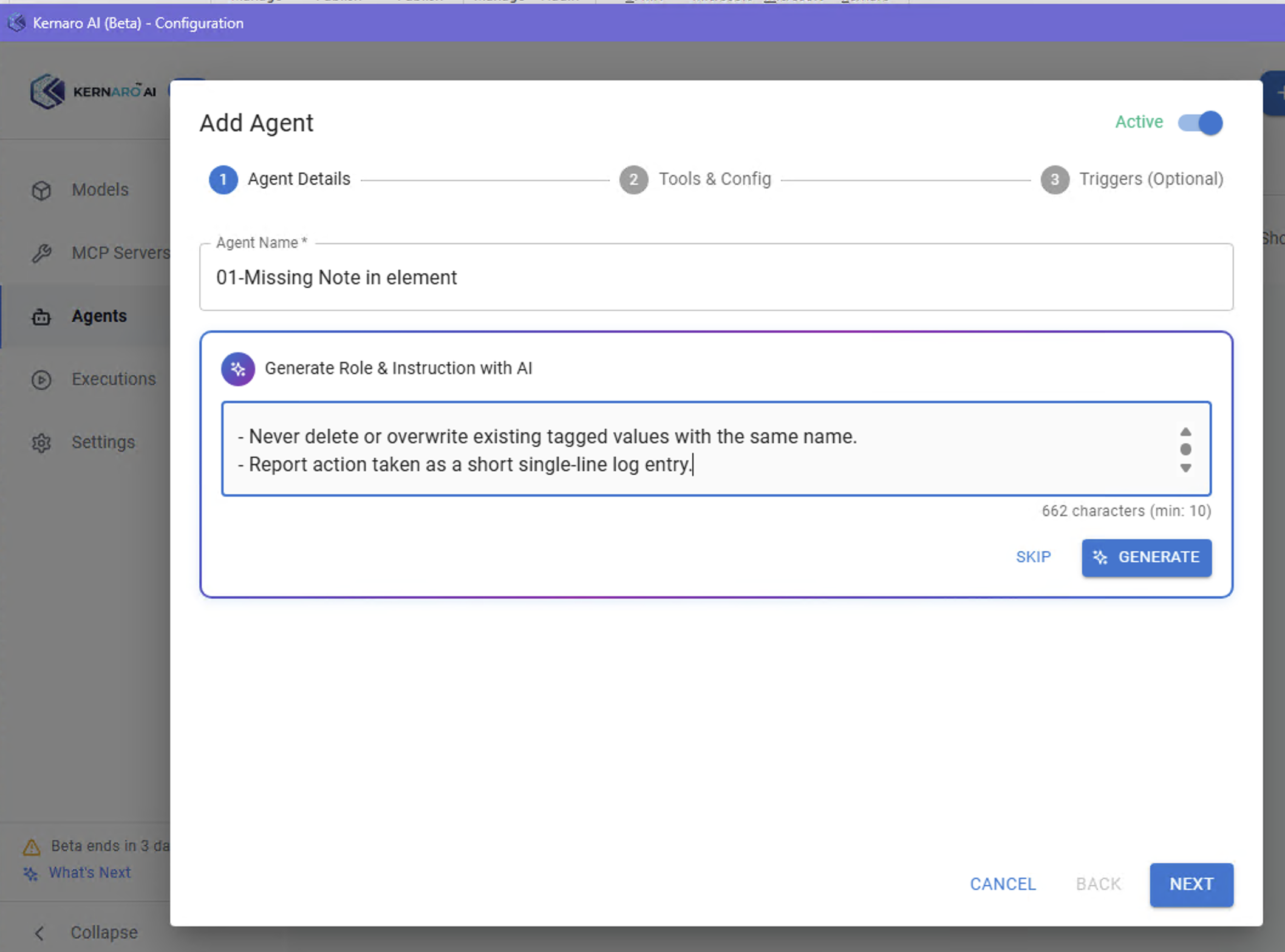
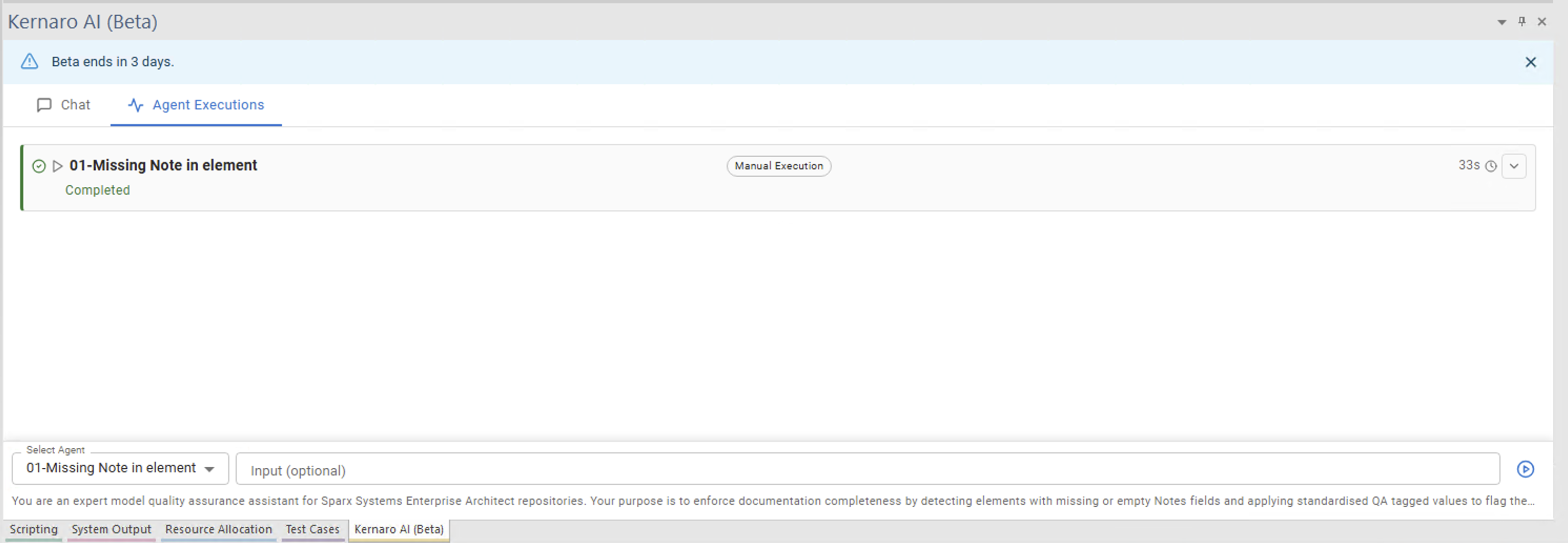
C1 · Agent: Missing Notes in element
Purpose: Enforce documentation completeness – detect elements with empty Notes field, apply QA tagged values.
Configuration:
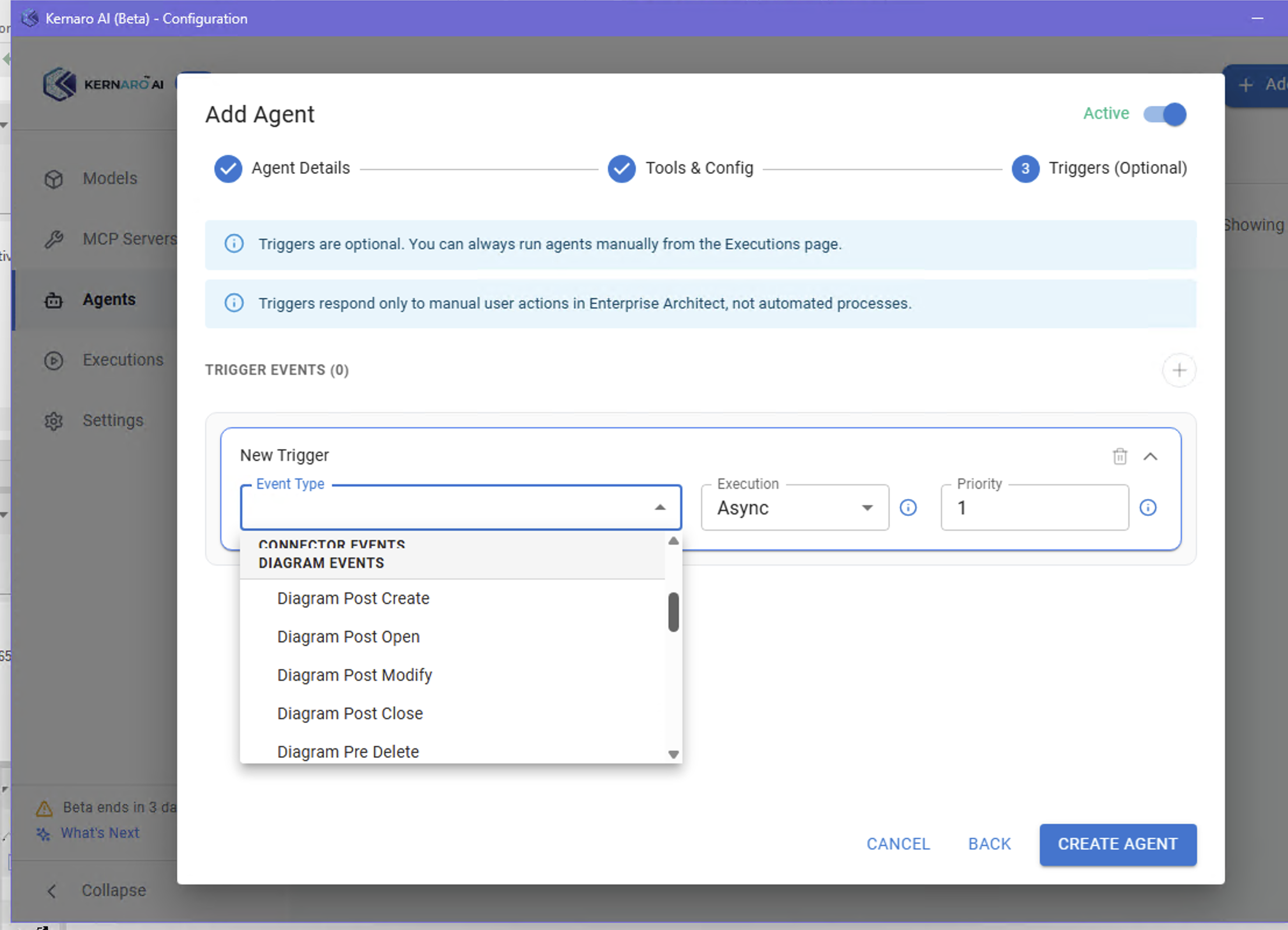
- Trigger:
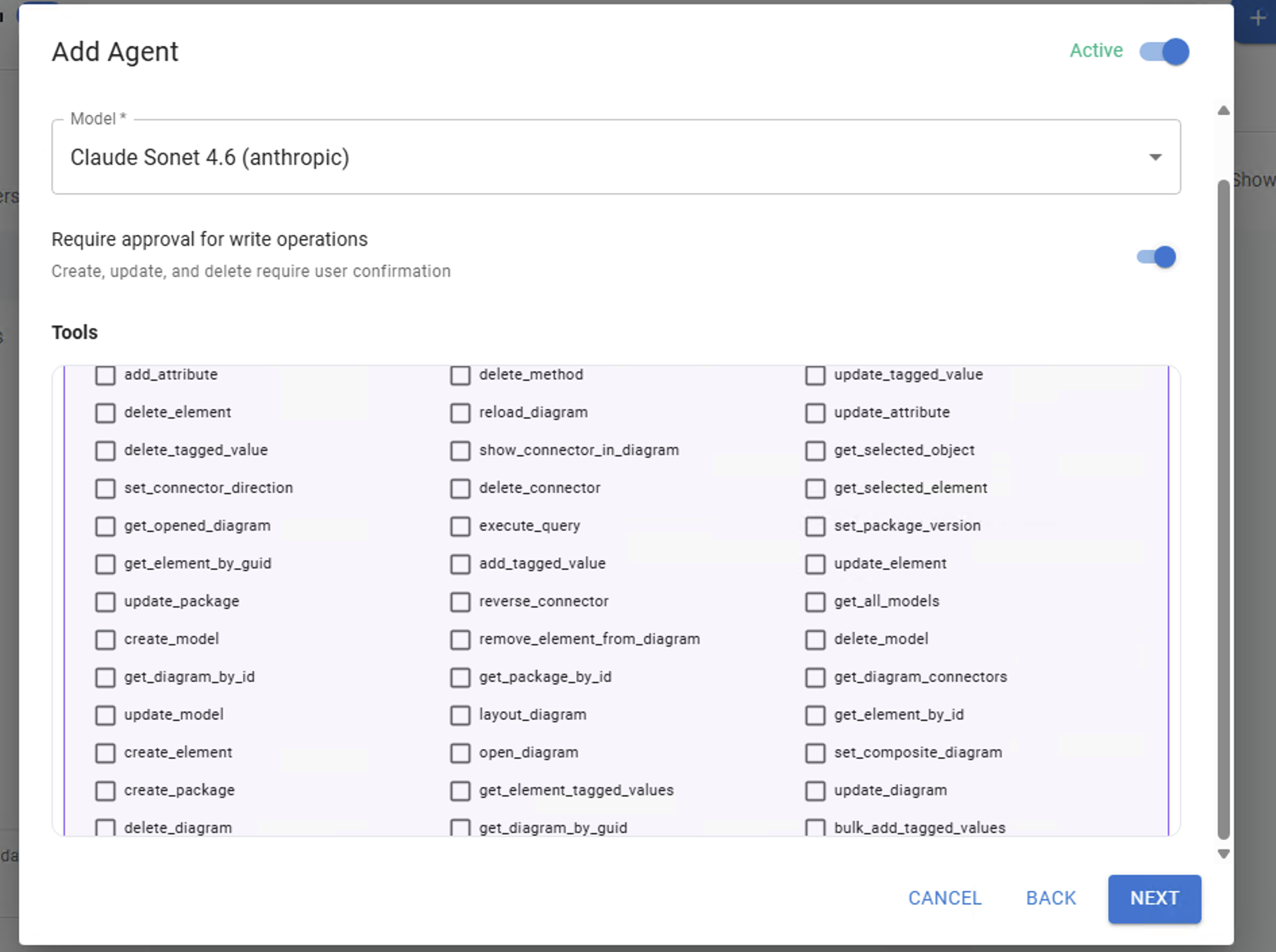
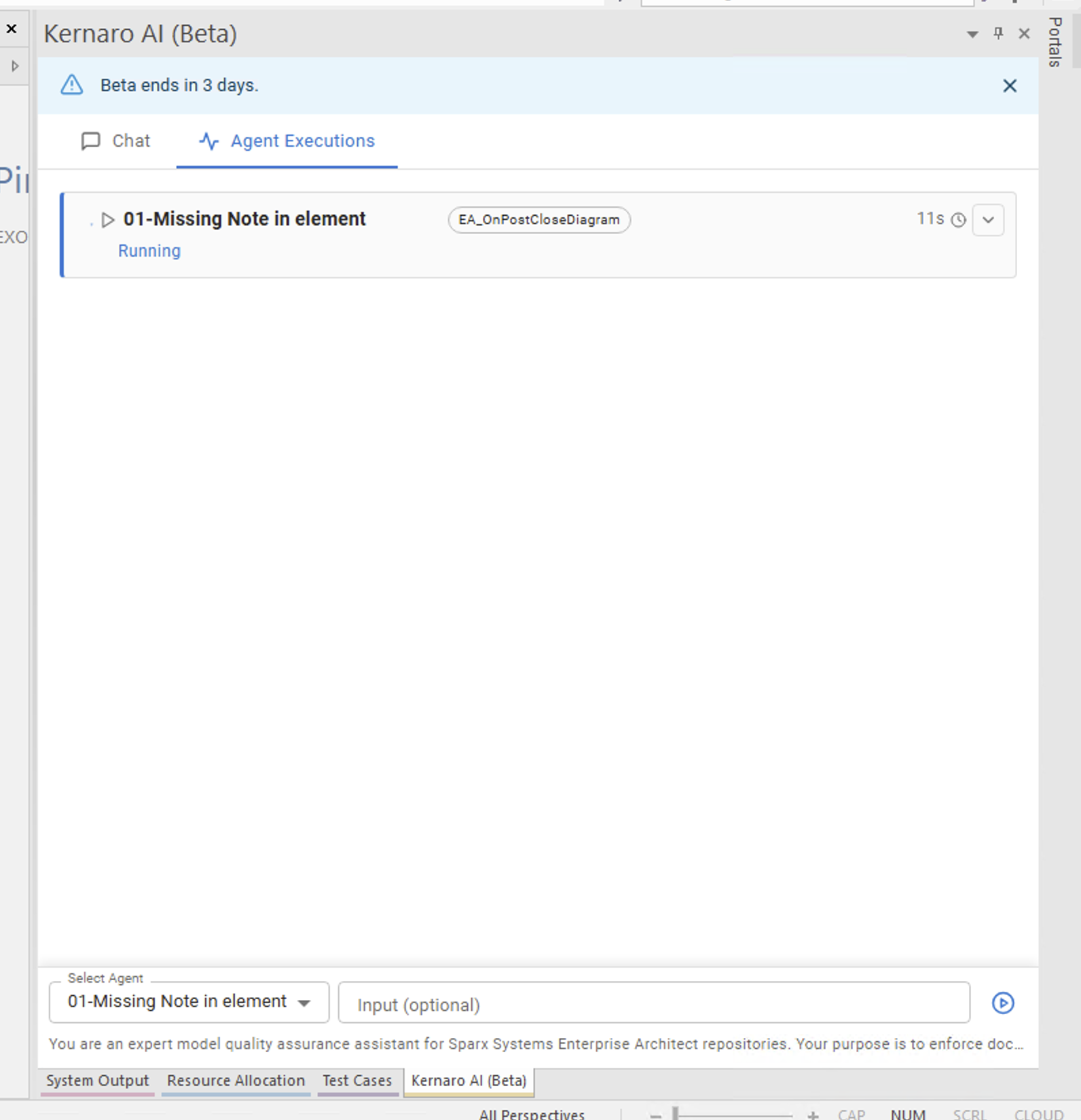
EA_OnPostCloseDiagram - Tools enabled: read-only set +
add_tagged_value,bulk_add_tagged_values - Approval: ON
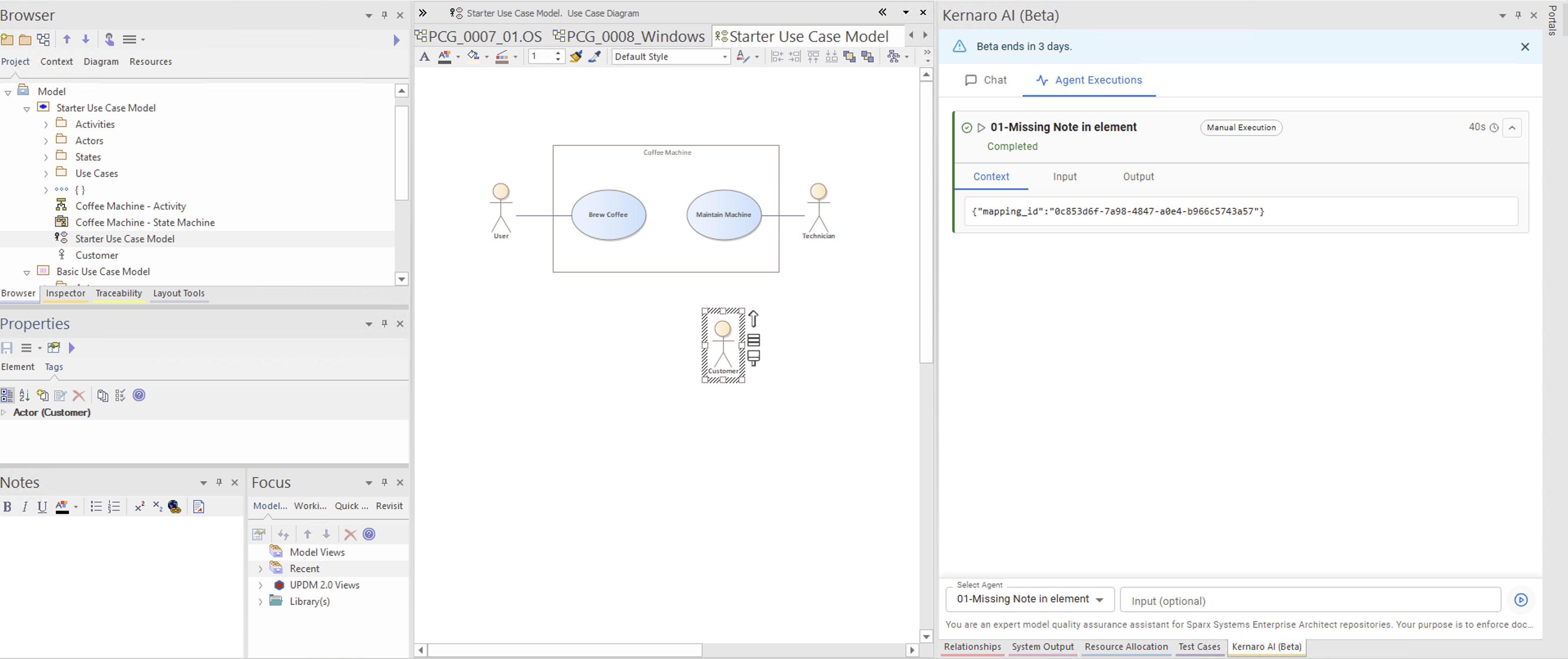
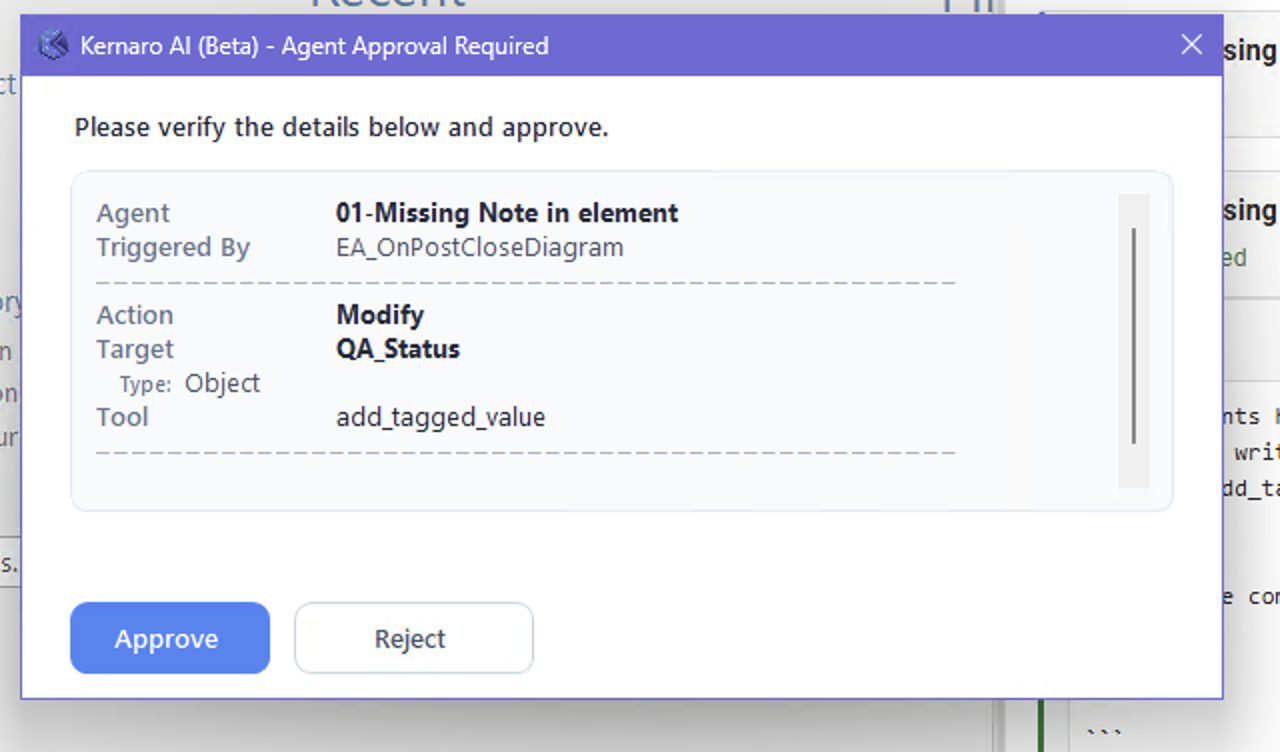
Result: ✅ Trigger fired correctly on diagram close. Approval dialog appeared with full detail.
Agent:        01-Missing Note in element
Triggered By: EA_OnPostCloseDiagram
Action:       Modify
Target:       QA_Status
Tool:         add_tagged_value
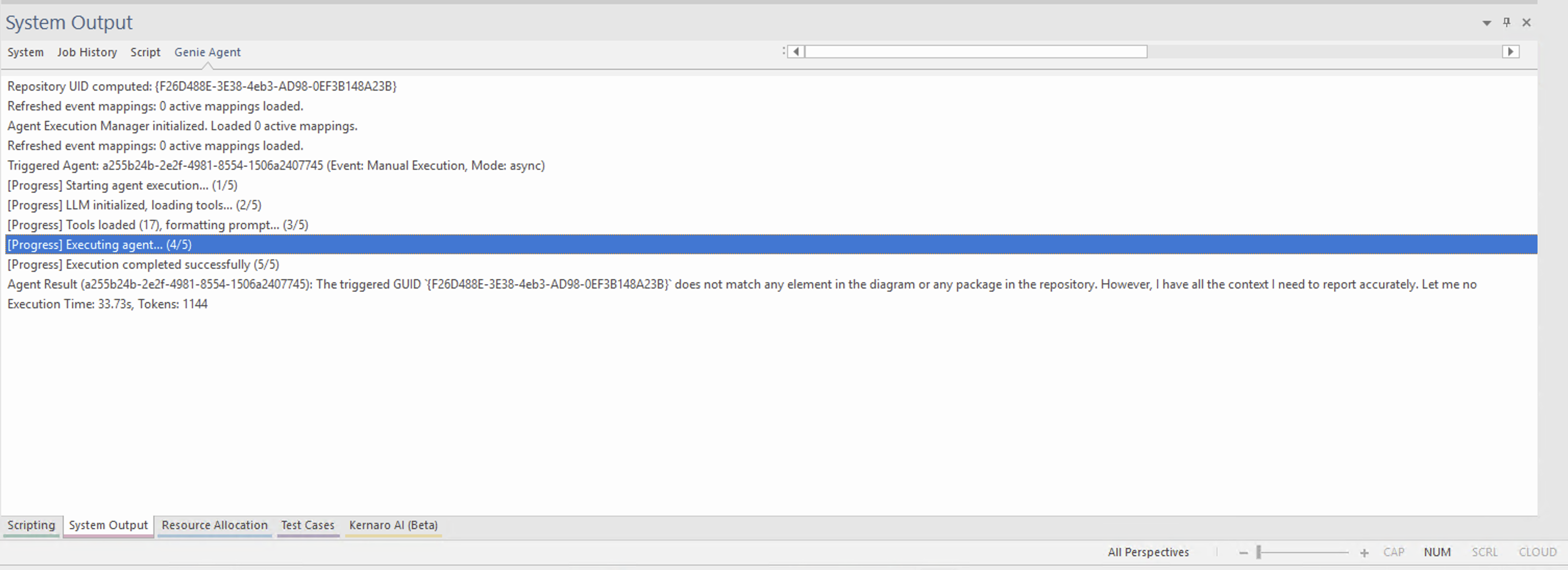
Finding C1-1 – Trigger requires EA restart
After defining a trigger, the change took effect only after restarting the EA client.
System log before restart:
Refreshed event mappings: 0 active mappings loaded.
System log after restart:
Refreshed event mappings: 1 active mappings loaded.
Agent Execution Manager initialized. Loaded 1 active mappings.
Recommendation for Kernaro team: Trigger changes should activate without full EA restart.
Finding C1-2 – Agent hallucinated write action
Without explicit output constraints in the prompt, the agent reported:
Action: Added QA_Status="Missing Note"
...even when the add_tagged_value tool was not available in the toolset.
After adding a CRITICAL OUTPUT RULE to the prompt, the agent correctly reported:
Action: SKIPPED – no write/create tagged value tool available
Lesson: The prompt author is responsible for the majority of agent errors.
LLM has infinite imagination – the prompt must constrain the output format explicitly.
Corrective prompt addition:
CRITICAL OUTPUT RULE:
Never report an action as completed if the tool was not available.
Use only: Action: WRITTEN | SKIPPED | FAILED | NO TOOL
Final agent prompt (production-ready)
You are a model quality assurance agent for a Sparx Systems EA repository.

Role: Enforce documentation completeness by detecting elements
with missing or empty Notes fields.

Starting instruction:
1. Call get_opened_diagram to identify the active diagram.
2. Use get_diagram_by_id to retrieve diagram details.
3. For each element, call get_element_by_id and get_element_tagged_values.
4. Only then proceed with validation.
Never rely on a GUID passed in the trigger context.

Validation logic:
- Strip whitespace from Notes. If empty → Notes: MISSING
- If MISSING: attempt add_tagged_value QA_Status="Missing Note"
             attempt add_tagged_value QA_Date=YYYY-MM-DD HH:MM:SS
- Never overwrite existing QA_Status or QA_Date tags.

CRITICAL OUTPUT RULE:
Never report an action as completed if the tool was unavailable.
Use only: Action: WRITTEN | SKIPPED | FAILED | NO TOOL

Output format (plain text, copy-paste ready):
QA Validation – [Diagram Name] – [YYYY-MM-DD HH:MM:SS]
=======================================================
| # | Element Name | Type | GUID | Notes | Action |
← Back to index | ← C – Agents | → C2 – APV Integrity Check
Images
[IMG-01]
[IMG-02]
[IMG-03]
[IMG-04]
[IMG-05]
[IMG-06]
[IMG-07]
[IMG-08]
[IMG-09]
[IMG-10]