Kernaro AI Beta – Test Report

AI-Driven Modeling in Enterprise Architect – First Contact

Author: Roman Kazička, Knowledge Management Enterprise Architect KMEA
Company: SystemThinking spol. s r.o., Bratislava
Period: April 8–30, 2026
Environment: EA 17.1 Build 1716 (64-bit, ULTIMATE) · MariaDB (~800 MB) + QEA (SQLite) · Claude Sonnet 4.6


Purpose of this KNIFE

AI is a phenomenon of our time. Sparx Systems monitors these trends and offers several ways to use AI when working with models.

The purpose of this document is to verify AI – KERNARO support through simple, practically relevant use cases, focusing on the typical activities of a functional analyst role. AI-Kernaro is a tool capable of supporting all roles across the SDLC.

In this article I focused on testing the Beta version of KERNARO – an add-in for the Enterprise Architect modeler. Every solution, every article exists in a specific context. My context is the assessment of AI-Kernaro from the perspective of supporting the IT solution lifecycle.

I designed a model scenario with several practical use cases:

A. Exploring an unfamiliar large-scale model

  • Generating diagrams from an unknown model
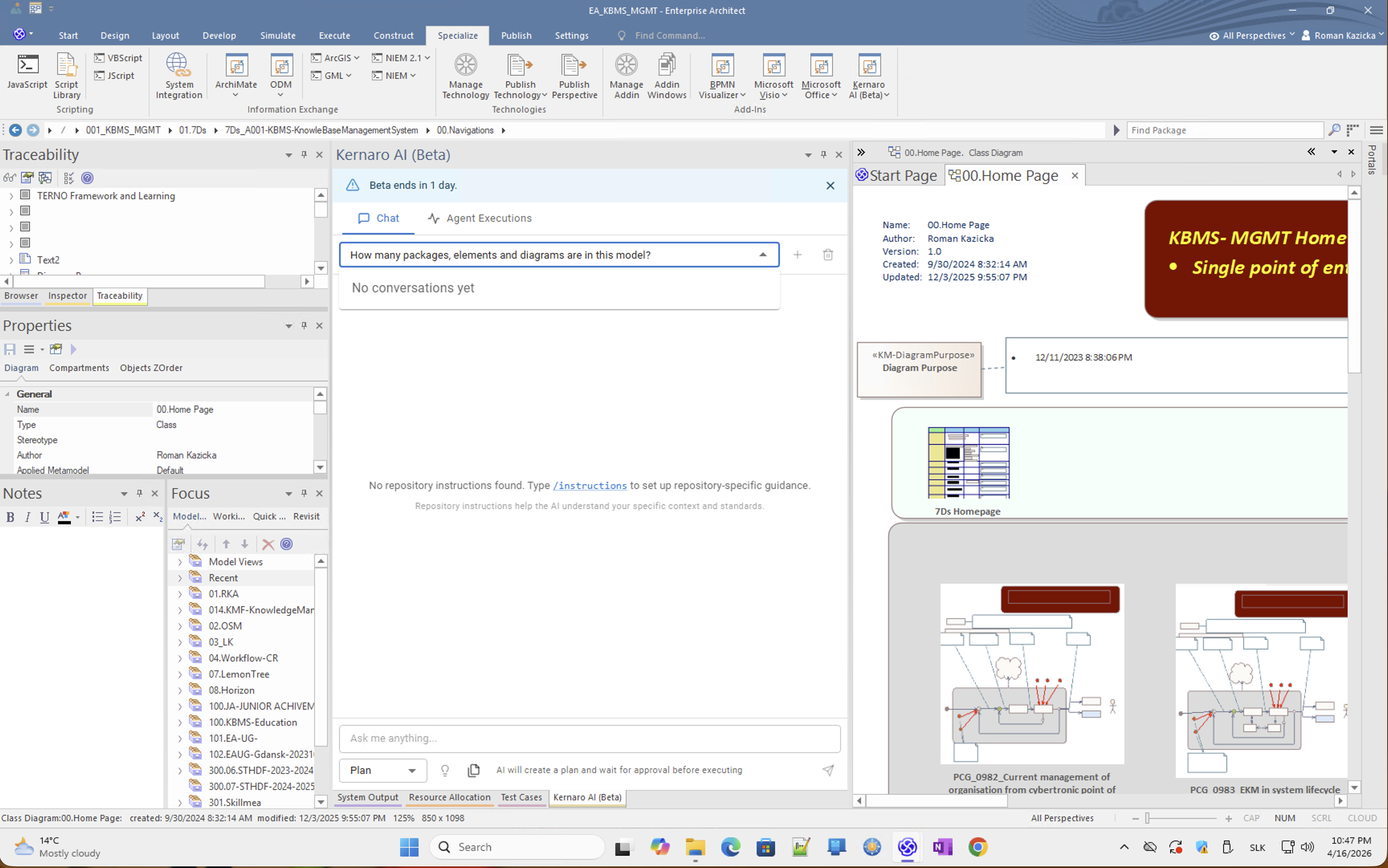
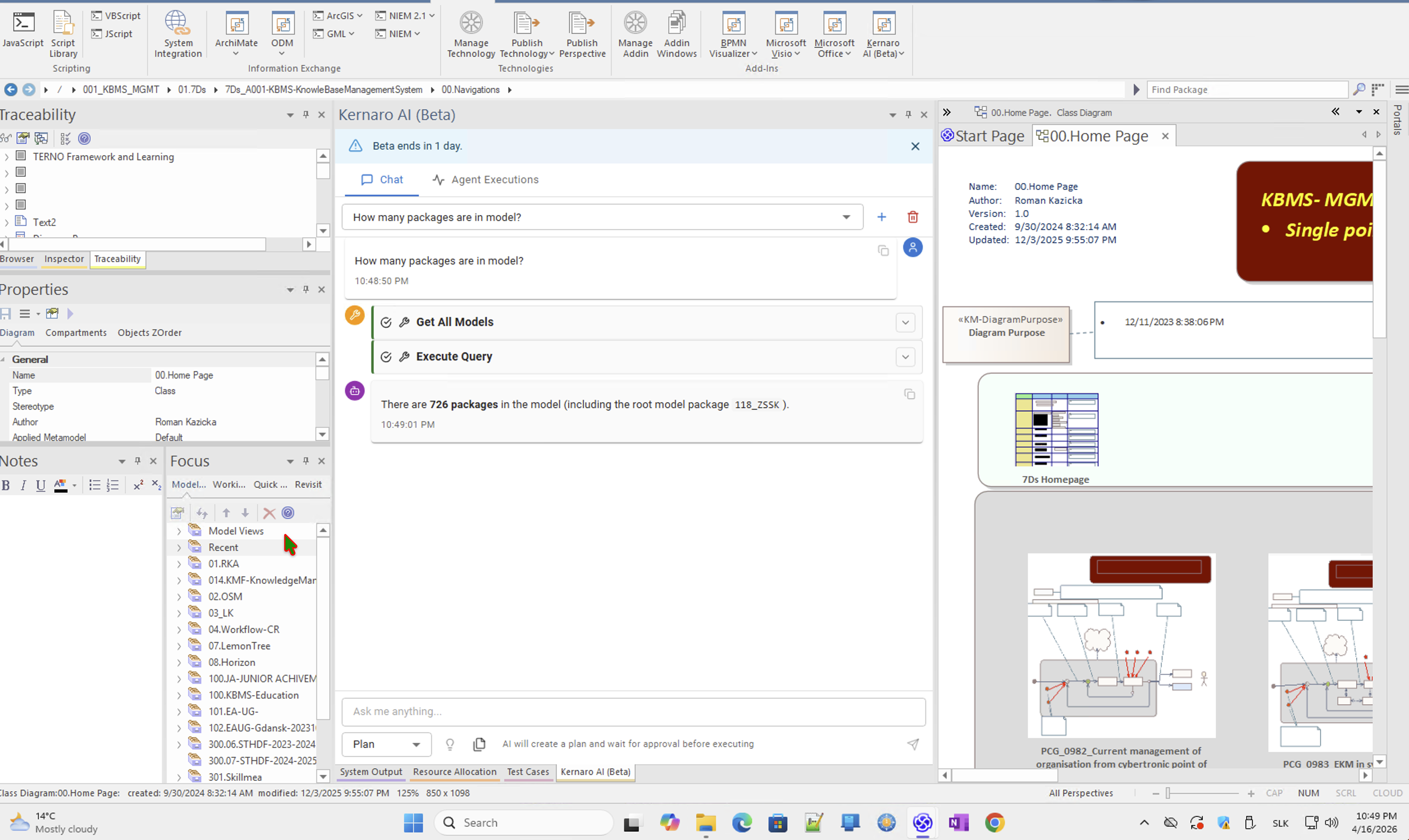
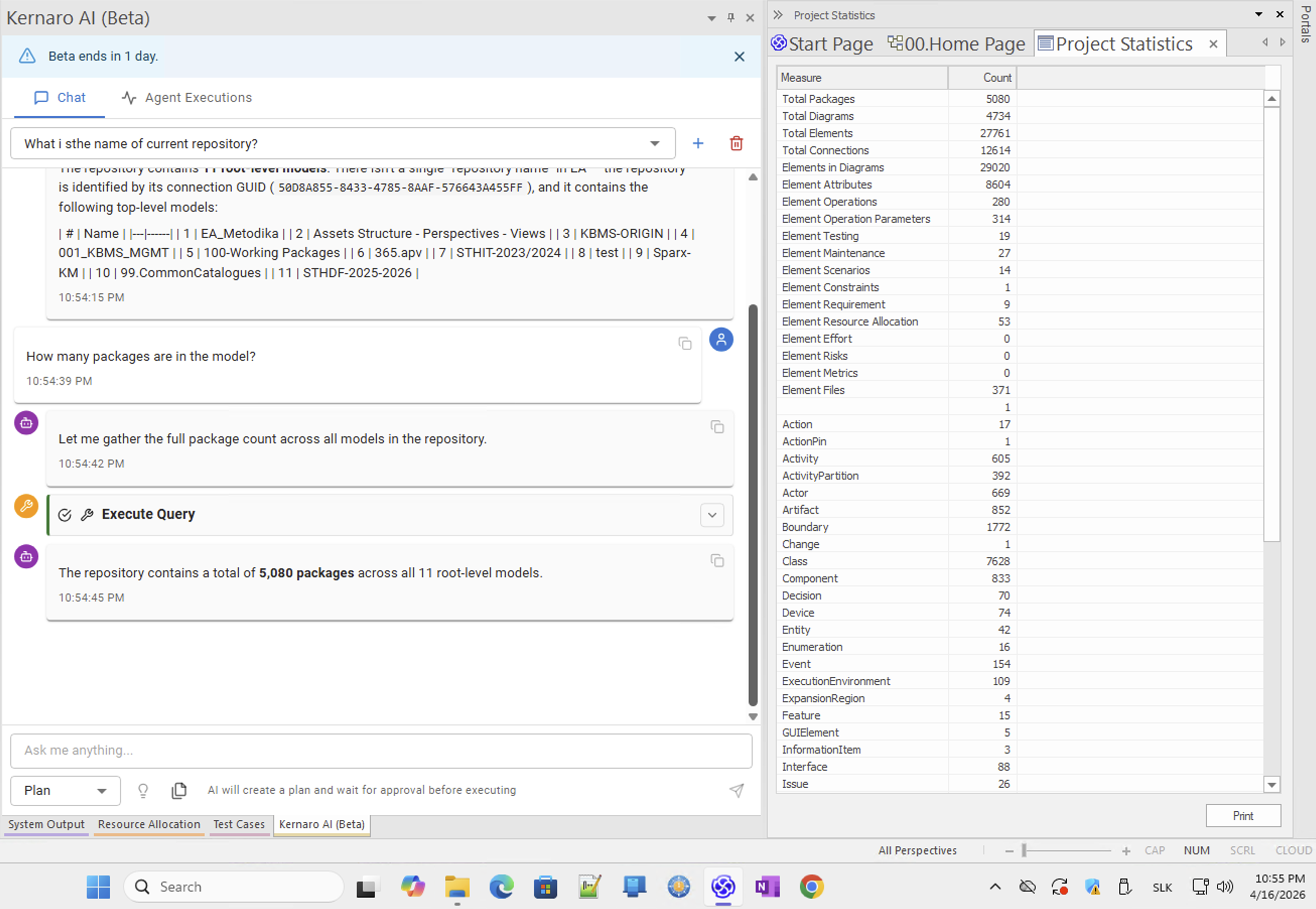
  • Basic model statistics
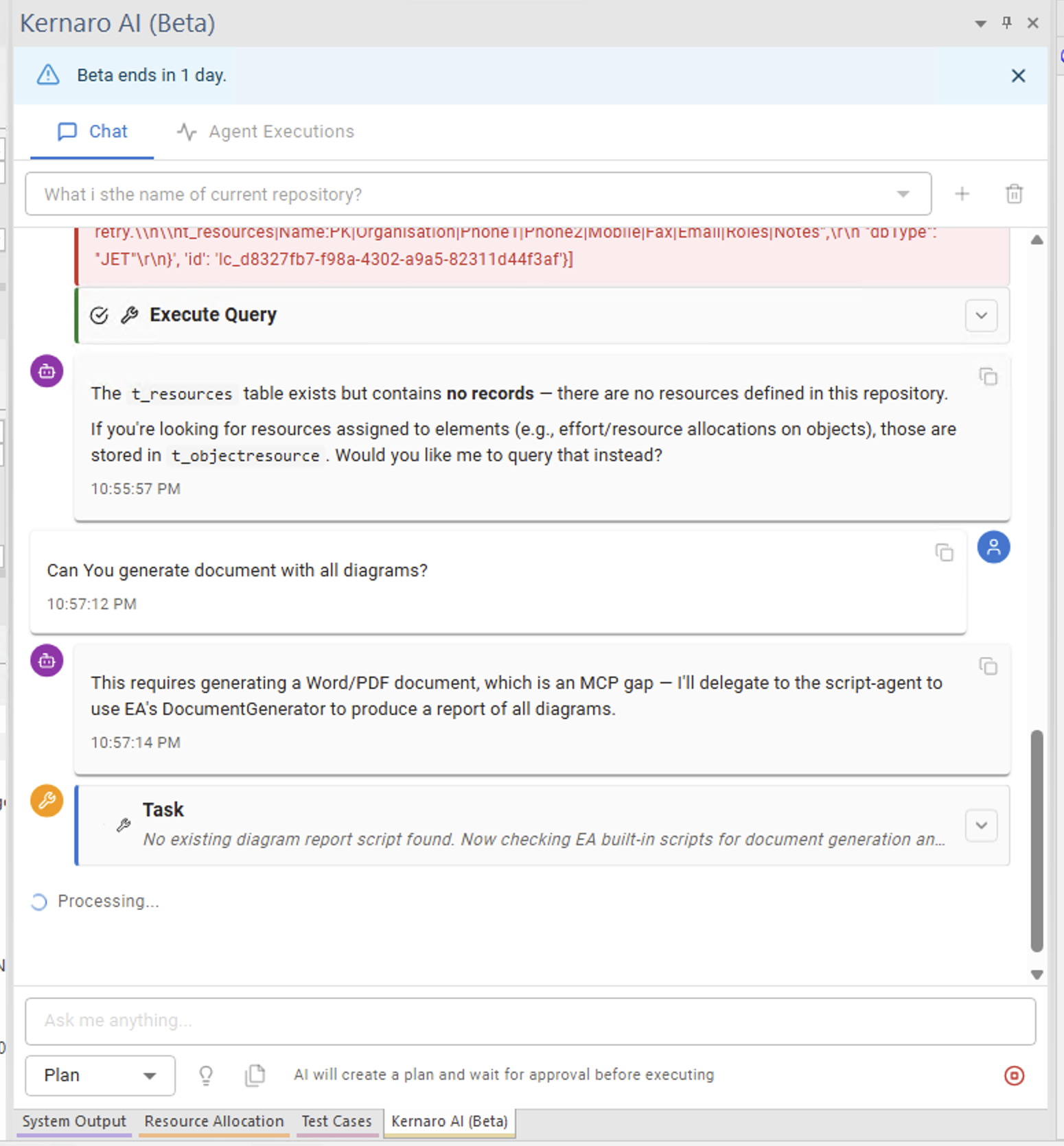
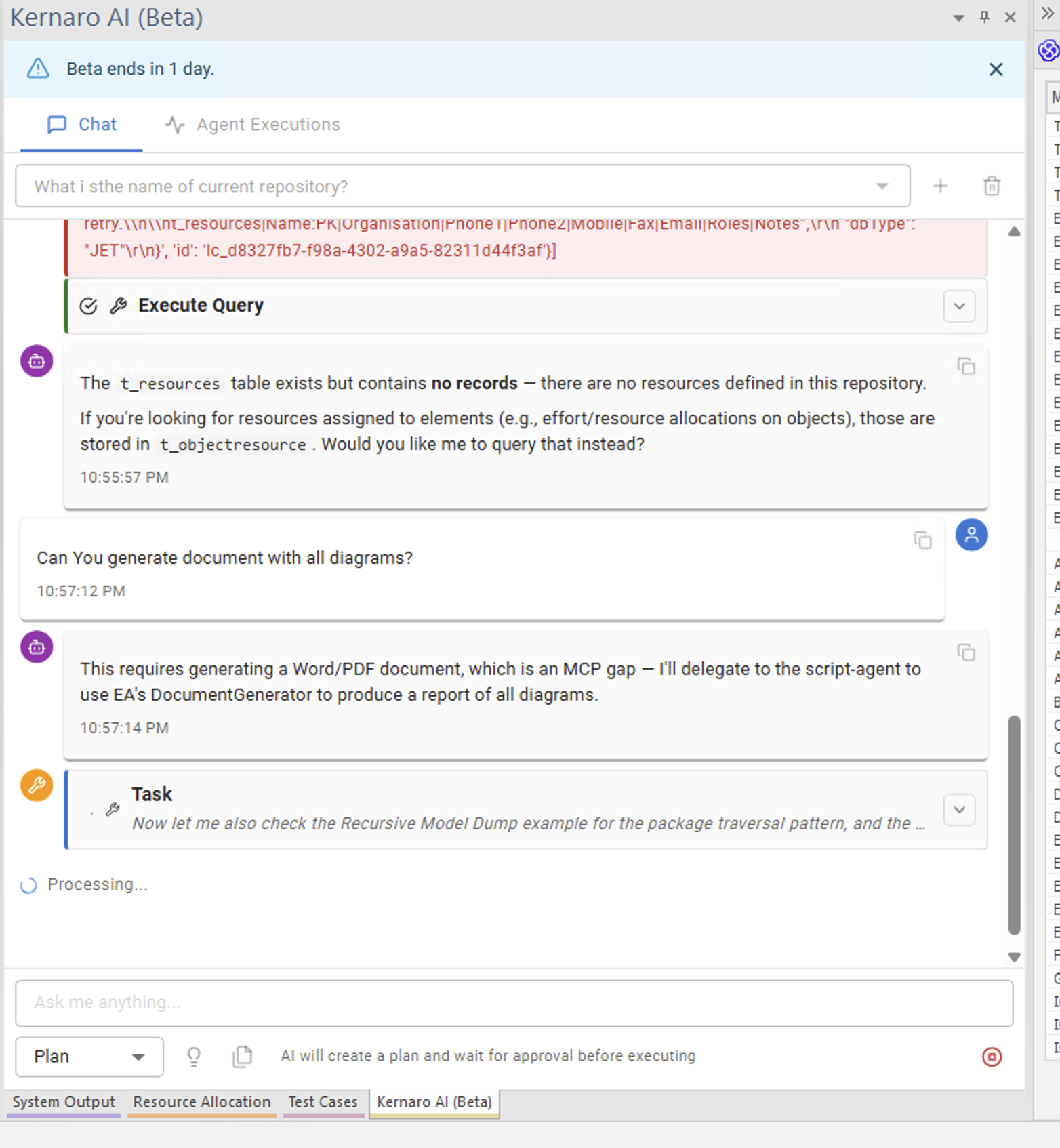
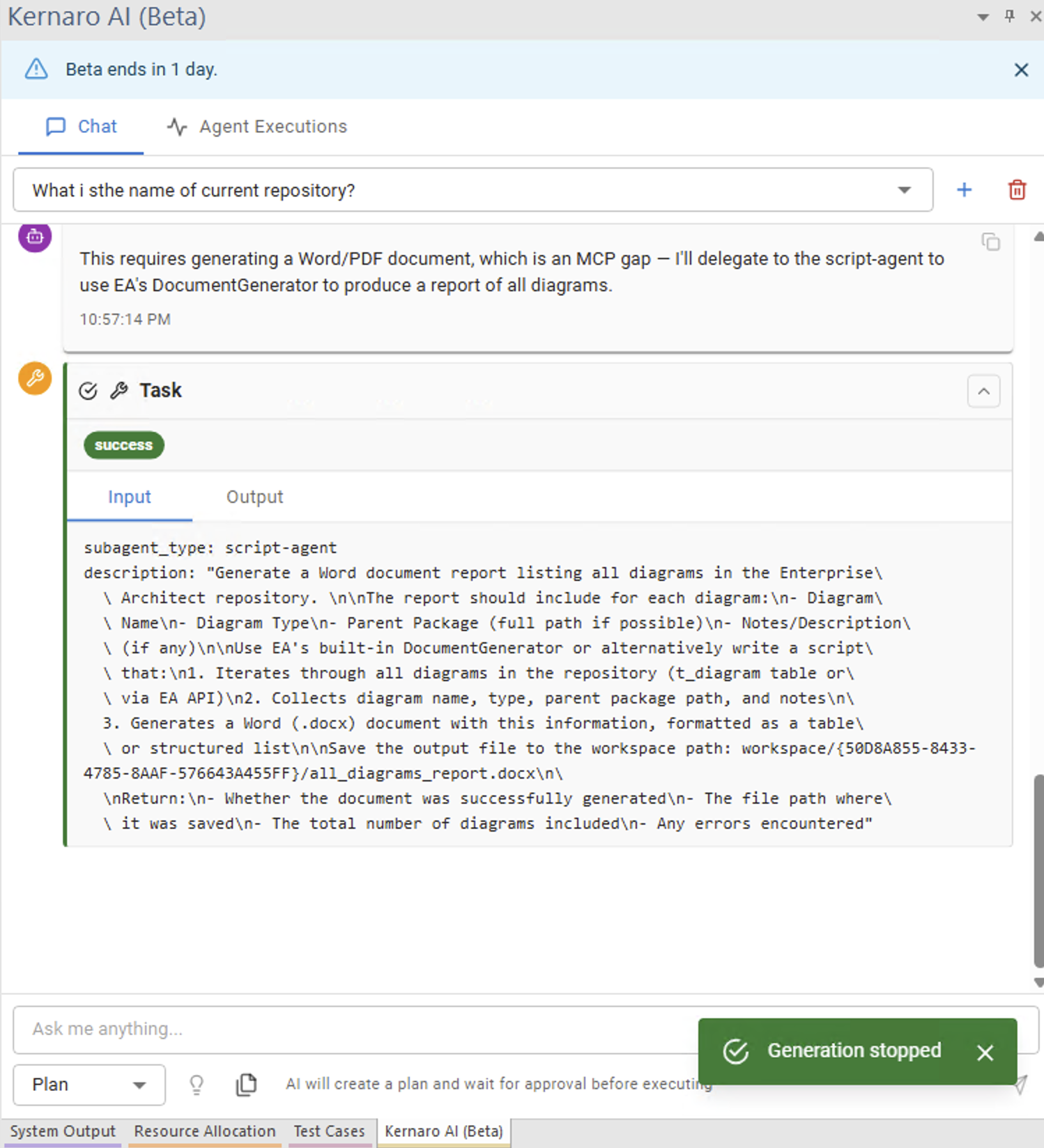
  • Generating Diagram Report from repository

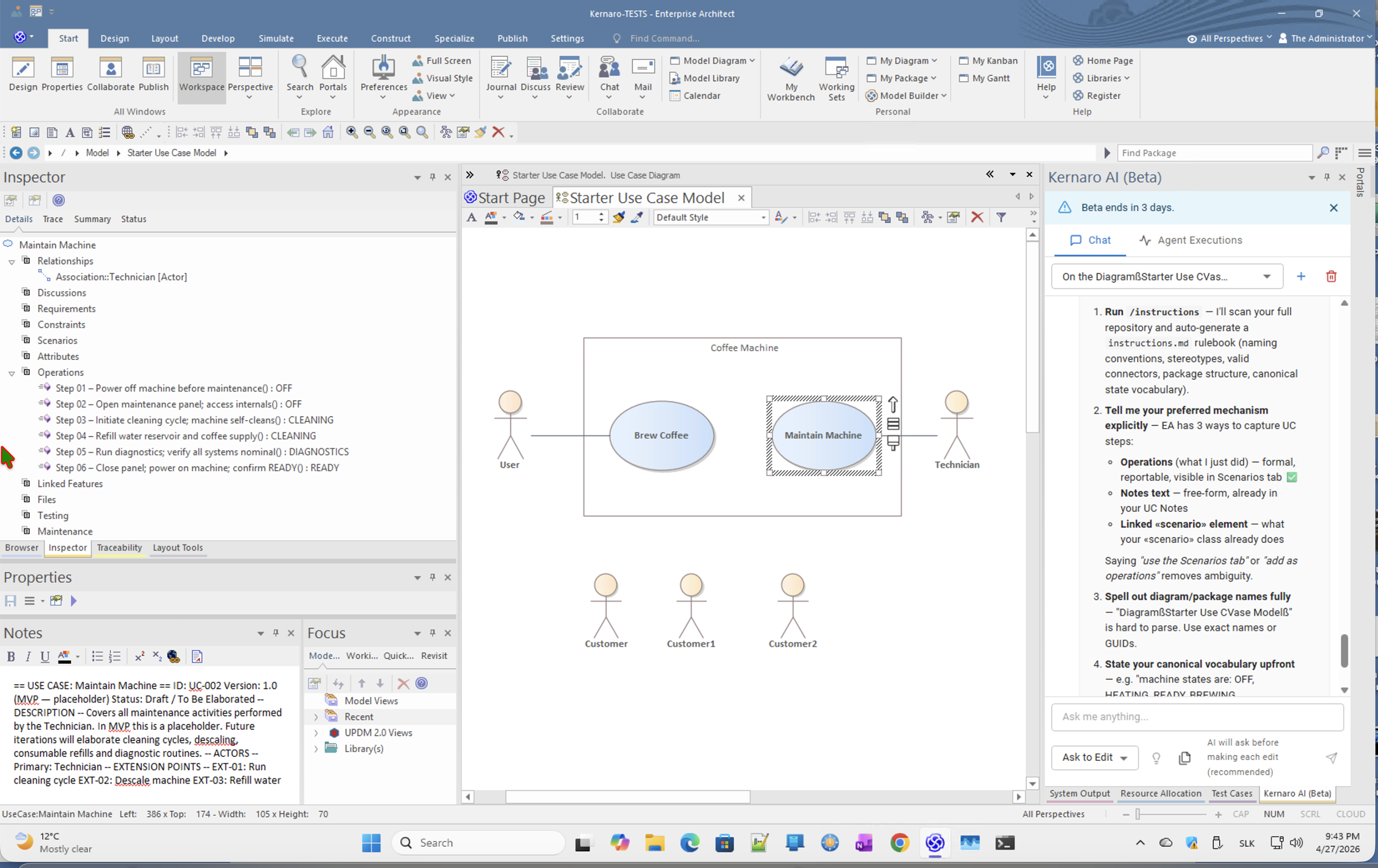
B. Working with the model to define a functional specification – Coffee Machine training case

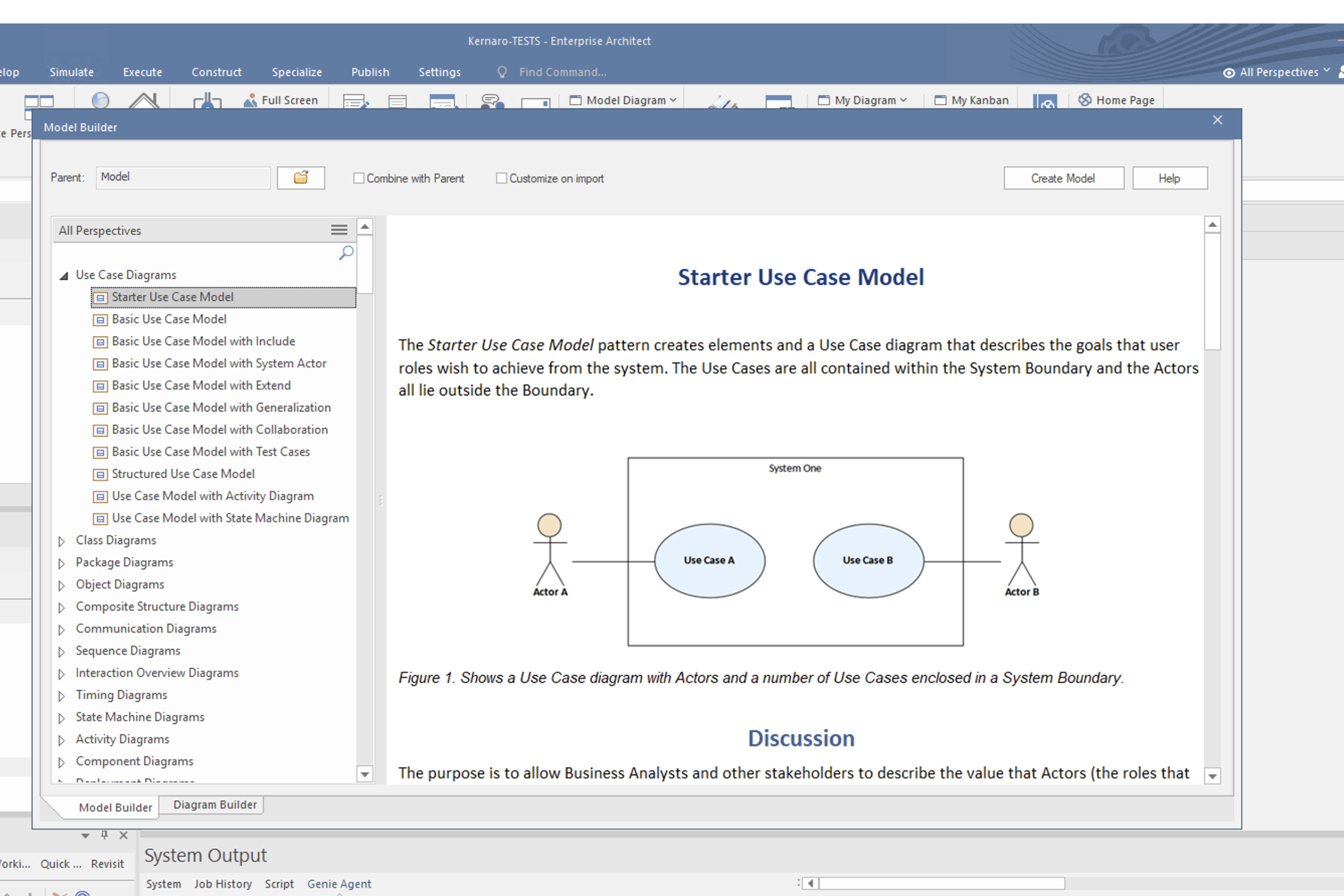
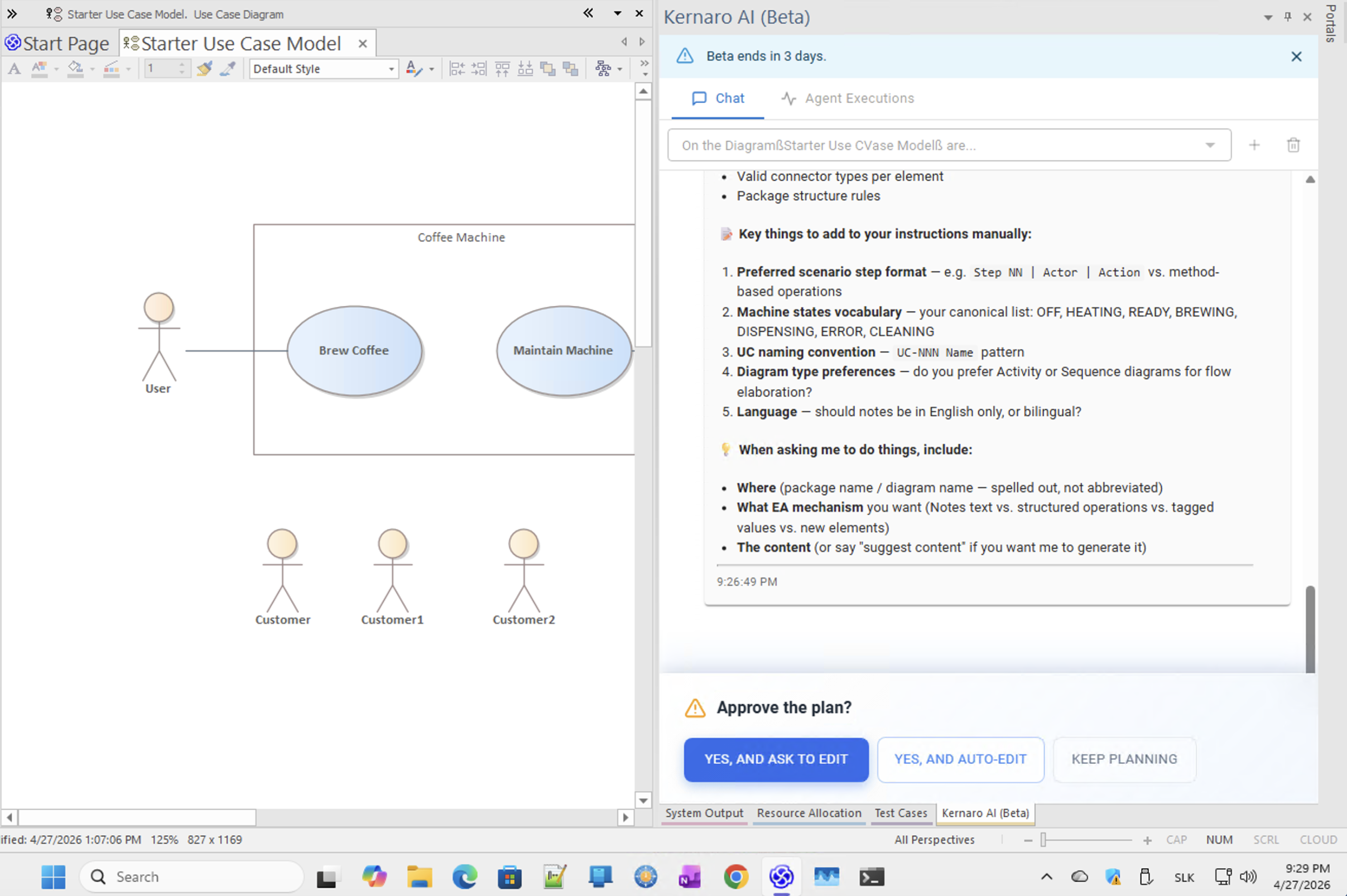
  • Creating a UC model
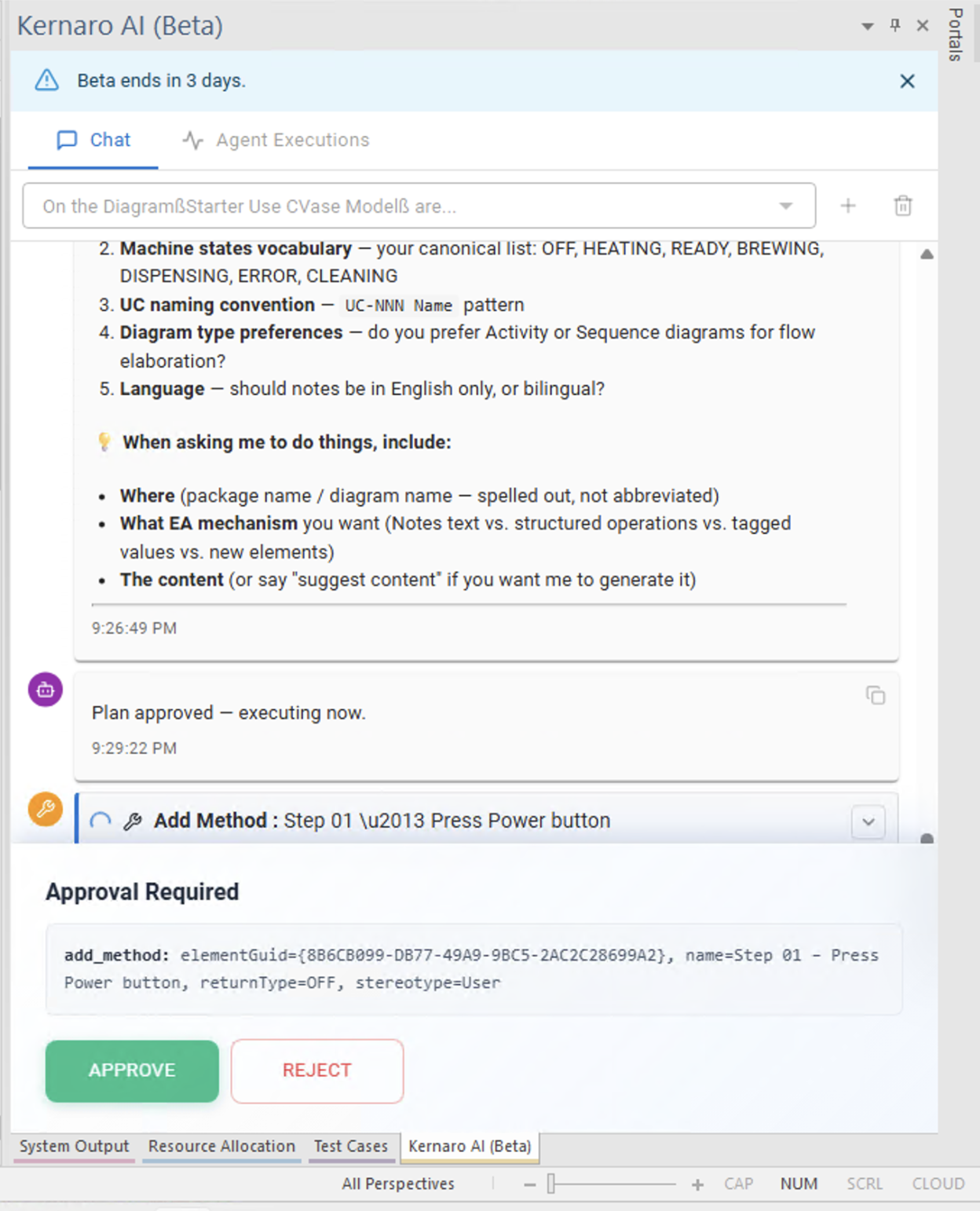
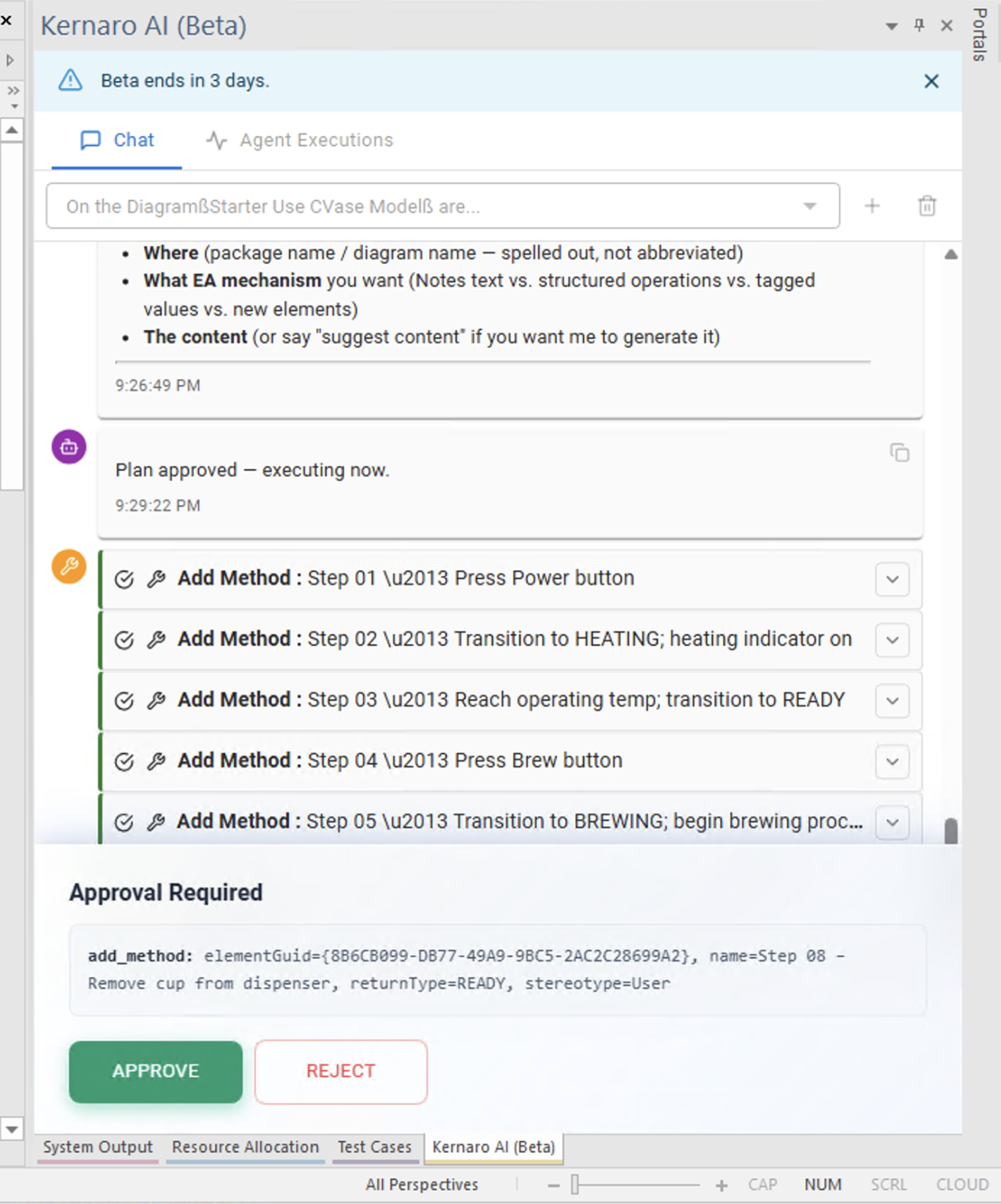
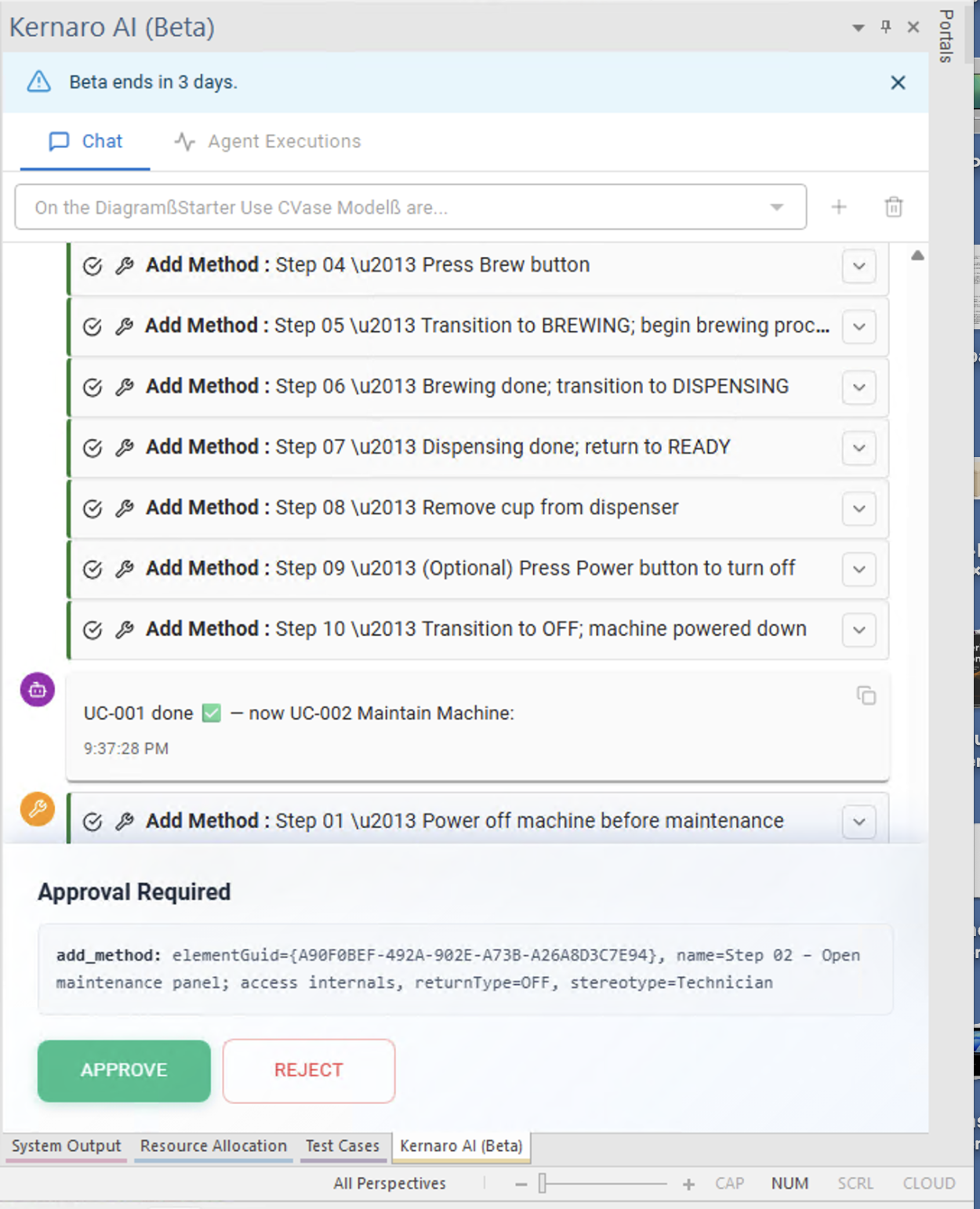
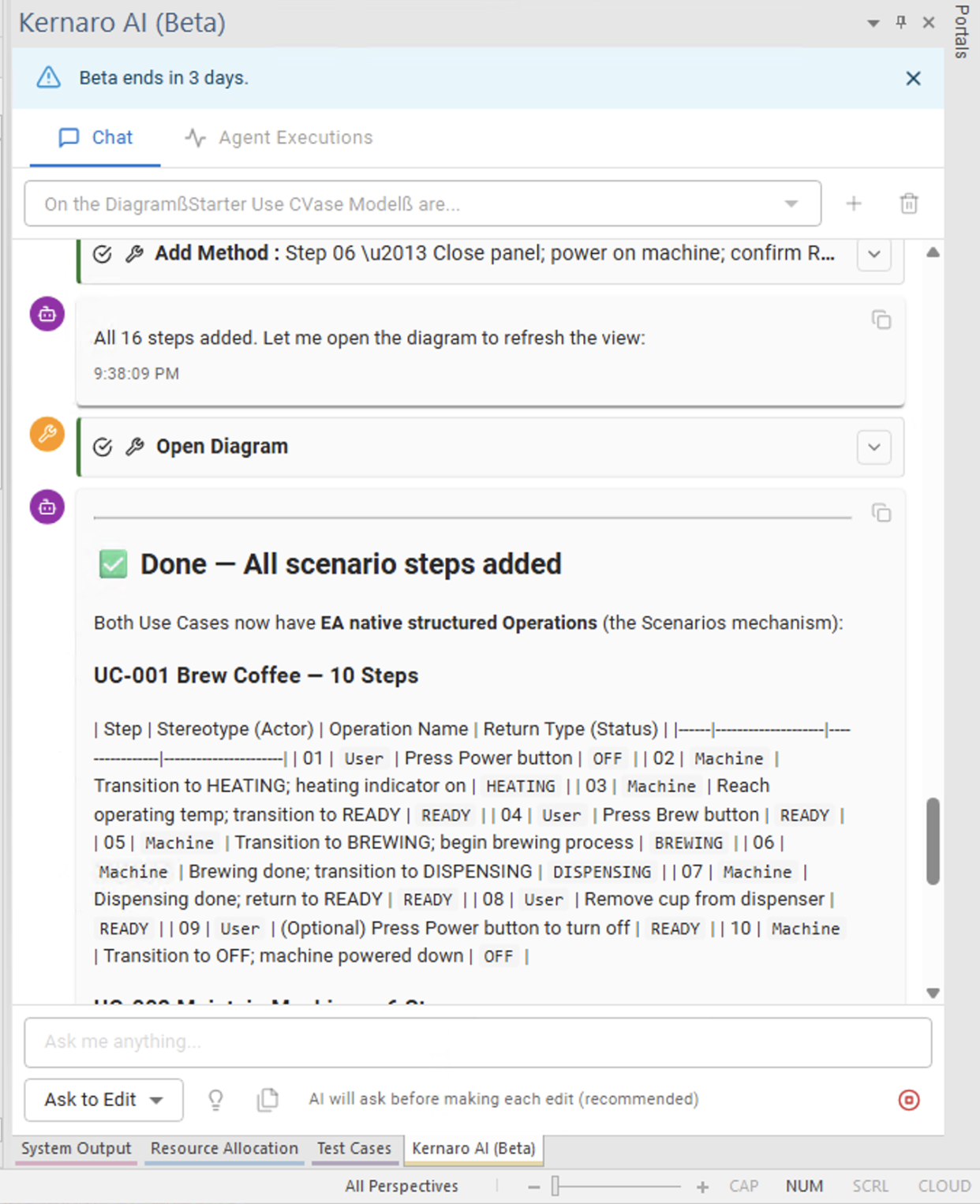
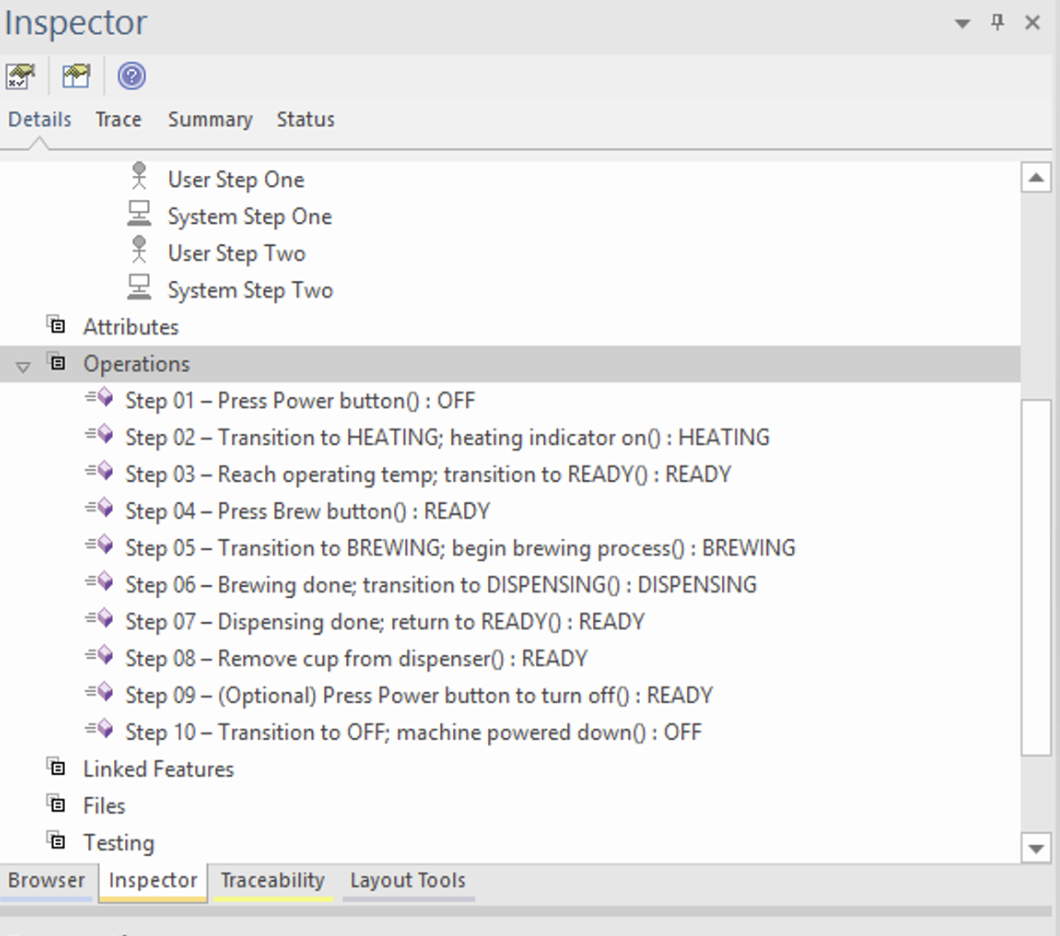
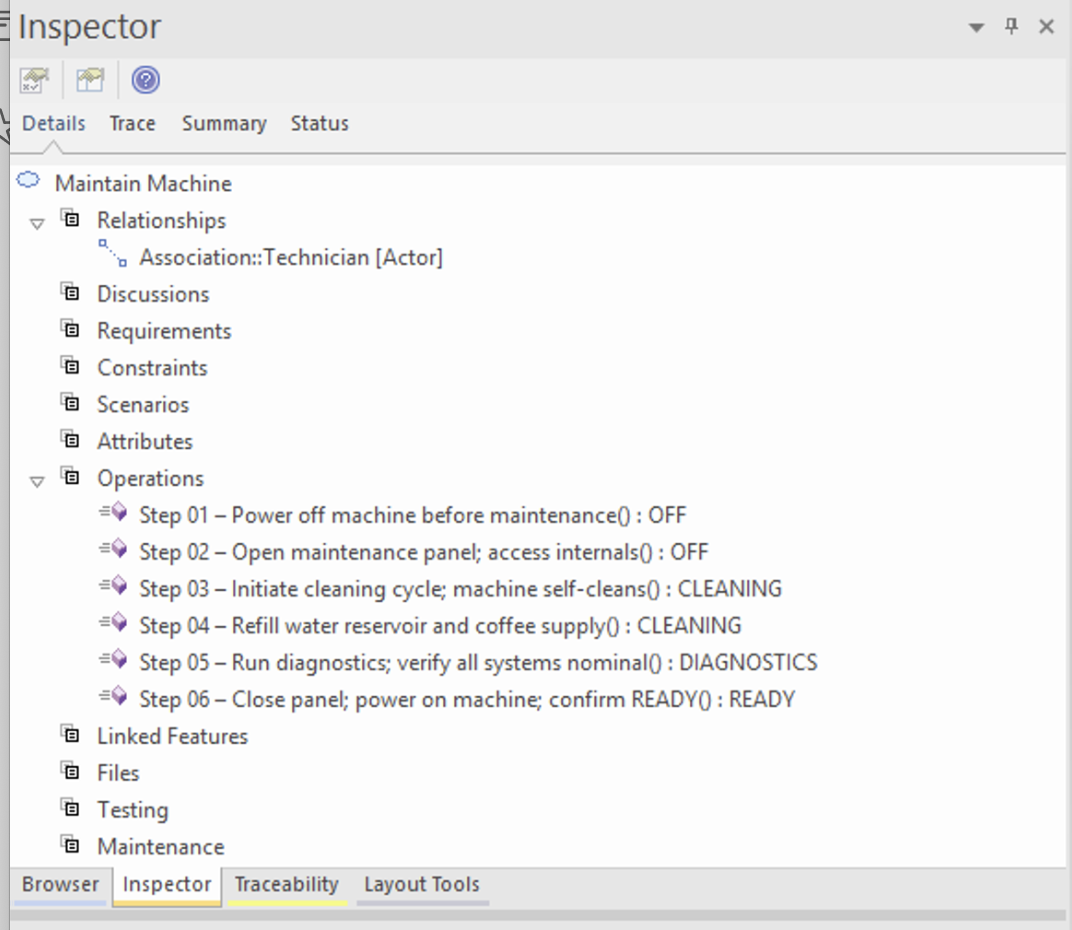
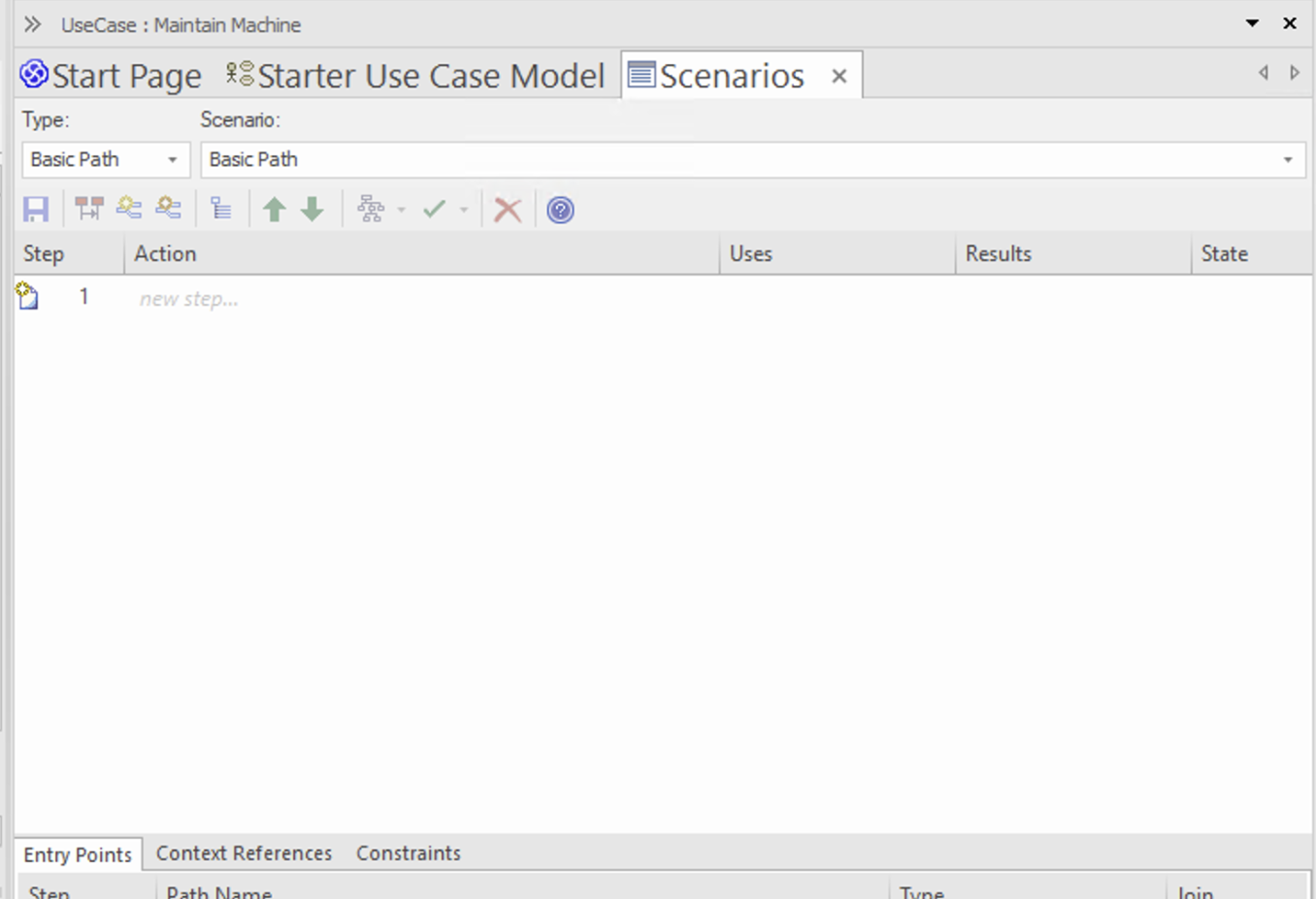
  • Describing scenarios
  • Creating an Activity diagram
  • Generating a specification at the UC model level – use case scenario and role descriptions

Contents

SectionTopic
01 - IntroductionGenral ideas about AI in SDLC
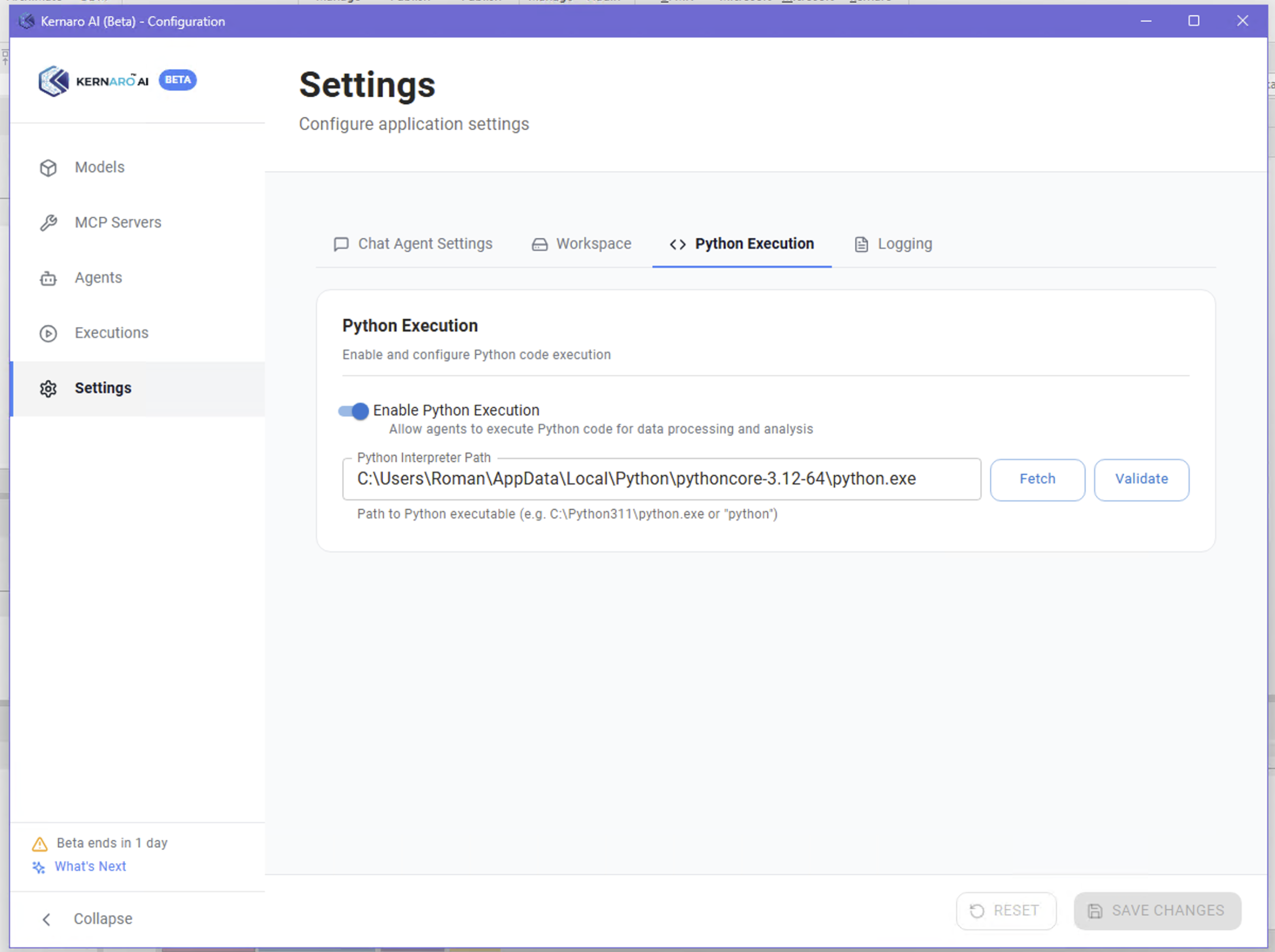
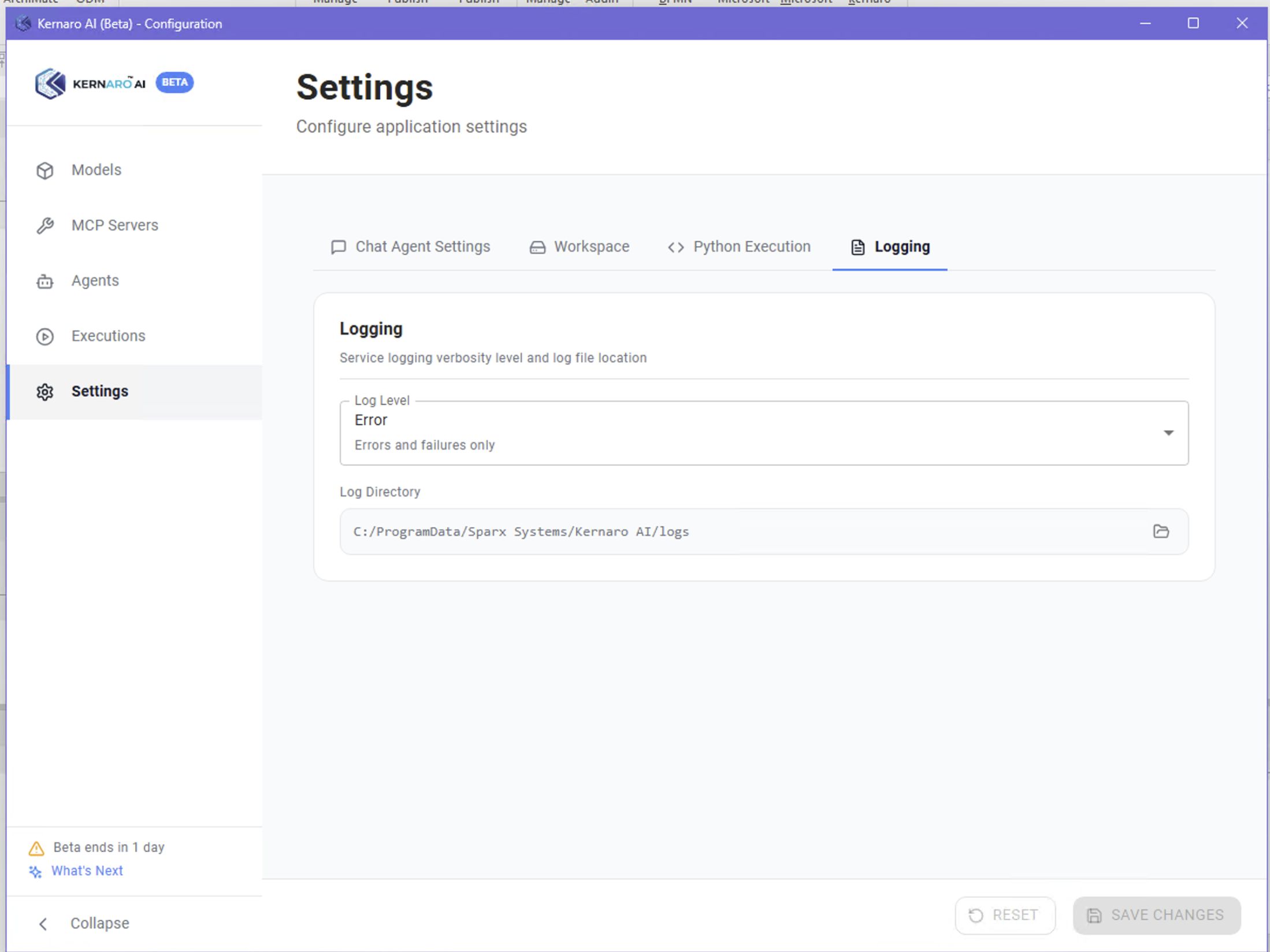
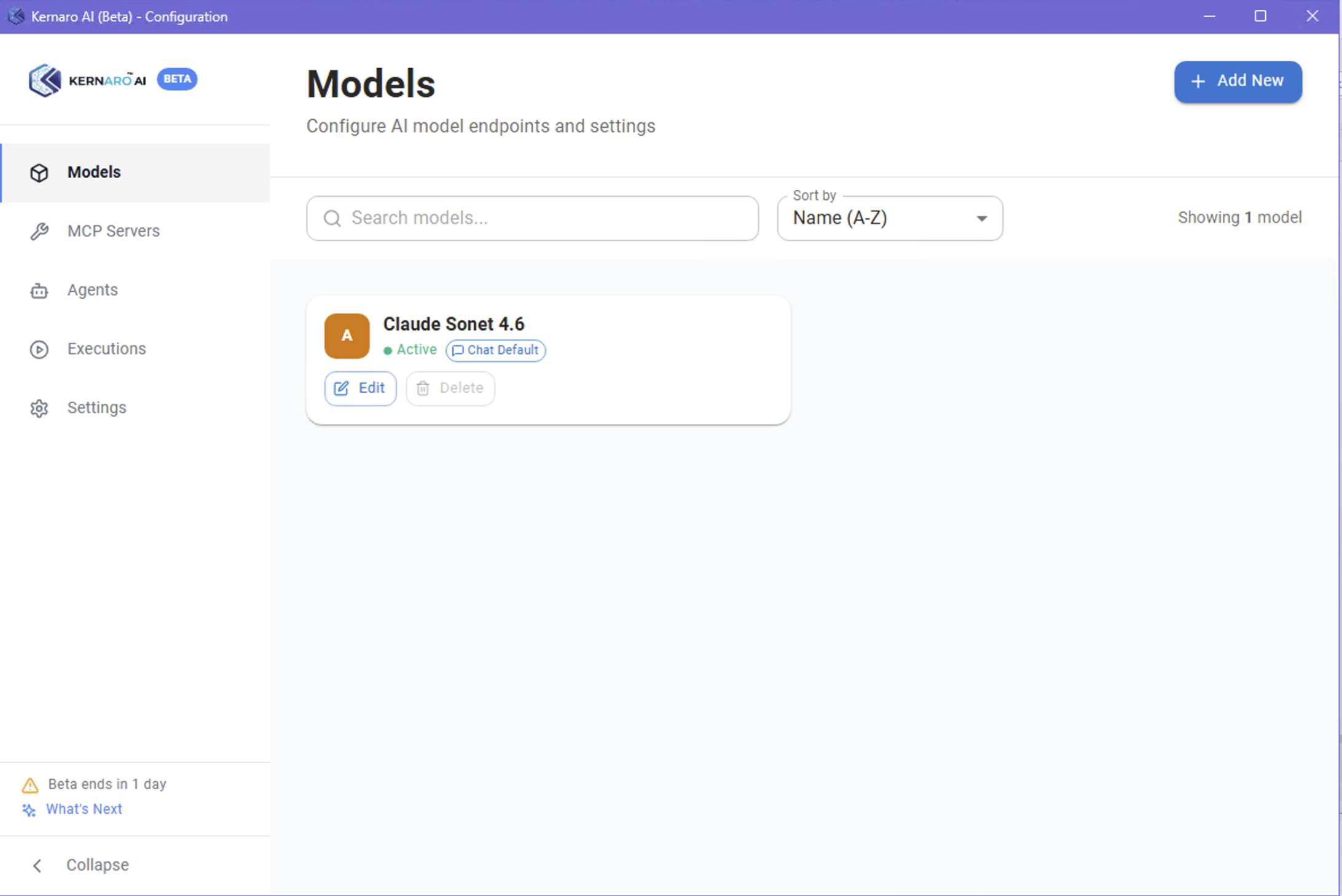
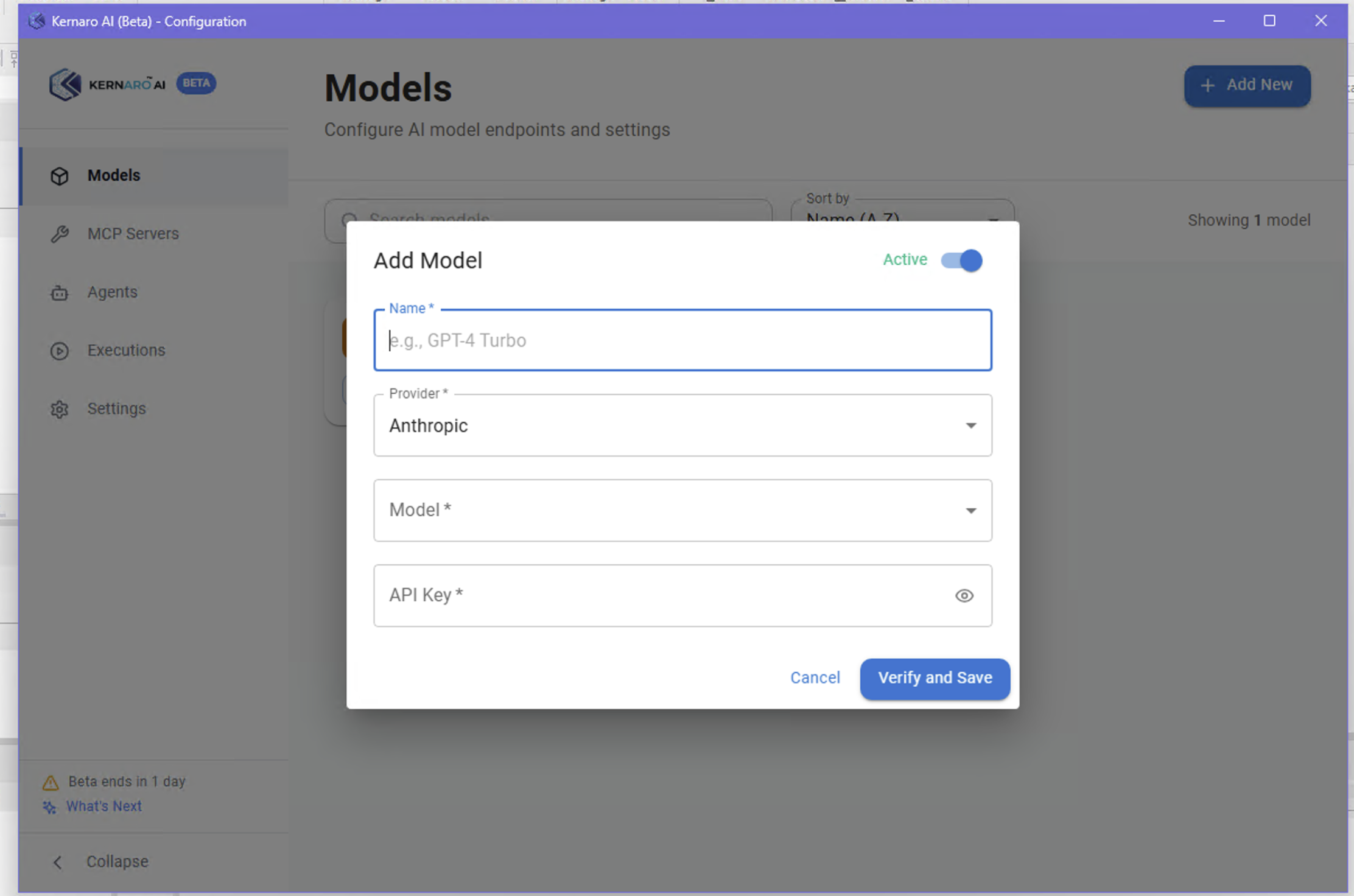
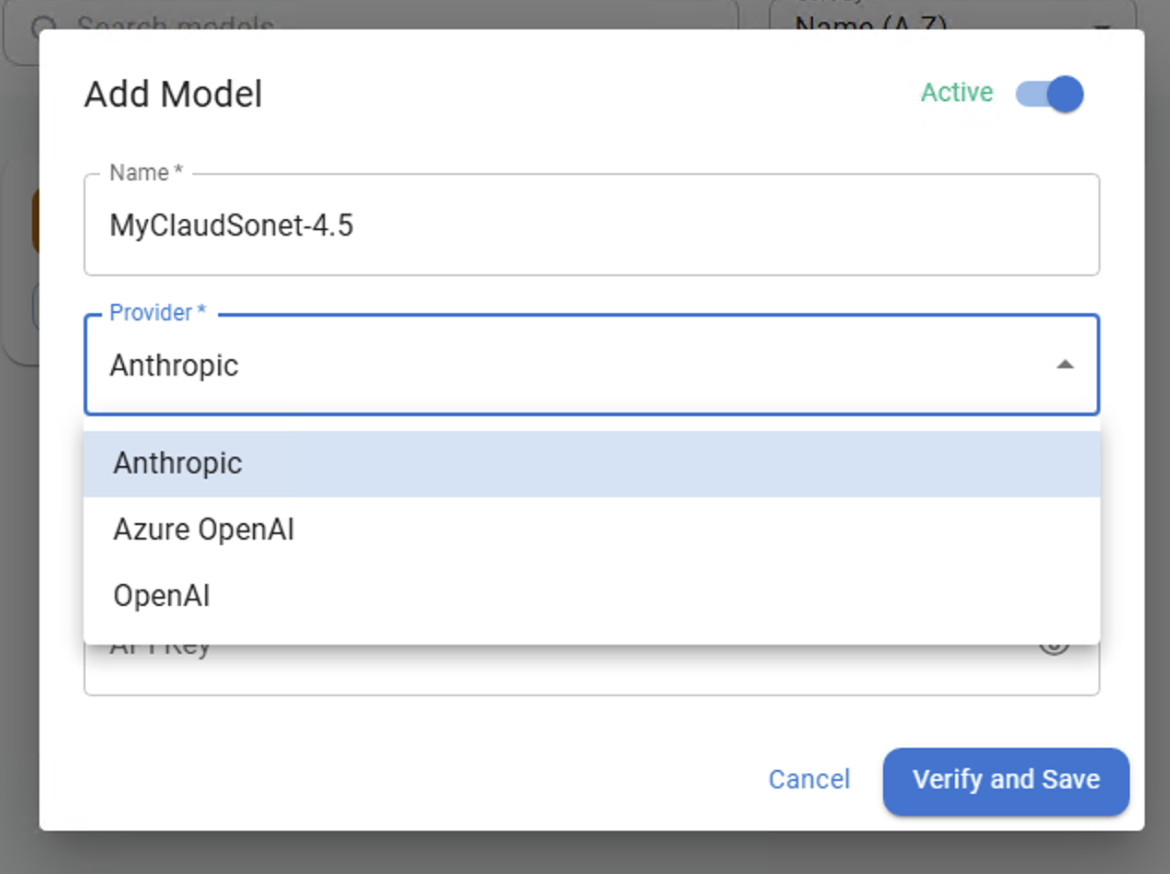
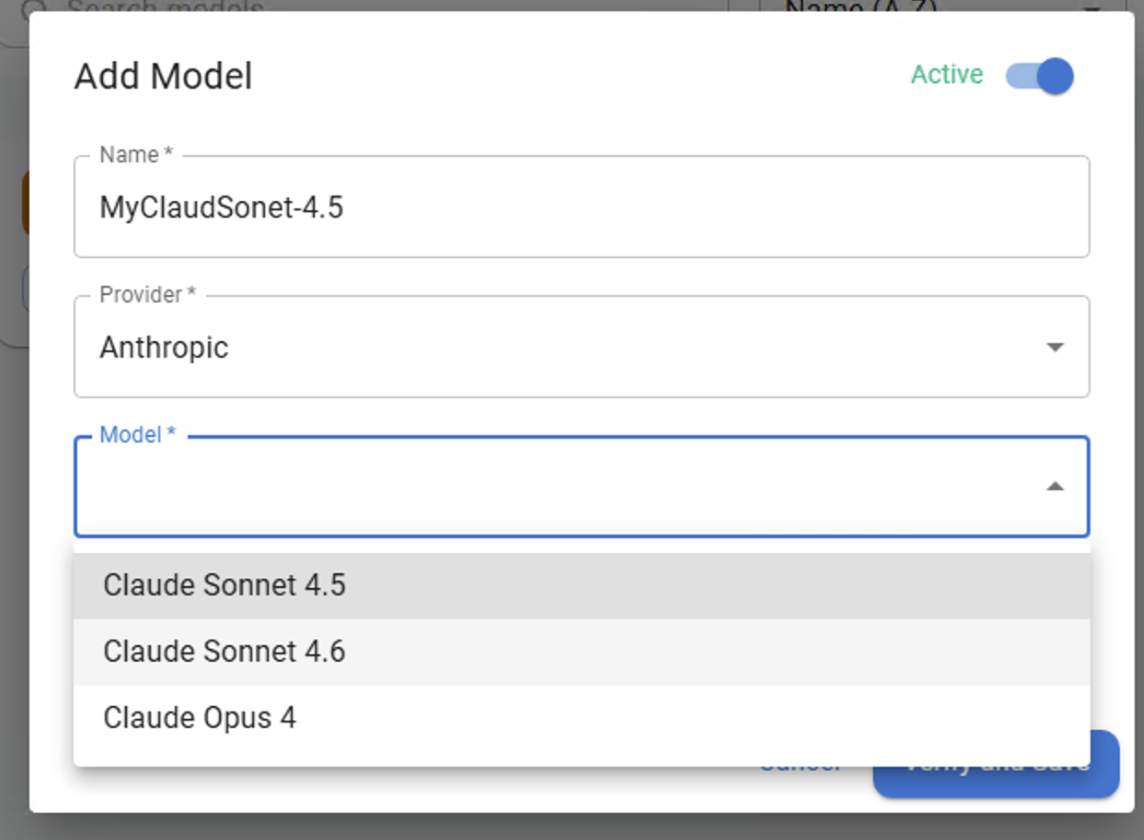
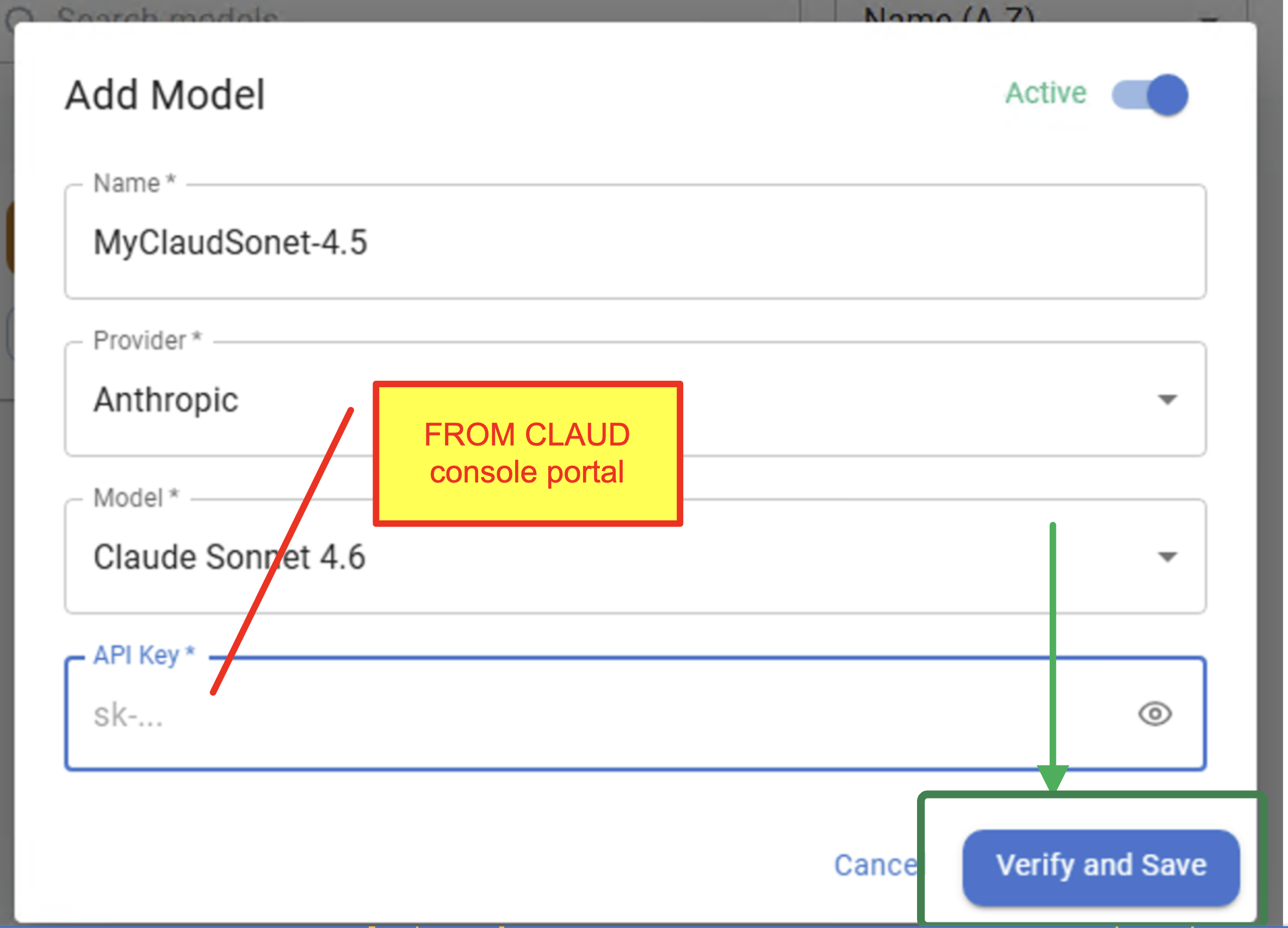
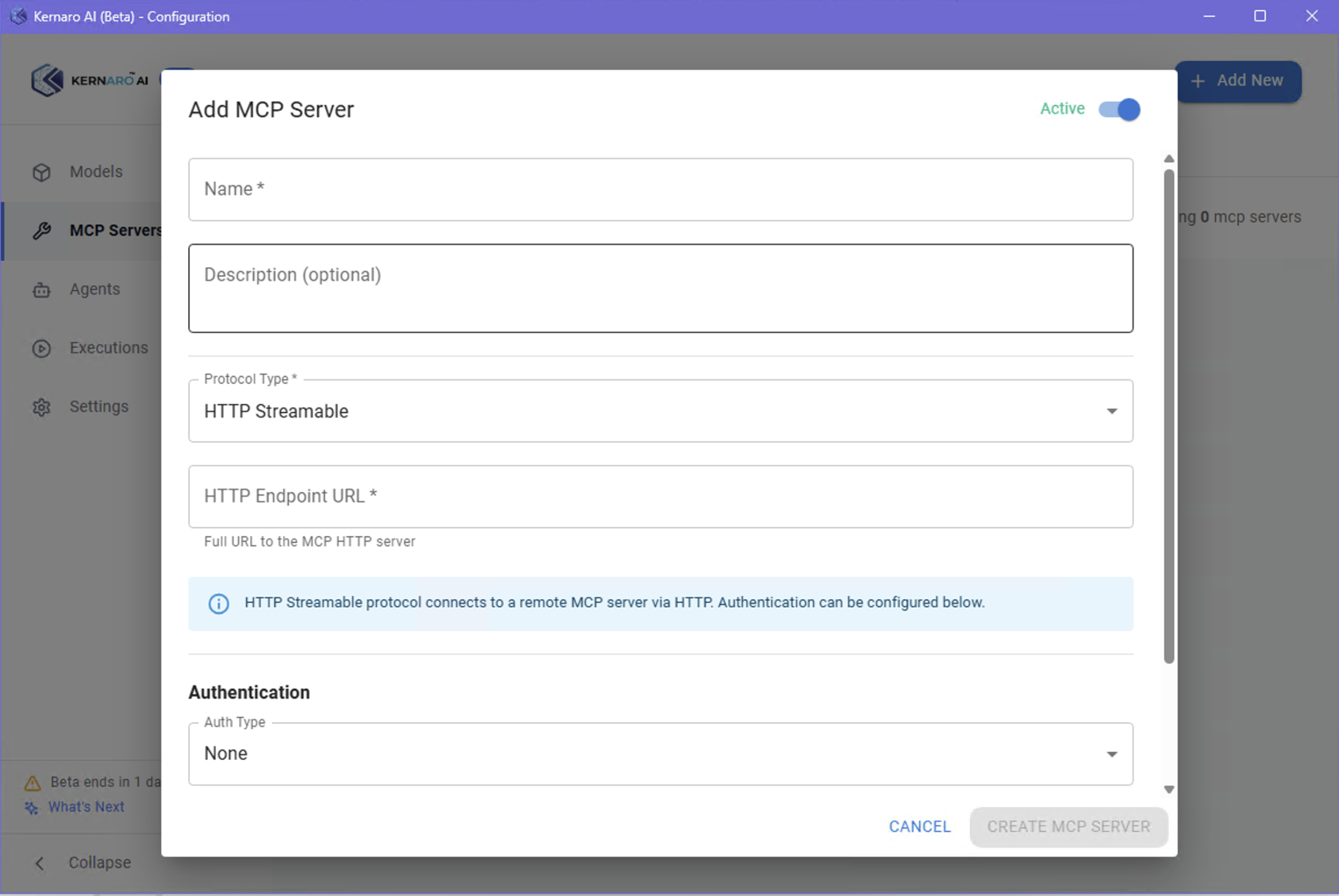
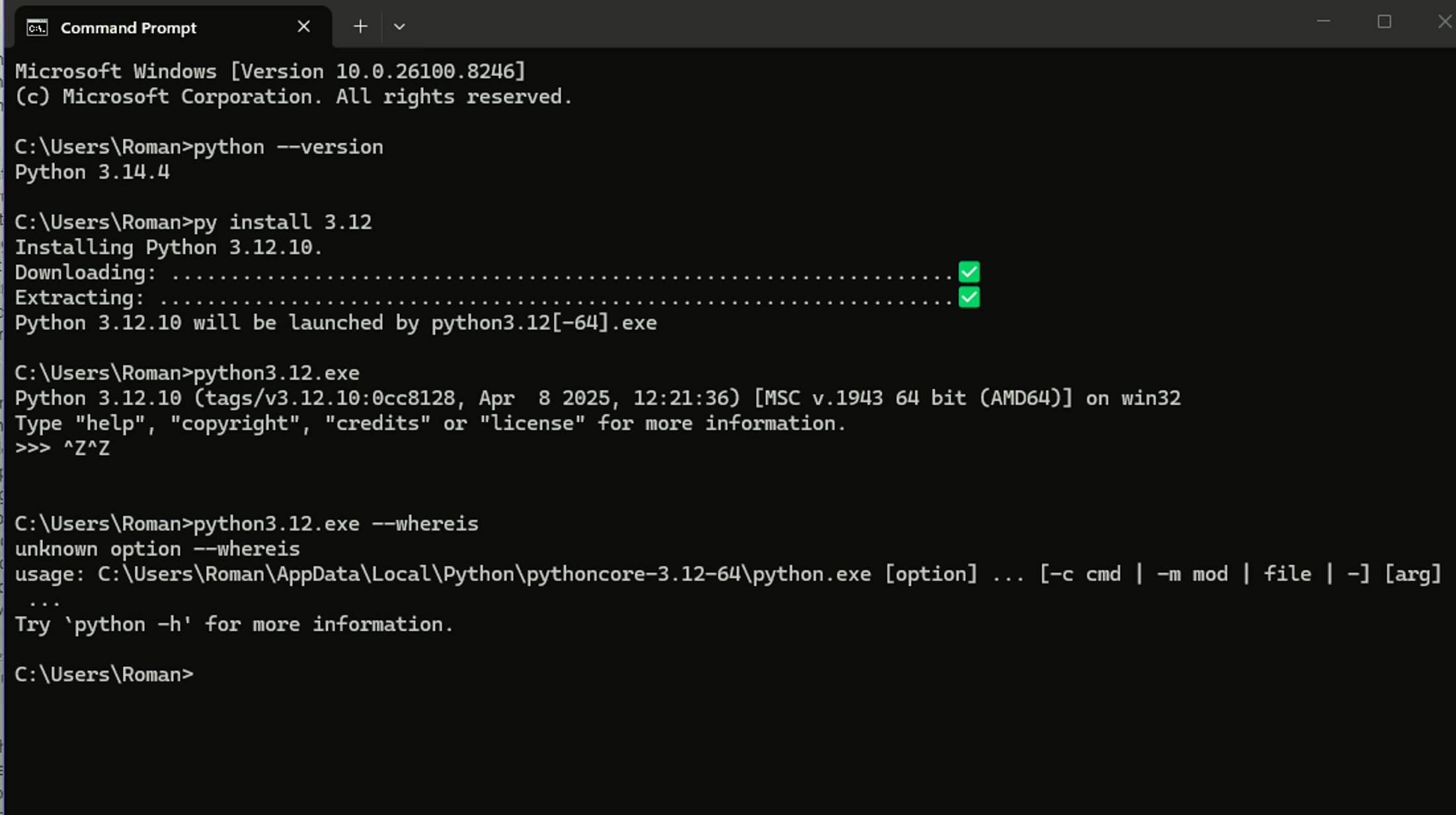
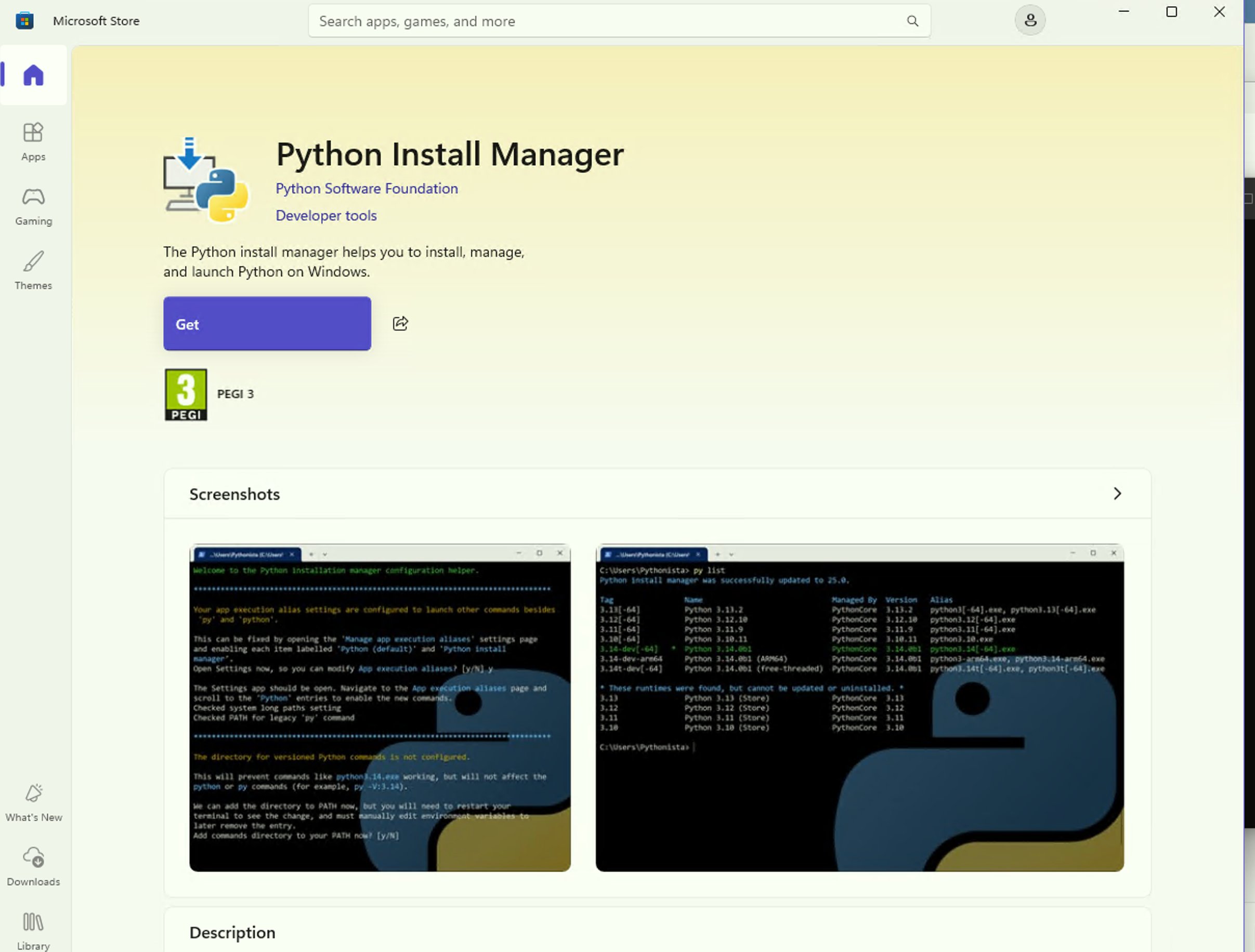
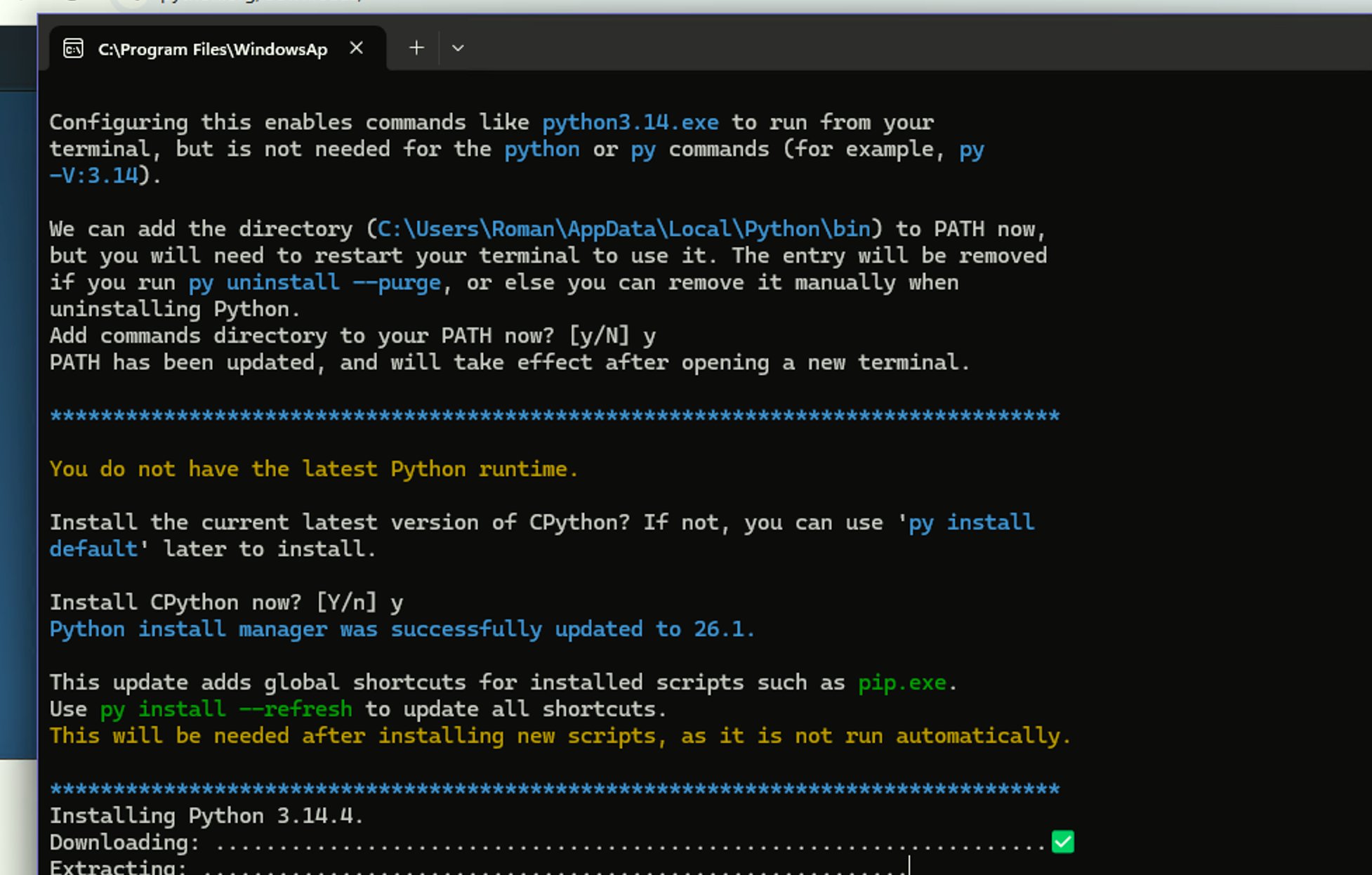
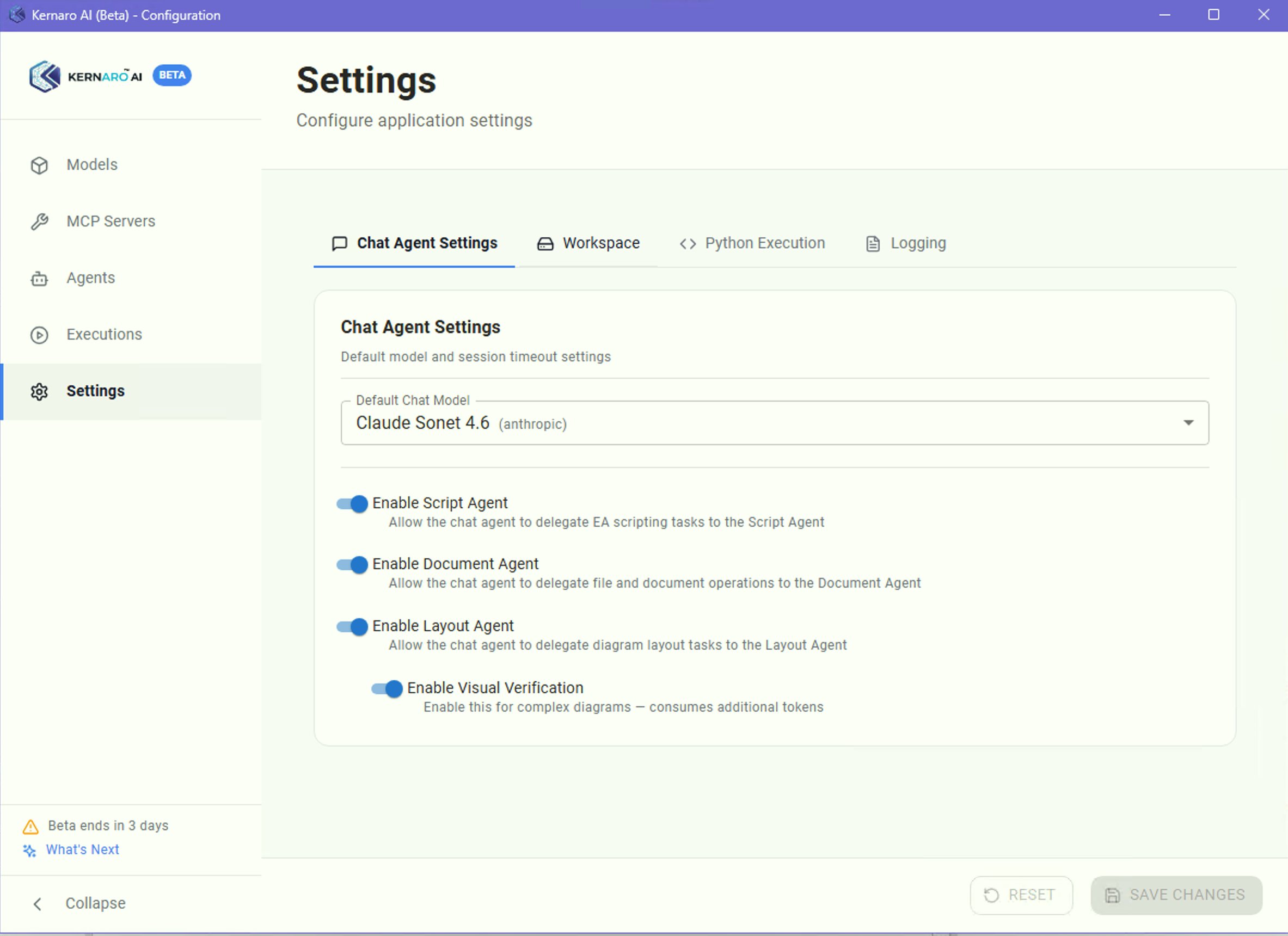
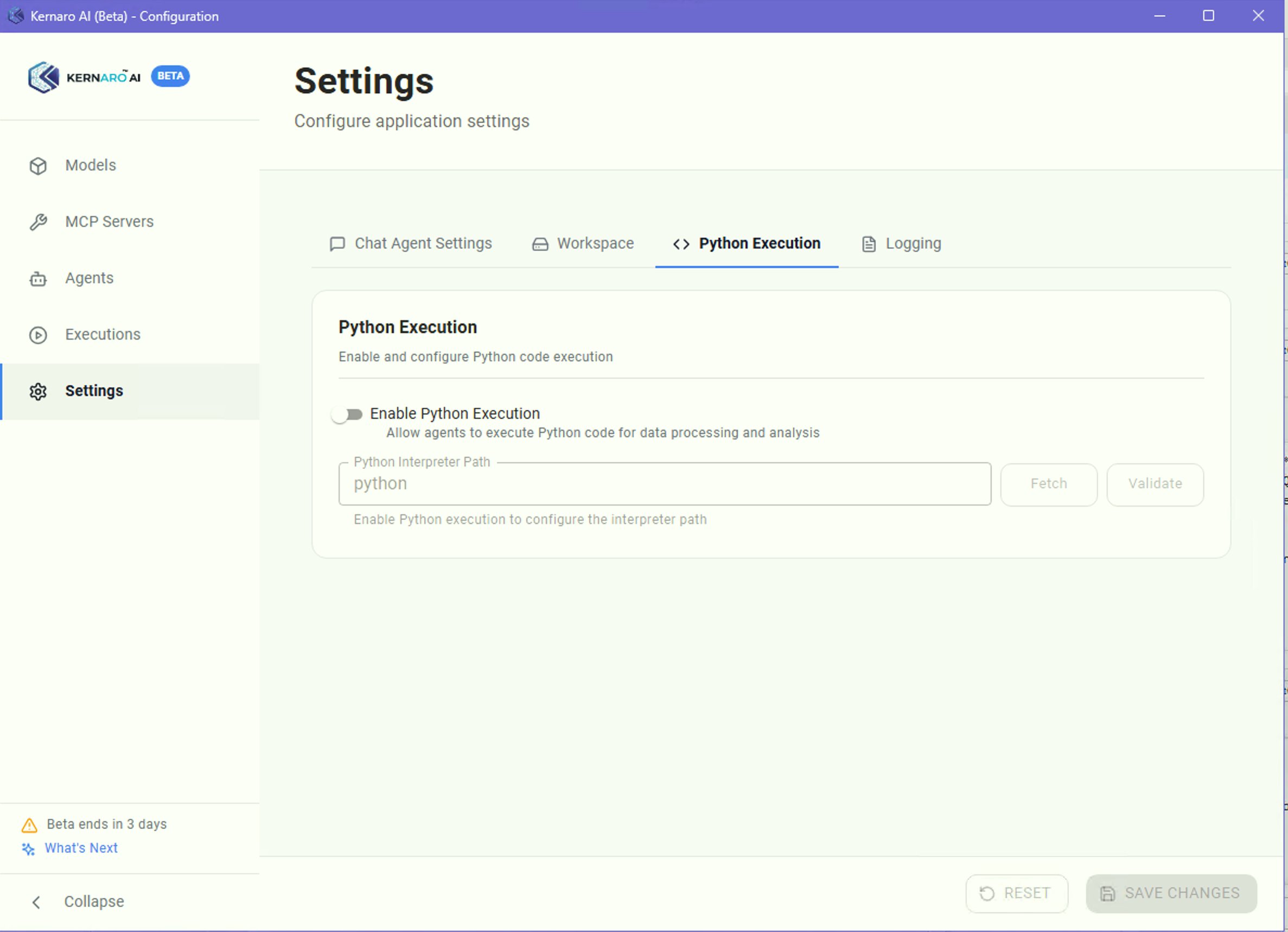
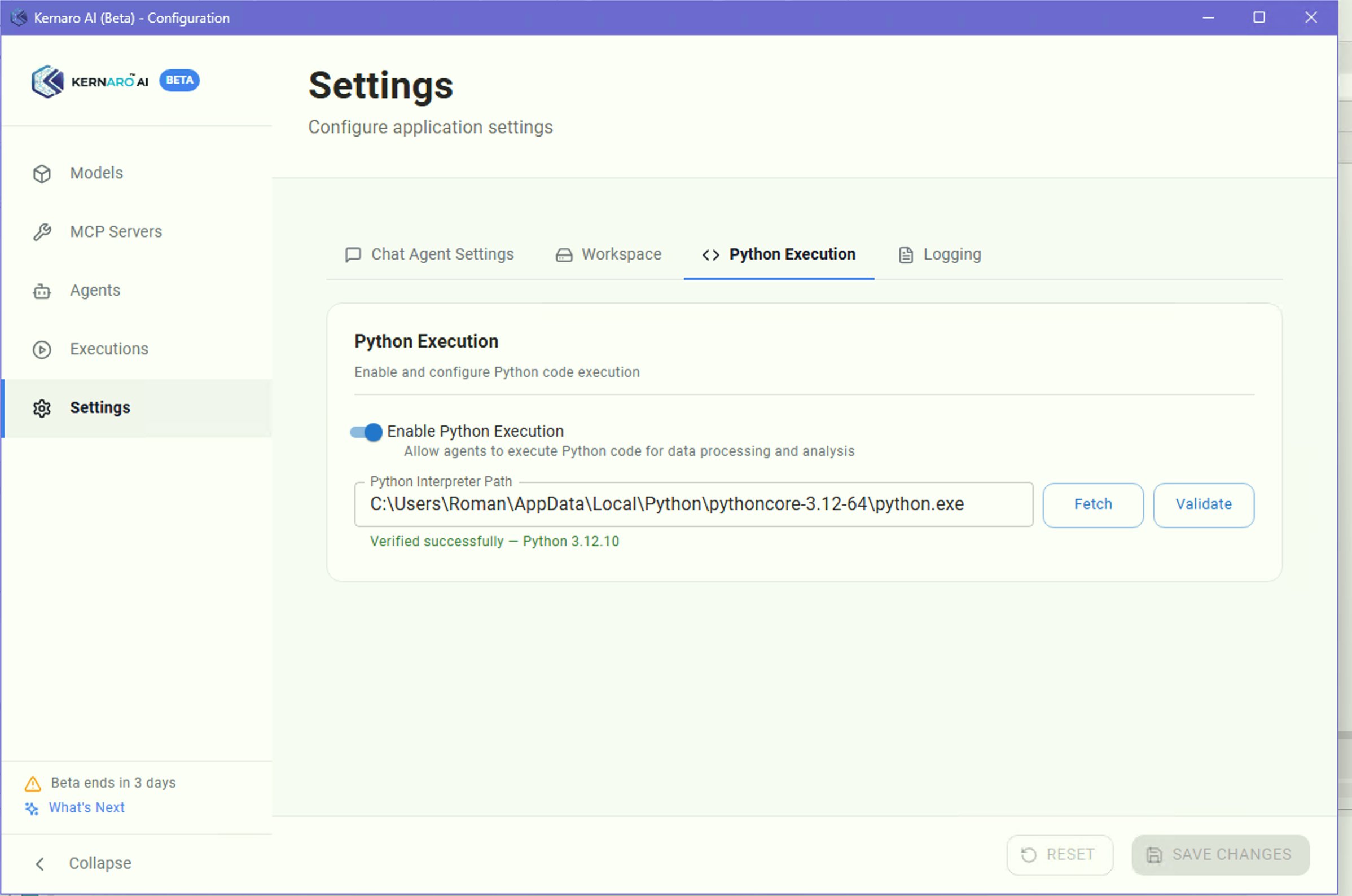
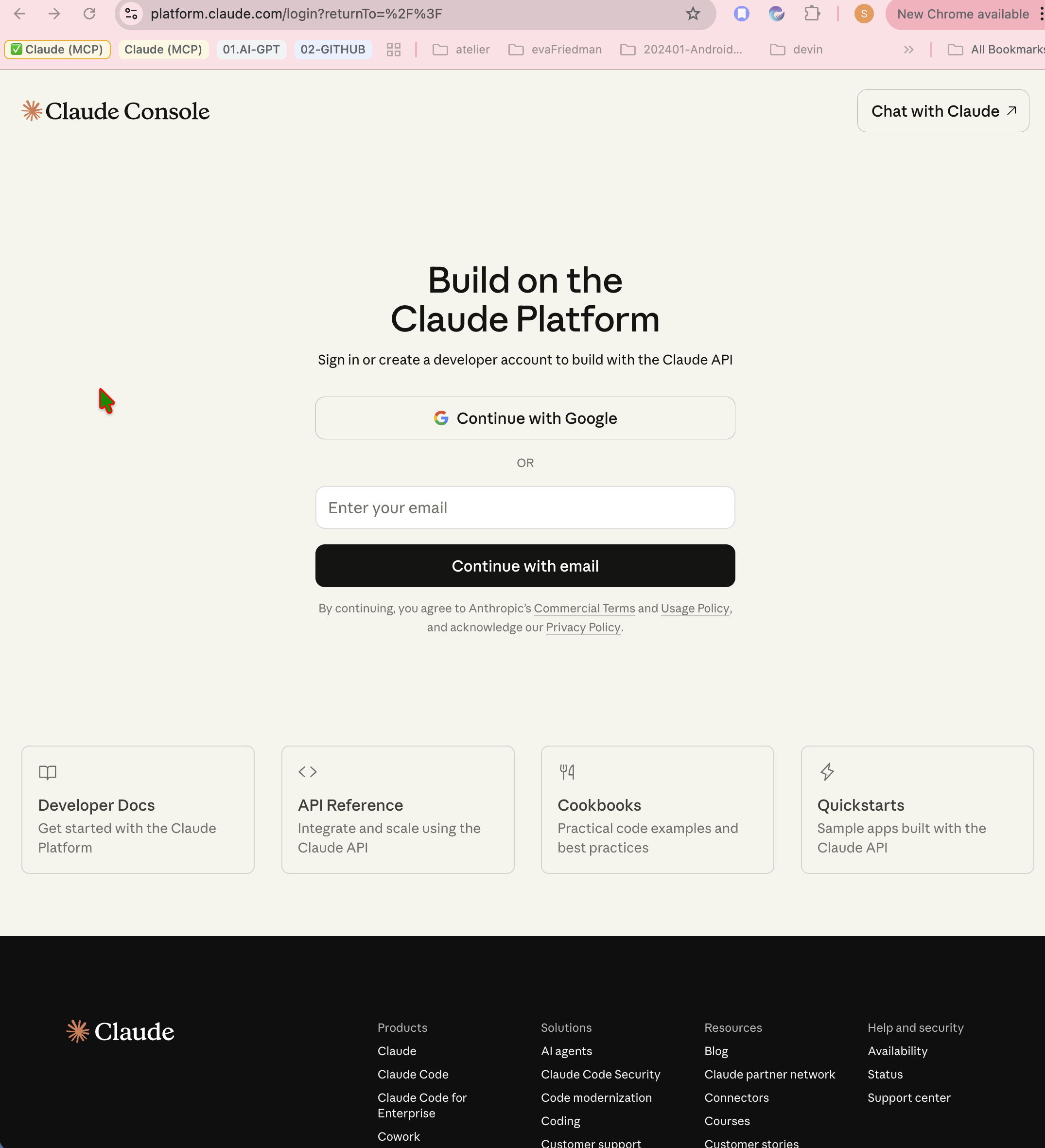
02 - ConfigurationInstallation, API setup, Python Execution
03 – Testing StrategyTesting straegy in SDLC context
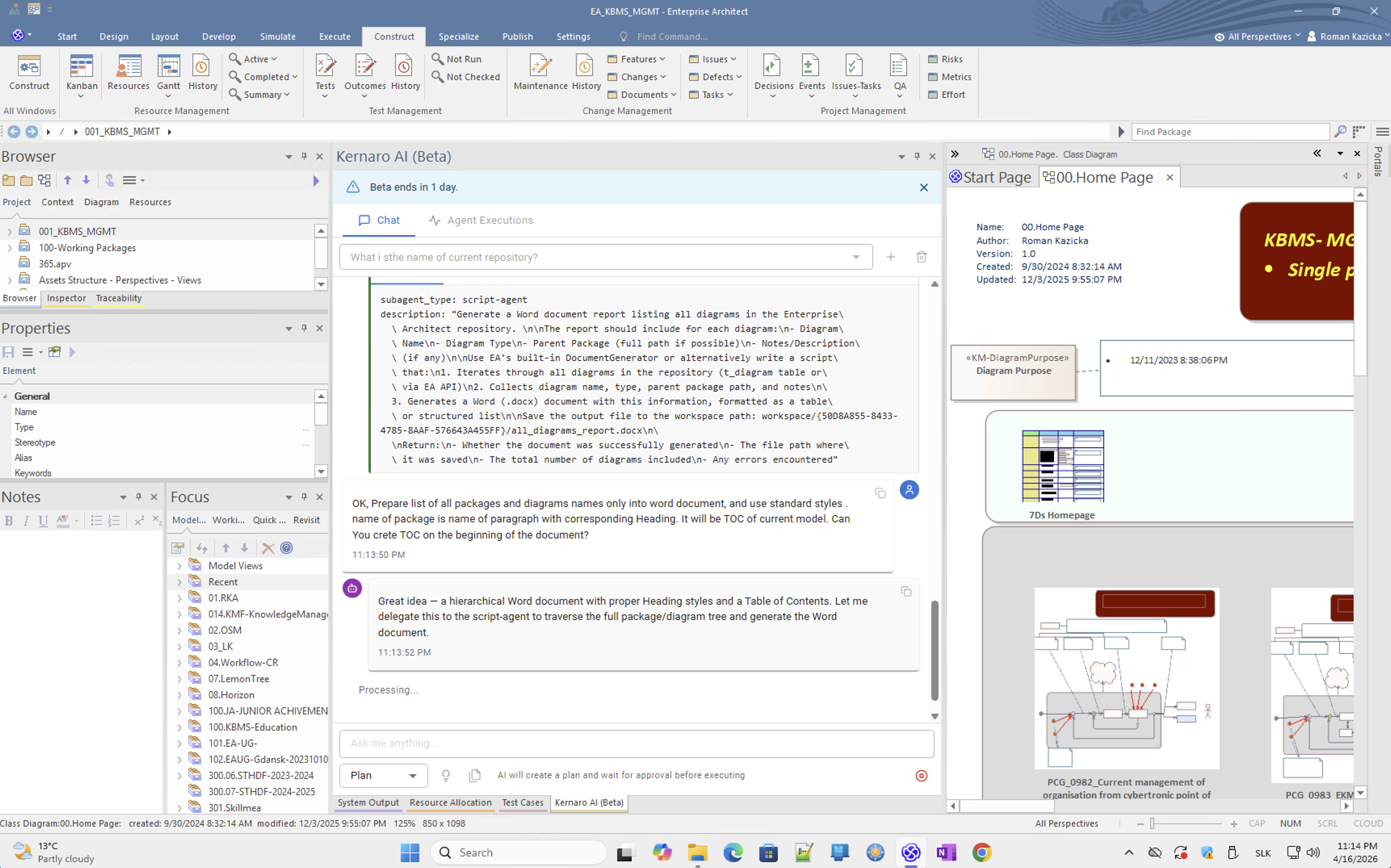
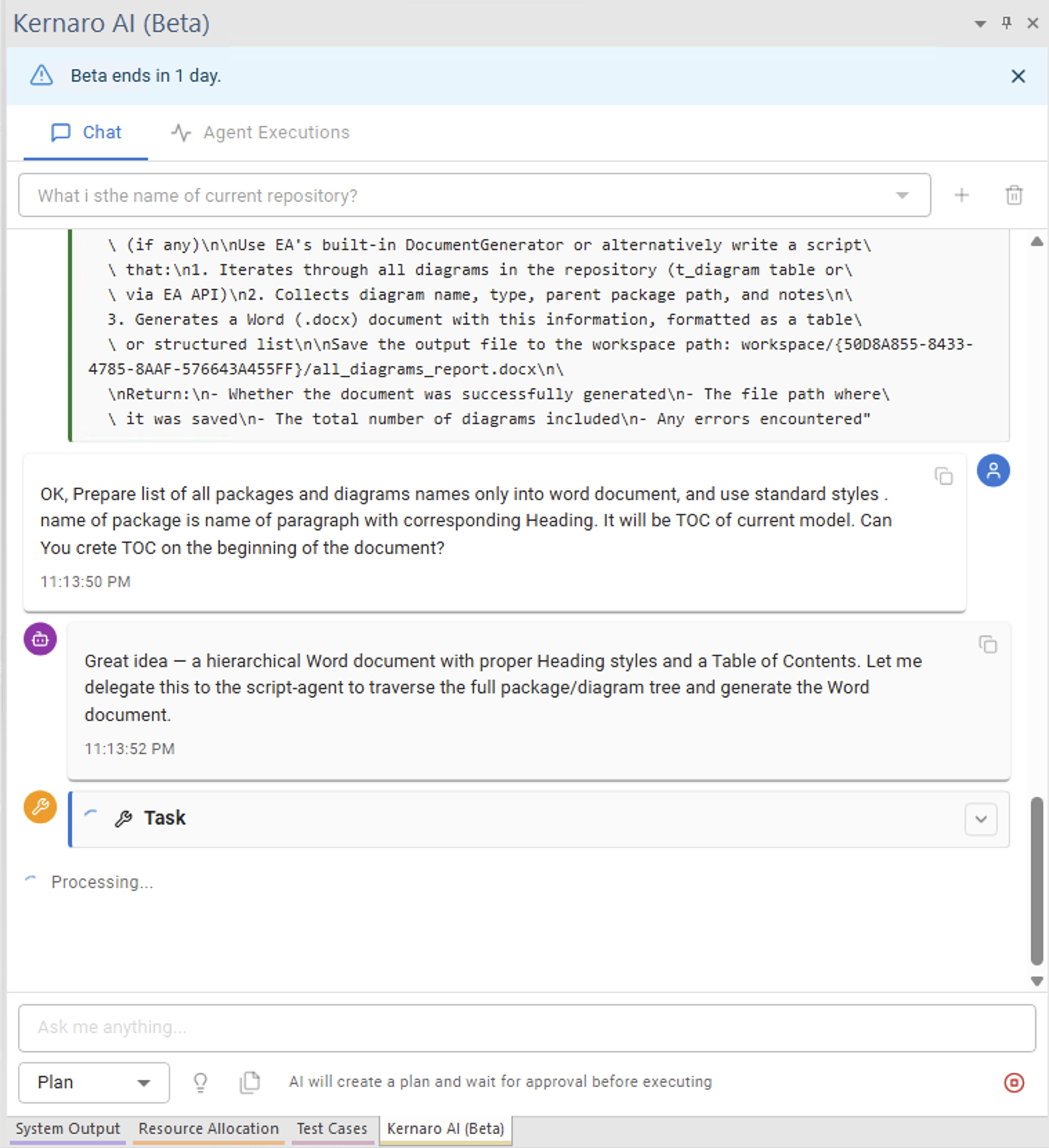
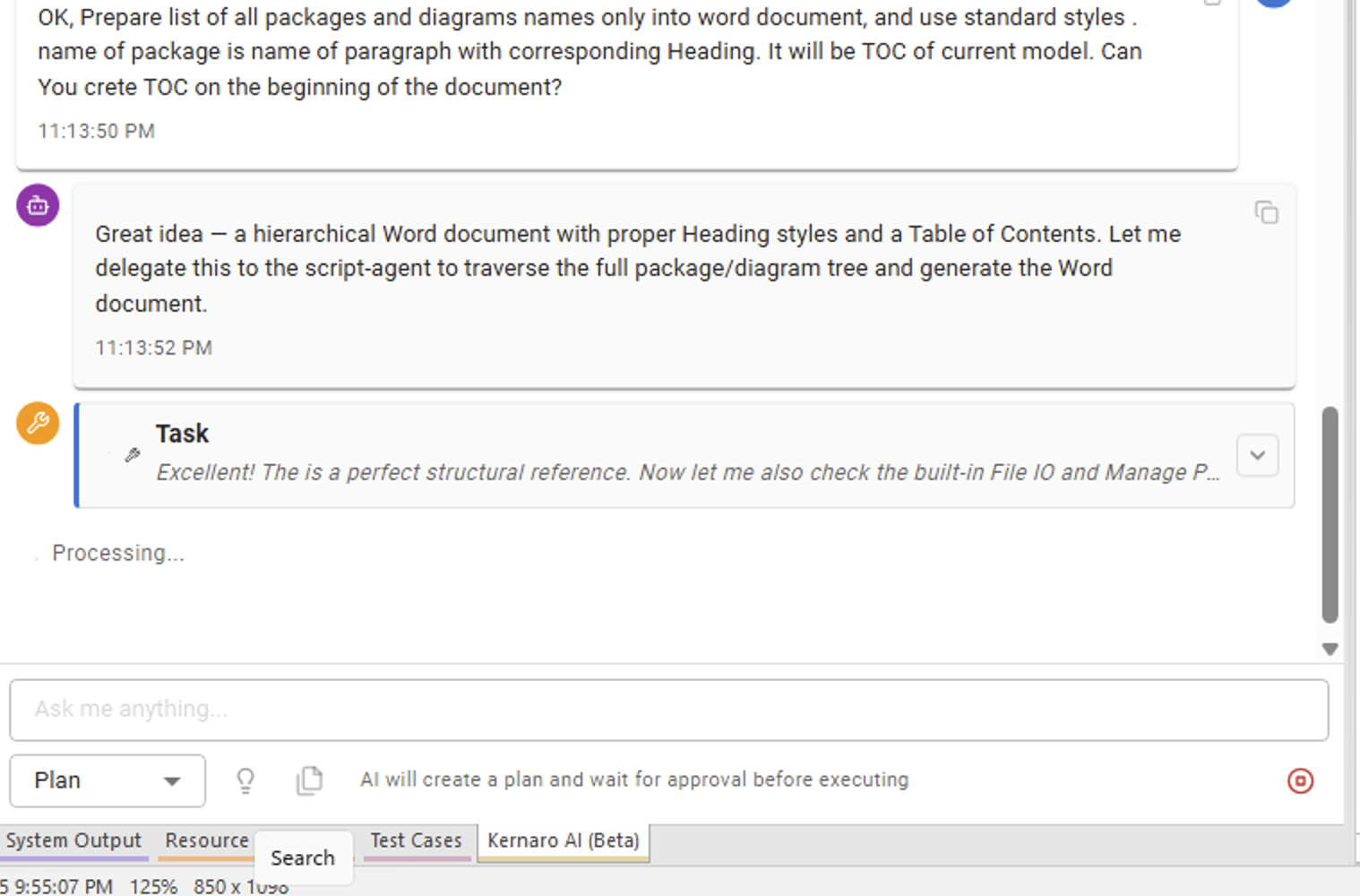
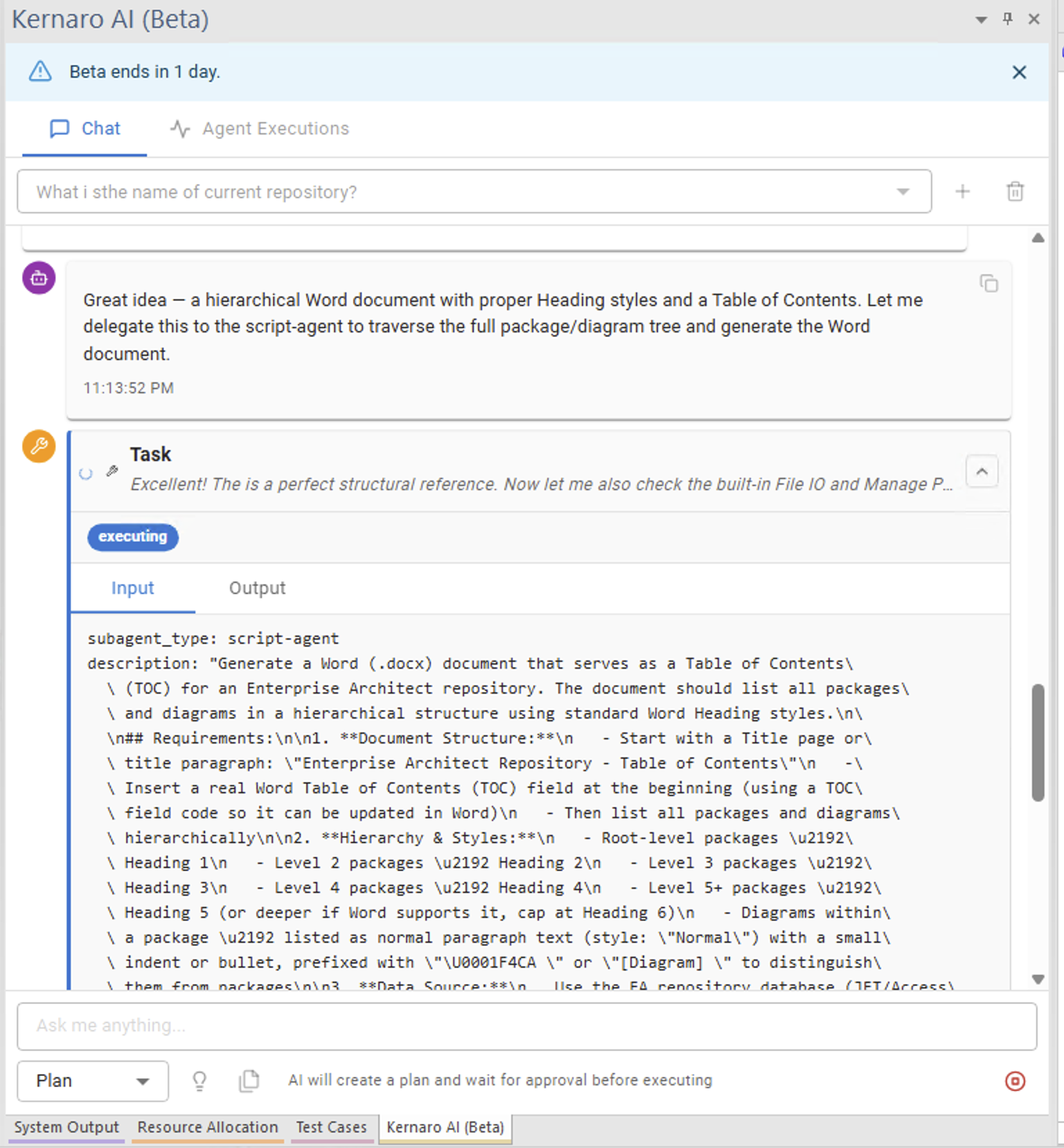
04 – KERNARO-ChatModel exploration, token cost, document generation
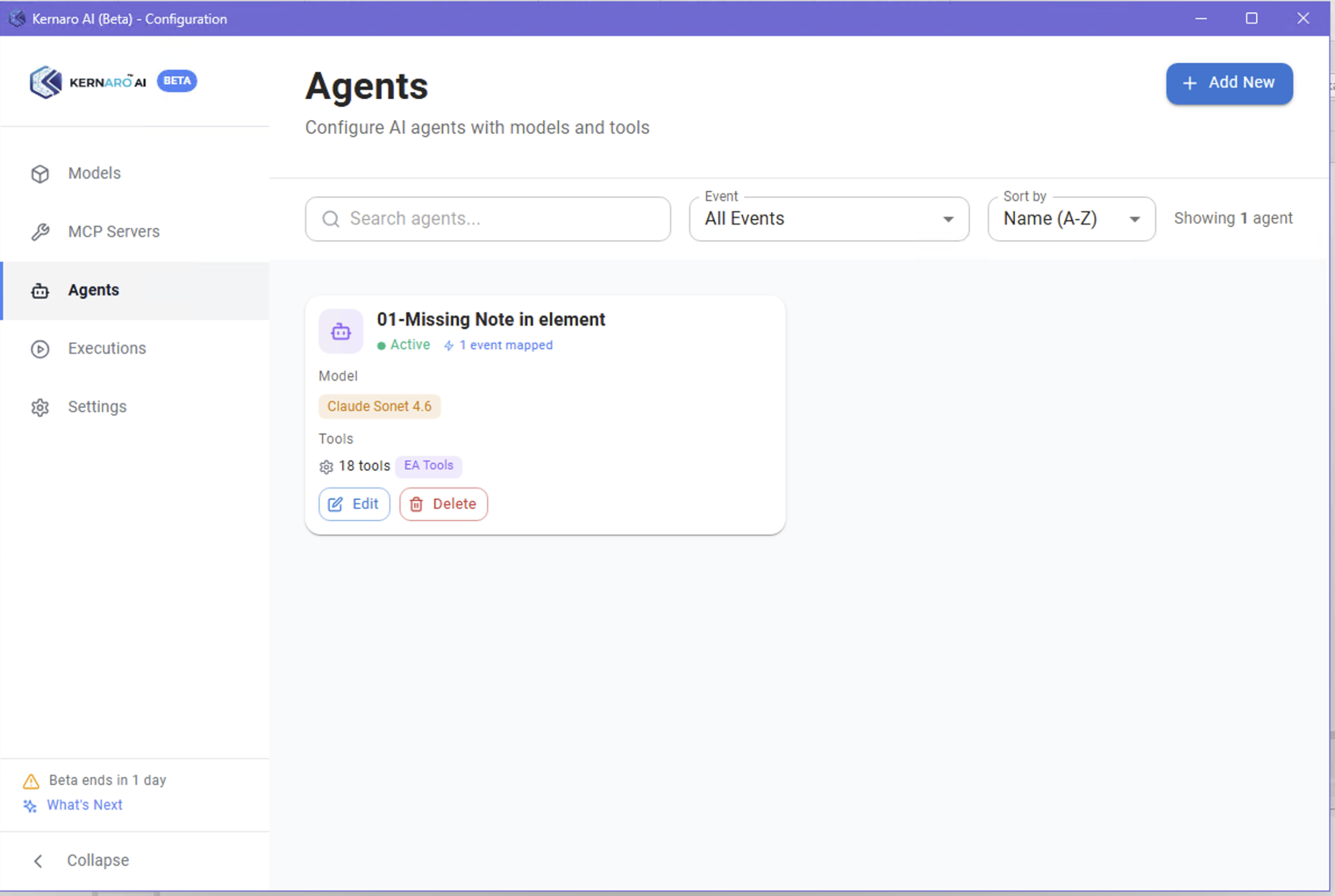
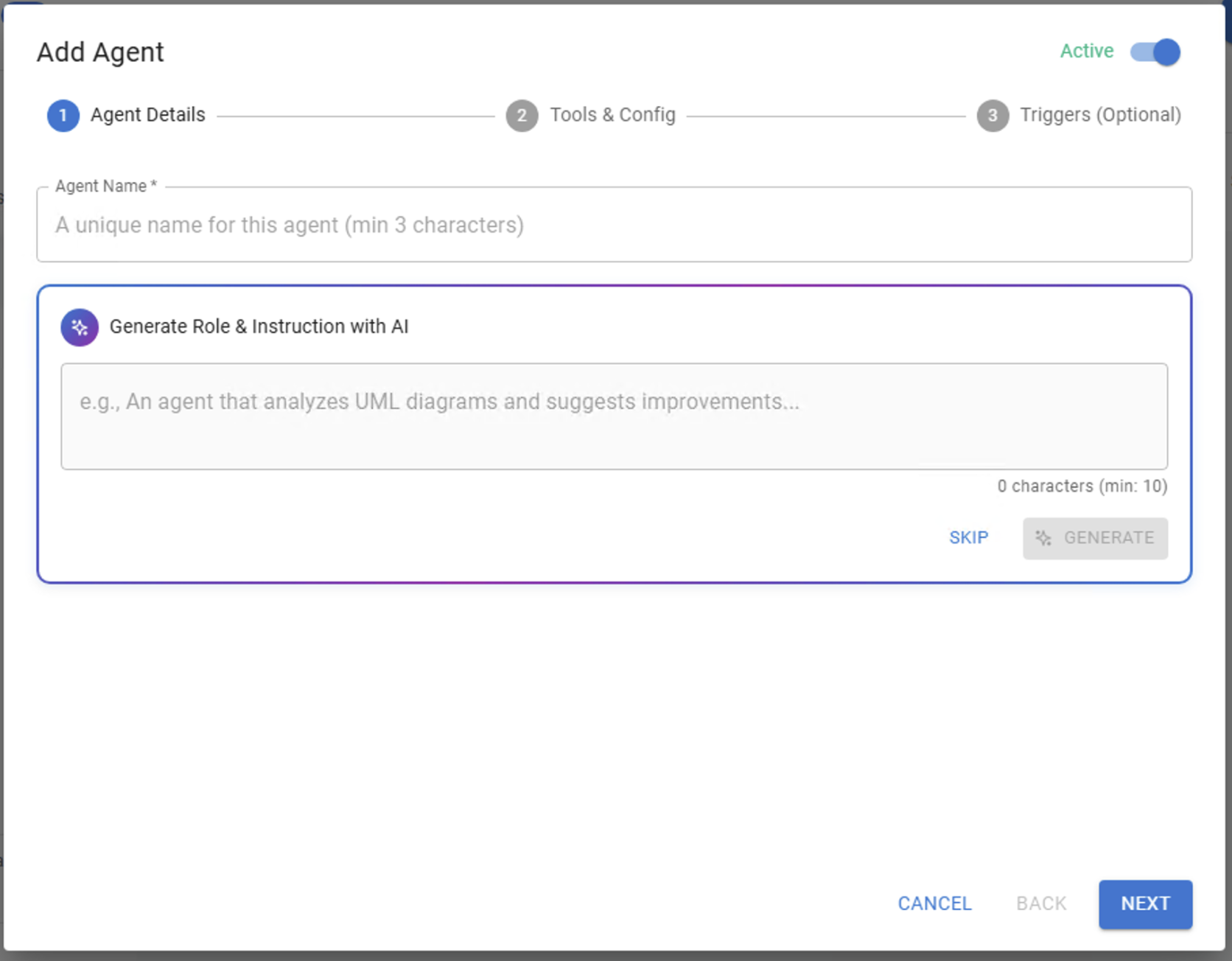
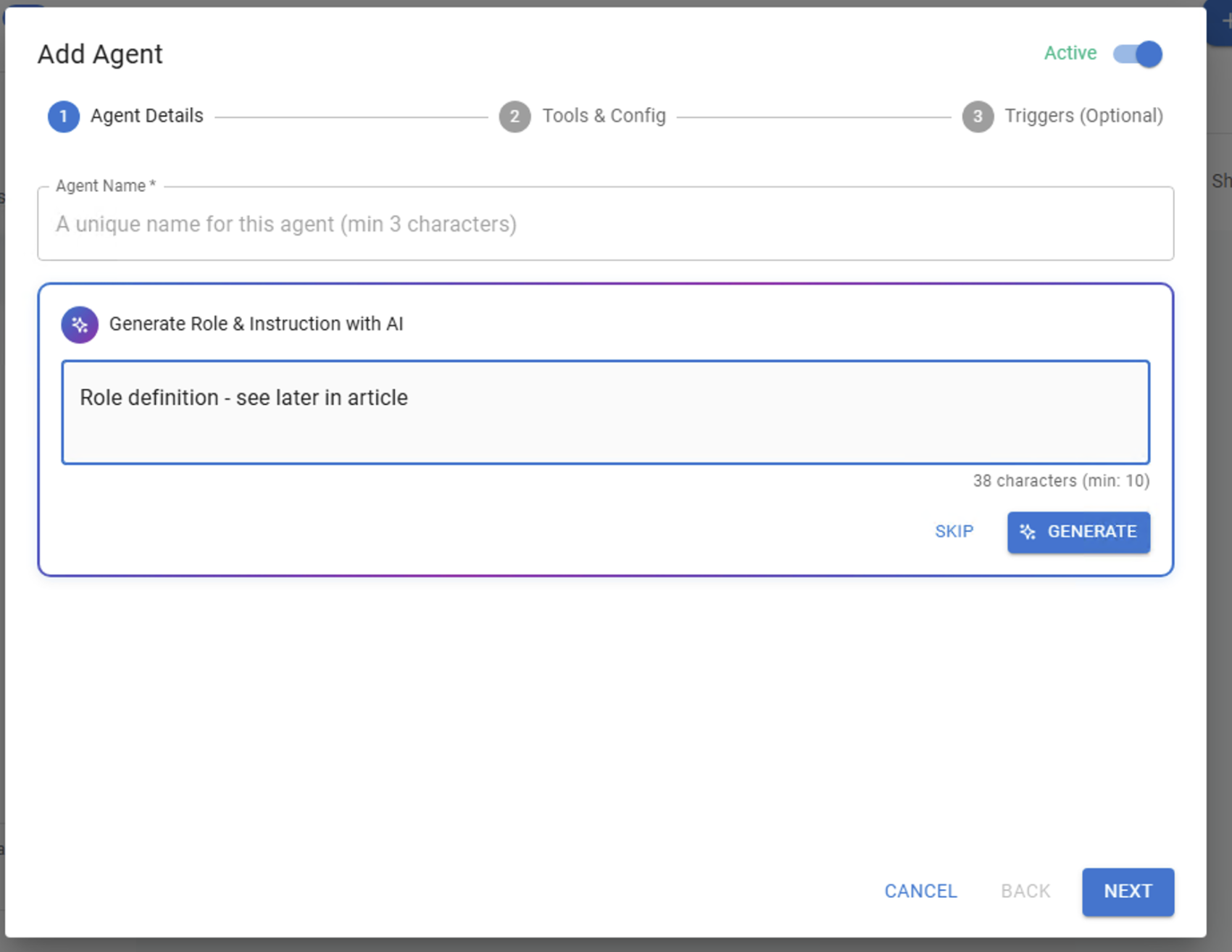
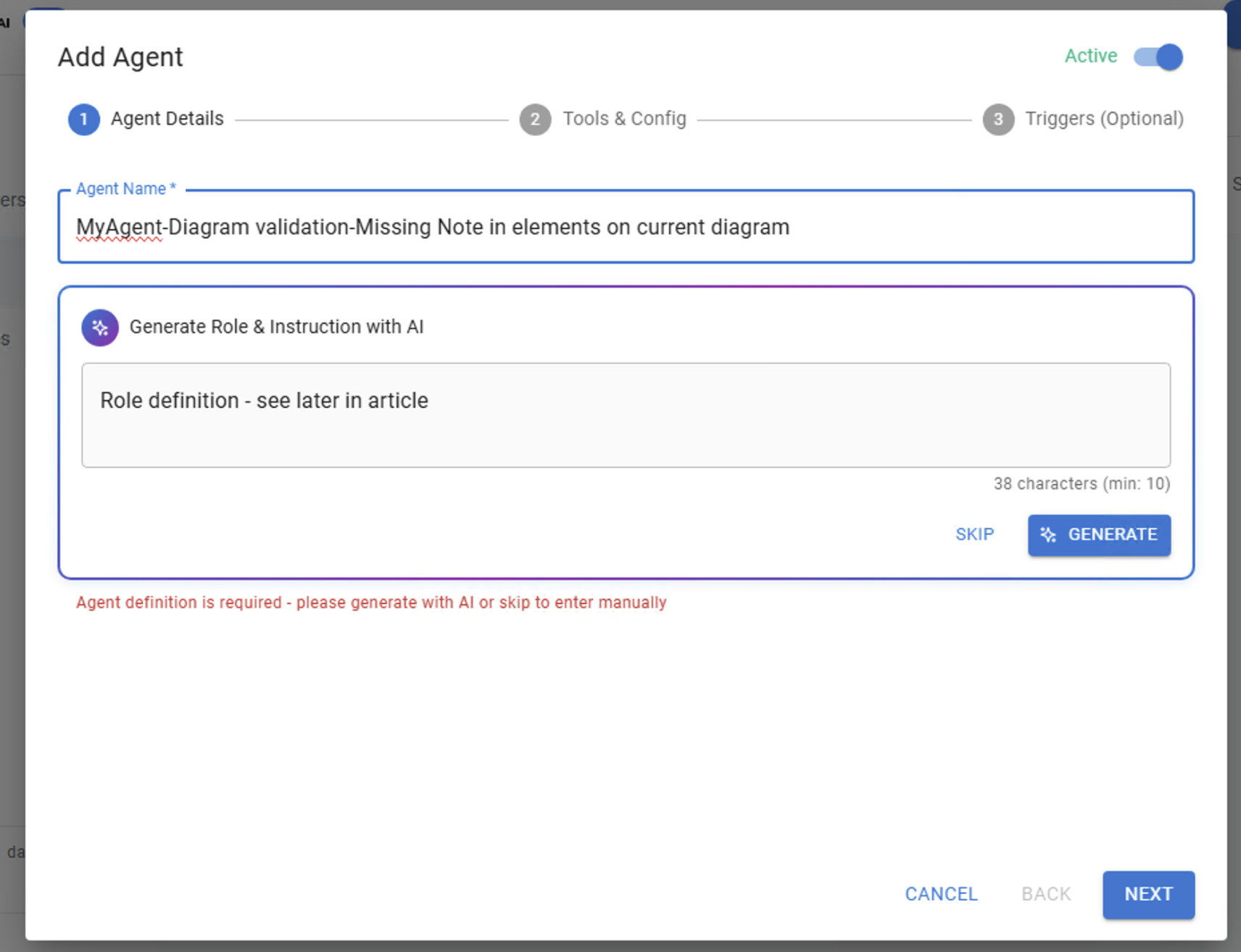
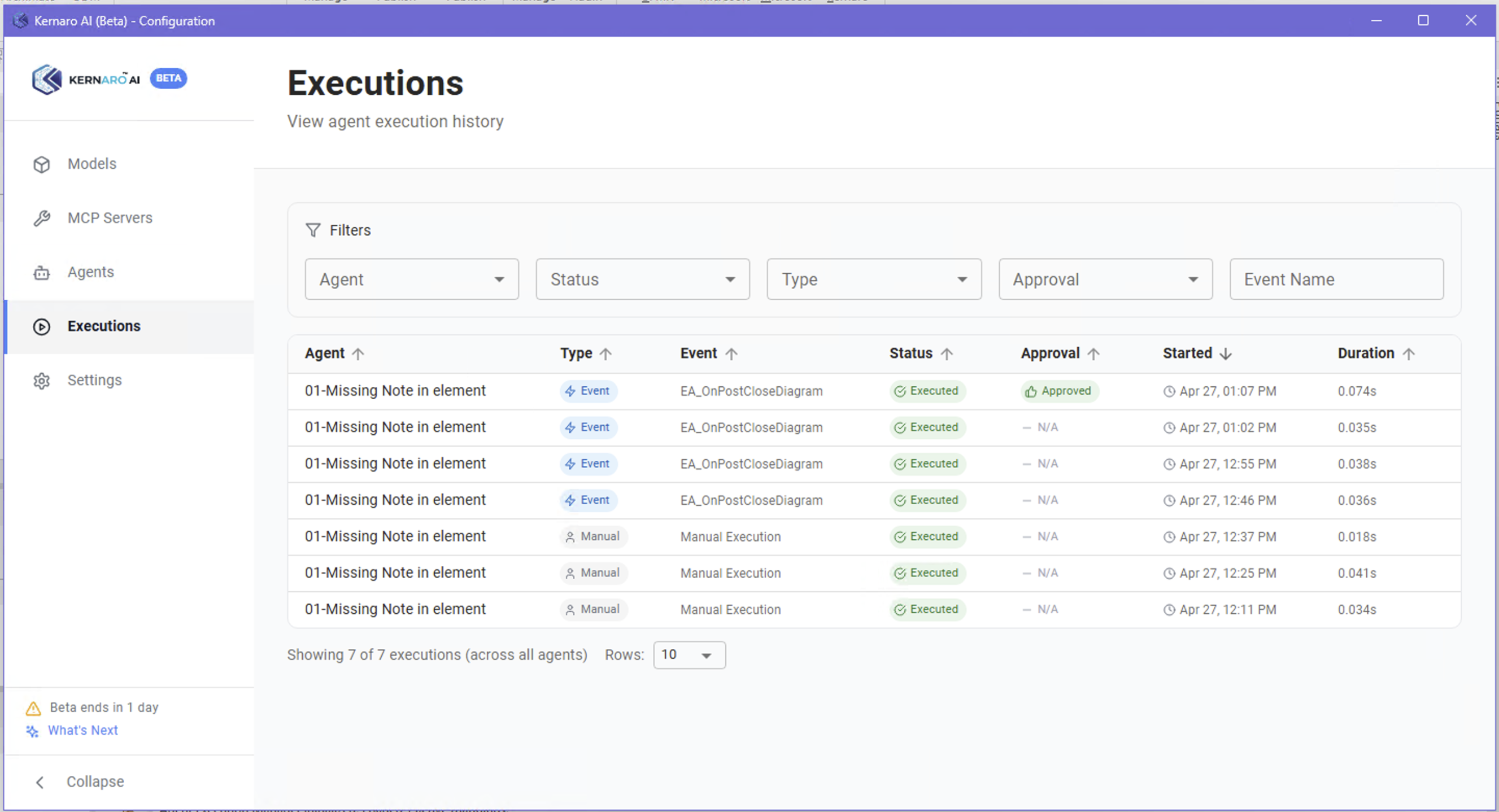
05 - KERNARO-AI-AgentsMissing Notes agent, APV integrity check (UC-01)
06 - KERNARO-JavaScriptsScript generation, EA API syntax, debugging
07 - KERNARO-TEST-FindingsIssues summary, what worked, recommendations
08 - CLAUDE Console - DashboardsEA native AI, Prolaborate, JP MCP Server
09 - Sparxsystems EcosystemEA native AI, Prolaborate, JP MCP Server
10 – KERNARO Tests ConclusionsOverall assessment, SDLC context, next steps
Article MapInteractive site map of all K000104 pages
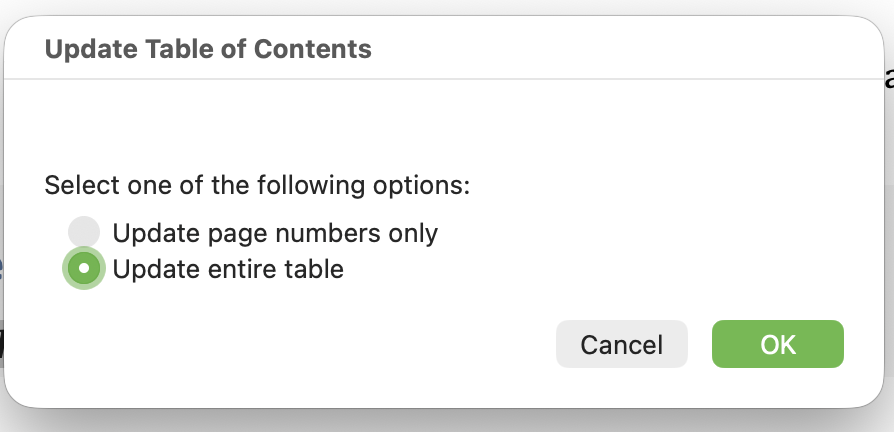
K000104indexAI-Supported SDLCAI: Threat or Opport…A – ConfigurationA – ConfigurationCLAUDE Platform Prep…Testing StrategyB – ChatB1 – Model Statistic…B2 – Document Genera…B3 – TOC GenerationB4 – Coffee Machine …C – AgentsC1 – Missing NotesC2 – APV Integrity C…C3 – Python Execut…D – JavaScript in EA…E – Findings & Recom…Claude Console Dashb…F – Sparx AI Ecosyst…G – Conclusions & Ho…

Test Models

Two models were used:

Model 1 – Production repository
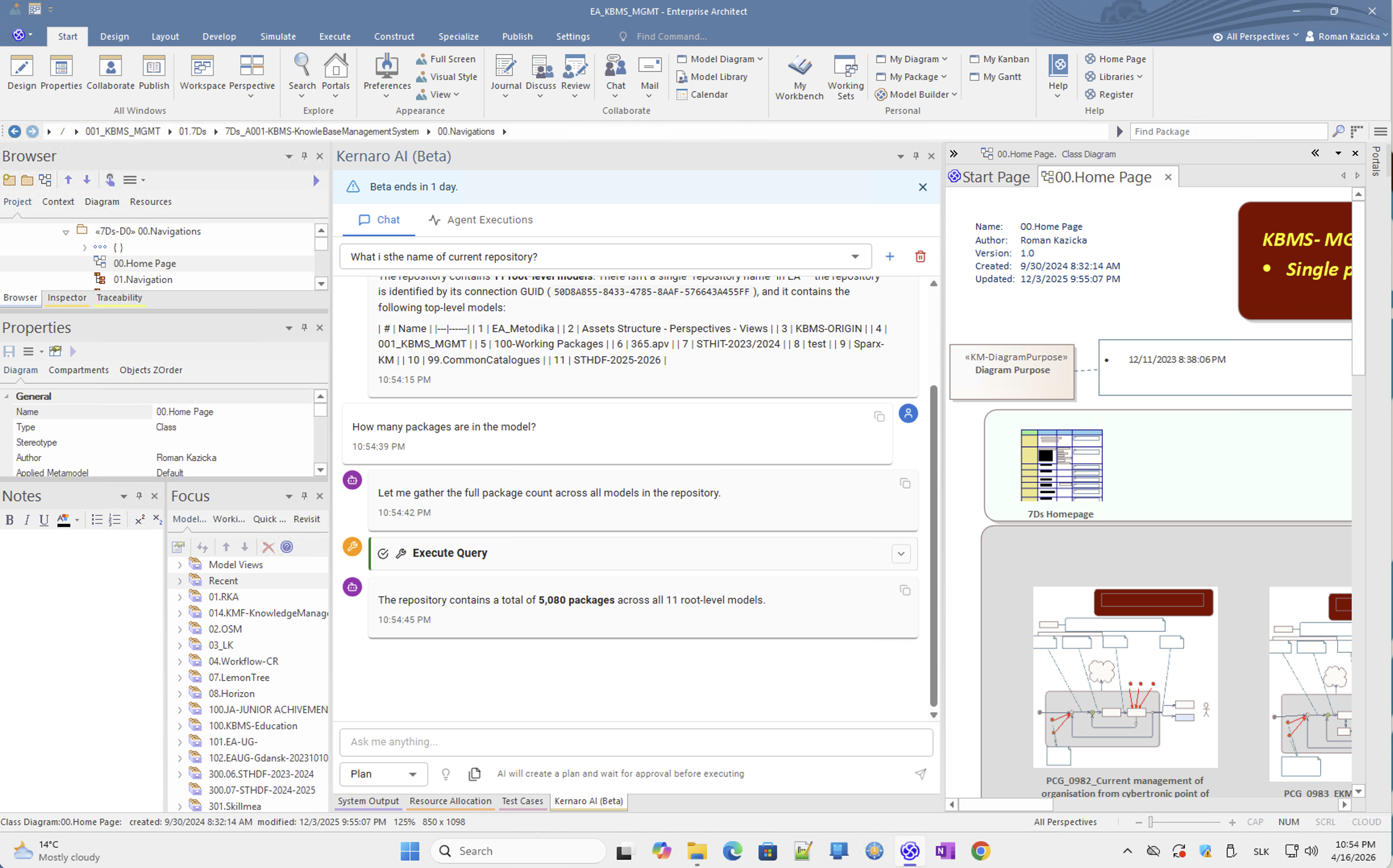
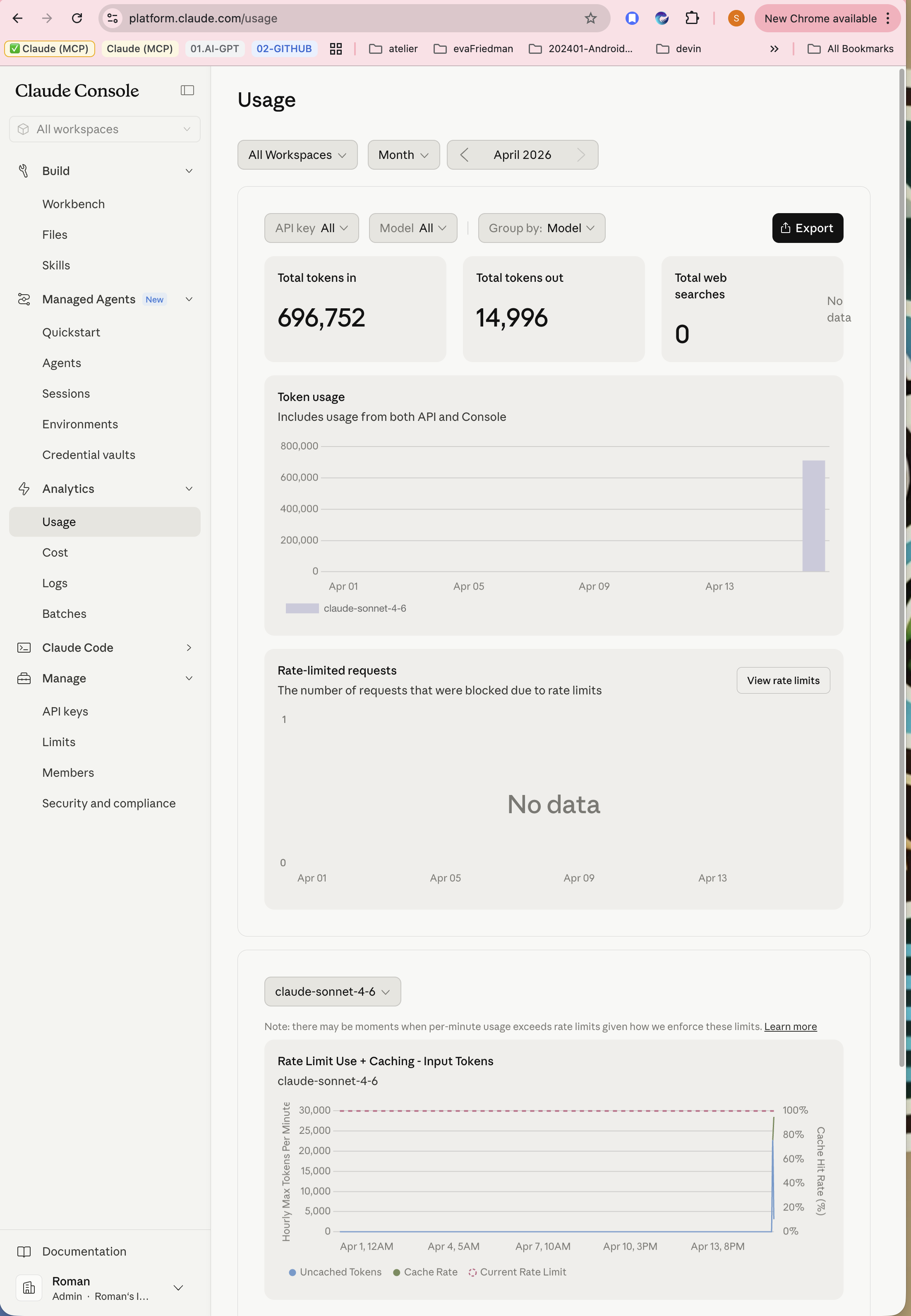
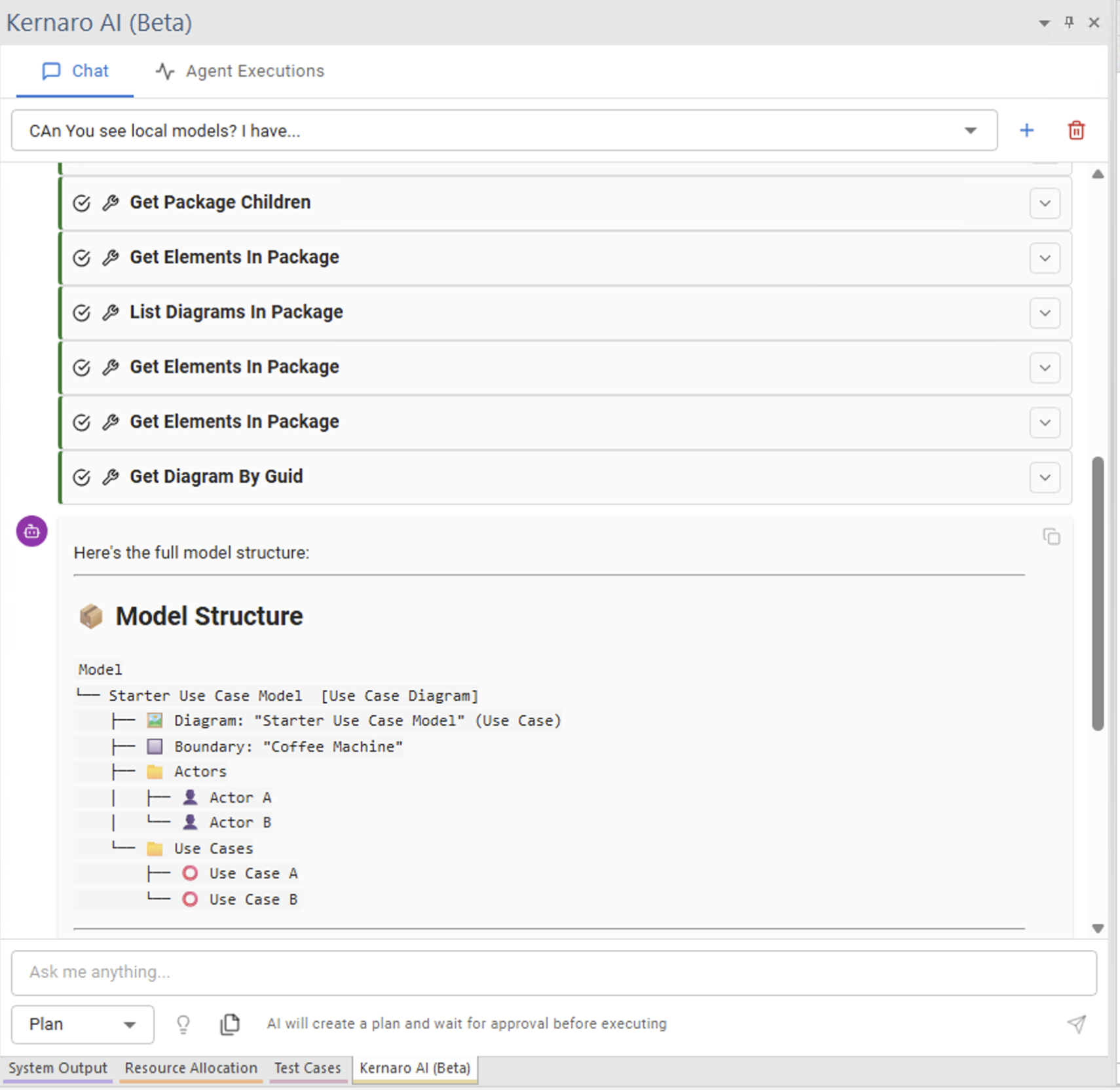
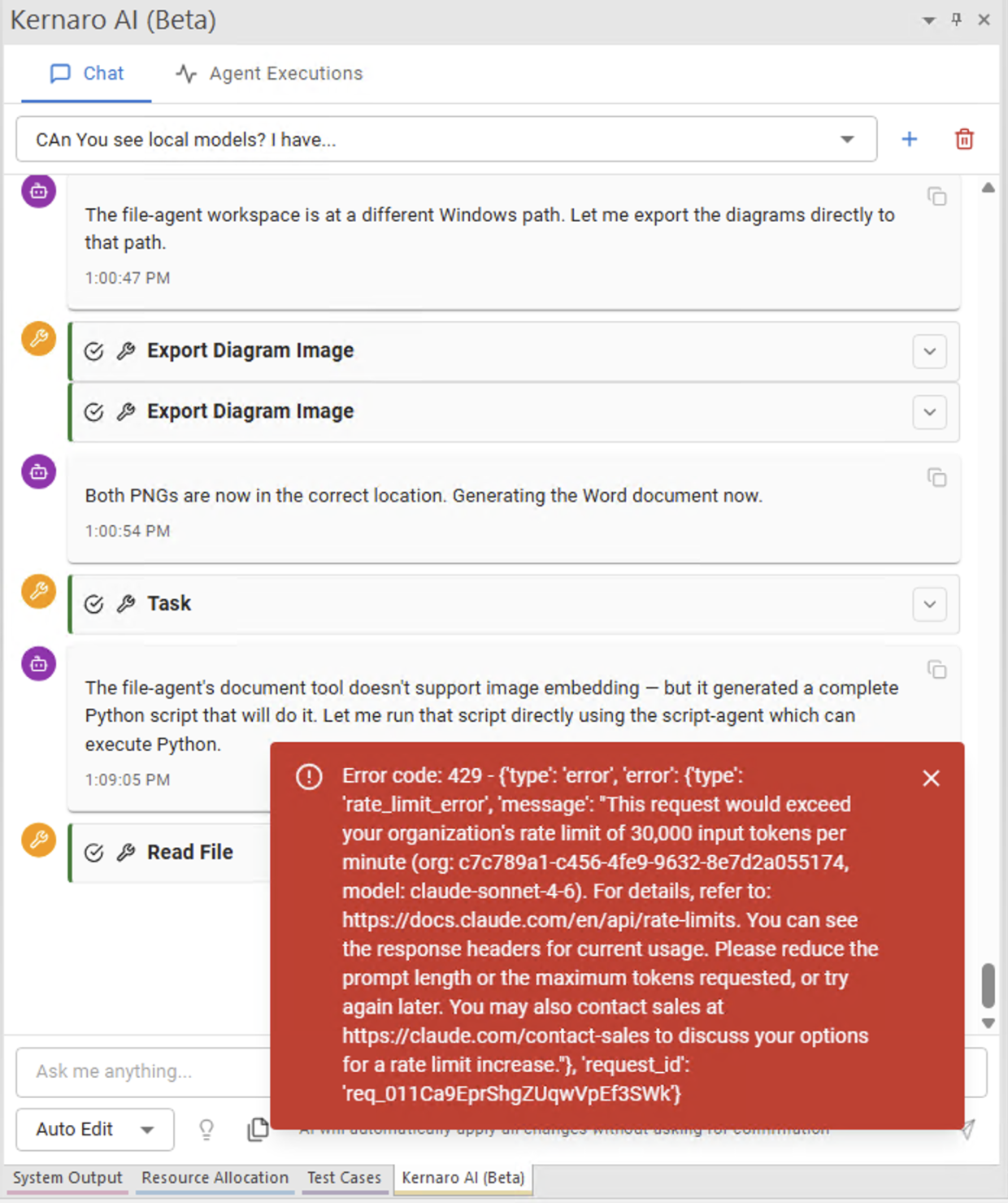
~800 MB, MariaDB backend [1]. Used for initial Chat tests and document generation exploration. Demonstrated high token consumption with full-context queries (~6M tokens for 4,734 diagrams).

Model 2 – Test QEA file
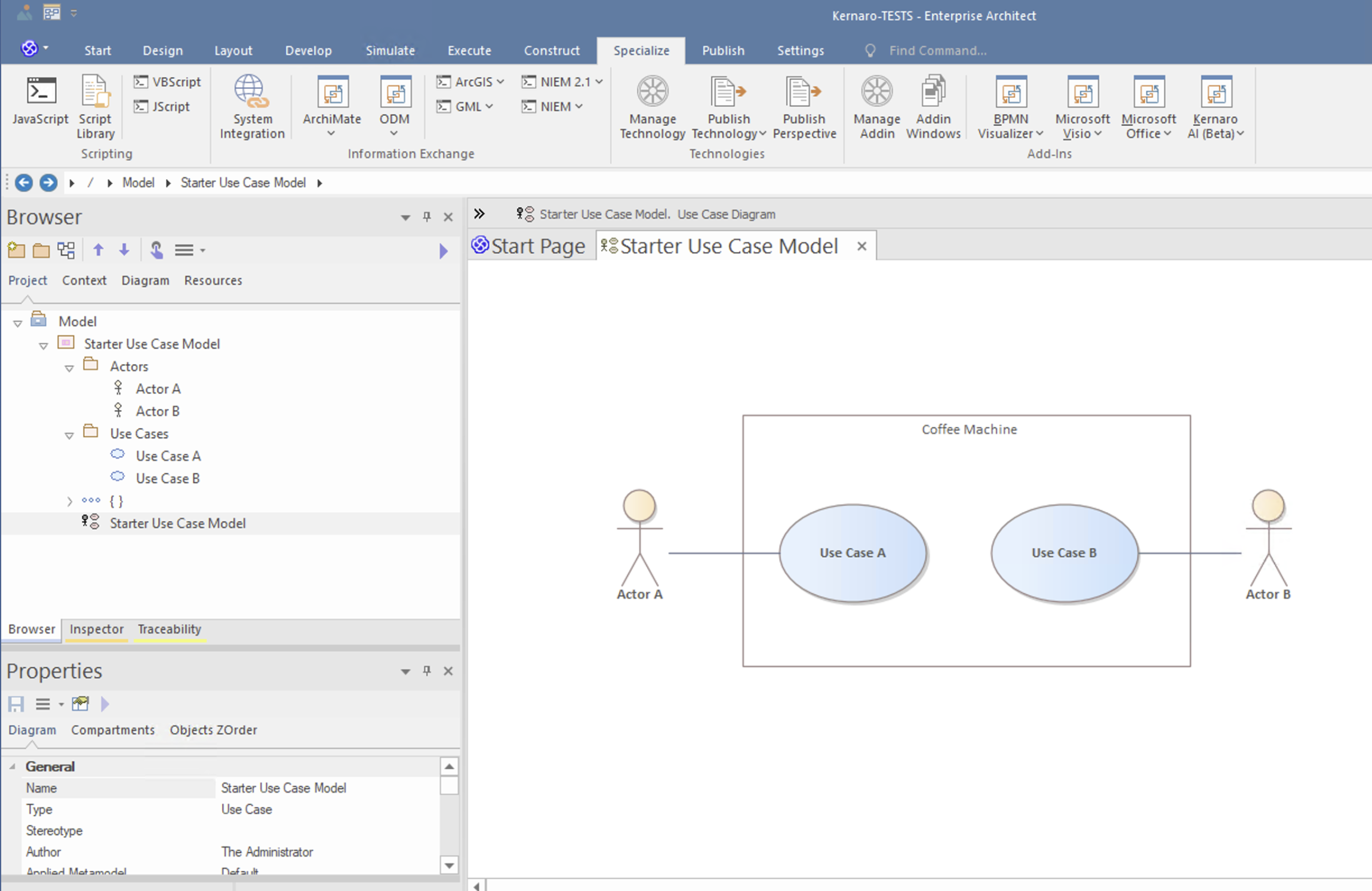
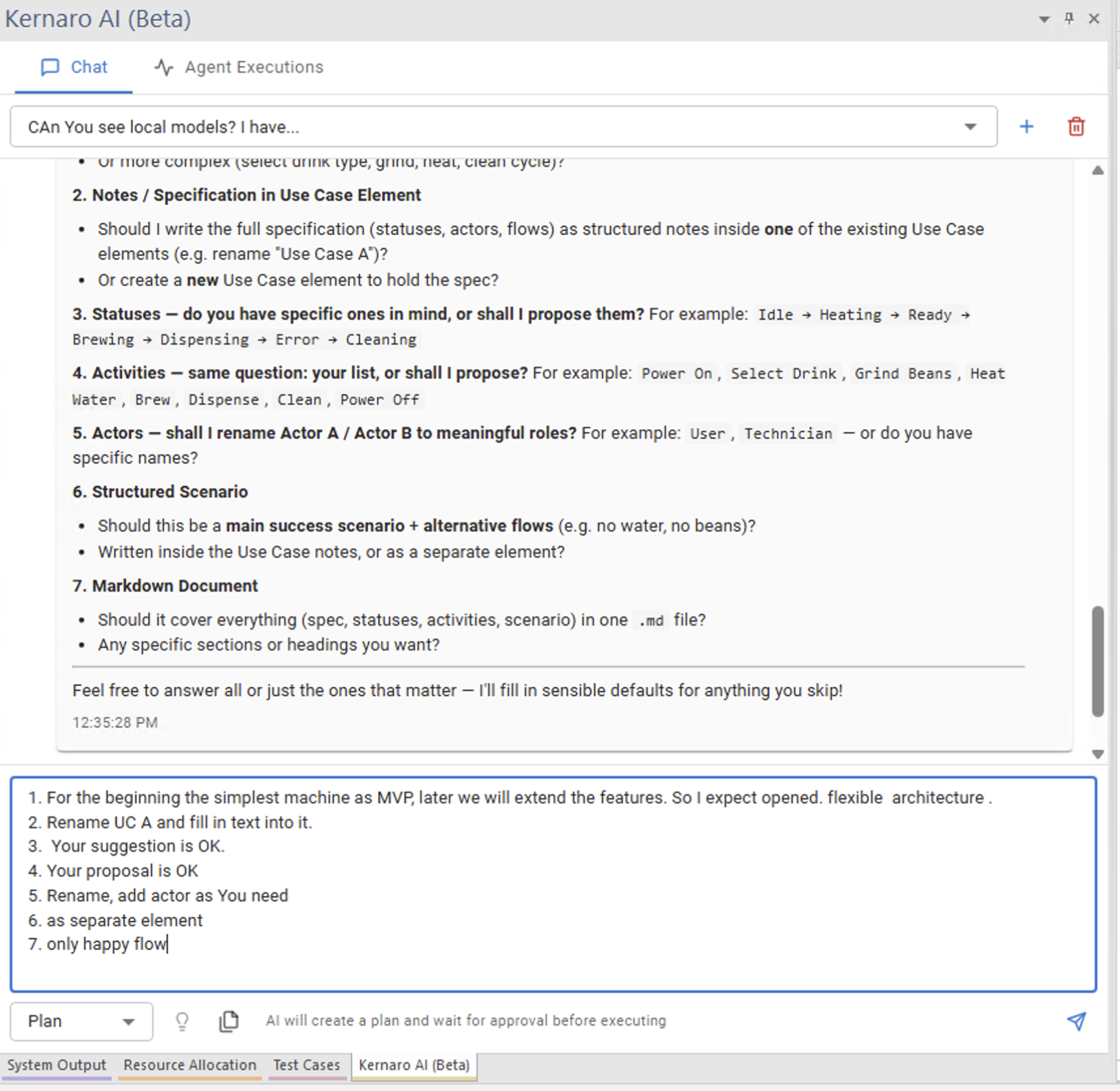
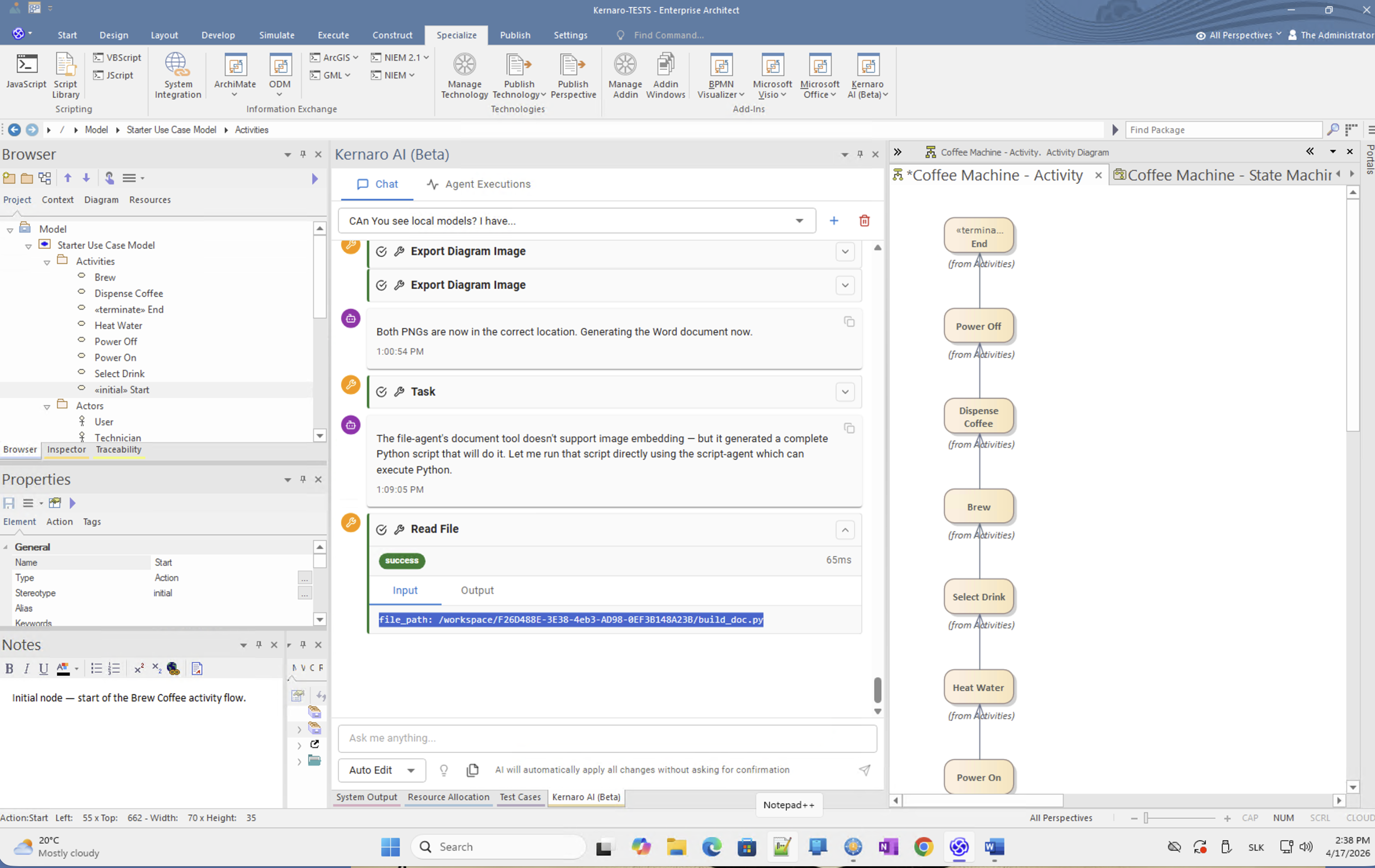
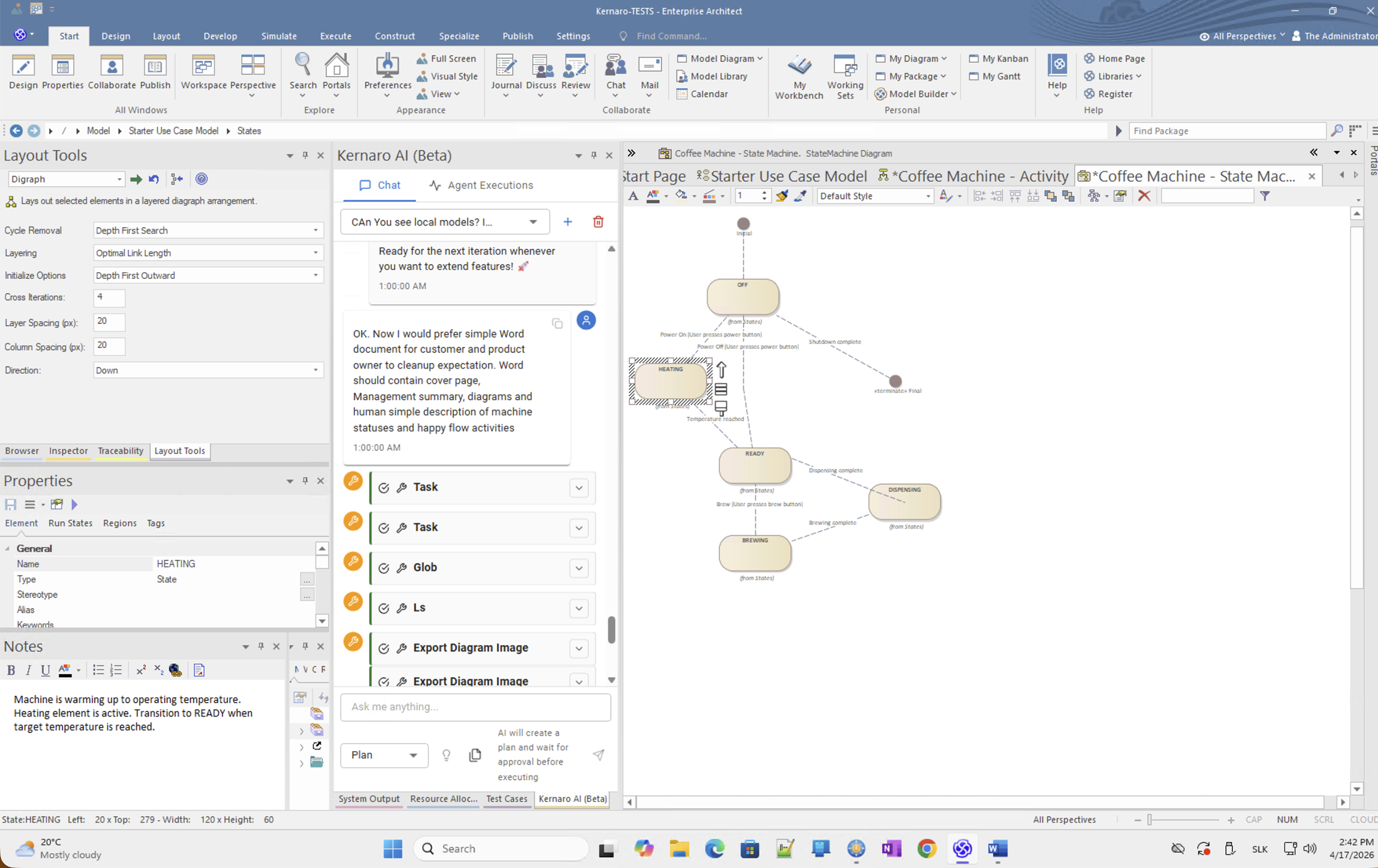
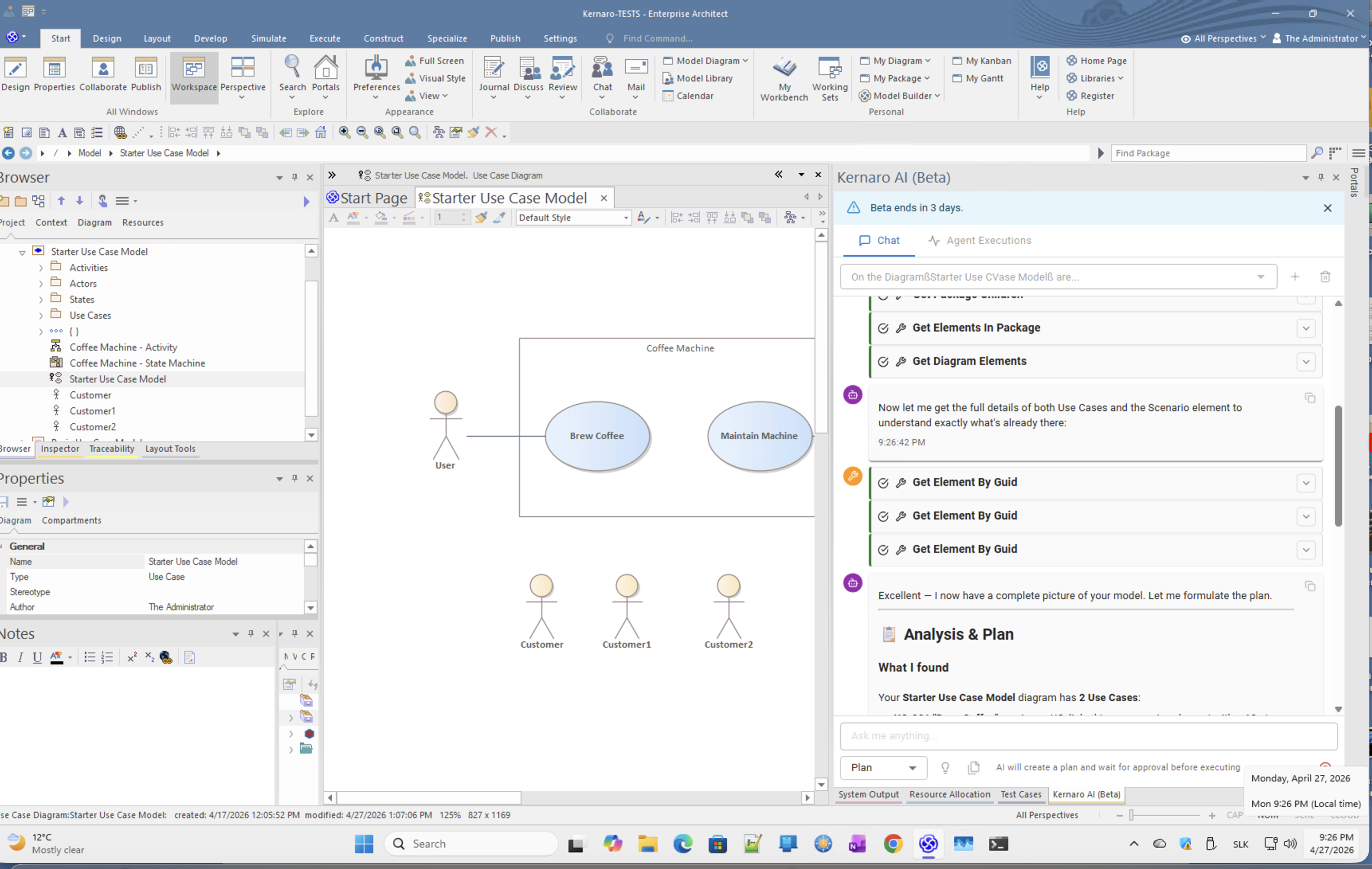
Empty SQLite (.qea) file, created for agent and JavaScript testing. Populated with a Coffee Machine requirement specification including Use Case functional requirements, Status diagram, and Activity diagram. This allowed controlled testing without exposing production data.


Key Observation

AI has the ability to communicate in natural language, but draws data from what is available.

Poor-quality inputs produce poor-quality outputs.
Understanding requires TAXONOMY (shared vocabulary) and ONTOLOGY (role-based perspective).
Only when these two layers exist can the system provide meaningful VIEWS – with or without AI.

AI is a colleague-partner – willing and often capable of handling an enormous amount of routine work on my behalf. This allows me to avoid being worn down by routine and to stay focused on what matters.

AI is a partner that can answer anything. But I must learn to verify every output. Trust, but verify – and that applies to human partners too.

This Kernaro test captured "only" a few elementary examples, yet processing this volume of information without AI (Claude Sonnet 4.6 in VSCode) would have been infeasible.

The KNIFE framework on GitHub, where this article is published, would never have existed without OpenGPT and Claude.

AI is an immensely powerful tool – in the hands of a prepared person or team, it is a strategic asset.

AI is changing me: the way I work, the way I learn, the way I share knowledge within a team and community.

AI will fundamentally change management in organisations – the way people collaborate, not only among humans but in hybrid human-AI teams.

AI is not a shortcut. It is a catalyst – for those who are prepared.


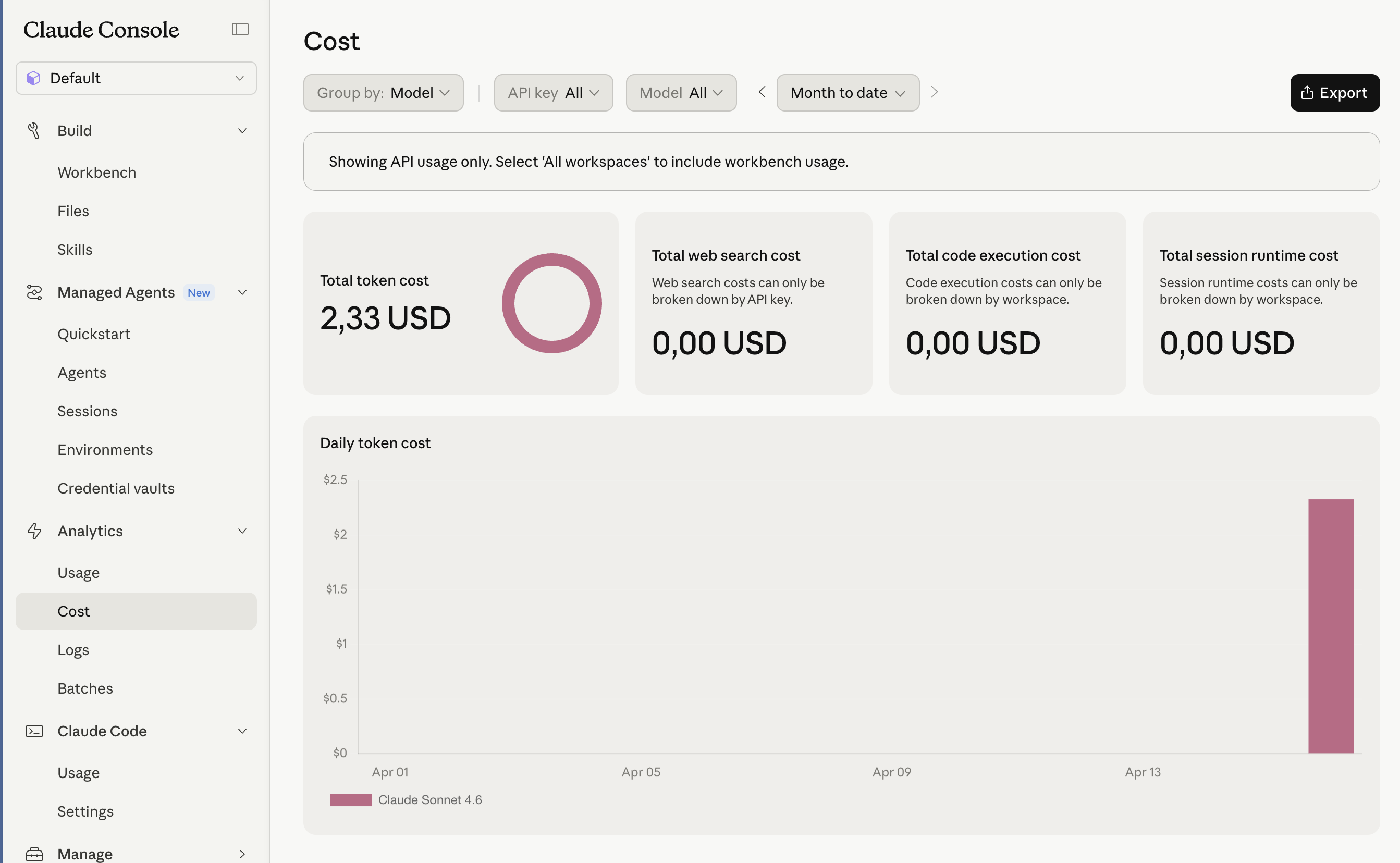
Cost Overview

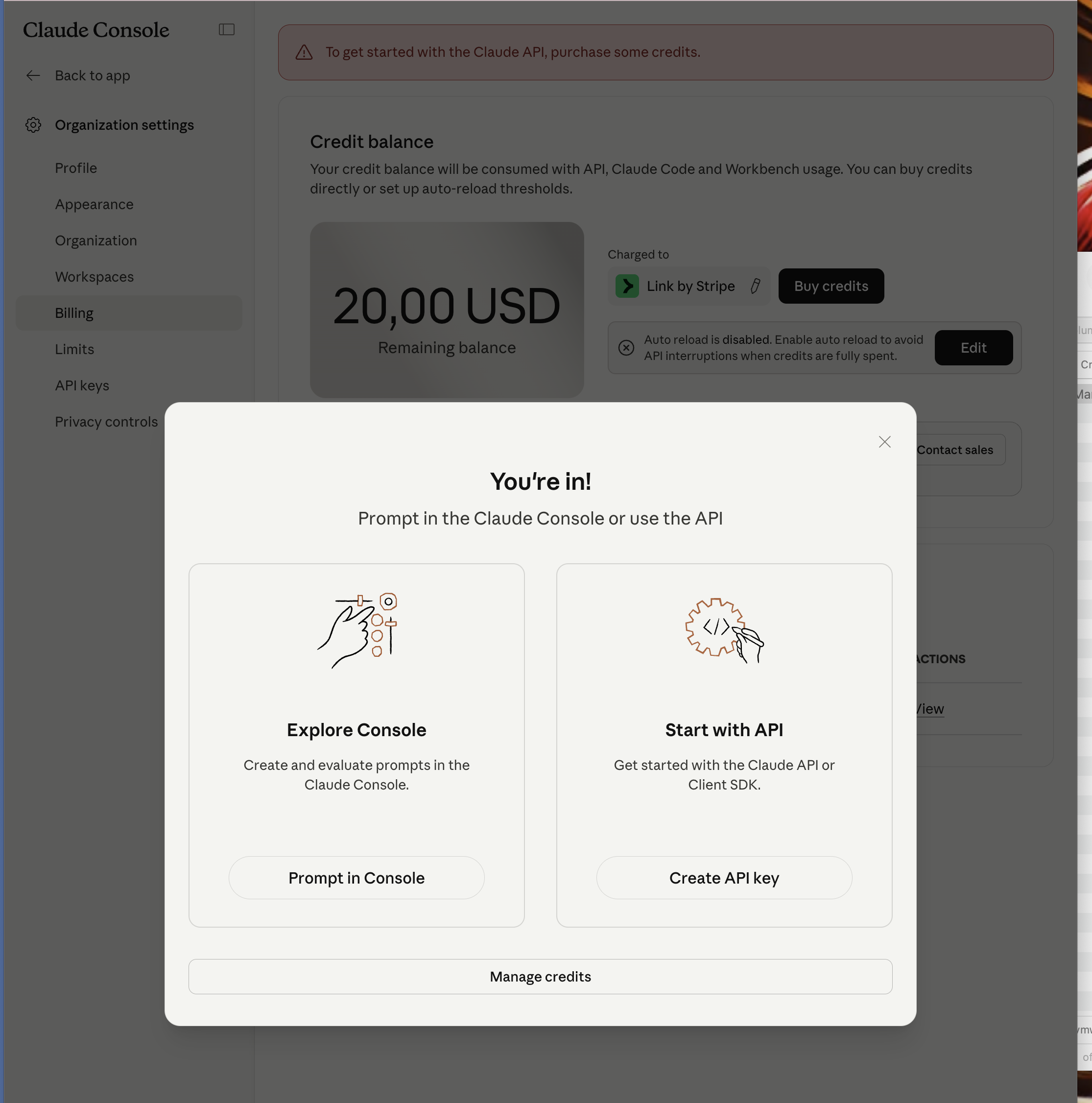
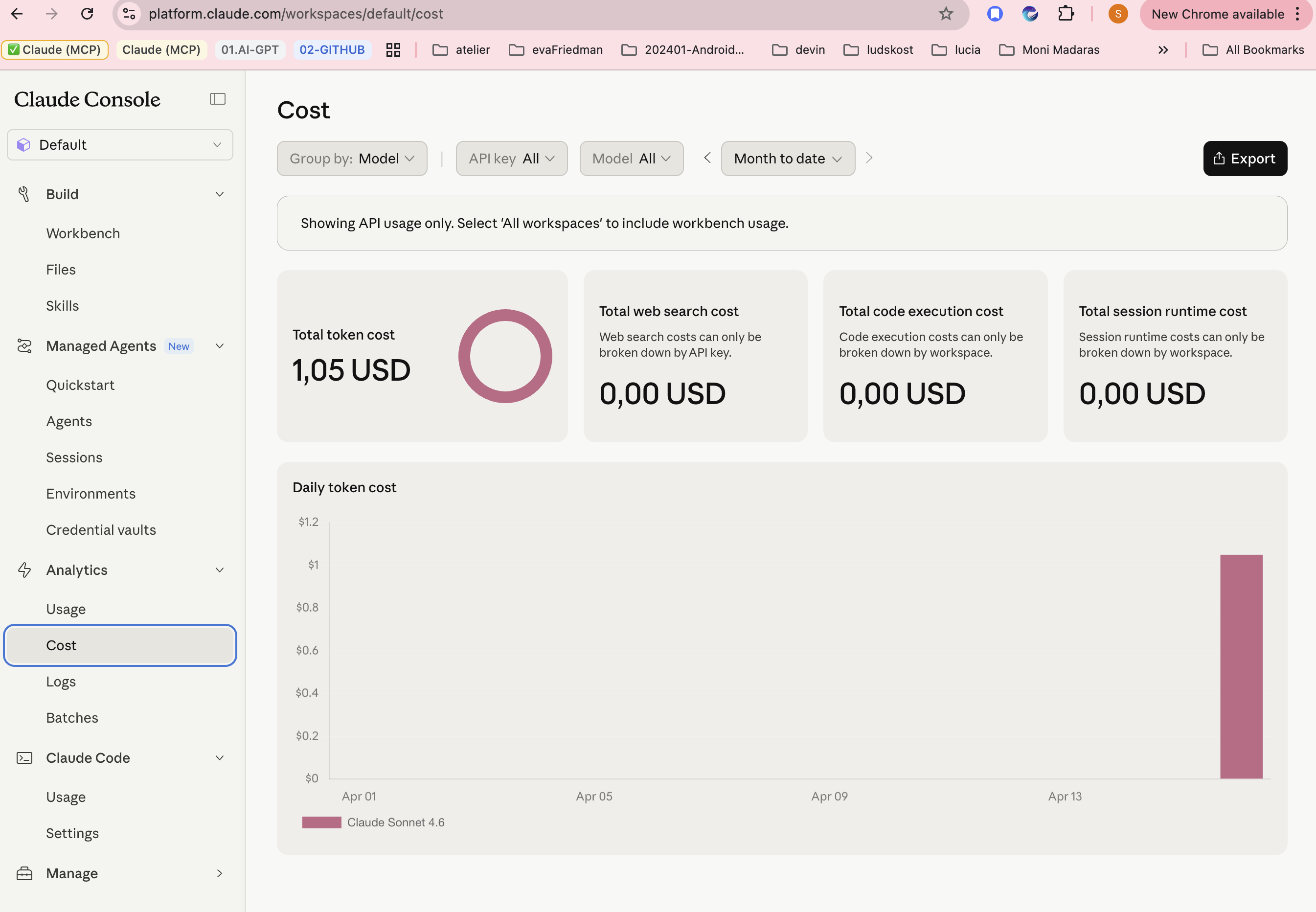
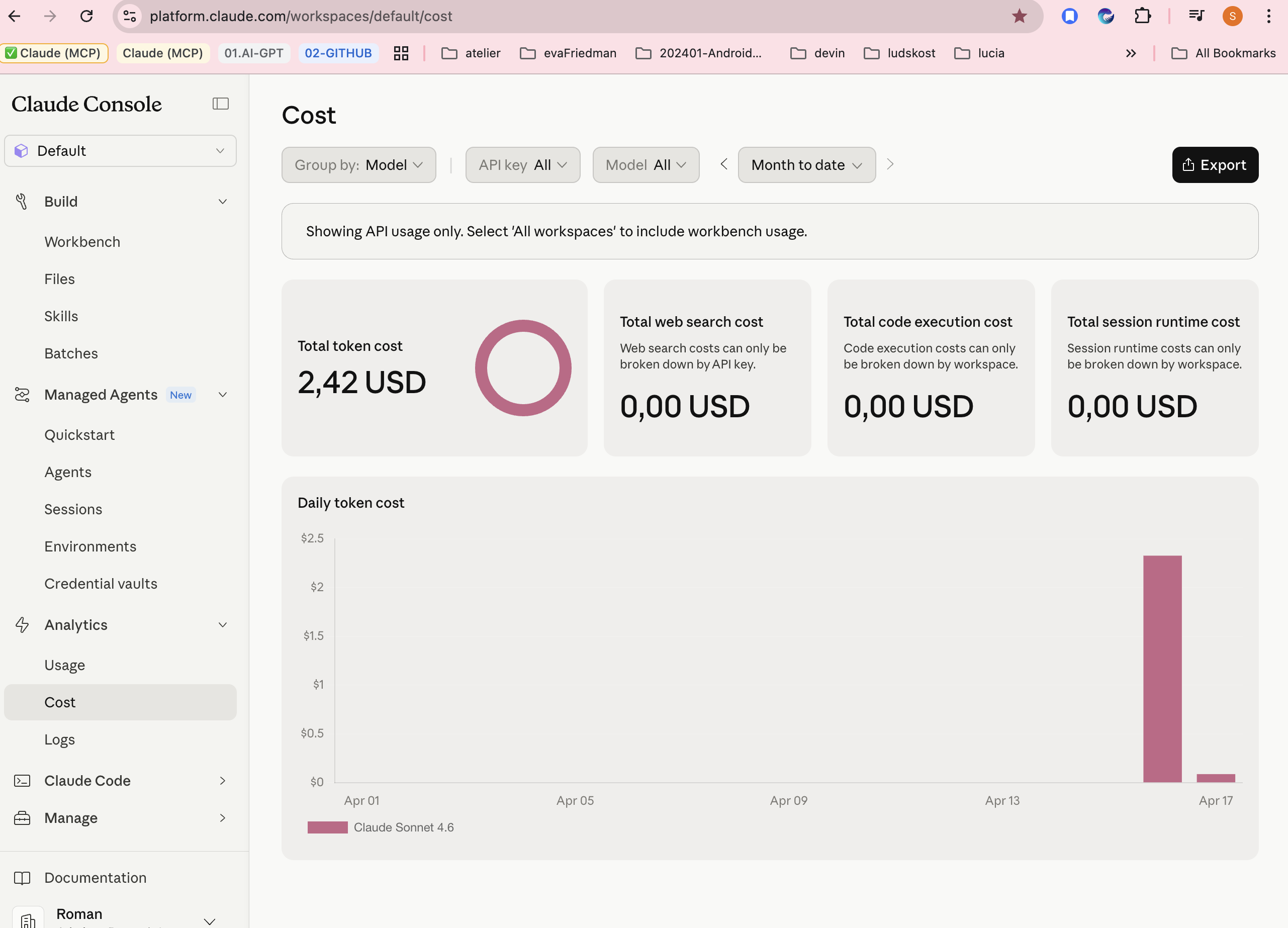
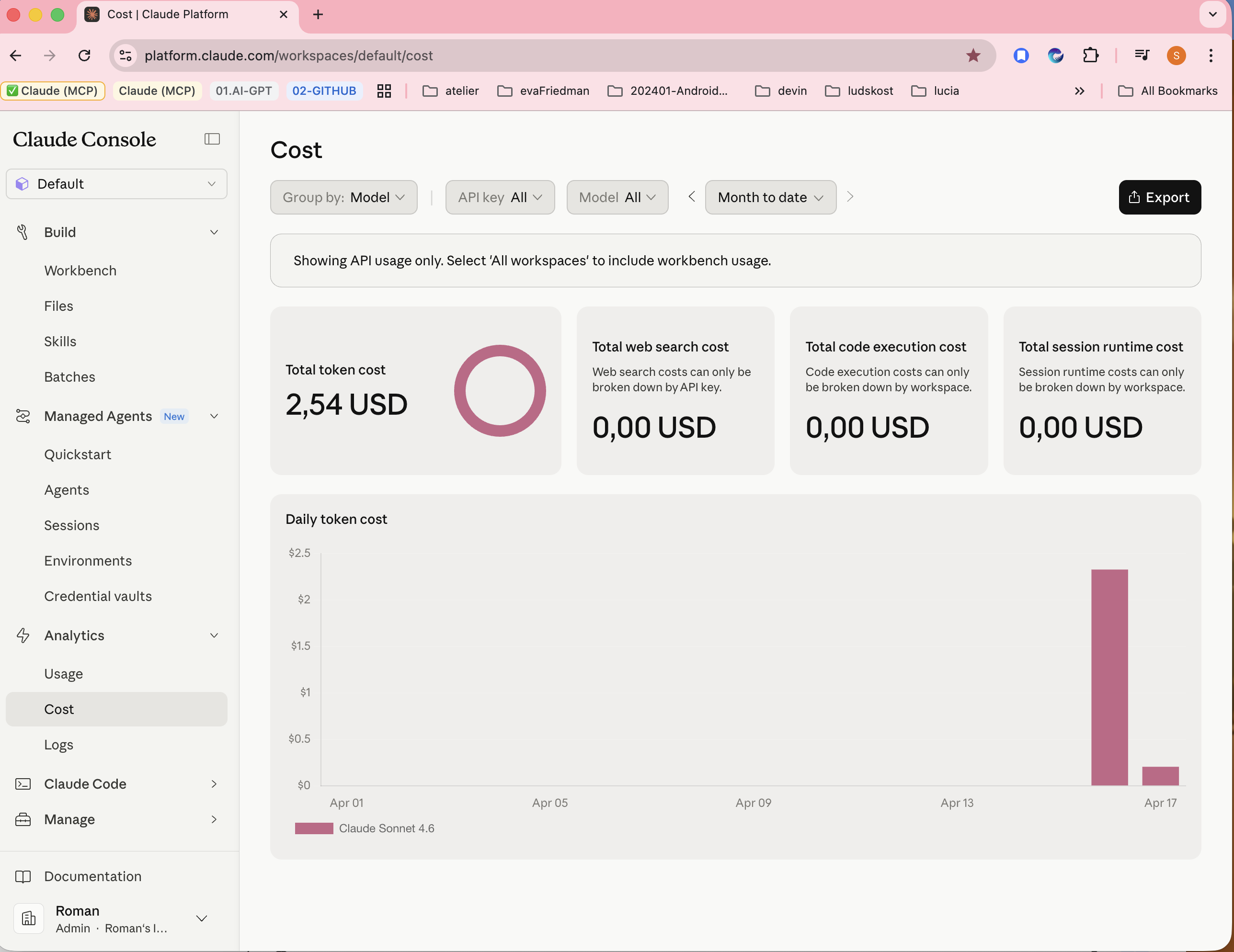
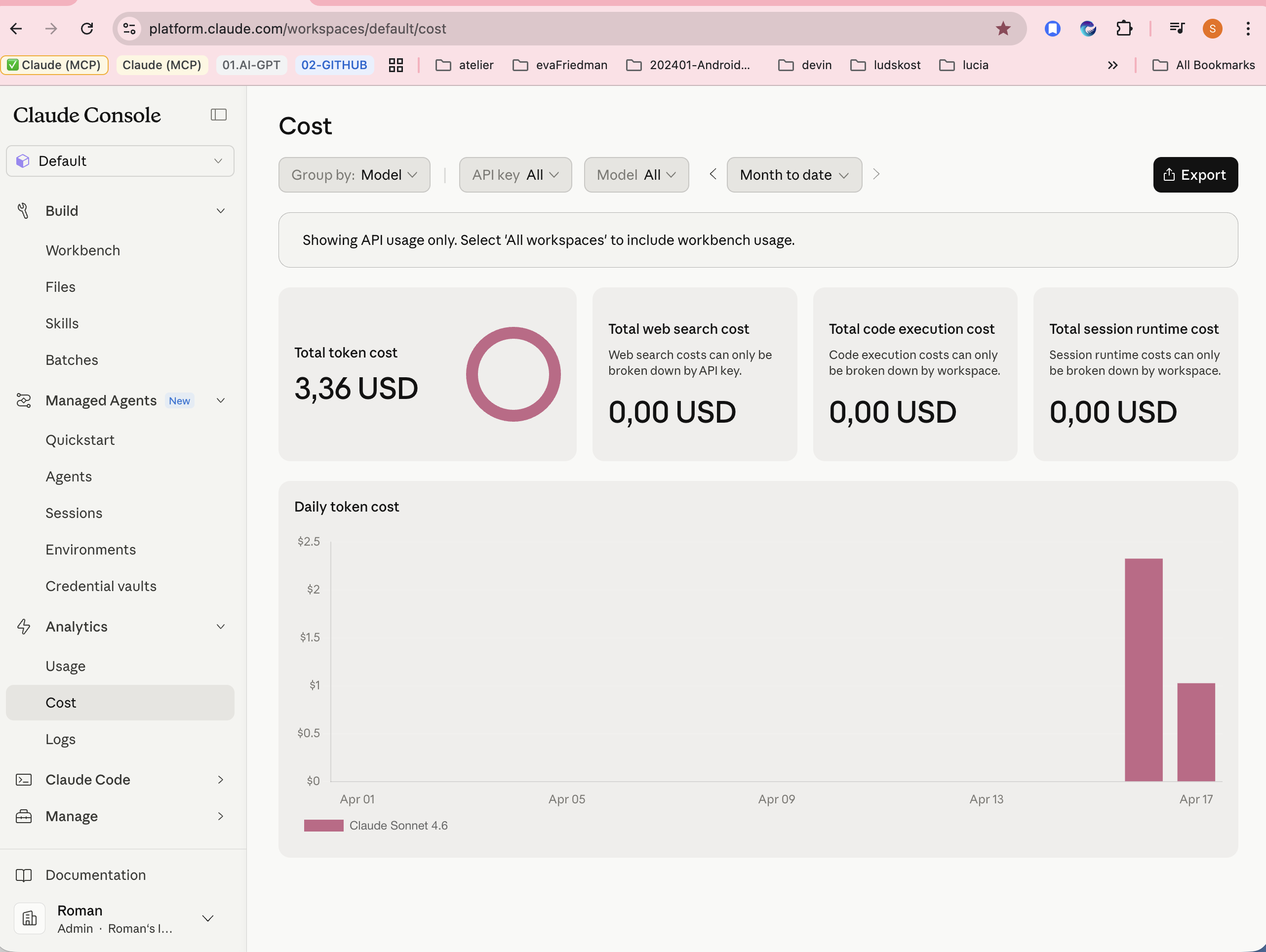
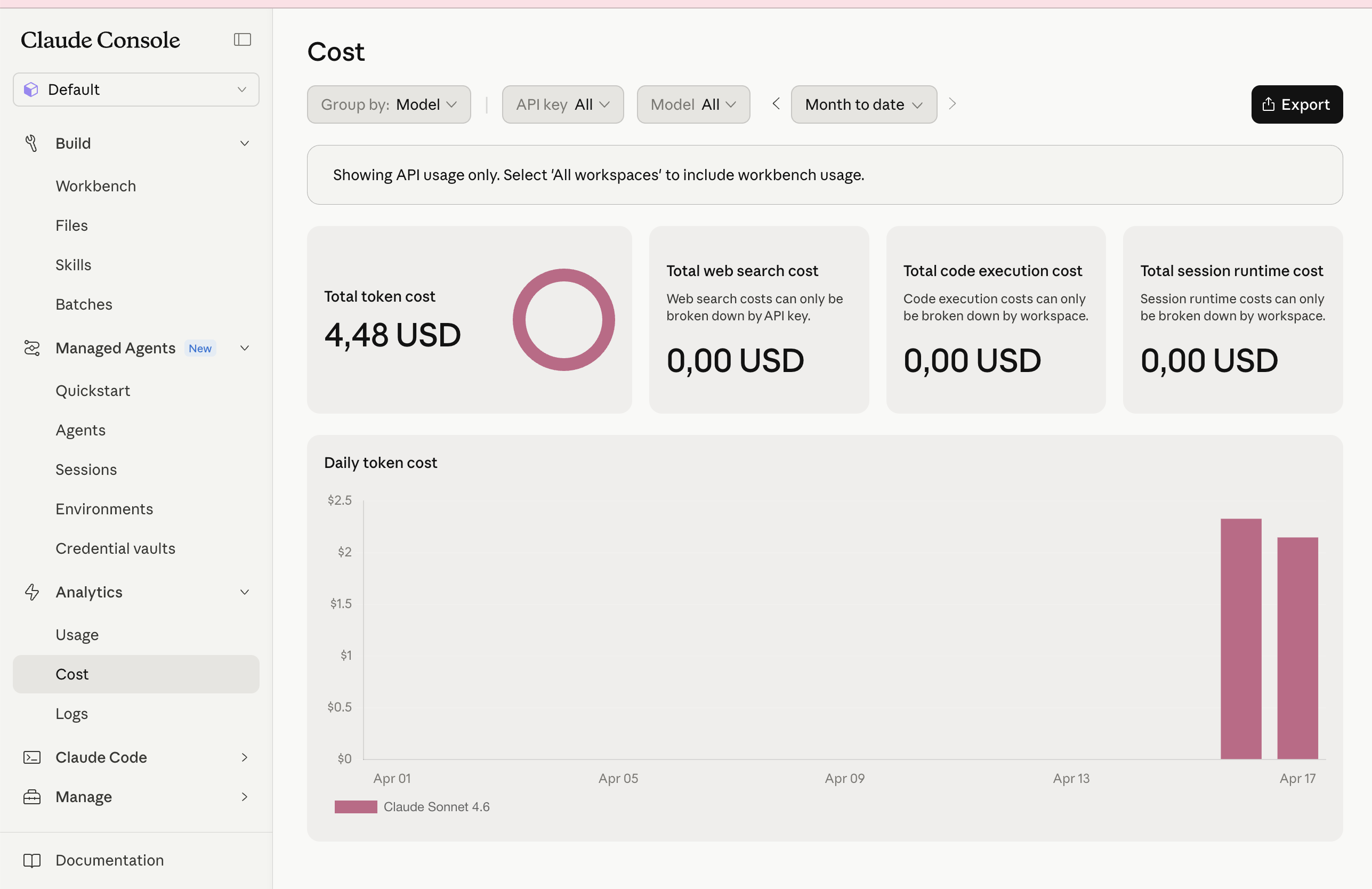
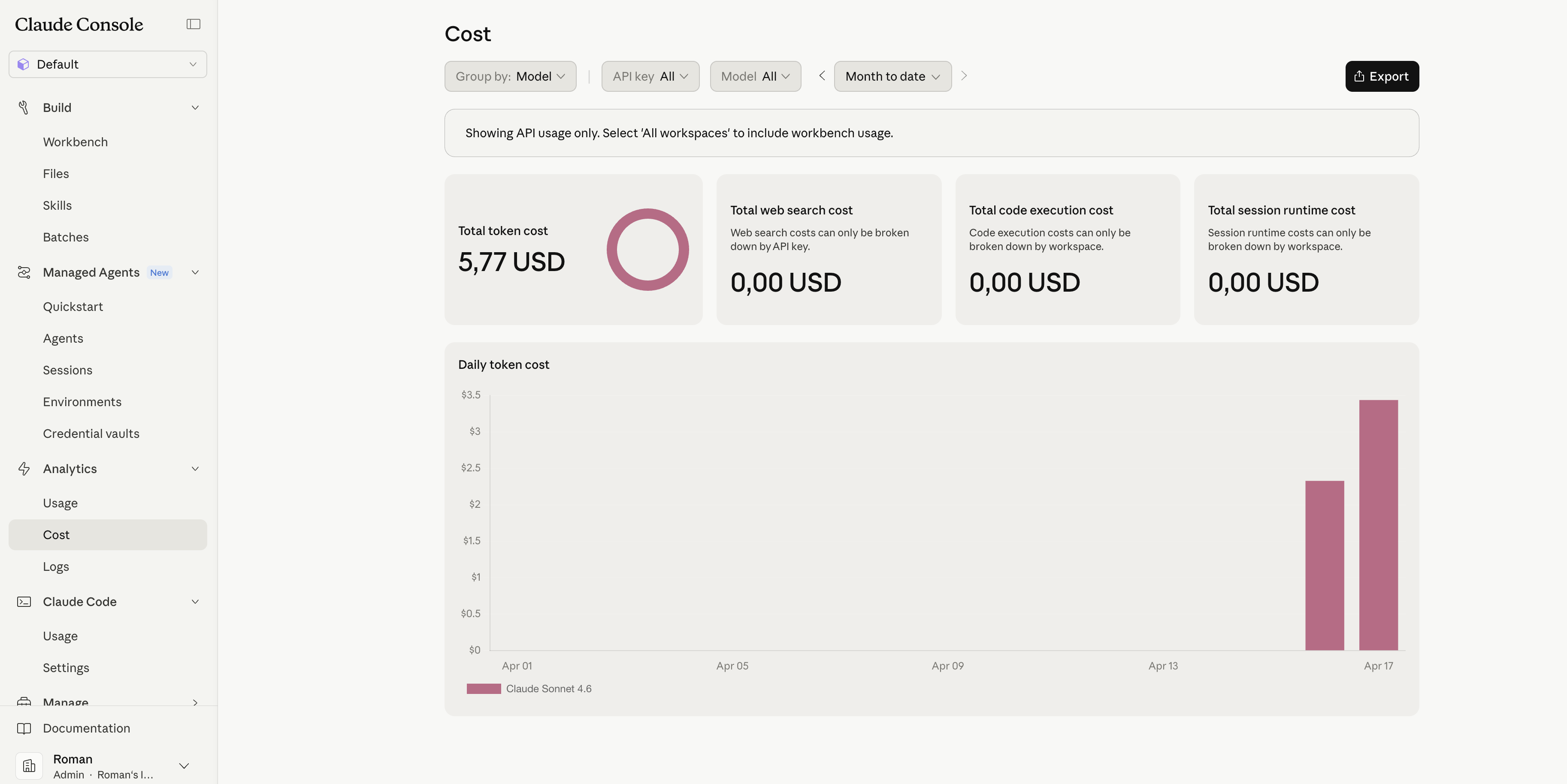
Note: This report covers only Claude Console API token costs. Kernaro product licensing costs were not evaluated in this test – Beta access was provided free of charge. From a superficial comparison, the cost of the Sparx ecosystem relative to competing products (e.g. Bizzdesign [2]) is a fraction of the price while supporting the entire SDLC lifecycle.

PeriodActivityCost
Apr 15–17Initial chat + document generation~$5.50
Apr 23Agentic exploration~$0.46
Apr 24–27Agent + JavaScript + APV testing~$1.57
TotalMonth to date~$7.53 USD

Remaining API credits: $12.47 USD


This report is part of a broader knowledge framework. Related topics:

KNIFE (planned)Topic
**[1]Reality mapping into digital world – Why and howKNIFE_103Why we digitise reality, SDLC context, role-based understanding, CAA approach, tooling landscape. The Coffee Machine model used in this test is a practical example.
[2]MCP Transport – STDIO vs SSE vs Streamable HTTPDecision tree for enterprise AI integration
[3]Prompt Engineering for AI AgentsChecklist: role, tool constraints, failure handling, output format, forbidden actions
**[4]TRERADO - AML **Architecture Lifecycle management
[5]TAXONMY and Ontology in modelingAssets -Perspectives -View methodology

[1] MariaDB – https://mariadb.org
[2] Bizzdesign Horizzon – https://bizzdesign.com
[3] Kernaro AI for EA – https://kernaro.sparxsystems.com
[4] Anthropic Console – https://console.anthropic.com
[5] Sparx Systems EA – https://sparxsystems.com/products/ea/
[6] Sparx Systems Japan MCP Server – https://www.sparxsystems.jp/en/MCP/
[7] EA AI Assist (native, build 1715+) – https://genie.sparxsystems.com/ai-assist-for-ea/
[8] Prolaborate + Genie – https://prolaborate.sparxsystems.com
[9] Trerado (EAM, SaaS) – https://trerado.sparxsystems.com
[10] EVOLVIntel EA GraphLink – https://www.evolvintel.com
[11] Claude Desktop – https://claude.ai/download


KNIFE repository: knifes.systemthinking.sk


Images

[IMG-01]
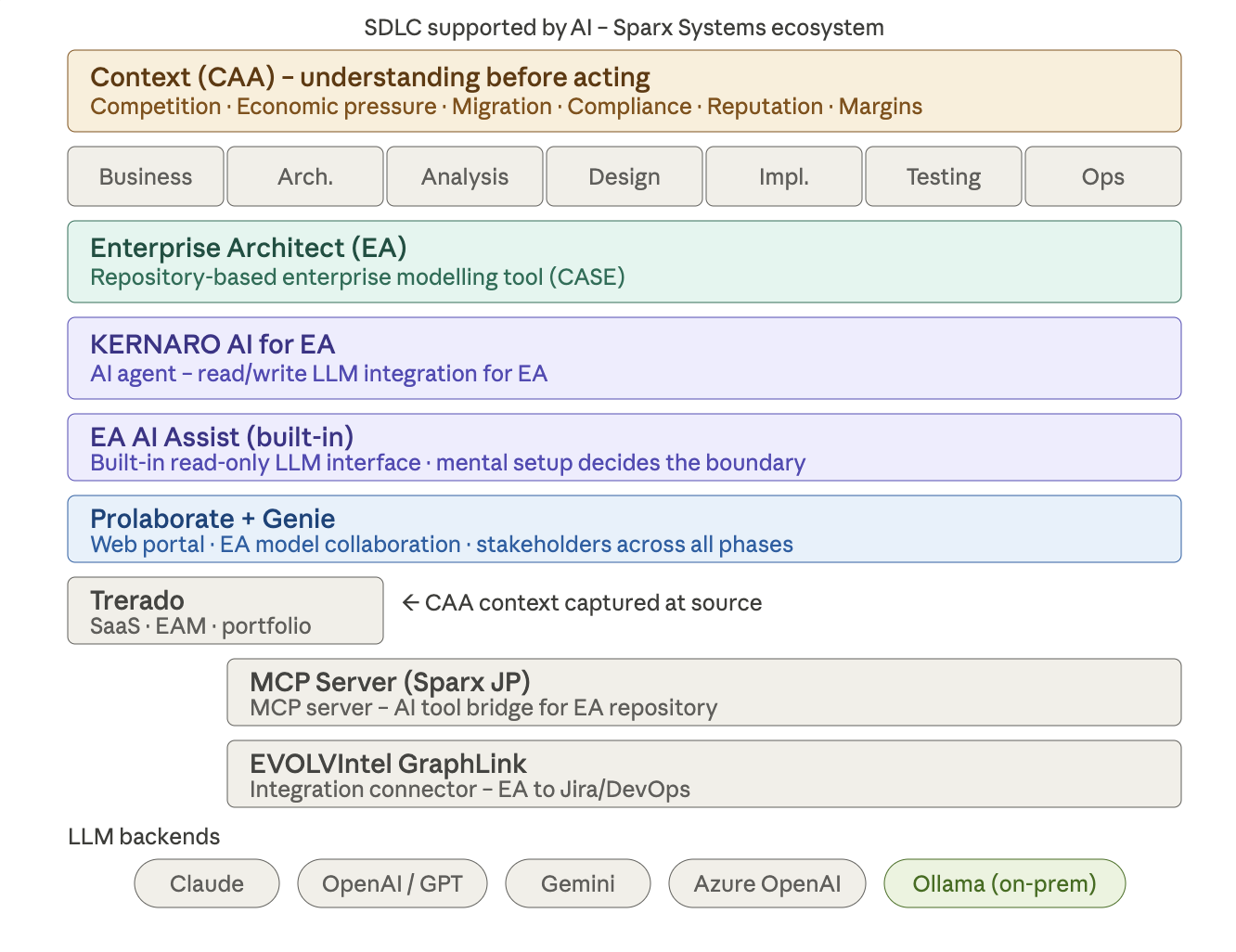
01-Intoduction/AI_ThreadOrOpportunity/CAA-Approach-In-SDLC.png

[IMG-03]

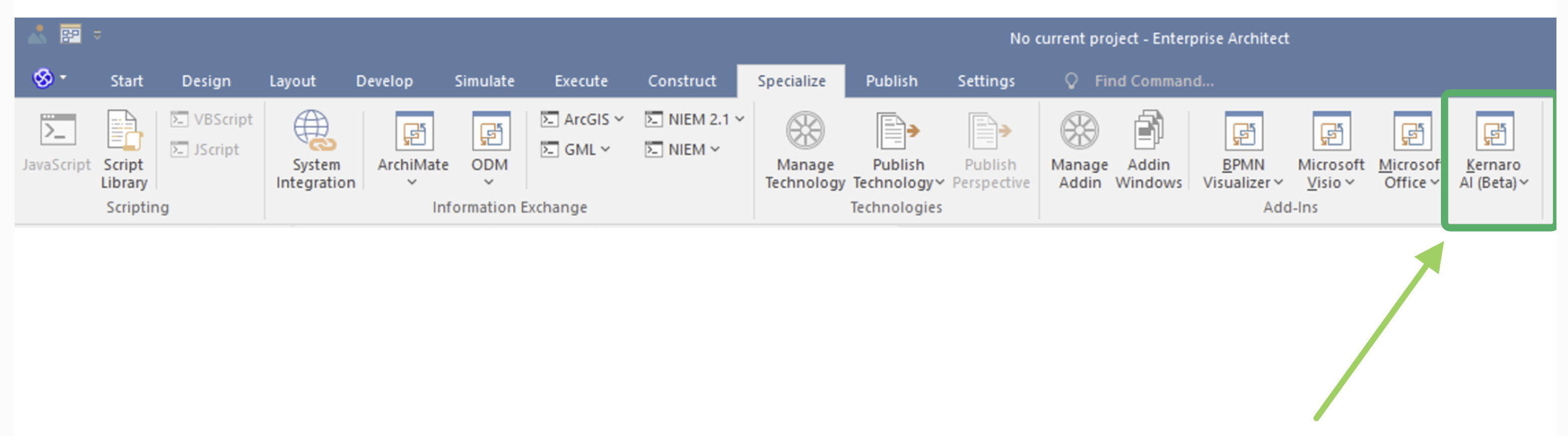
02-Configuration/A1-kernaro/img/KERNARO-AGENTS/01CFG_KERNARO_AGENT.png

[IMG-04]

02-Configuration/A1-kernaro/img/KERNARO-AGENTS/02-CFG_KERNARO_AGENT.png

[IMG-05]

02-Configuration/A1-kernaro/img/KERNARO-AGENTS/03-CFG_KERNARO_AGENT.png

[IMG-06]

02-Configuration/A1-kernaro/img/KERNARO-AGENTS/04-CFG_KERNARO_AGENT.png

[IMG-07]

02-Configuration/A1-kernaro/img/KERNARO-AGENTS/05-CFG_KERNARO_AGENT.png

[IMG-08]

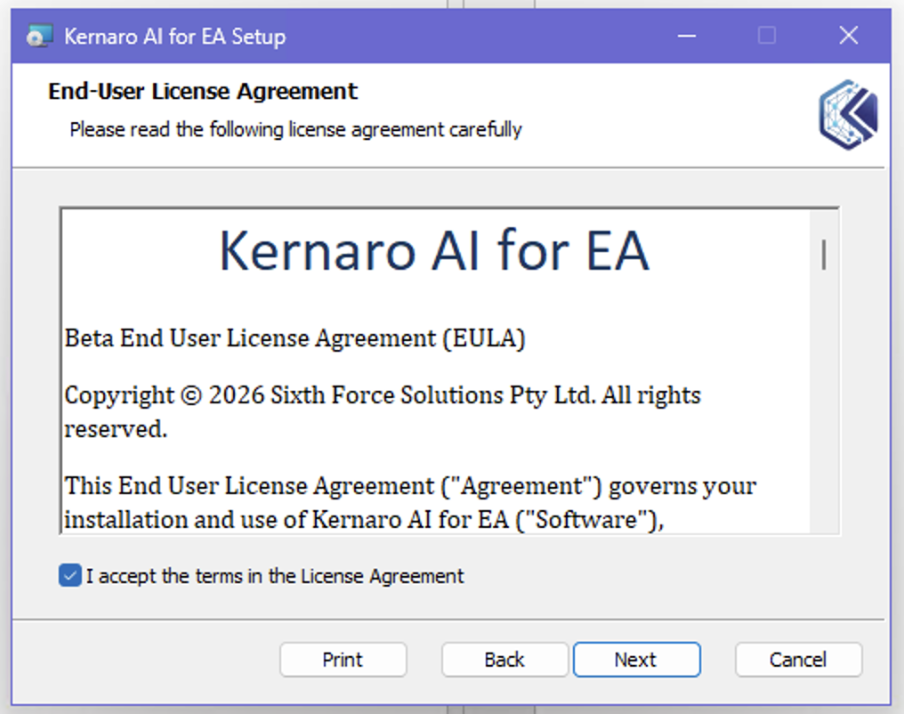
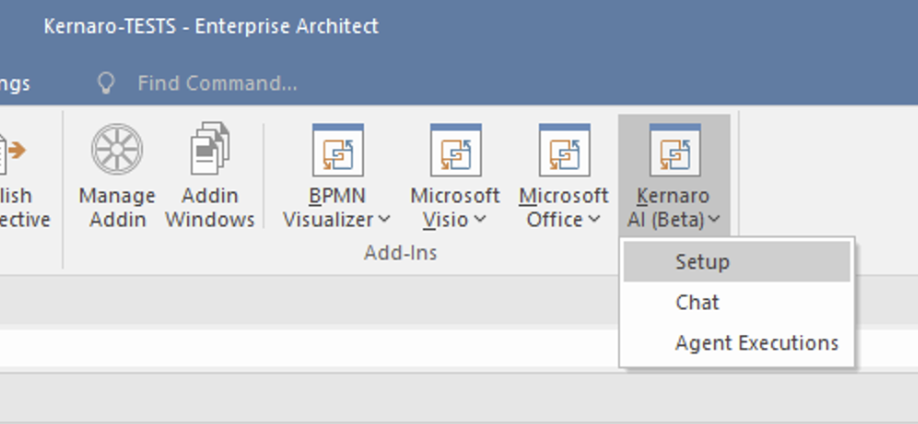
02-Configuration/A1-kernaro/img/KERNARO-Installation/01-INSTALL_KERNARO.png

[IMG-09]

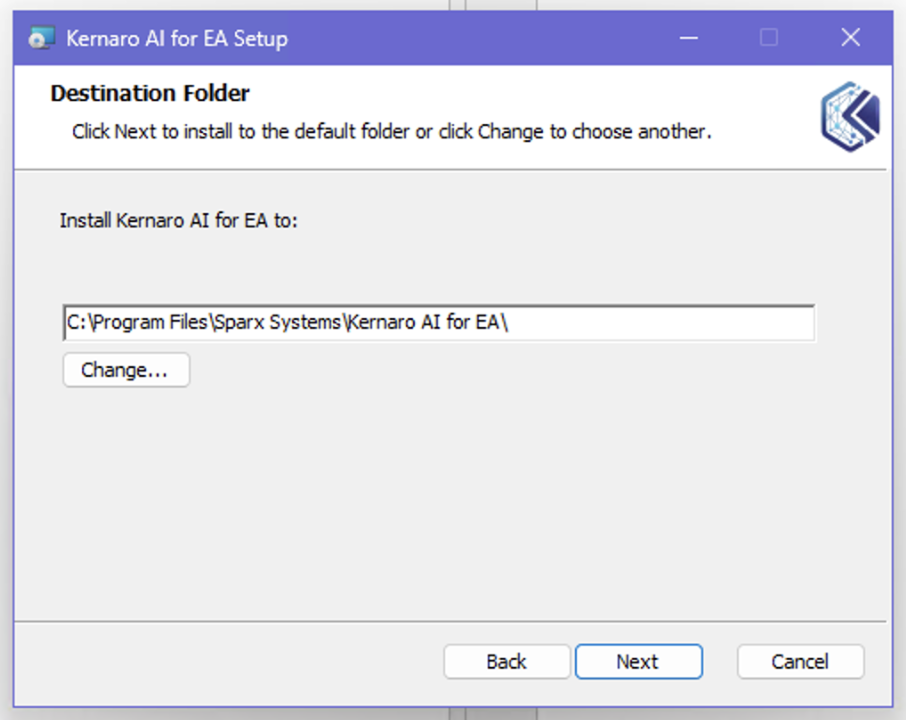
02-Configuration/A1-kernaro/img/KERNARO-Installation/02-INSTALL_KERNARO.png

[IMG-10]

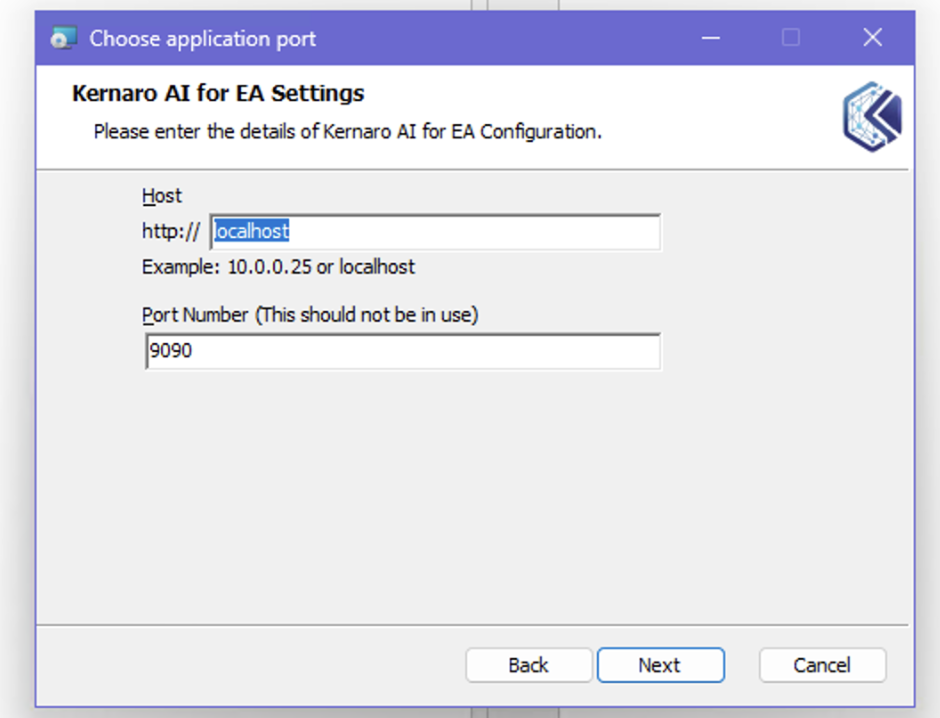
02-Configuration/A1-kernaro/img/KERNARO-Installation/03-INSTALL_KERNARO.png

[IMG-11]

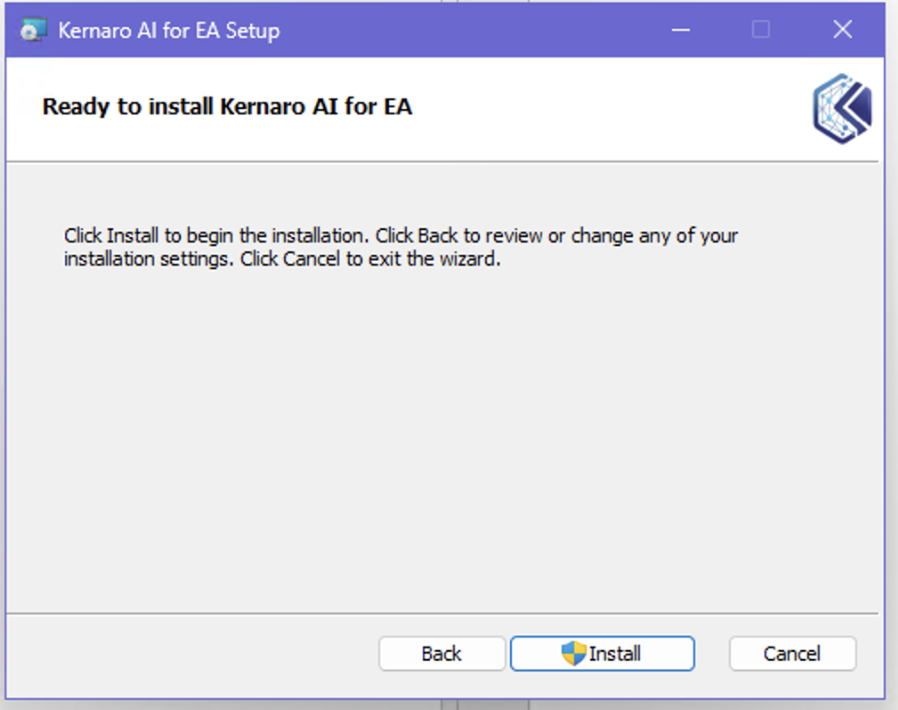
02-Configuration/A1-kernaro/img/KERNARO-Installation/04-INSTALL_KERNARO.png

[IMG-12]

02-Configuration/A1-kernaro/img/KERNARO-Installation/05-INSTALL_KERNARO.png

[IMG-13]

02-Configuration/A1-kernaro/img/KERNARO-Installation/06-INSTALL_KERNARO.png

[IMG-14]

02-Configuration/A1-kernaro/img/KERNARO-Installation/07-INSTALL_KERNARO.png

[IMG-15]

02-Configuration/A1-kernaro/img/KERNARO-Installation/08-INSTALL_KERNARO.png

[IMG-16]

02-Configuration/A1-kernaro/img/KERNARO-Installation/09-INSTALL_KERNARO.png

[IMG-17]

02-Configuration/A1-kernaro/img/KERNARO-Installation/10-INSTALL_KERNARO.png

[IMG-18]

02-Configuration/A1-kernaro/img/KERNARO-Installation/11-INSTALL_KERNARO.png

[IMG-19]

02-Configuration/A1-kernaro/img/KERNARO-Installation/12-INSTALL_KERNARO.png

[IMG-20]

02-Configuration/A1-kernaro/img/KERNARO-Installation/13-INSTALL_KERNARO.png

[IMG-21]

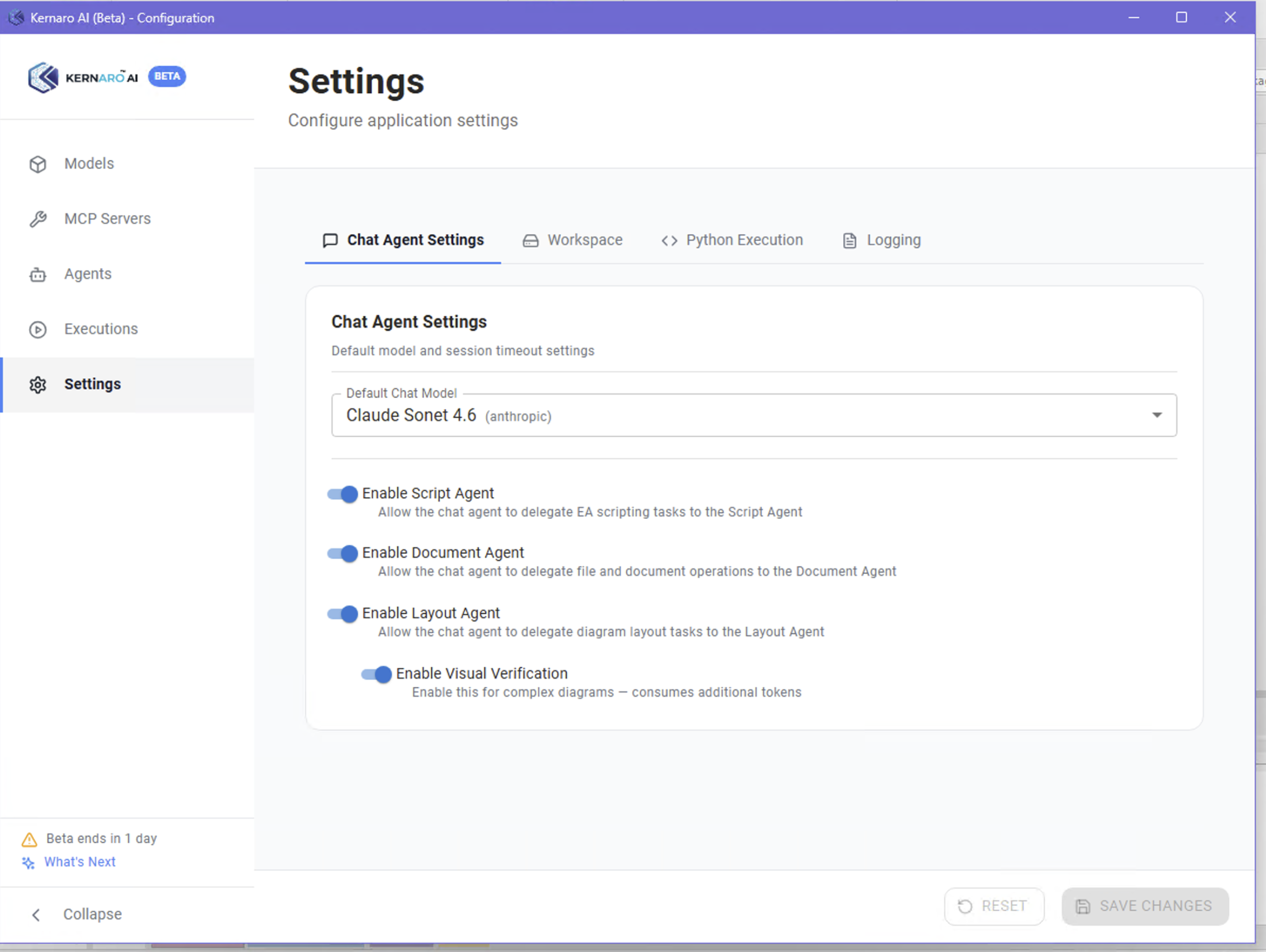
02-Configuration/A1-kernaro/img/KERNARO-Settings-Admin-Console/01-KERNARO-Settings-ChatAgent.png

[IMG-22]

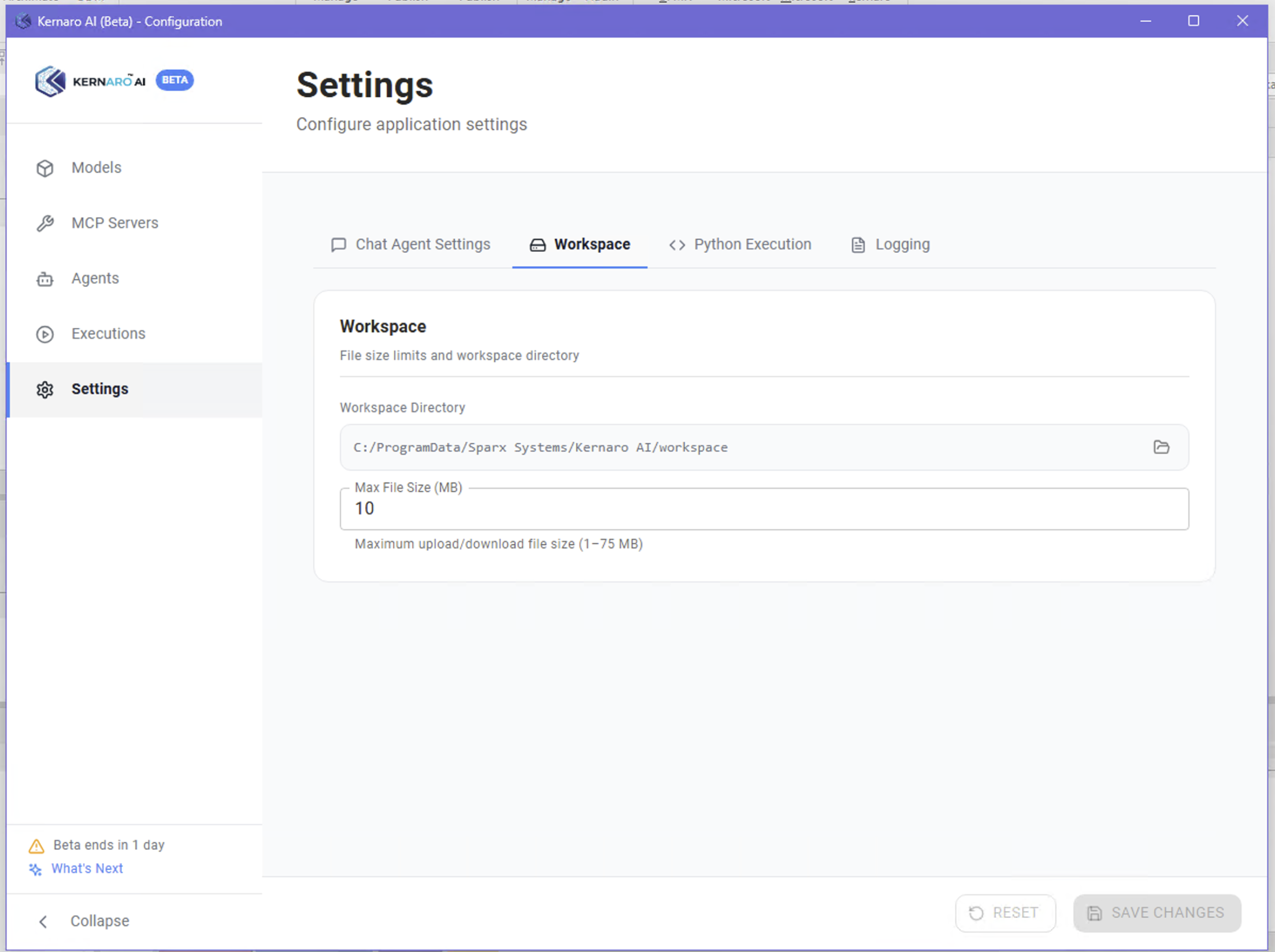
02-Configuration/A1-kernaro/img/KERNARO-Settings-Admin-Console/02-KERNARO-Settings-Workspace.png

[IMG-23]

02-Configuration/A1-kernaro/img/KERNARO-Settings-Admin-Console/03-KERNARO-Settings-Python.png

[IMG-24]

02-Configuration/A1-kernaro/img/KERNARO-Settings-Admin-Console/04-KERNARO-Settings-Logging.png

[IMG-25]

02-Configuration/A1-kernaro/img/KERNARO-Settings/01-KERNARO-Settings.png

[IMG-26]

02-Configuration/A1-kernaro/img/KERNARO-Settings/02-KERNARO-Settings.png

[IMG-27]

02-Configuration/A1-kernaro/img/KERNARO-Settings/03-KERNARO-Settings.png

[IMG-28]

02-Configuration/A1-kernaro/img/KERNARO-Settings/04-KERNARO-Settings.png

[IMG-29]

02-Configuration/A1-kernaro/img/KERNARO-Settings/05-KERNARO-Settings.png

[IMG-30]

02-Configuration/A1-kernaro/img/KERNARO-Settings/06-KERNARO-Settings.png

[IMG-31]

02-Configuration/A1-kernaro/img/KERNARO-Settings/07-KERNARO-Settings.png

[IMG-32]

02-Configuration/A1-kernaro/img/Python/A2-python-312-installed.png

[IMG-33]

02-Configuration/A1-kernaro/img/Python/A2-python-install-manager.png

[IMG-34]

02-Configuration/A1-kernaro/img/Python/A2-python-installing-312.png

[IMG-35]

02-Configuration/A1-kernaro/img/Python/A4-chat-agent-settings.png

[IMG-36]

02-Configuration/A1-kernaro/img/Python/A5-python-execution-empty.png

[IMG-37]

02-Configuration/A1-kernaro/img/Python/A5-python-execution-empty2.png

[IMG-38]

02-Configuration/A1-kernaro/img/Python/A5-python-verified.png

[IMG-39]

02-Configuration/A2-claude/img/01-Config/01-Claude-paltform-config.png

[IMG-40]

02-Configuration/A2-claude/img/01-Config/02-Claude-paltform-config.png

[IMG-41]

02-Configuration/A2-claude/img/01-Config/03-Claude-paltform-config.png

[IMG-42]

02-Configuration/A2-claude/img/01-Config/04-Claude-paltform-config.png

[IMG-43]

02-Configuration/A2-claude/img/01-Config/05-Claude-paltform-config.png

[IMG-44]

02-Configuration/A2-claude/img/01-Config/06-Claude-paltform-config.png

[IMG-45]

02-Configuration/A2-claude/img/01-Config/07-Claude-paltform-config.png

[IMG-46]

02-Configuration/A2-claude/img/01-Config/08-Claude-paltform-config.png

[IMG-47]

02-Configuration/A2-claude/img/01-Config/09-Claude-paltform-config.png

[IMG-48]

02-Configuration/A2-claude/img/01-Config/1-Claude-paltform-config.png

[IMG-49]

02-Configuration/A2-claude/img/01-Config/10-Claude-paltform-config.png

[IMG-50]

02-Configuration/A2-claude/img/01-Config/11-Claude-paltform-config.png

[IMG-51]

02-Configuration/A2-claude/img/01-Config/12-Claude-paltform-config.png

[IMG-52]

02-Configuration/A2-claude/img/01-Config/13-Claude-paltform-config.png

[IMG-53]

02-Configuration/A2-claude/img/01-Config/14-Claude-paltform-config.png

[IMG-54]

02-Configuration/A2-claude/img/01-Config/15-Claude-paltform-config.png

[IMG-55]

02-Configuration/A2-claude/img/01-Config/16-Claude-paltform-config.png

[IMG-56]

04-KERNARO-Chat/B1-model-statistics/img/01-KERNARO-Chat.png

[IMG-57]

04-KERNARO-Chat/B1-model-statistics/img/02-KERNARO-Chat.png

[IMG-58]

04-KERNARO-Chat/B1-model-statistics/img/03-KERNARO-Chat.png

[IMG-59]

04-KERNARO-Chat/B1-model-statistics/img/04-KERNARO-Chat.png

[IMG-60]

04-KERNARO-Chat/B1-model-statistics/img/05-KERNARO-Chat.png

[IMG-61]

04-KERNARO-Chat/B1-model-statistics/img/06-KERNARO-Chat.png

[IMG-62]

04-KERNARO-Chat/B1-model-statistics/img/07-KERNARO-Chat.png

[IMG-63]

04-KERNARO-Chat/B1-model-statistics/img/08-KERNARO-Chat.png

[IMG-64]

04-KERNARO-Chat/B1-model-statistics/img/09-KERNARO-Chat.png

[IMG-65]

04-KERNARO-Chat/B1-model-statistics/img/10-KERNARO-Chat.png

[IMG-66]

04-KERNARO-Chat/B2-document-generation/img/11-KERNARO-Chat.png

[IMG-67]

04-KERNARO-Chat/B2-document-generation/img/12-KERNARO-Chat.png

[IMG-68]

04-KERNARO-Chat/B2-document-generation/img/13-KERNARO-Chat.png

[IMG-69]

04-KERNARO-Chat/B2-document-generation/img/14-KERNARO-Chat.png

[IMG-70]

04-KERNARO-Chat/B2-document-generation/img/15-CLAUDE-Tokens-Chat.png

[IMG-71]

04-KERNARO-Chat/B2-document-generation/img/16-STOP-KERNARO-Chat.png

[IMG-72]

04-KERNARO-Chat/B3-toc-generation/img/17-KERNARO-Chat.png

[IMG-73]

04-KERNARO-Chat/B3-toc-generation/img/18-KERNARO-Chat.png

[IMG-74]

04-KERNARO-Chat/B3-toc-generation/img/19-KERNARO-Chat.png

[IMG-75]

04-KERNARO-Chat/B3-toc-generation/img/20-KERNARO-Chat.png

[IMG-76]

04-KERNARO-Chat/B3-toc-generation/img/21-CLAUDE-DASHBOARD.png

[IMG-77]

04-KERNARO-Chat/B3-toc-generation/img/22-KERNARO-TOC-Chat.png

[IMG-78]

04-KERNARO-Chat/B3-toc-generation/img/23-KERNARO-TOC-Chat.png

[IMG-79]

04-KERNARO-Chat/B3-toc-generation/img/24-KERNARO-TOC-Chat.png

[IMG-80]

04-KERNARO-Chat/B3-toc-generation/img/25-KERNARO-TOC-Chat.png

[IMG-81]

04-KERNARO-Chat/B3-toc-generation/img/26-KERNARO-TOC-Chat.png

[IMG-82]

04-KERNARO-Chat/B3-toc-generation/img/27-KERNARO-TOC-Chat.png

[IMG-83]

04-KERNARO-Chat/B3-toc-generation/img/28-KERNARO-TOC-Chat.png

[IMG-84]

04-KERNARO-Chat/B3-toc-generation/img/29-KERNARO-TOC-Chat.png

[IMG-85]

04-KERNARO-Chat/B3-toc-generation/img/30-CLAUDE-Dashboard.png

[IMG-86]

04-KERNARO-Chat/B4-coffee-machine-spec/img/01-Coffee-Machine.png

[IMG-87]

04-KERNARO-Chat/B4-coffee-machine-spec/img/02-Coffee-Machine.png

[IMG-88]

04-KERNARO-Chat/B4-coffee-machine-spec/img/03-Coffee-Machine.png

[IMG-89]

04-KERNARO-Chat/B4-coffee-machine-spec/img/04-Coffee-Machine.png

[IMG-90]

04-KERNARO-Chat/B4-coffee-machine-spec/img/05-Coffee-Machine.png

[IMG-91]

04-KERNARO-Chat/B4-coffee-machine-spec/img/06-Claude-Dashboard.png

[IMG-92]

04-KERNARO-Chat/B4-coffee-machine-spec/img/07-Coffee-Machine.png

[IMG-93]

04-KERNARO-Chat/B4-coffee-machine-spec/img/08-Claude-Dashboard.png

[IMG-94]

04-KERNARO-Chat/B4-coffee-machine-spec/img/09-Coffee-Machine.png

[IMG-95]

04-KERNARO-Chat/B4-coffee-machine-spec/img/10-Claude-Dashboard.png

[IMG-96]

04-KERNARO-Chat/B4-coffee-machine-spec/img/11-Claude-Dashboard.png

[IMG-97]

04-KERNARO-Chat/B4-coffee-machine-spec/img/12-Coffee-Machine.png

[IMG-98]

04-KERNARO-Chat/B4-coffee-machine-spec/img/13-Claude-Dashboard-Limits.png

[IMG-99]

04-KERNARO-Chat/B4-coffee-machine-spec/img/14-Claude-Dashboard-costs.png

[IMG-100]

04-KERNARO-Chat/B4-coffee-machine-spec/img/15-Coffee-Machine-activity-diag.png

[IMG-101]

04-KERNARO-Chat/B4-coffee-machine-spec/img/16-Coffee-Machine-status-diag.png

[IMG-102]

04-KERNARO-Chat/B4-coffee-machine-spec/img2-gen/01-generateElements-chats-setingSkills.png

[IMG-103]

04-KERNARO-Chat/B4-coffee-machine-spec/img2-gen/02-generateElements-chats.png

[IMG-104]

04-KERNARO-Chat/B4-coffee-machine-spec/img2-gen/03-generateElements-chats.png

[IMG-105]

04-KERNARO-Chat/B4-coffee-machine-spec/img2-gen/04-generateElements-chats.png

[IMG-106]

04-KERNARO-Chat/B4-coffee-machine-spec/img2-gen/05-generateElements-chats.png

[IMG-107]

04-KERNARO-Chat/B4-coffee-machine-spec/img2-gen/06-generateElements-chats.png

[IMG-108]

04-KERNARO-Chat/B4-coffee-machine-spec/img2-gen/07-generateElements-chats.png

[IMG-109]

04-KERNARO-Chat/B4-coffee-machine-spec/img2-gen/08-generateElements-chats.png

[IMG-110]

04-KERNARO-Chat/B4-coffee-machine-spec/img2-gen/09-generateElements-OPERATIONSchats.png

[IMG-111]

04-KERNARO-Chat/B4-coffee-machine-spec/img2-gen/10-generateElements-OPERATIONSchats.png

[IMG-112]

04-KERNARO-Chat/B4-coffee-machine-spec/img2-gen/11-generateElements-chats.png

[IMG-113]

04-KERNARO-Chat/B4-coffee-machine-spec/img2-gen/12-generateElements-structuredScenario-chats.png