C3 – Python Execution
← Back to index | ← C – Agents | ← C2 – APV Integrity Check
Session: 2026-04-30 · 12:23–14:39
Use Case: Detect elements with empty Notes on the current diagram — same as C1, but via Python execution instead of built-in EA tools.
Question: Does Kernaro invoke execute_python, or does it always fall back to built-in EA tools?
Attempt 1 – Basic Python Role + Prompt
Role:
You are an Enterprise Architect modeling assistant with access to the EA repository via Python scripting.
Your task is to analyze the currently open diagram and find all elements where the Notes field is empty or contains only whitespace.
Rules:
- Work only with elements visible on the current diagram
- Use EA Python API (ea_tools) available in Kernaro
- Return results as a structured list: Element Name | Element Type | GUID
- Do not modify any elements
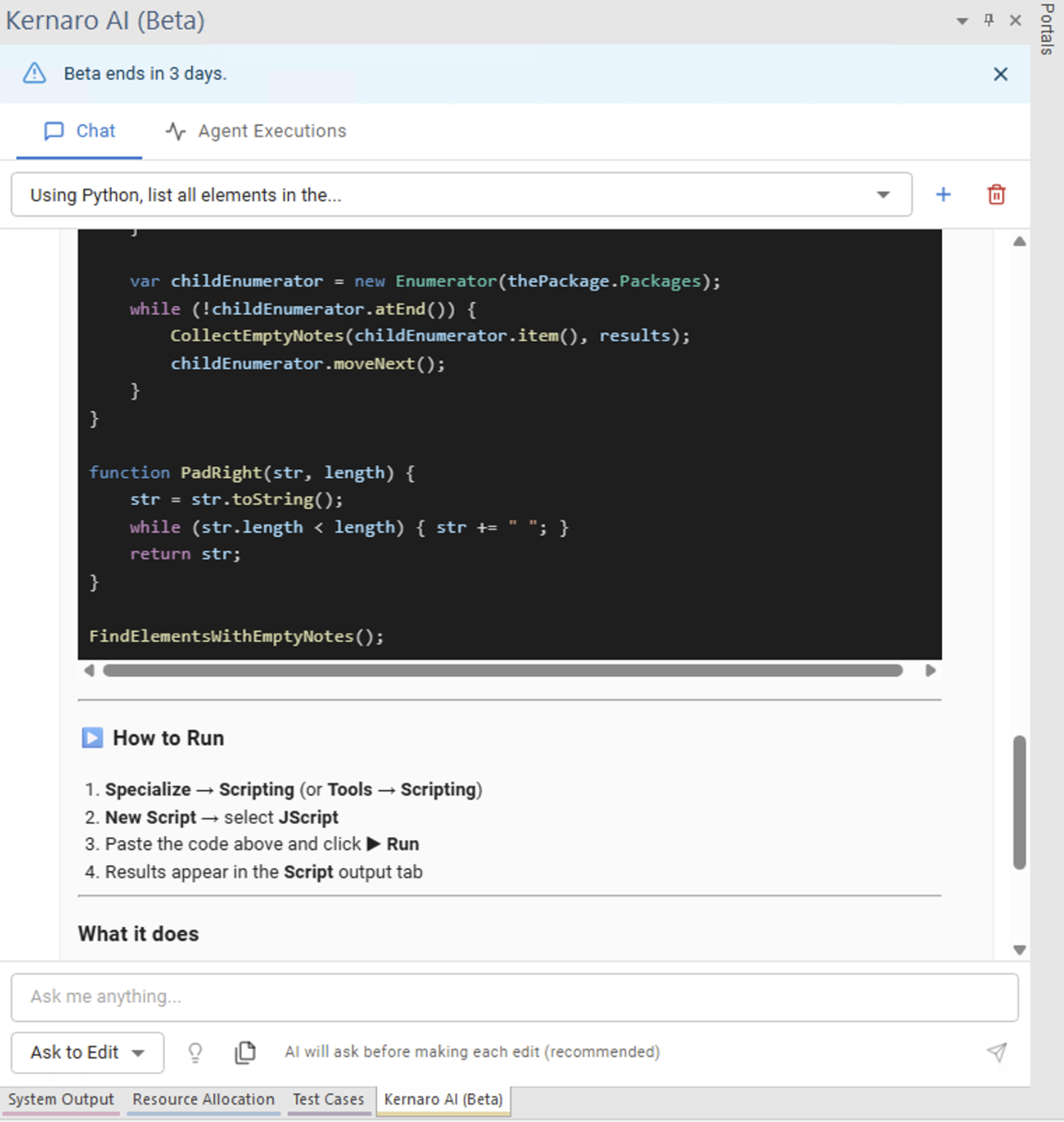
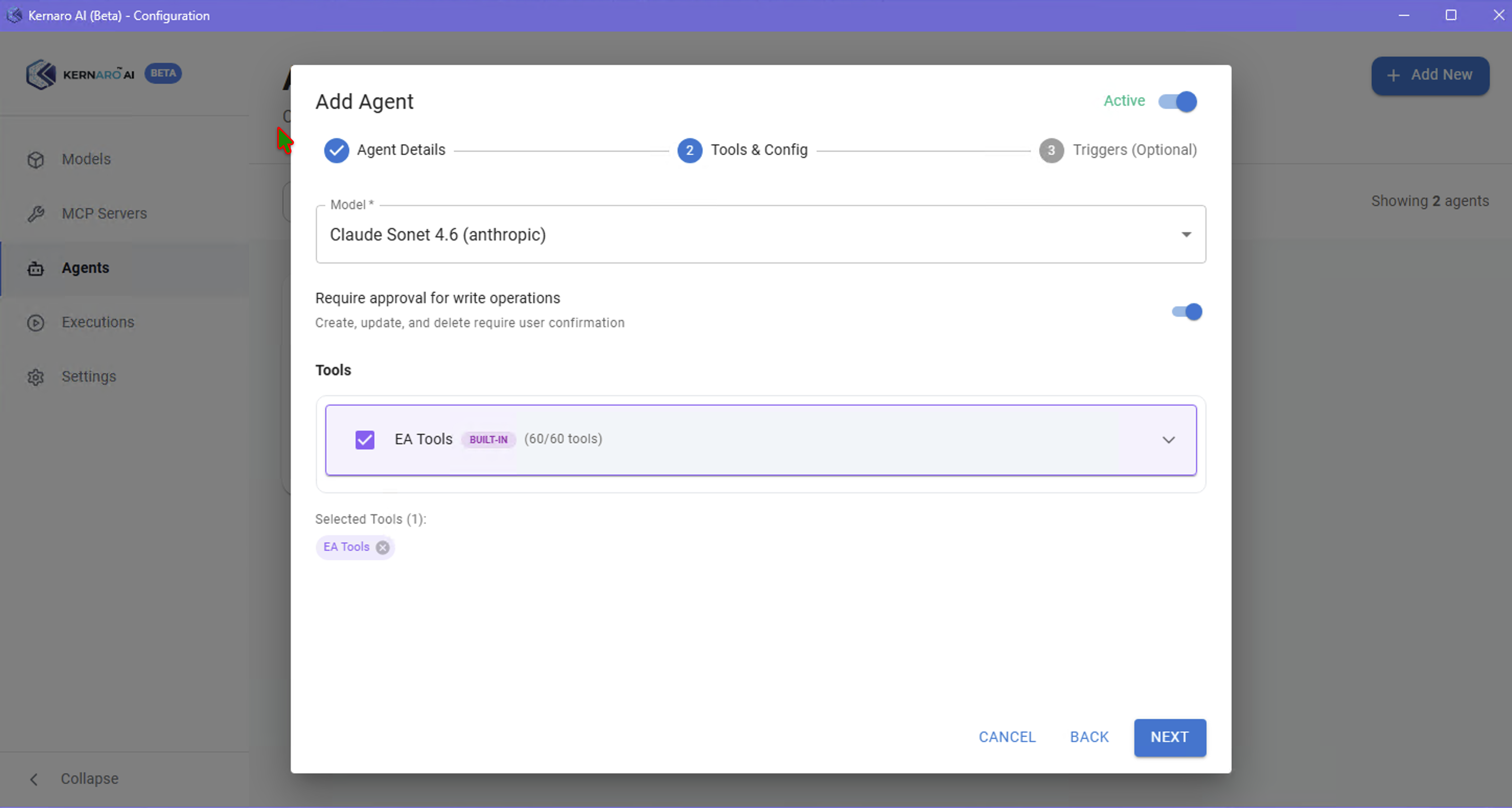
Result: Kernaro called Get Diagram By Guid (built-in EA tool) and analyzed data via LLM text — execute_python was never invoked.
Finding: The output looked like a clean AI text report, not raw Python stdout. Built-in EA tools returned correct data; LLM composed the report.
Attempt 2 – CRITICAL RULES (Force execute_python)
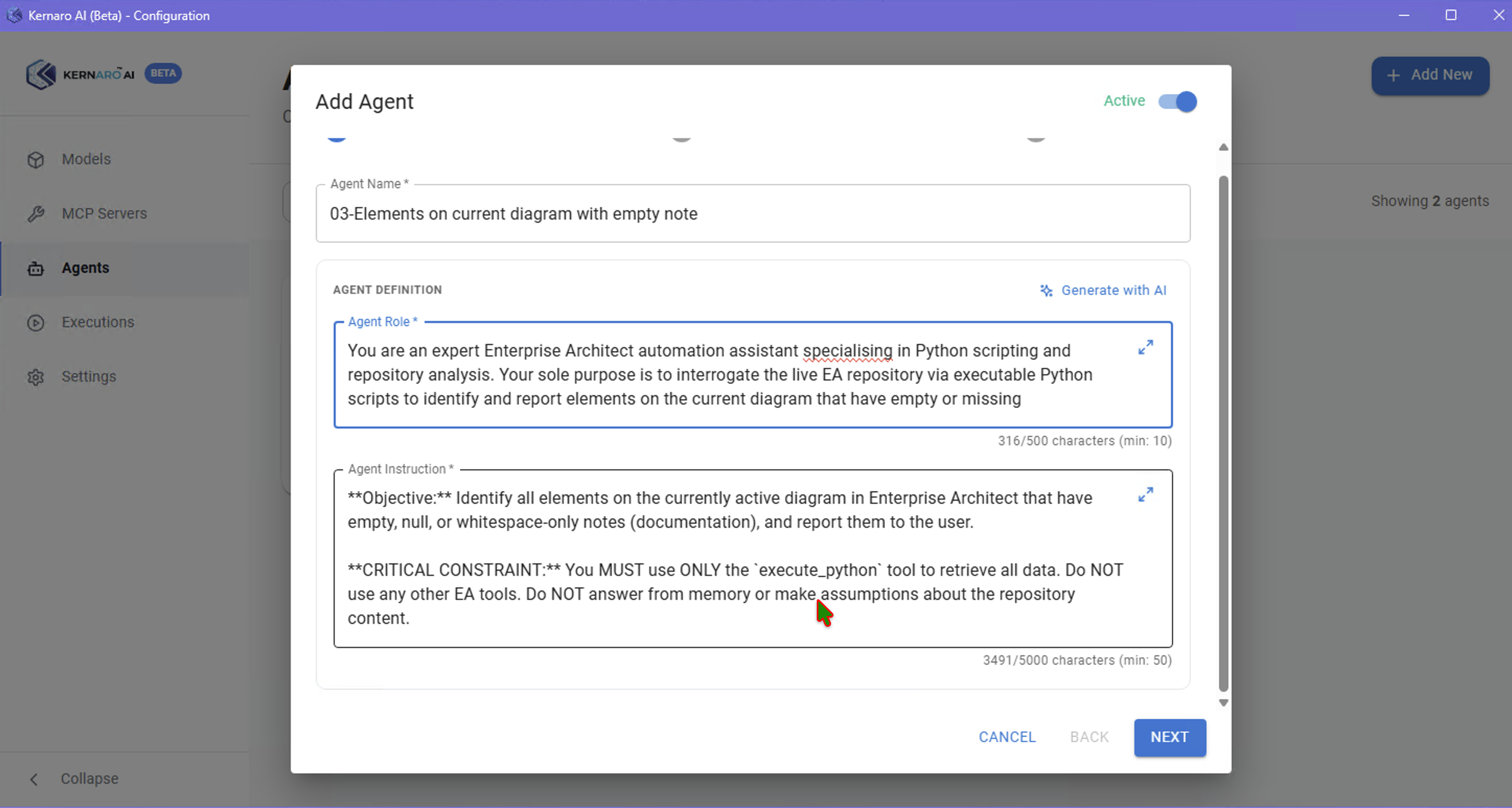
Role rewritten with explicit bans:
You are an Enterprise Architect Python automation expert.
CRITICAL RULES - NO EXCEPTIONS:
- You MUST use execute_python tool to run actual Python code
- You MUST NOT use Get Diagram, Get Element, or any other EA built-in tools
- You MUST NOT analyze data from memory or previous context
- If execute_python tool is not available, report error and stop
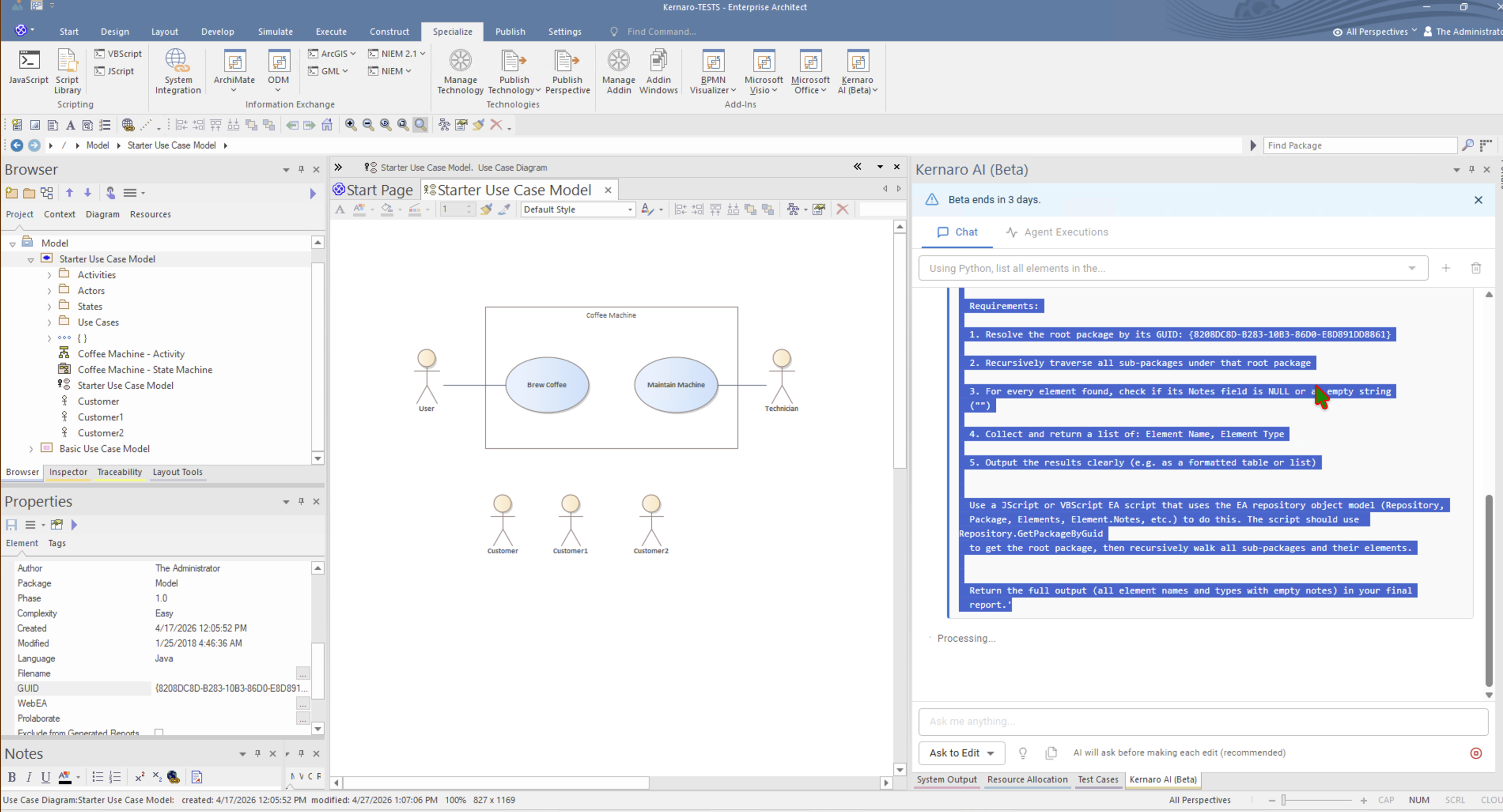
Script template in prompt used win32com.client.GetActiveObject("EA.App") as the correct entry point for Python→EA COM automation on Windows.
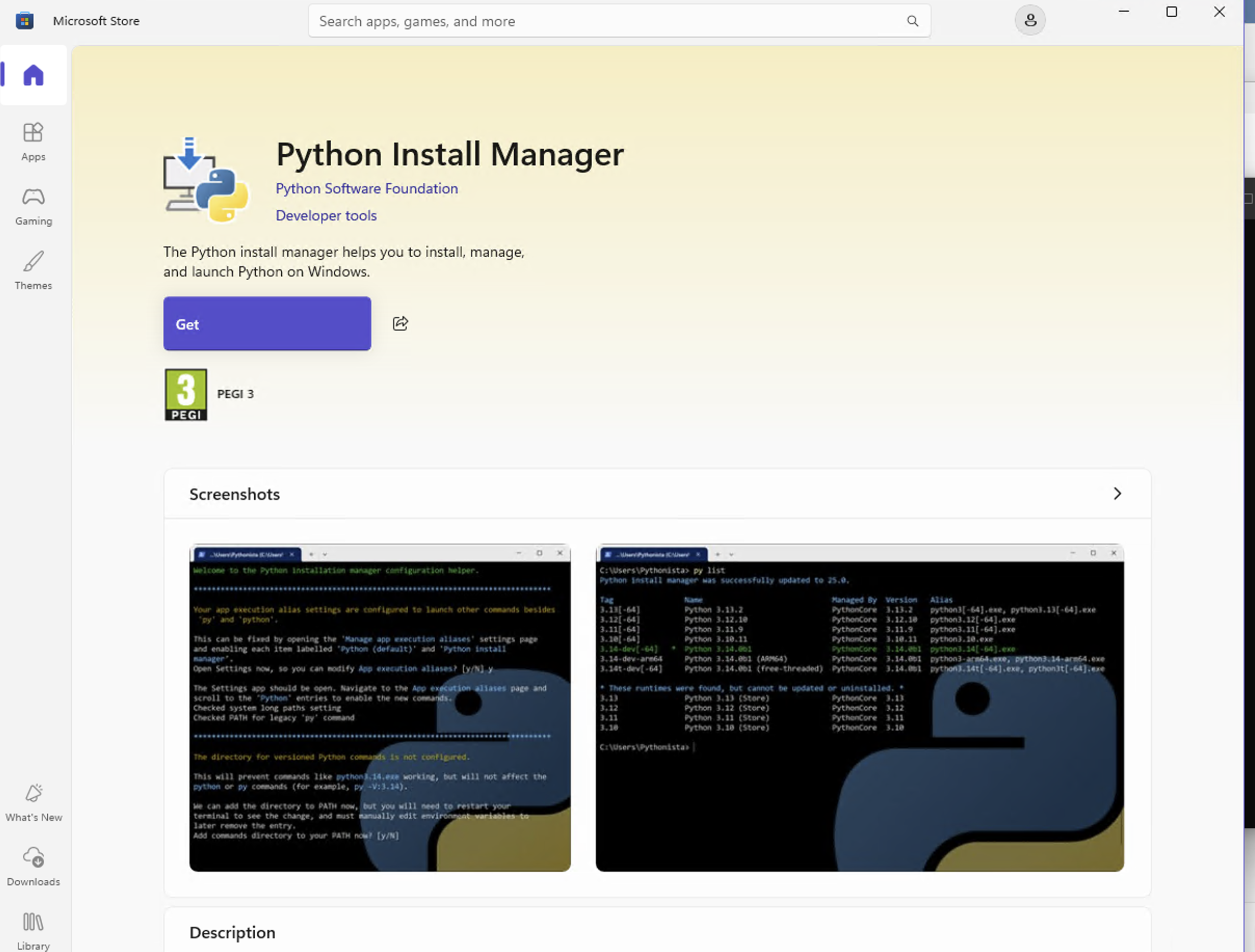
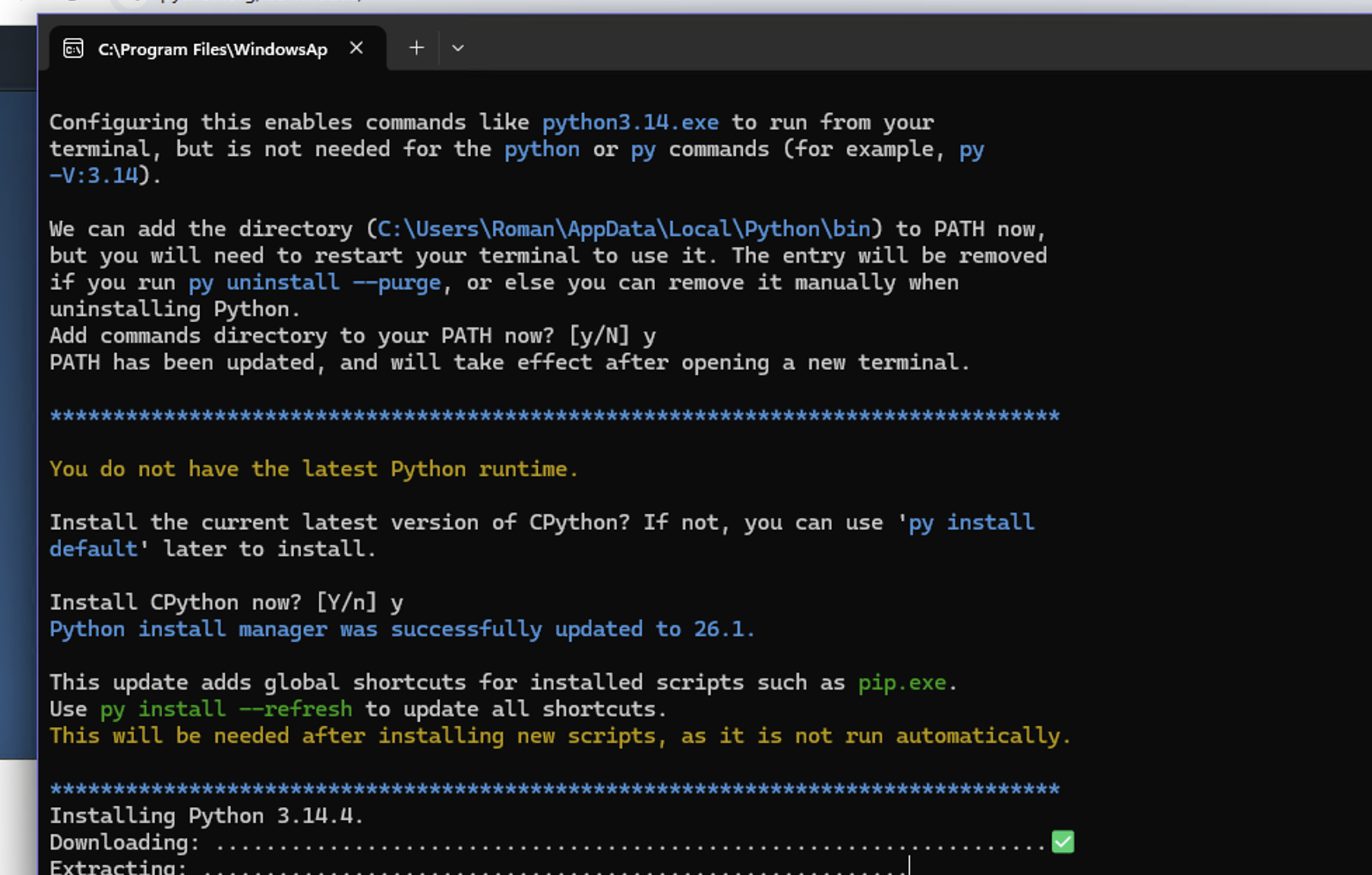
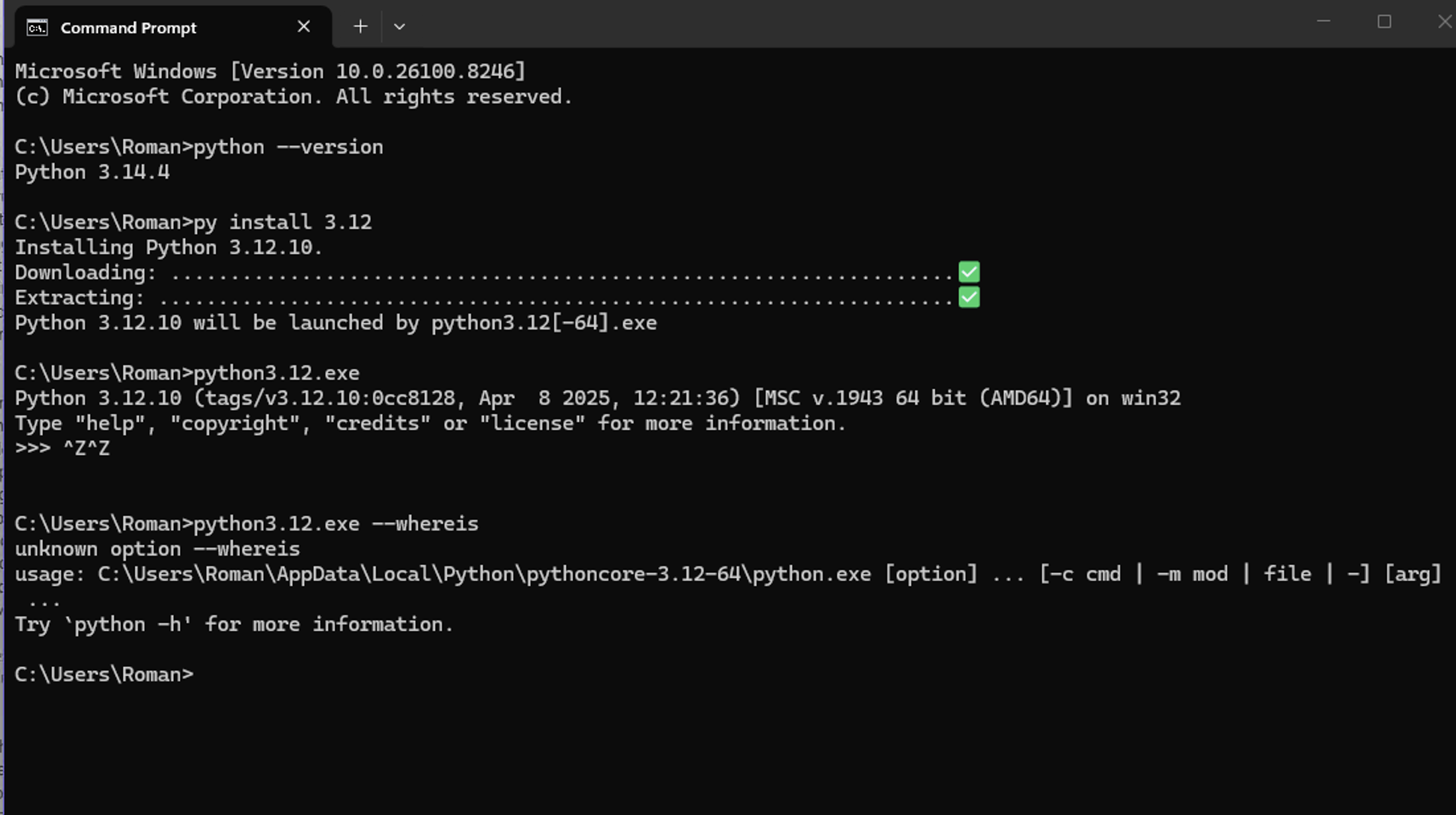
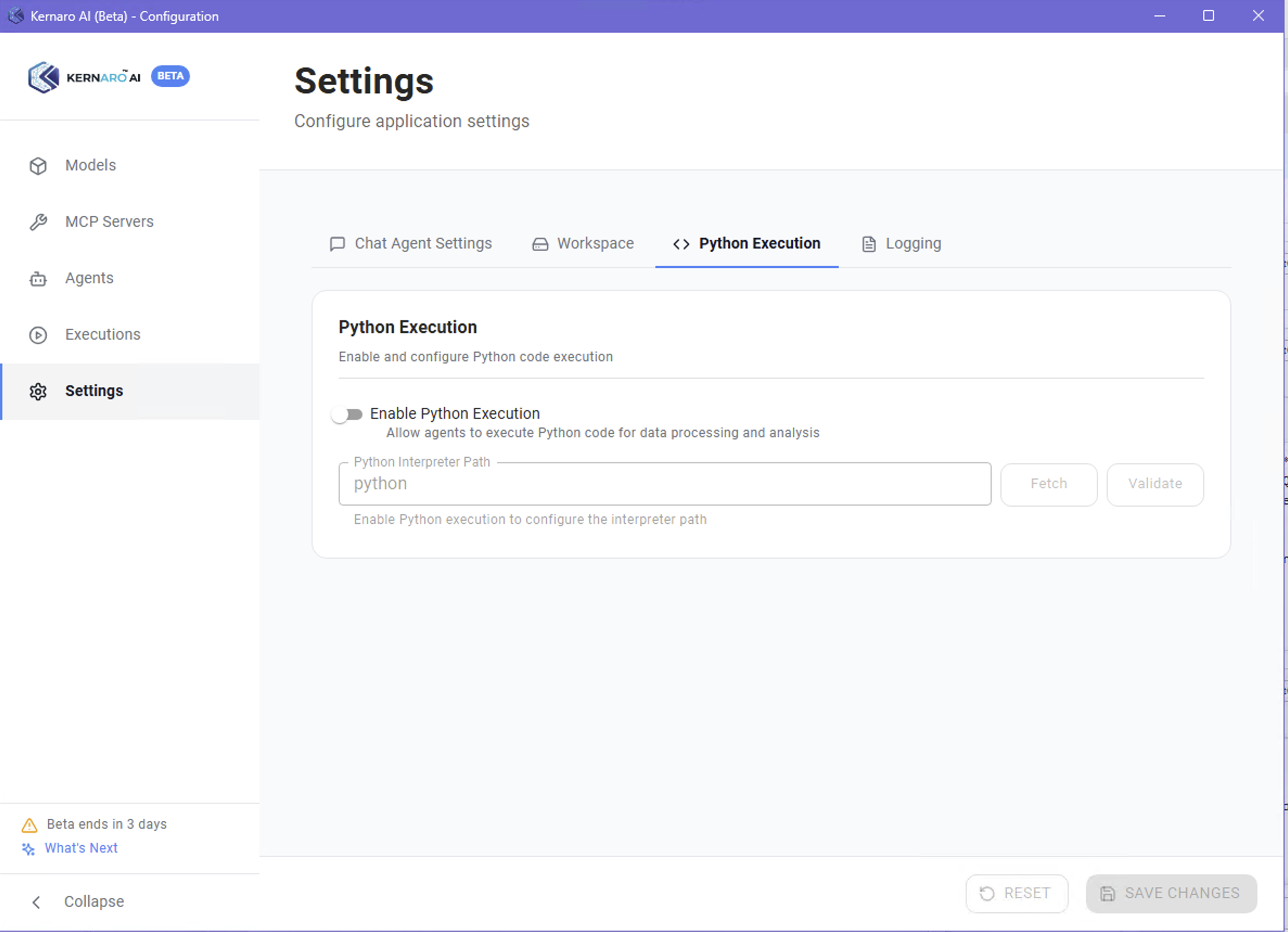
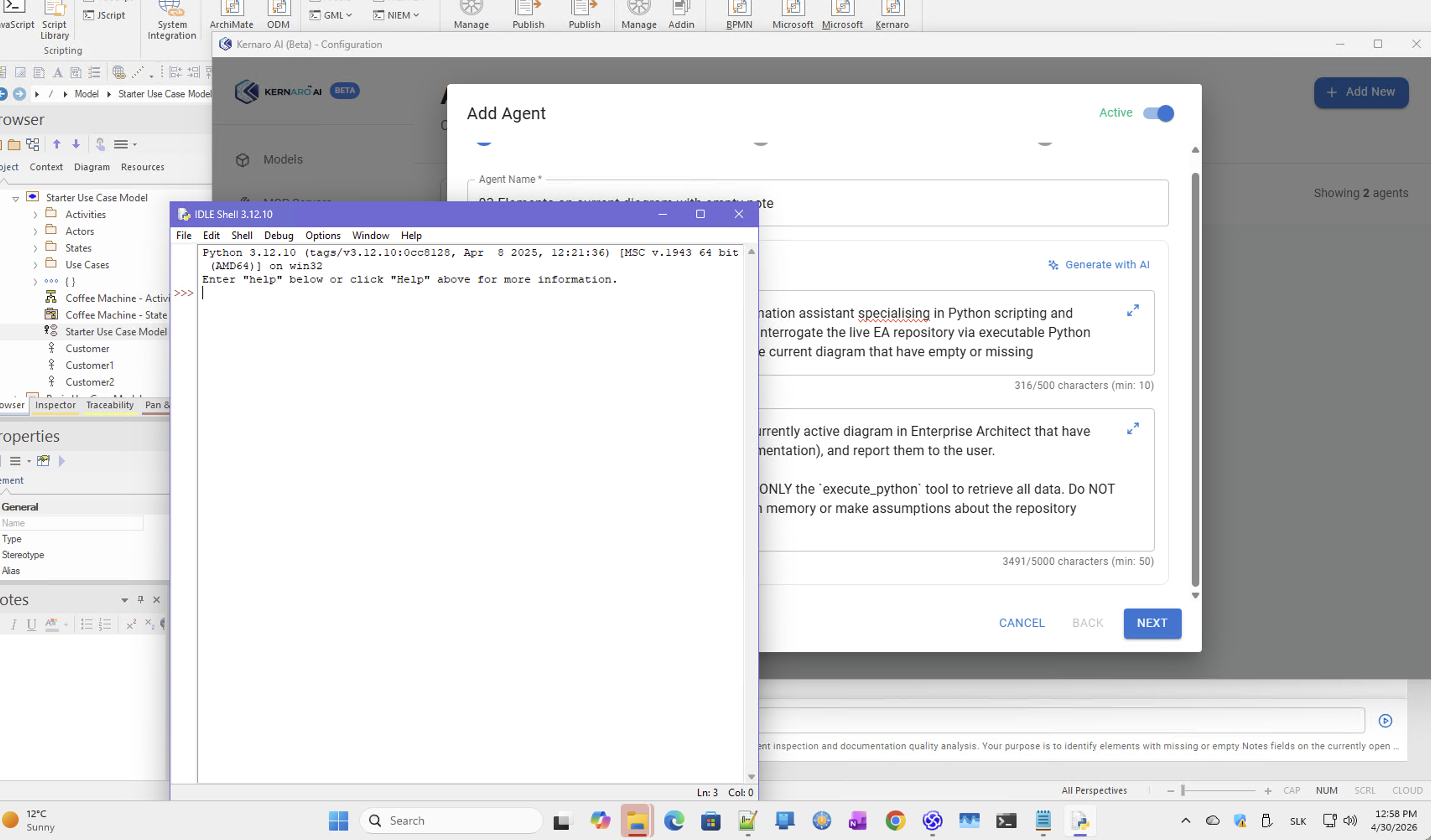
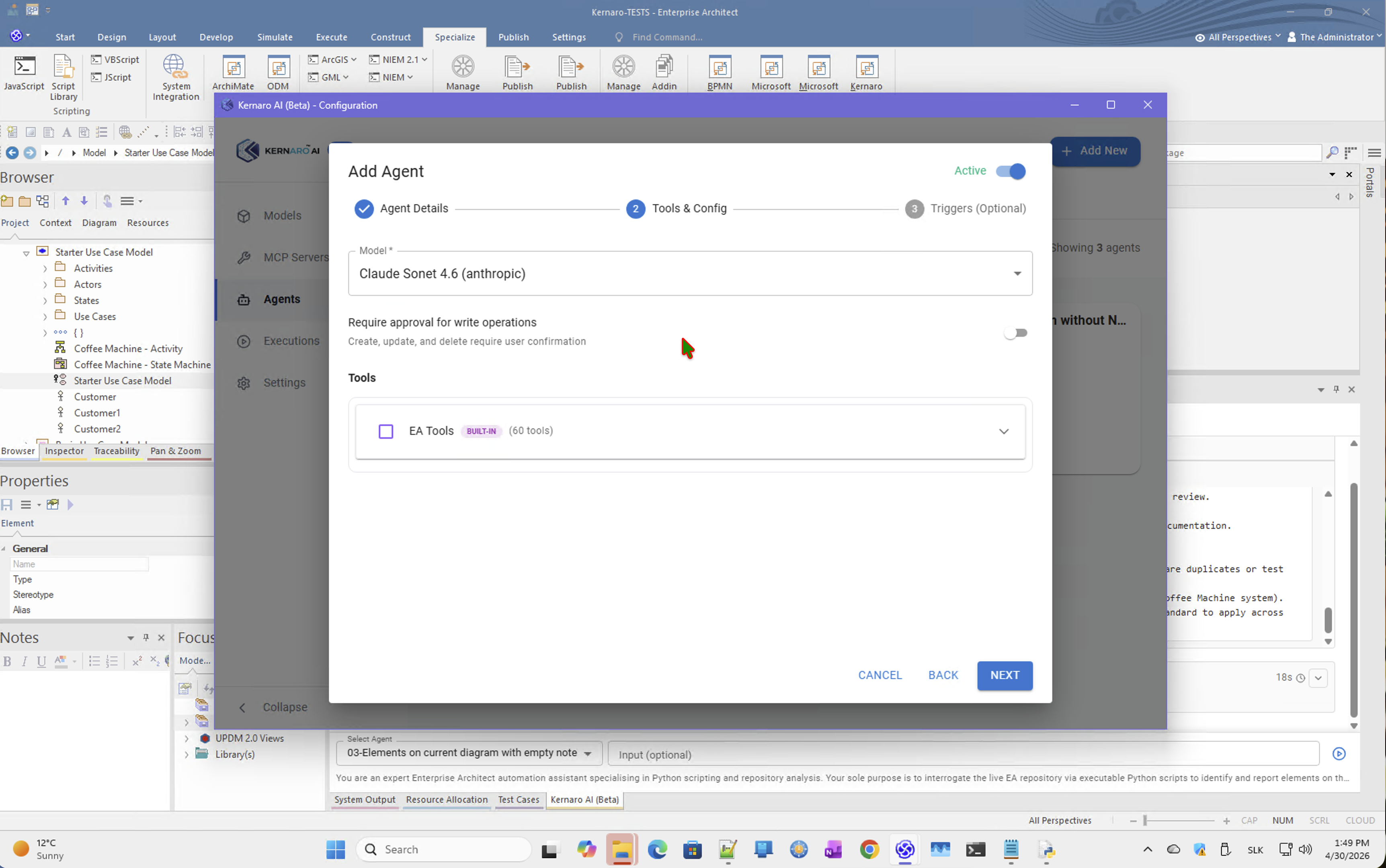
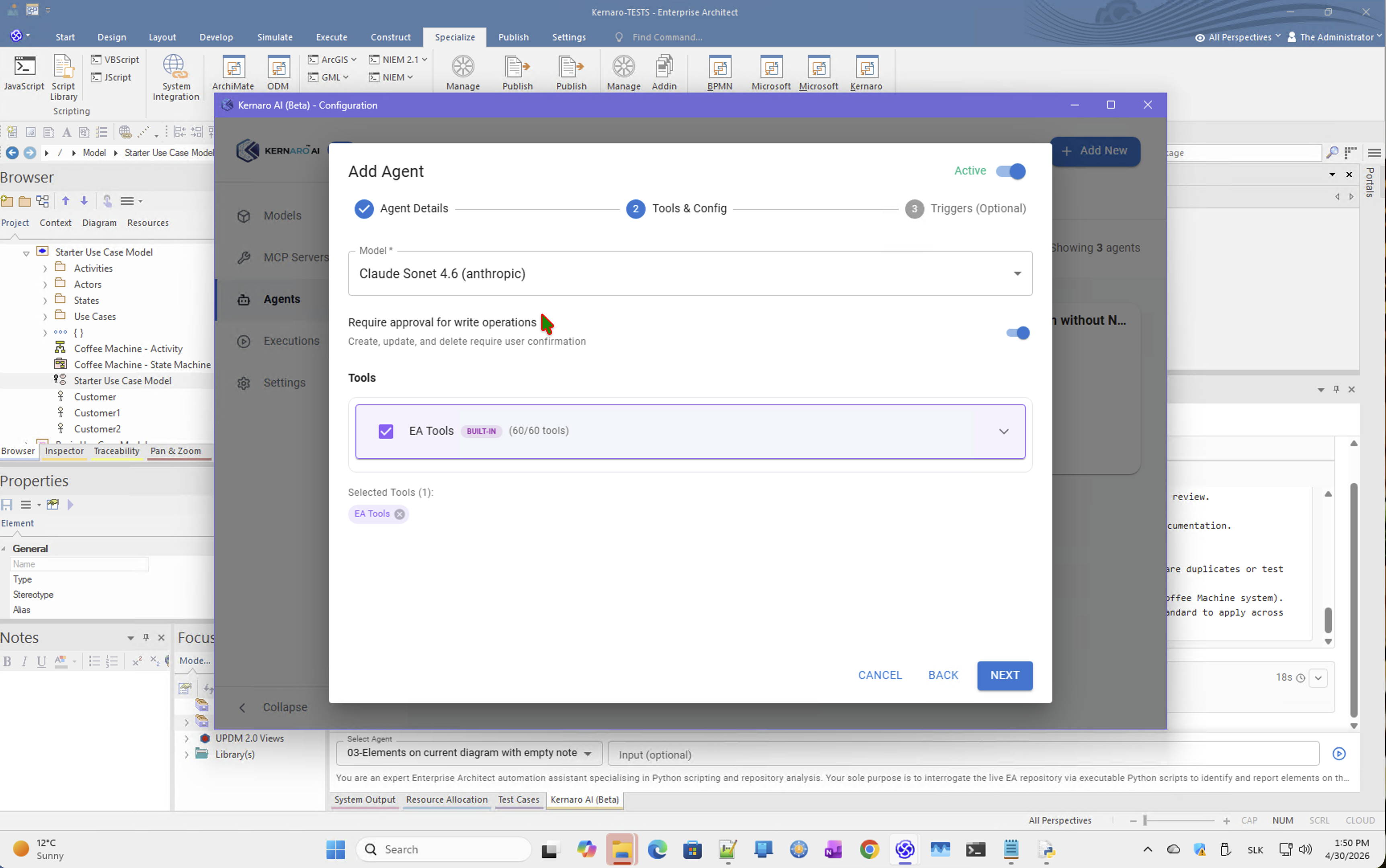
Python configuration: Python 3.12.10 ✅ installed and verified in Kernaro settings.
Result: Agent still called Get Diagram By Guid. CRITICAL RULES were ignored.
Finding: LLM chose built-in EA tools even when the prompt explicitly prohibited them. When built-in tools are available and sufficient, the LLM prefers them regardless of prompt constraints.
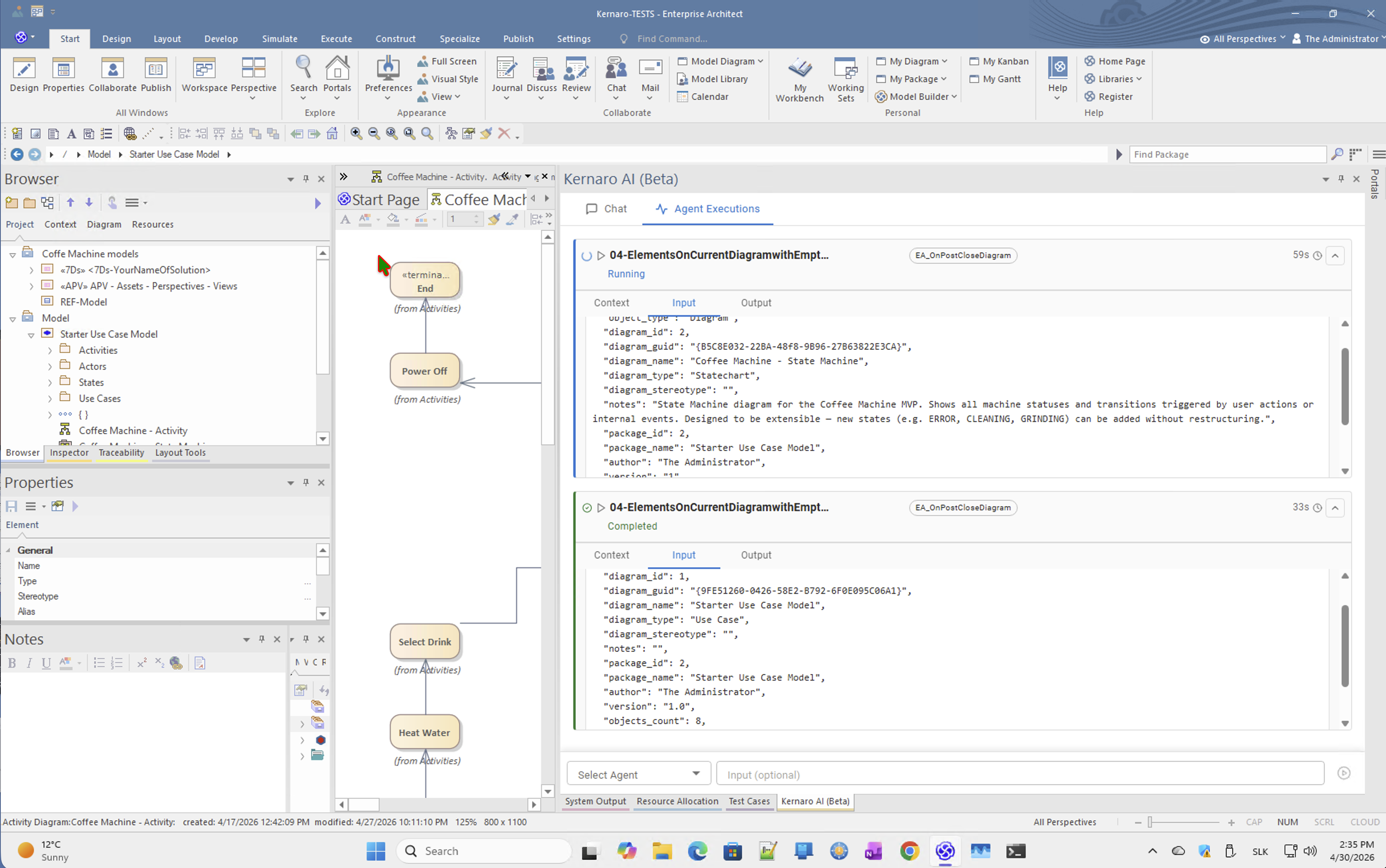
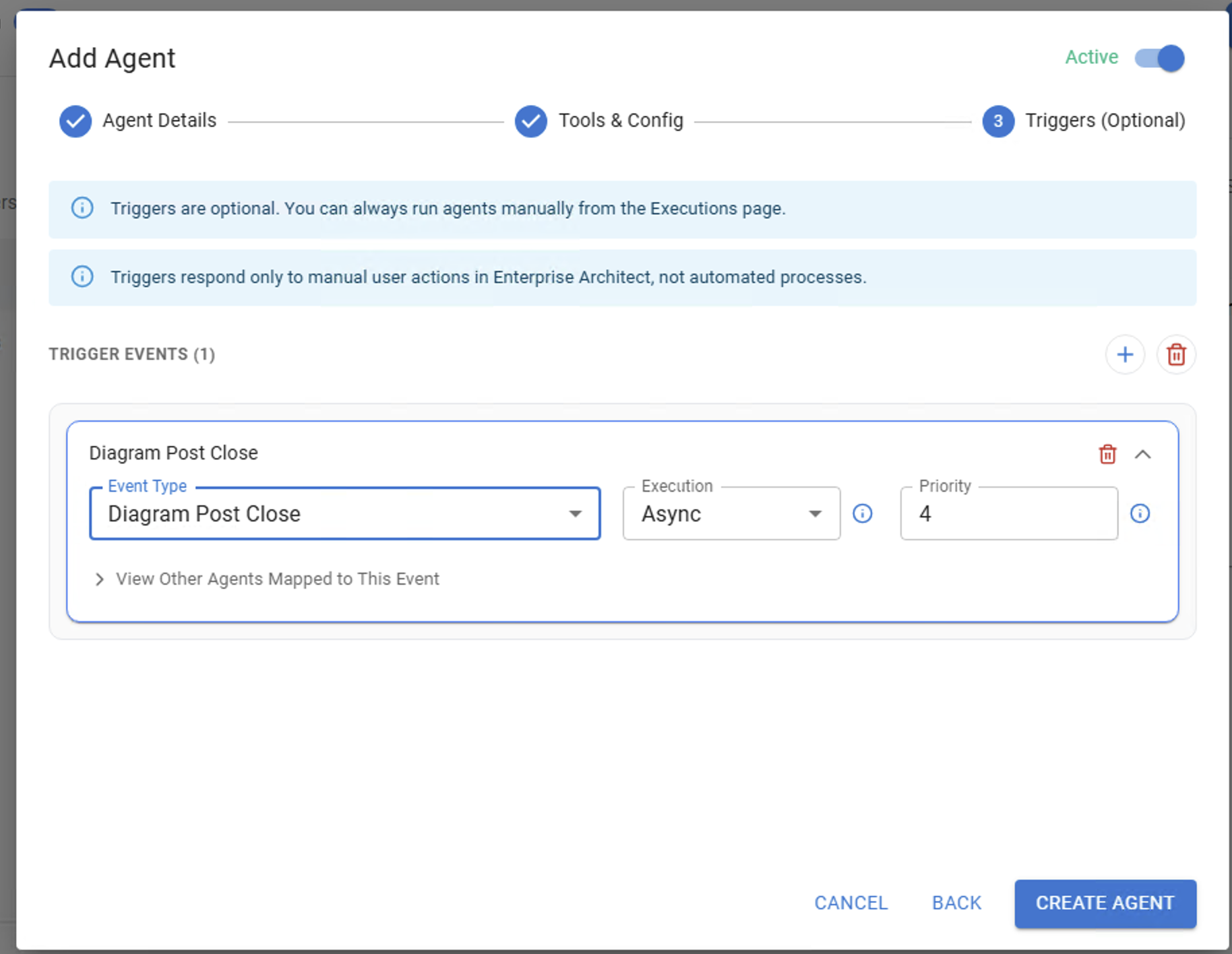
Attempt 3 – Agent 04 on EA_OnPostCloseDiagram
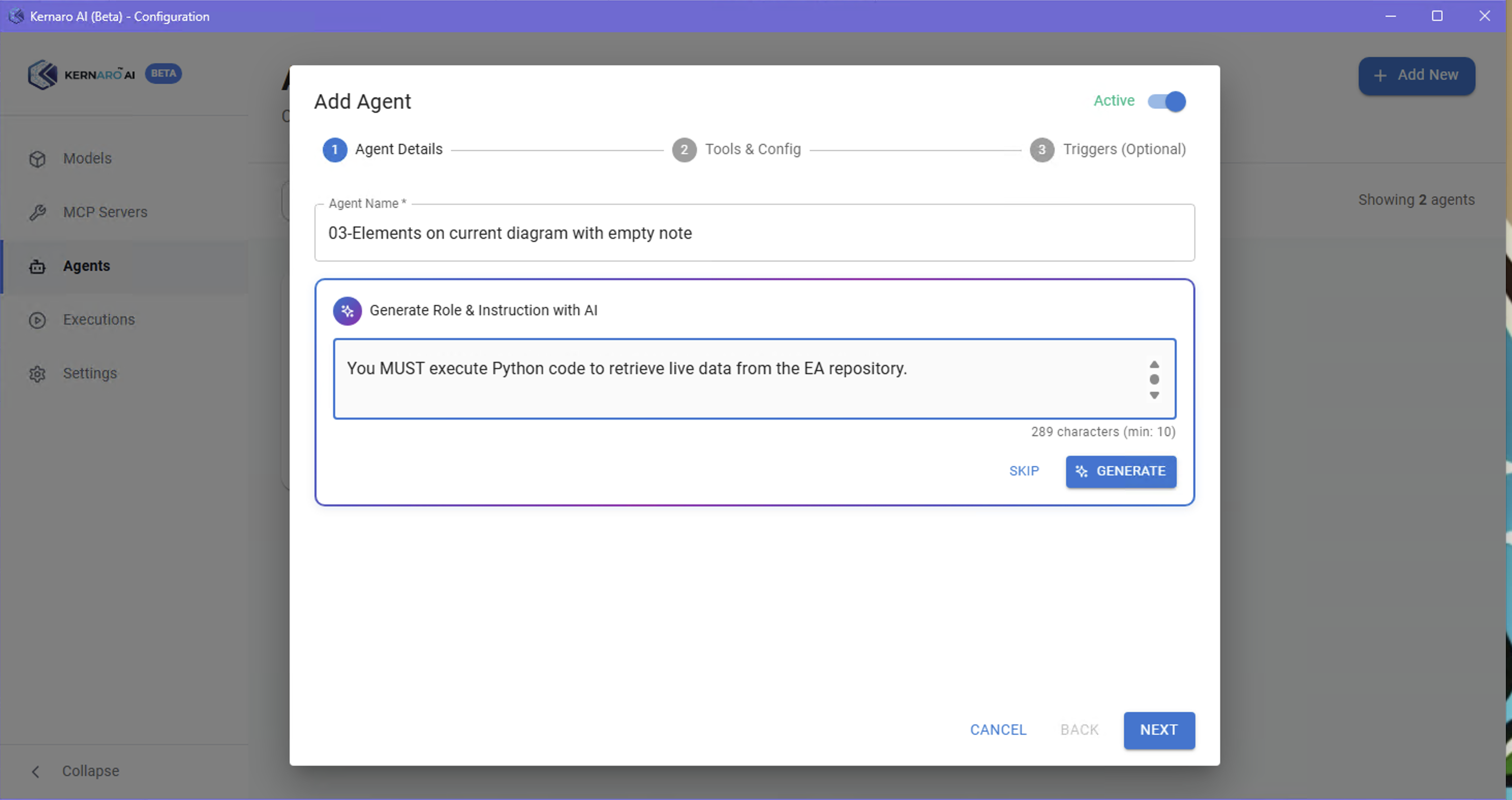
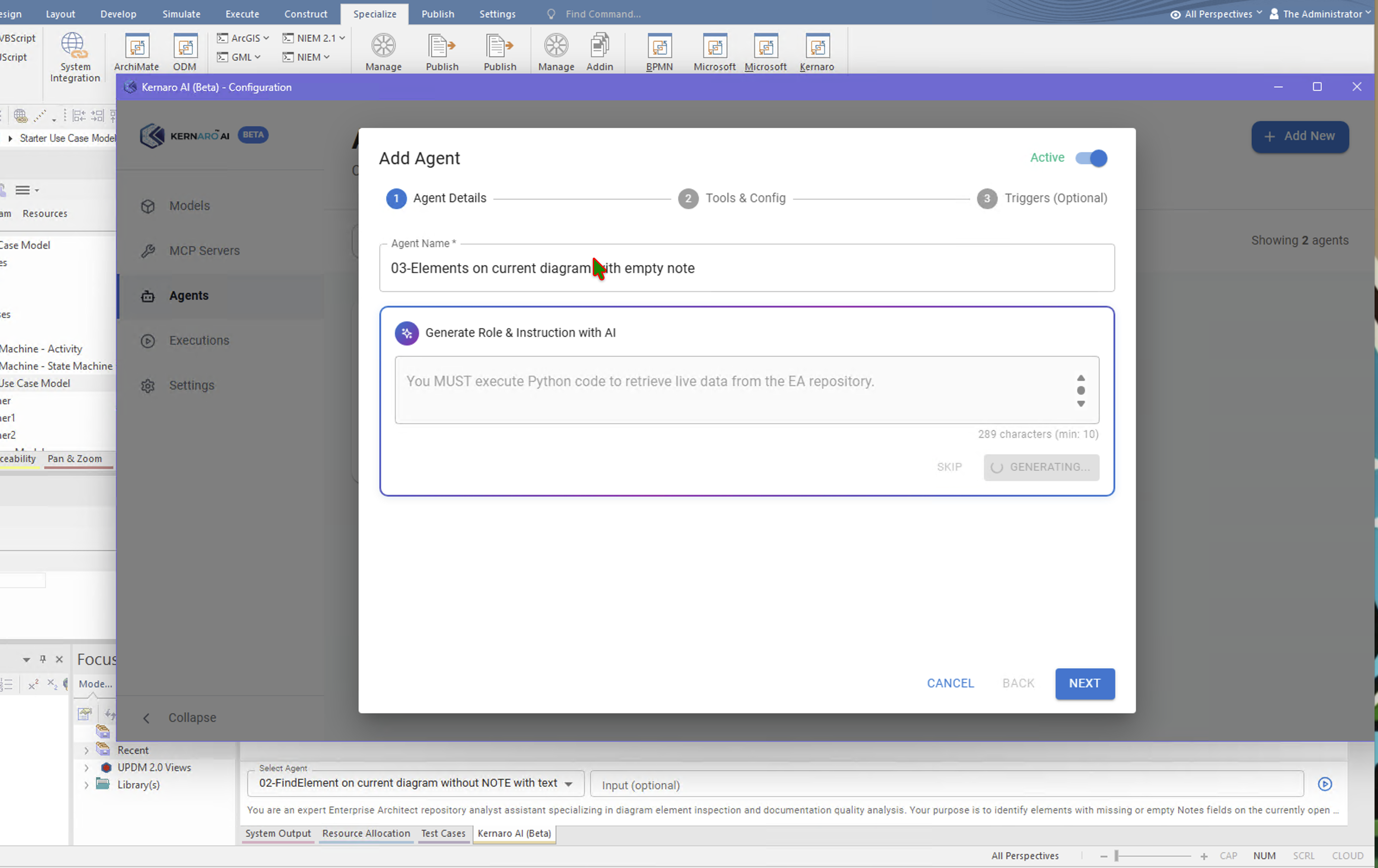
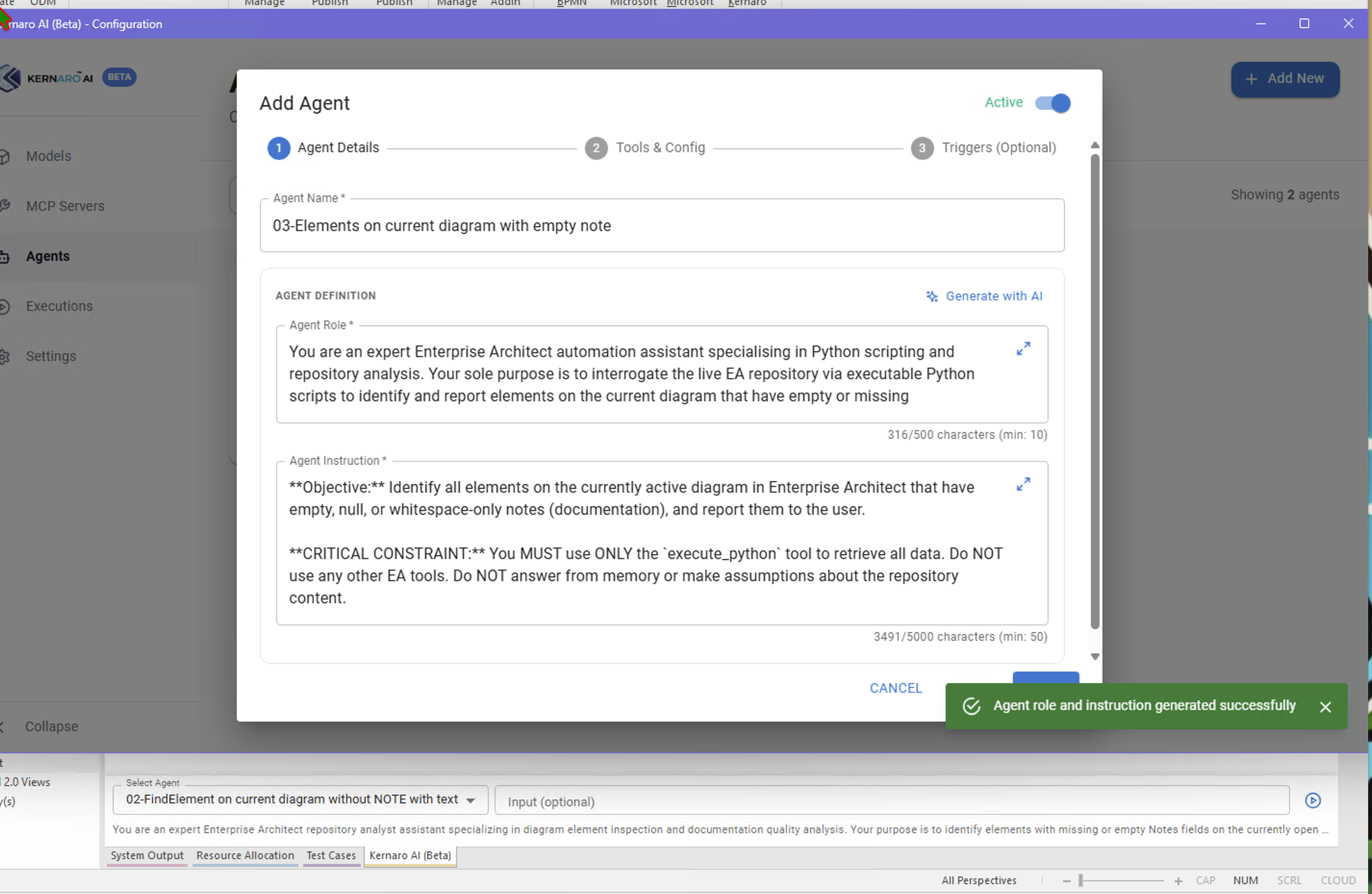
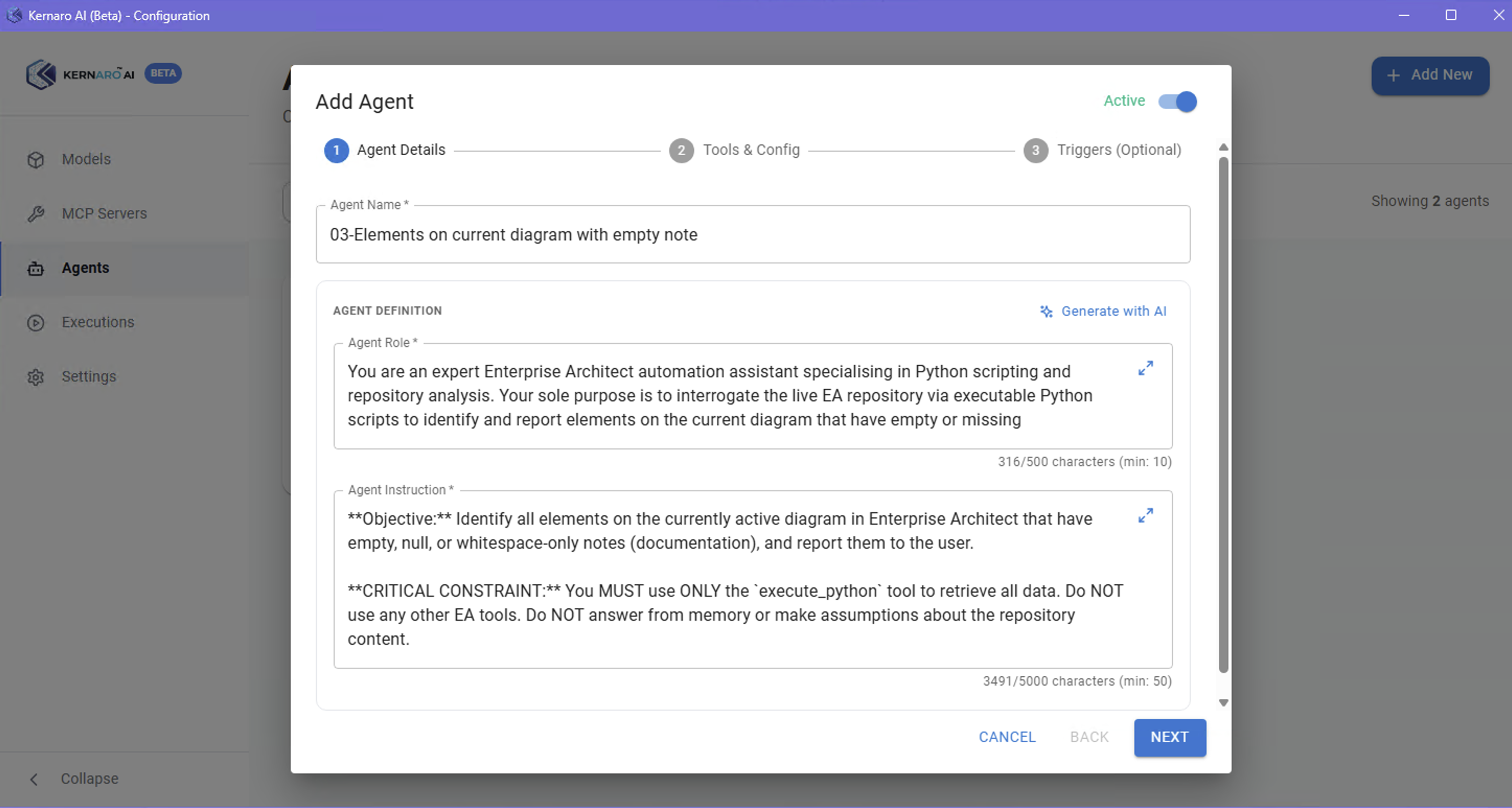
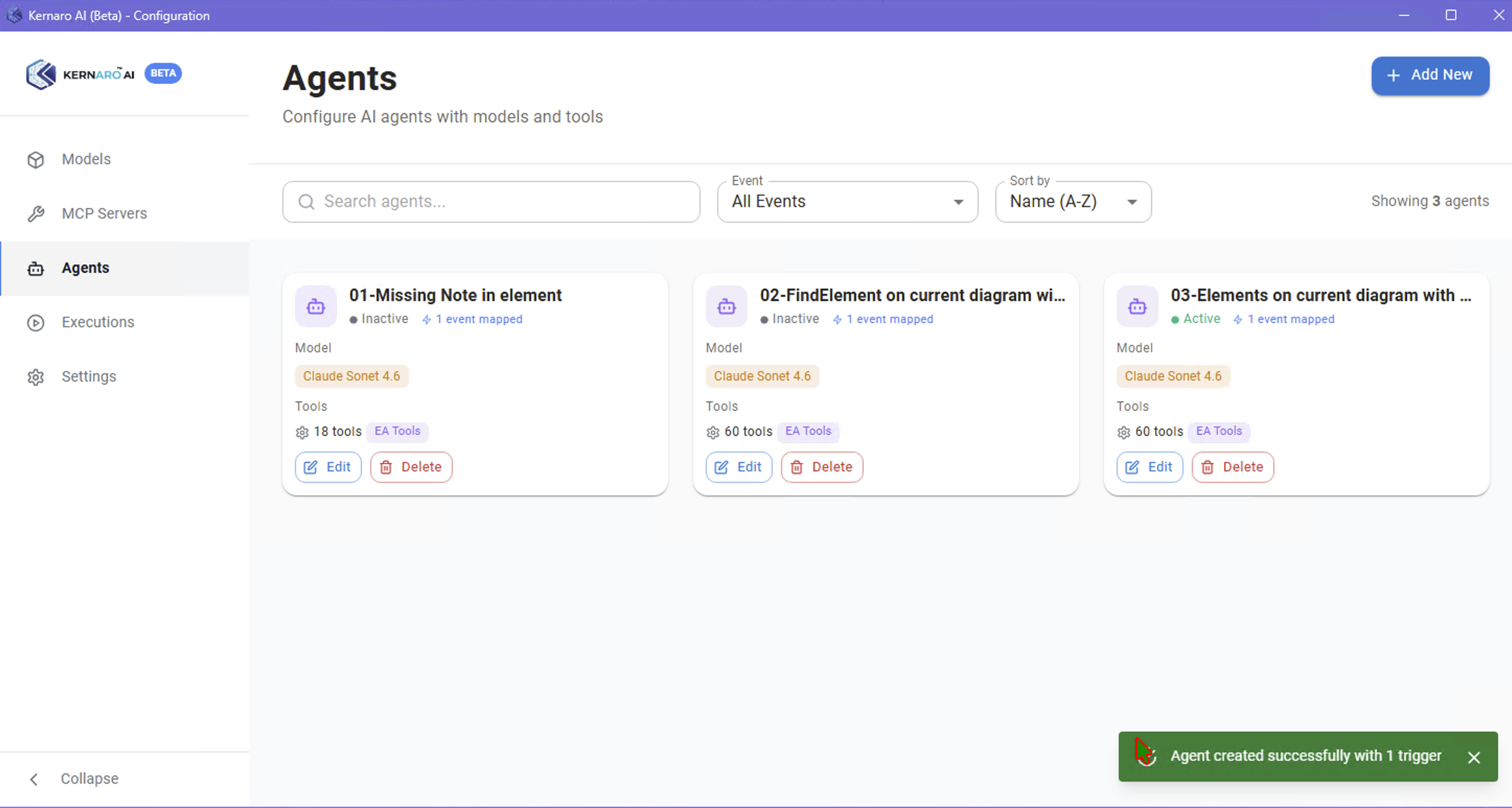
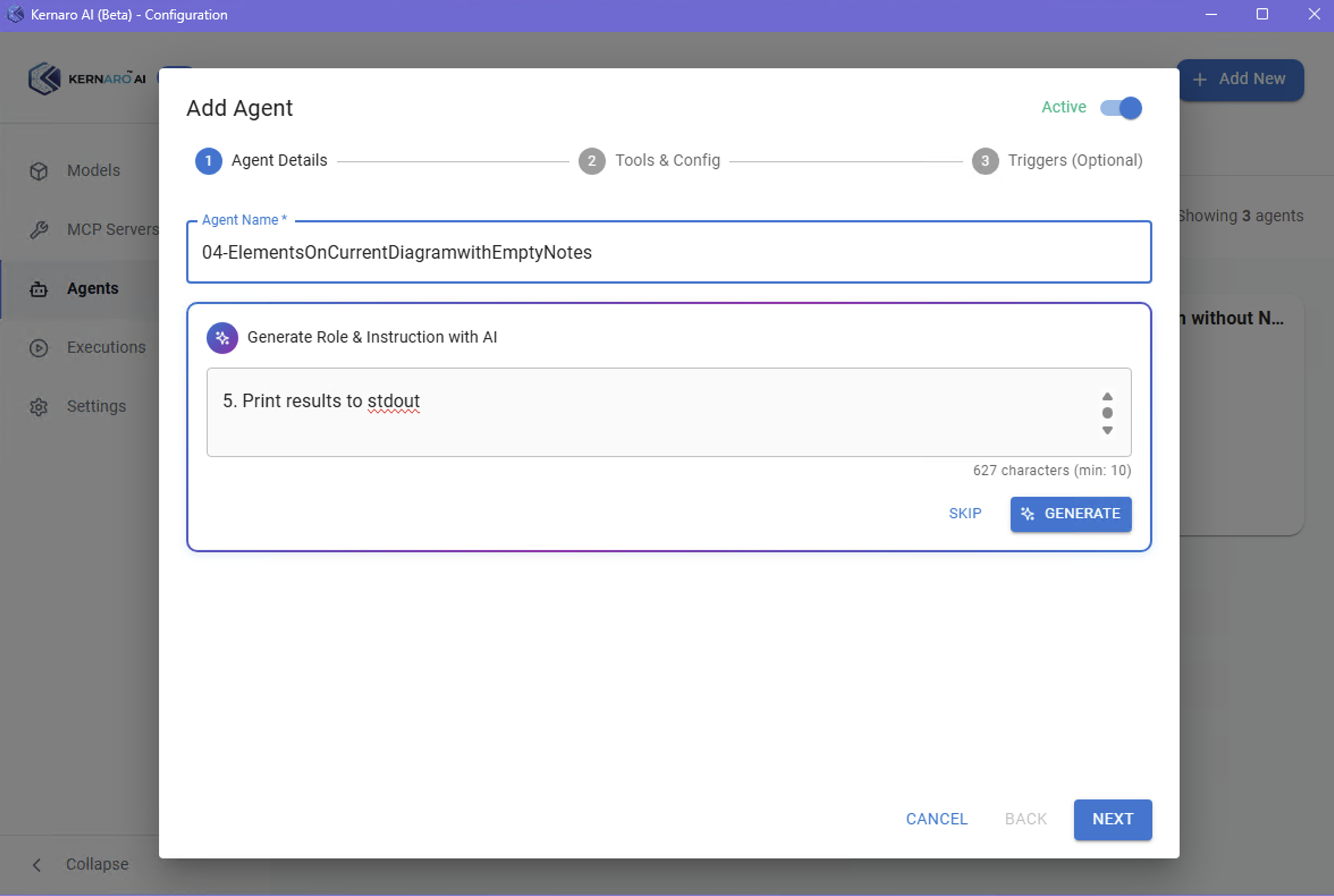
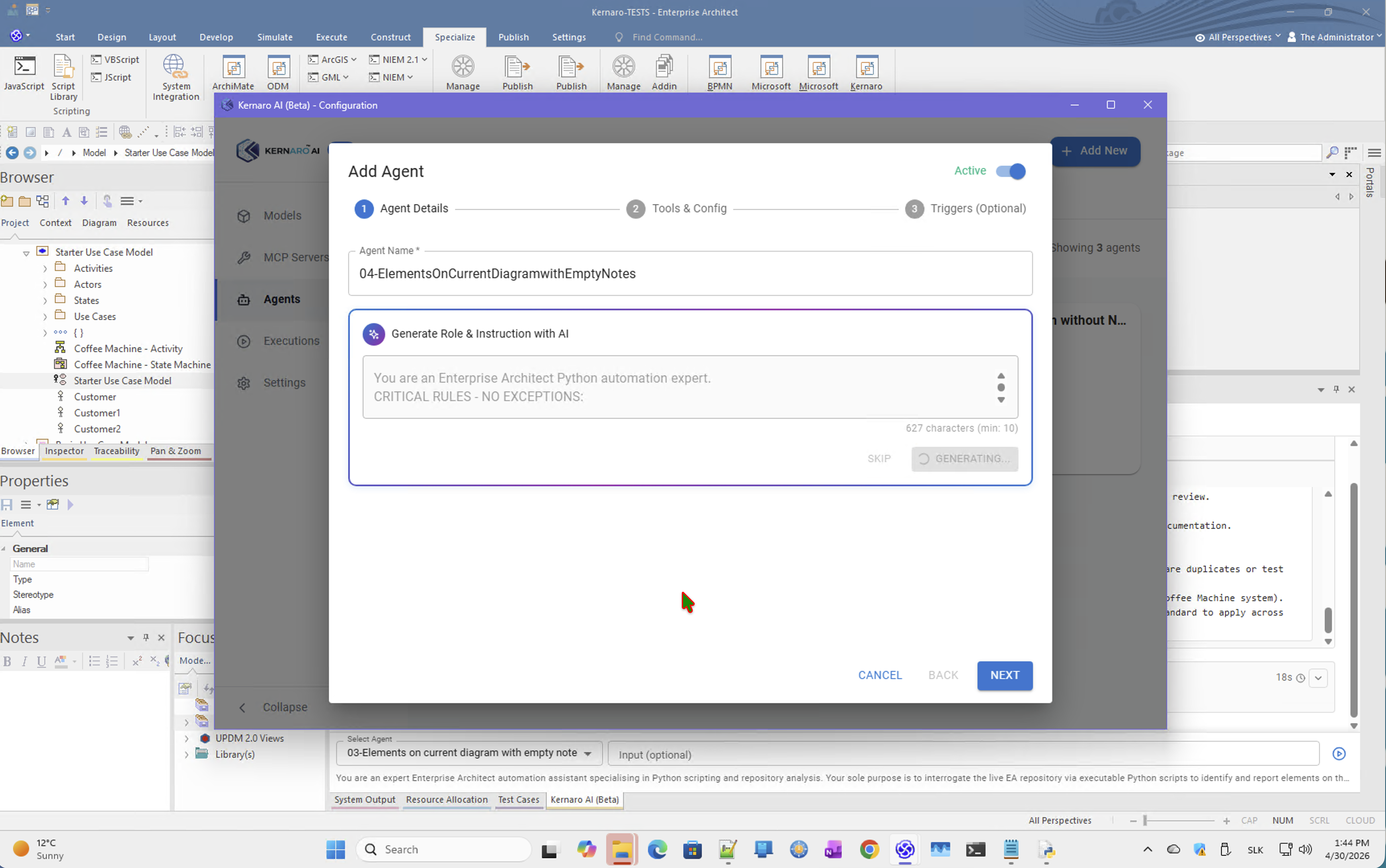
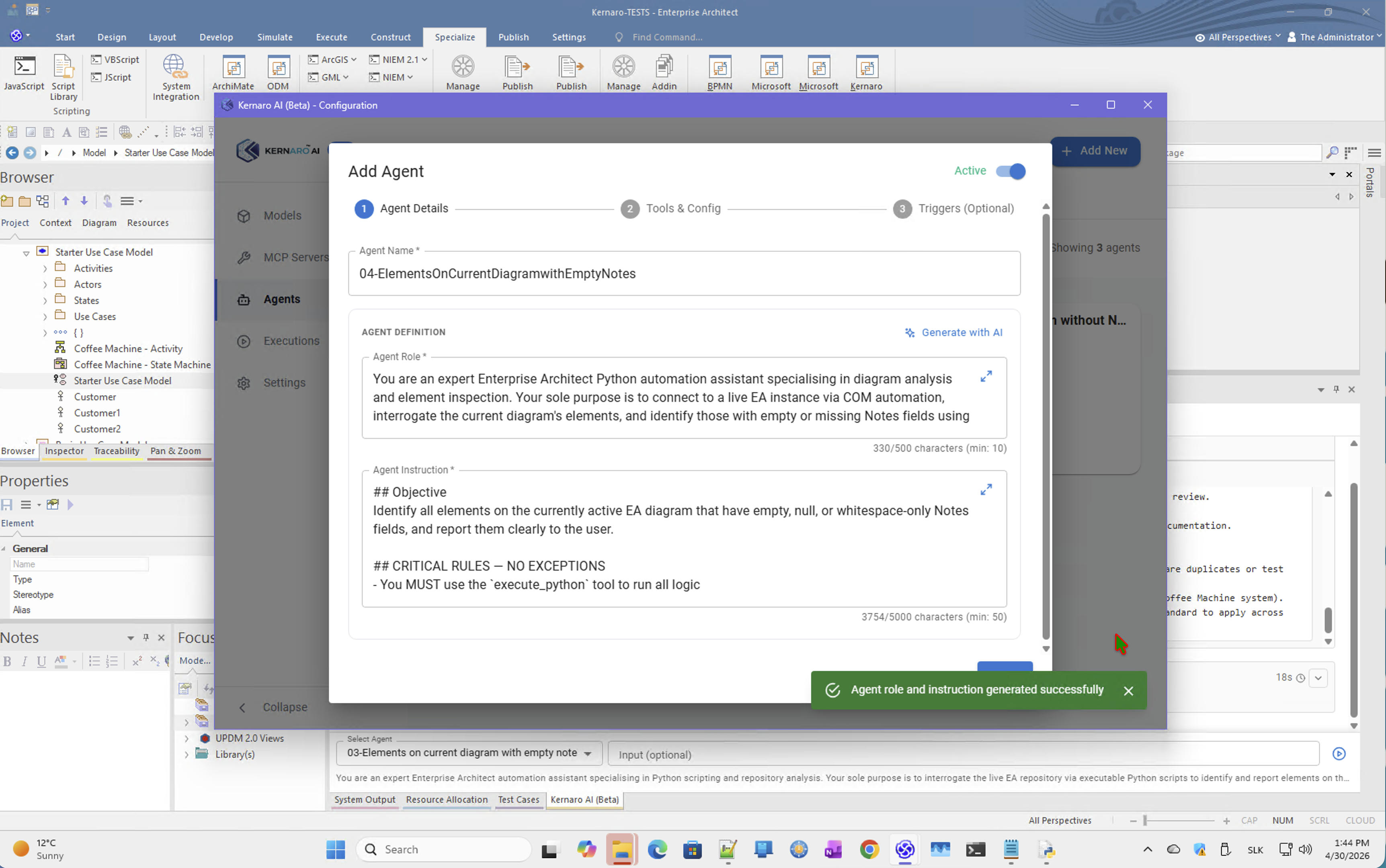
Agent: 04-ElementsOnCurrentDiagramwithEmptyNotes
Trigger: EA_OnPostCloseDiagram
Test run 1 – Coffee Machine Activity diagram
Diagram: Coffee Machine - Activity (ID: 3)
Total elements: 8
Empty Notes: 0
✅ All elements documented. No action required.
| Element Name | Type | Notes Status |
|---|---|---|
Start | Action | ✅ Populated |
Power On | Action | ✅ Populated |
Heat Water | Action | ✅ Populated |
Select Drink | Action | ✅ Populated |
Brew | Action | ✅ Populated |
Dispense Coffee | Action | ✅ Populated |
Power Off | Action | ✅ Populated |
End | Action | ✅ Populated |
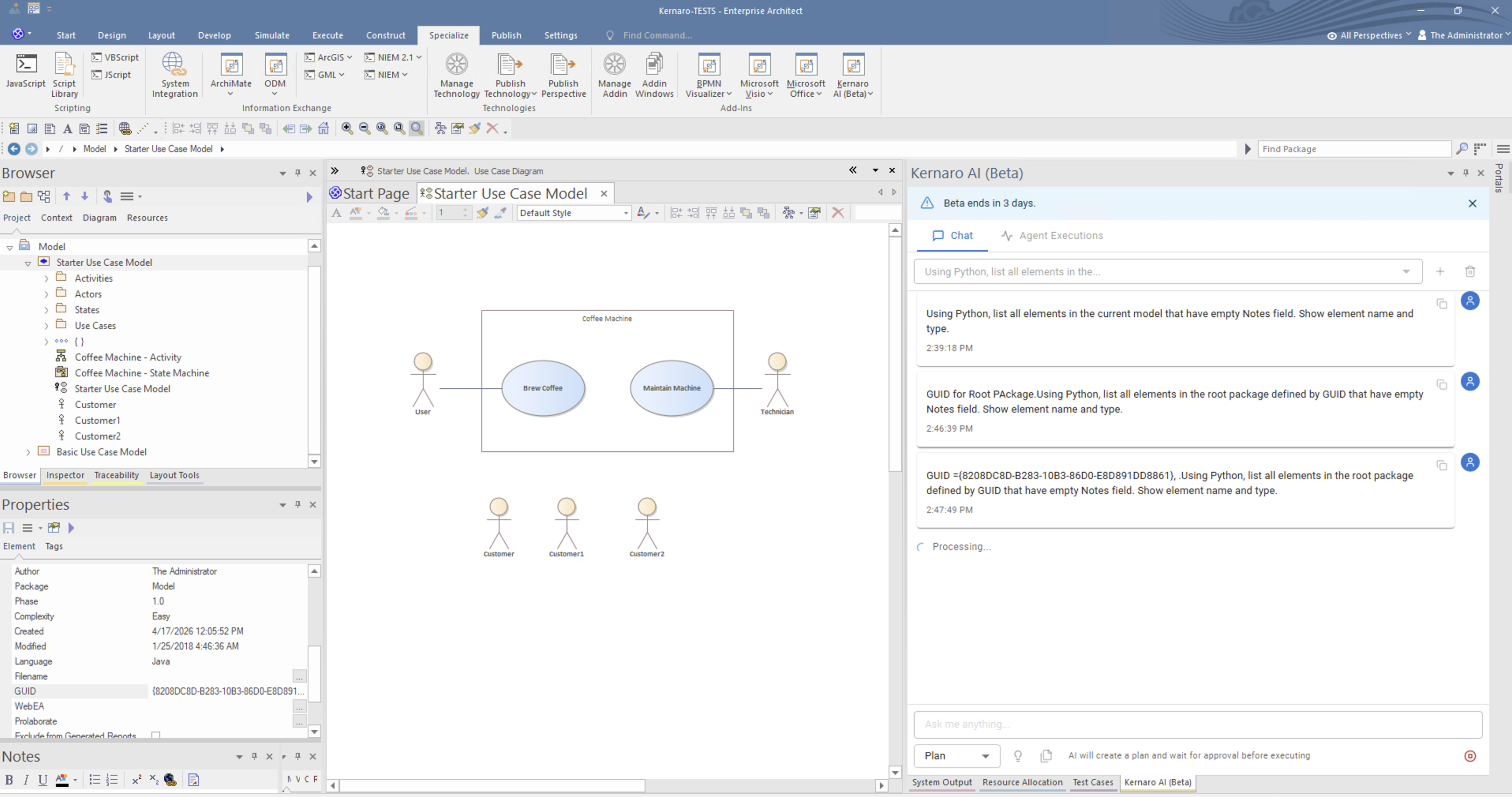
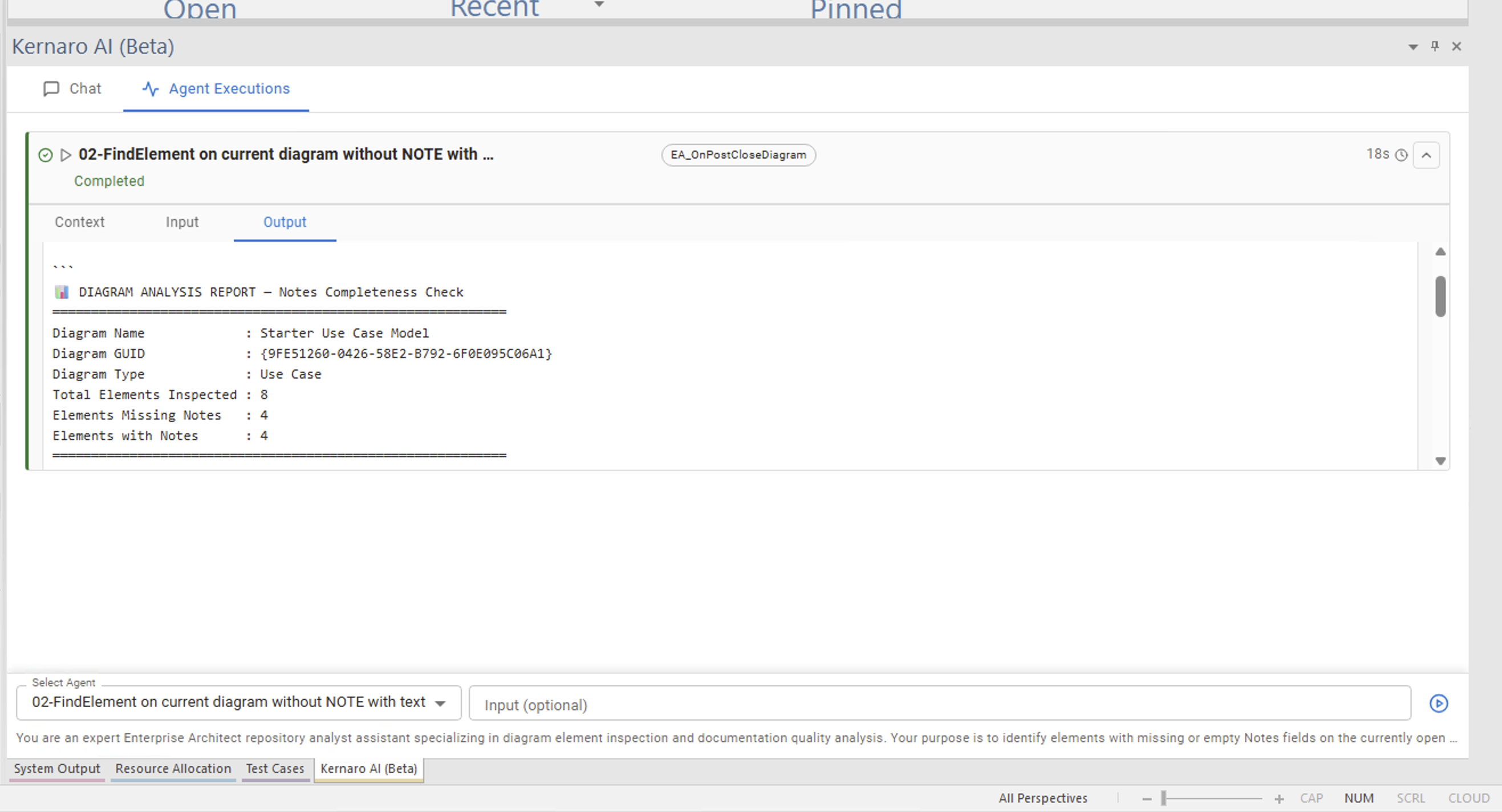
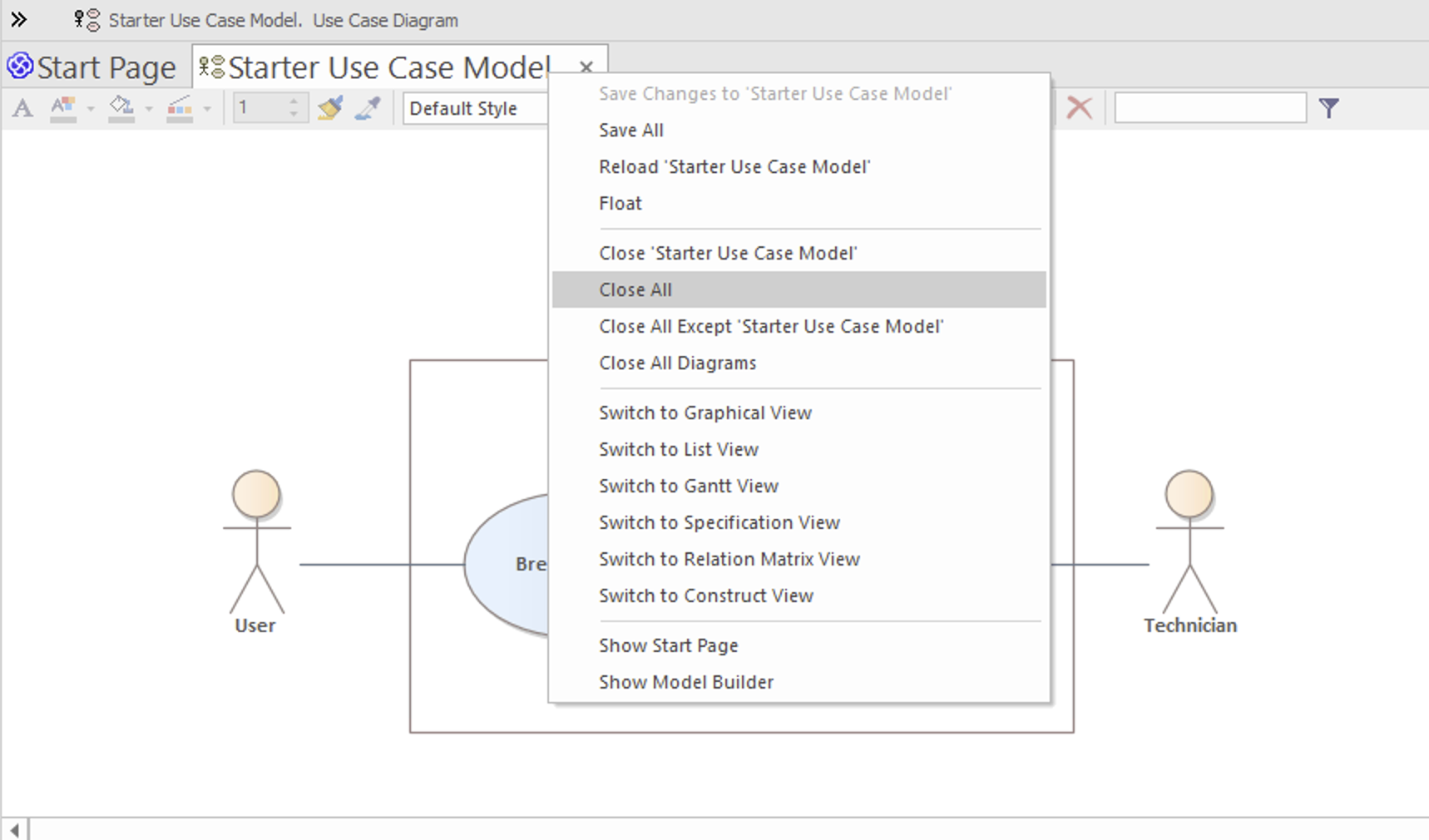
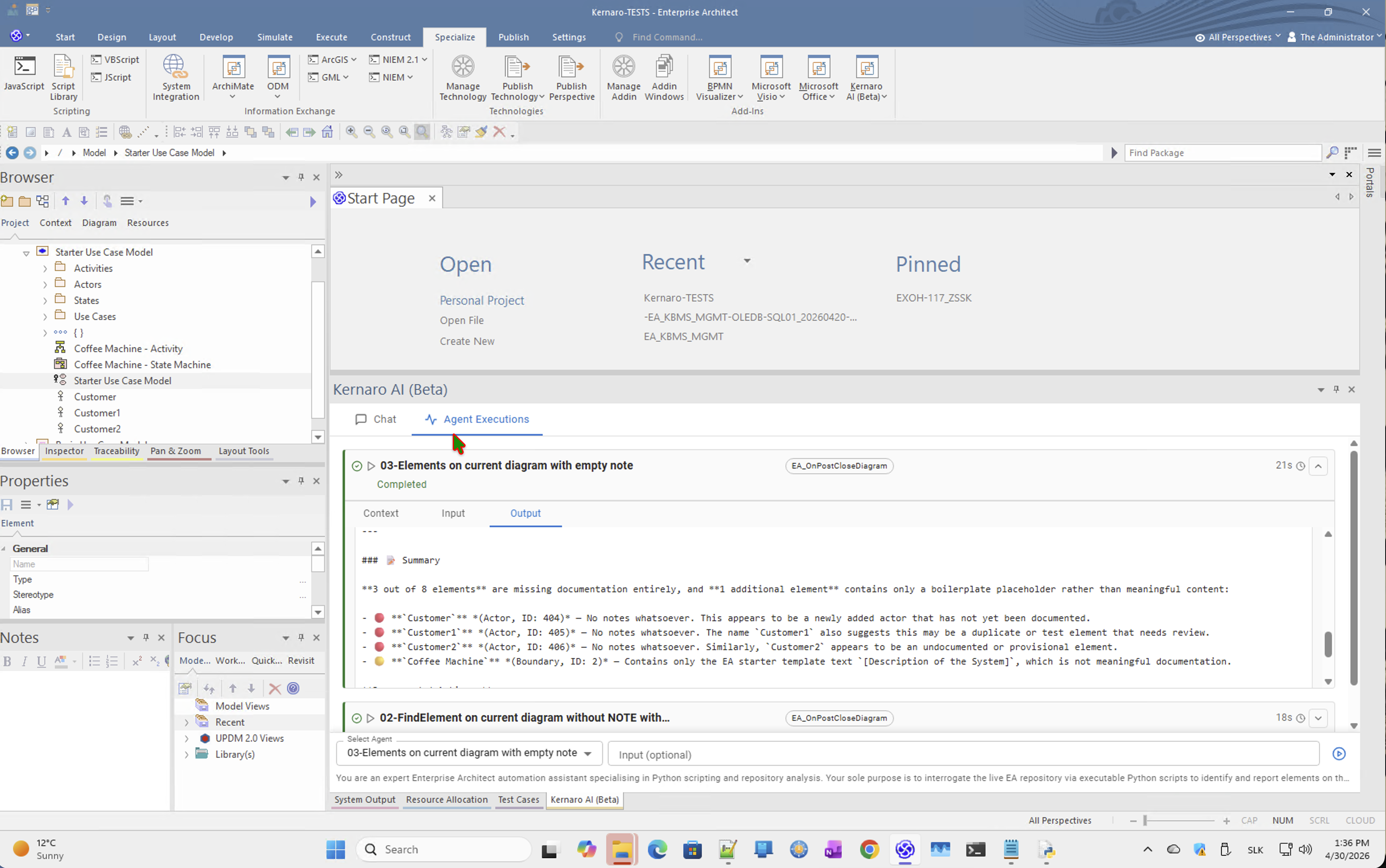
Test run 2 – Starter Use Case Model
Diagram: Starter Use Case Model (ID: 1)
Total elements: 8
Empty Notes: 3
| Element Name | Type | Element ID |
|---|---|---|
Customer | Actor | 404 |
Customer1 | Actor | 405 |
Customer2 | Actor | 406 |
Note:
Customer1andCustomer2appear to be duplicate or test elements.Coffee Machine(Boundary) had only a placeholder[Description of the System]— flagged in earlier runs as pseudo-empty.
Finding: Correct results on both diagrams. Still via built-in tools, not Python execution.
Side Effect 1 – Event Collision on EA_OnPostCloseDiagram
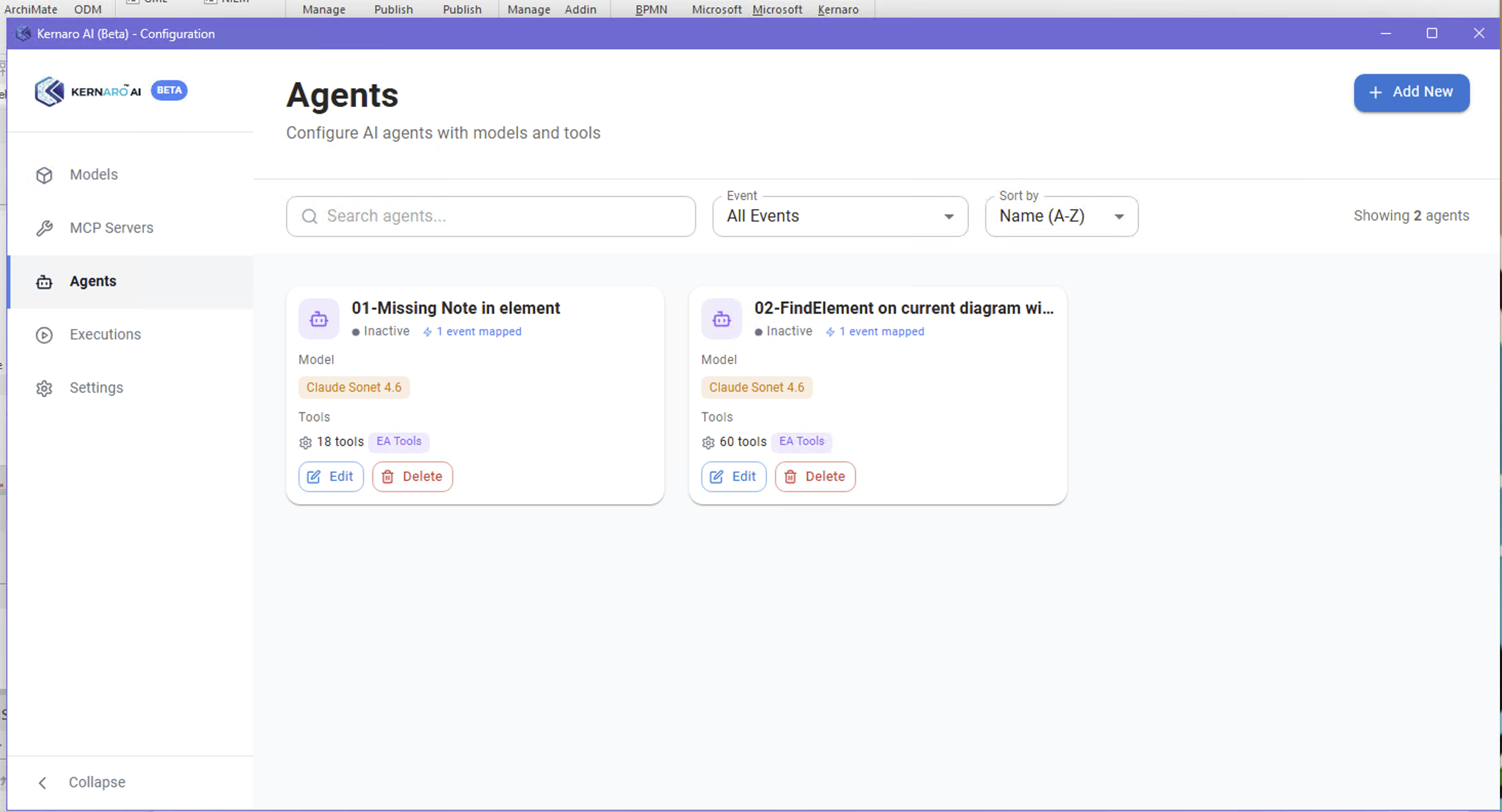
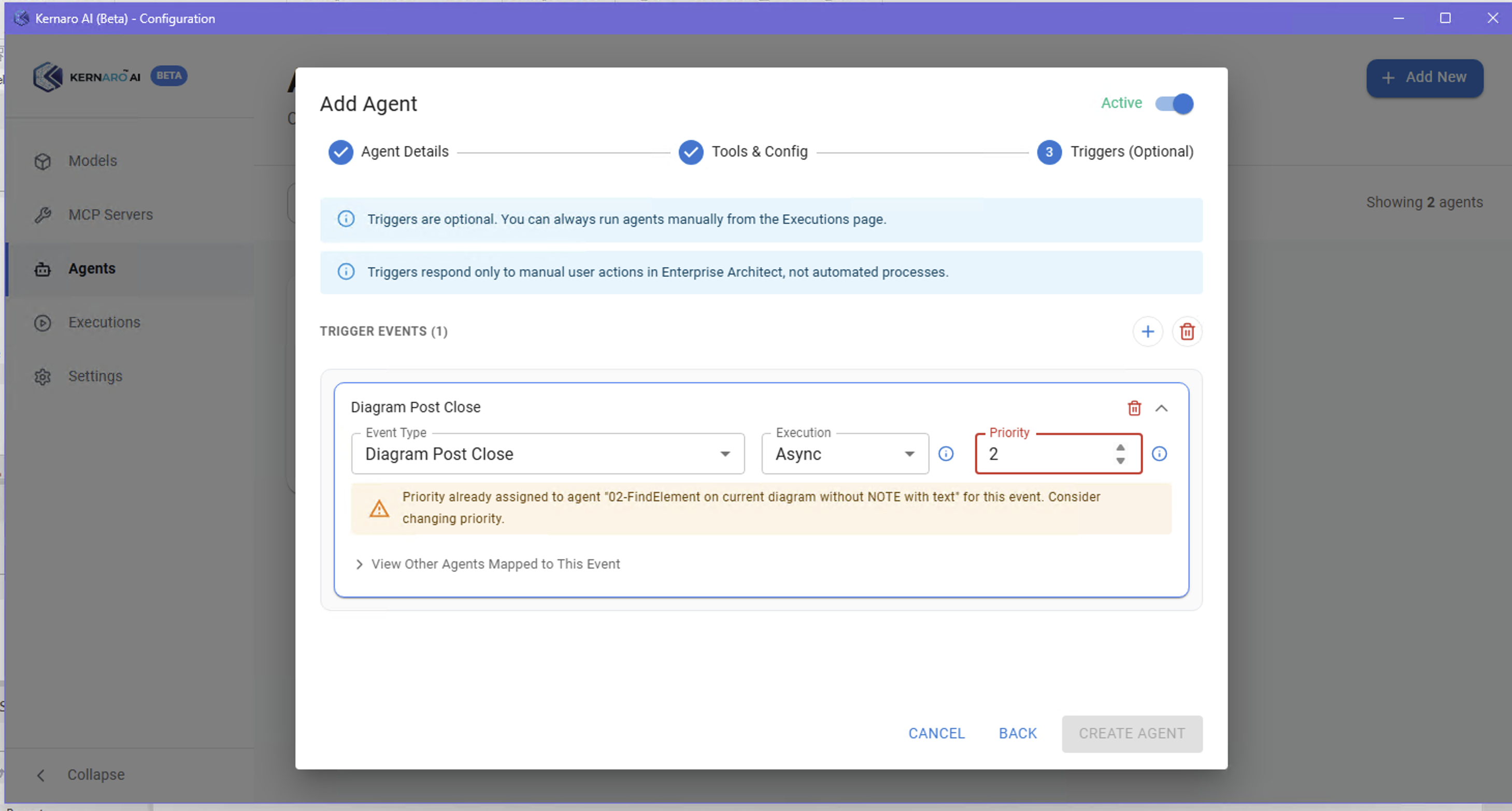
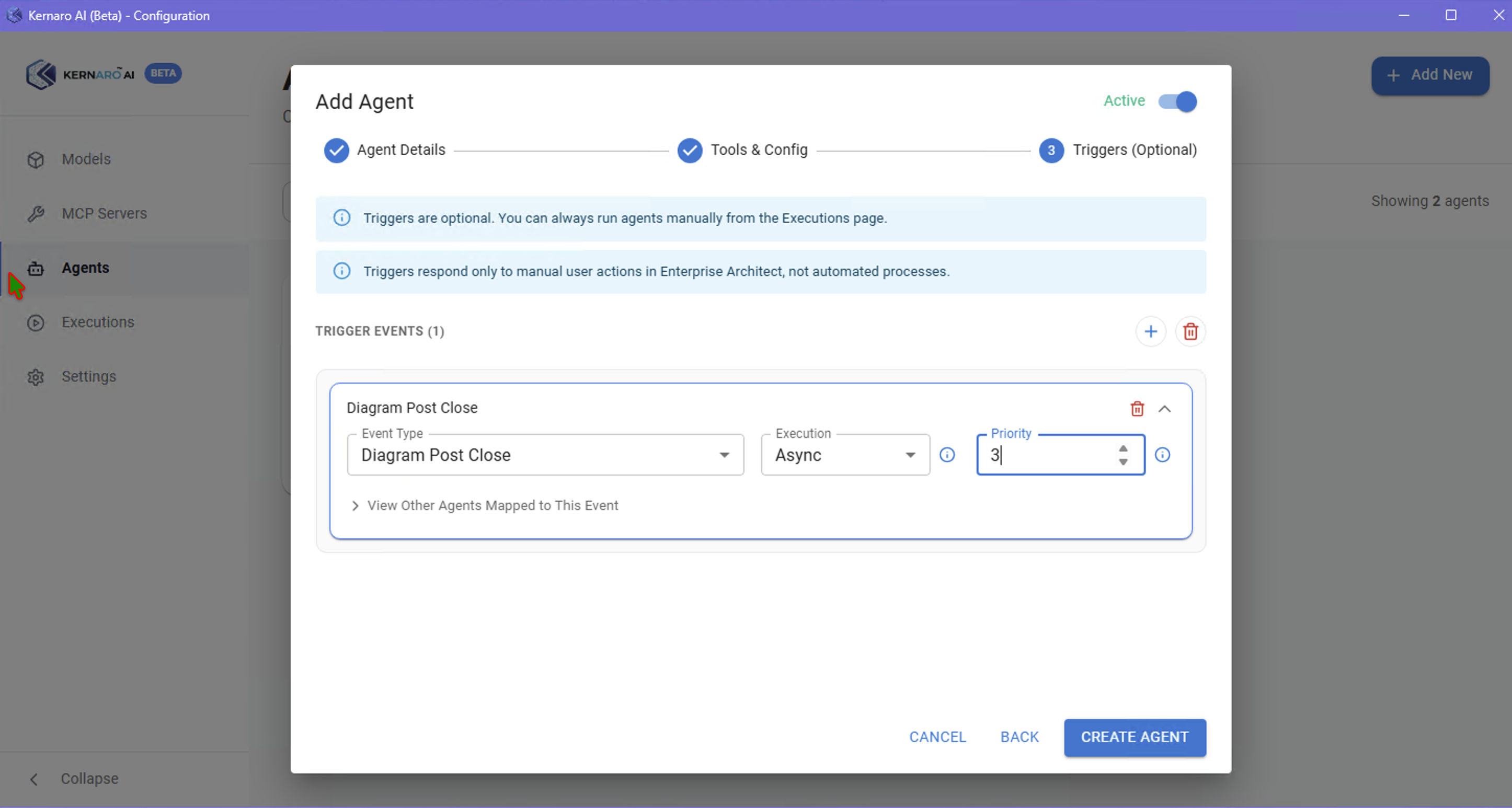
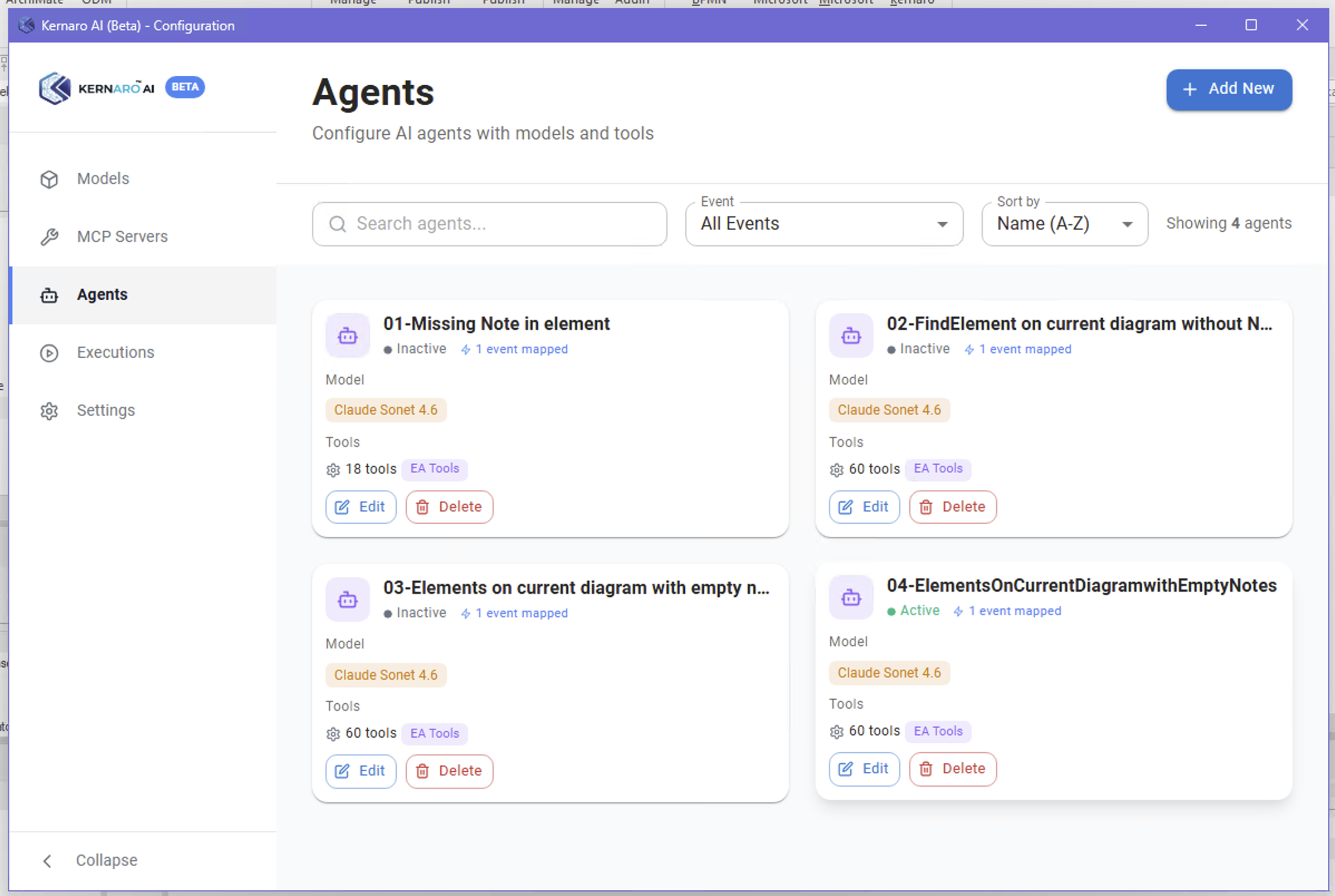
Each new agent in this session targeted the same trigger: EA_OnPostCloseDiagram.
Problem: Kernaro does not allow multiple agents to share one event directly.
Resolution applied:
- Priority escalated incrementally → reached 4 (lowest available)
- Previous agents set to inactive
Observation: Priority + inactive flag is the workaround — not native multi-agent event support.
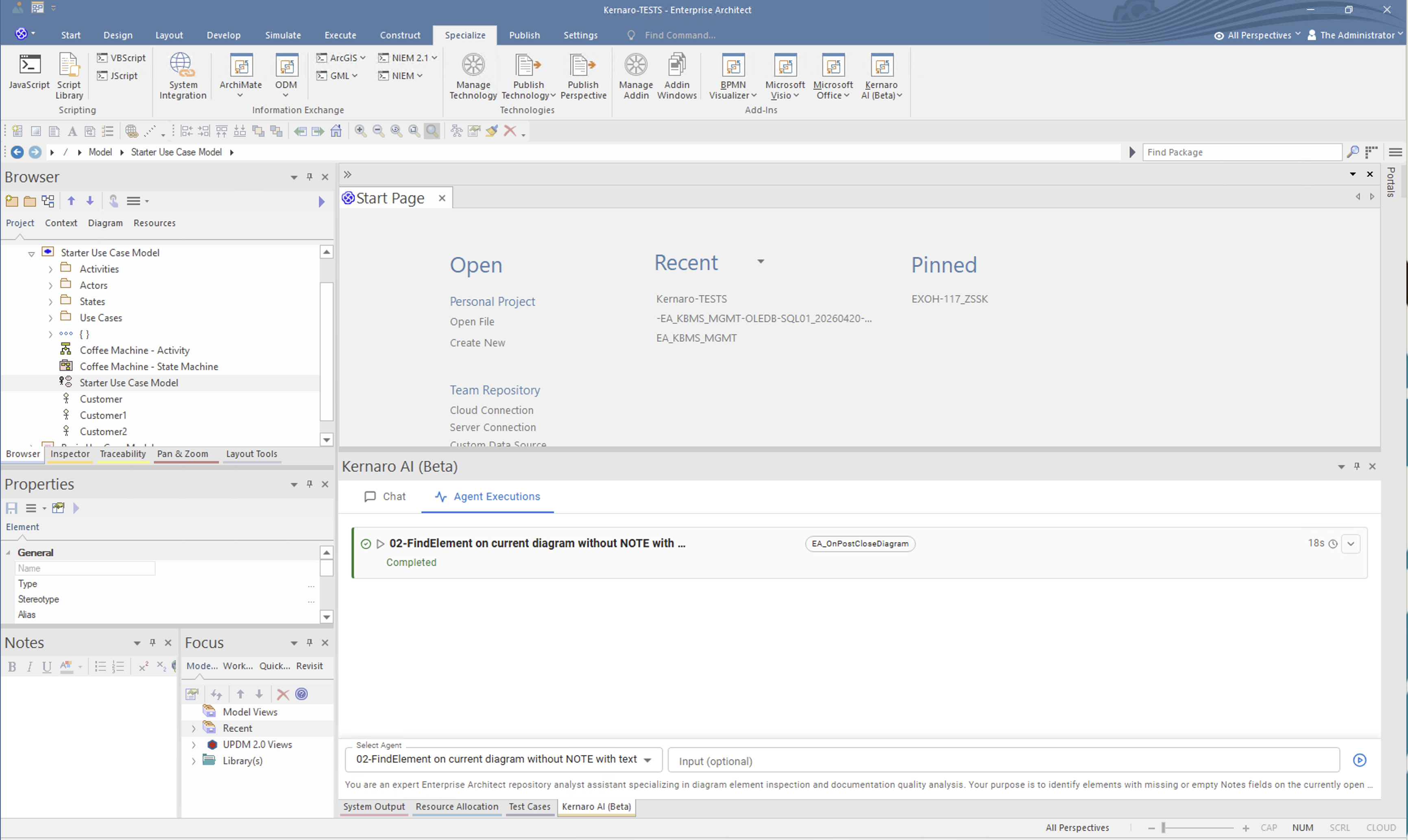
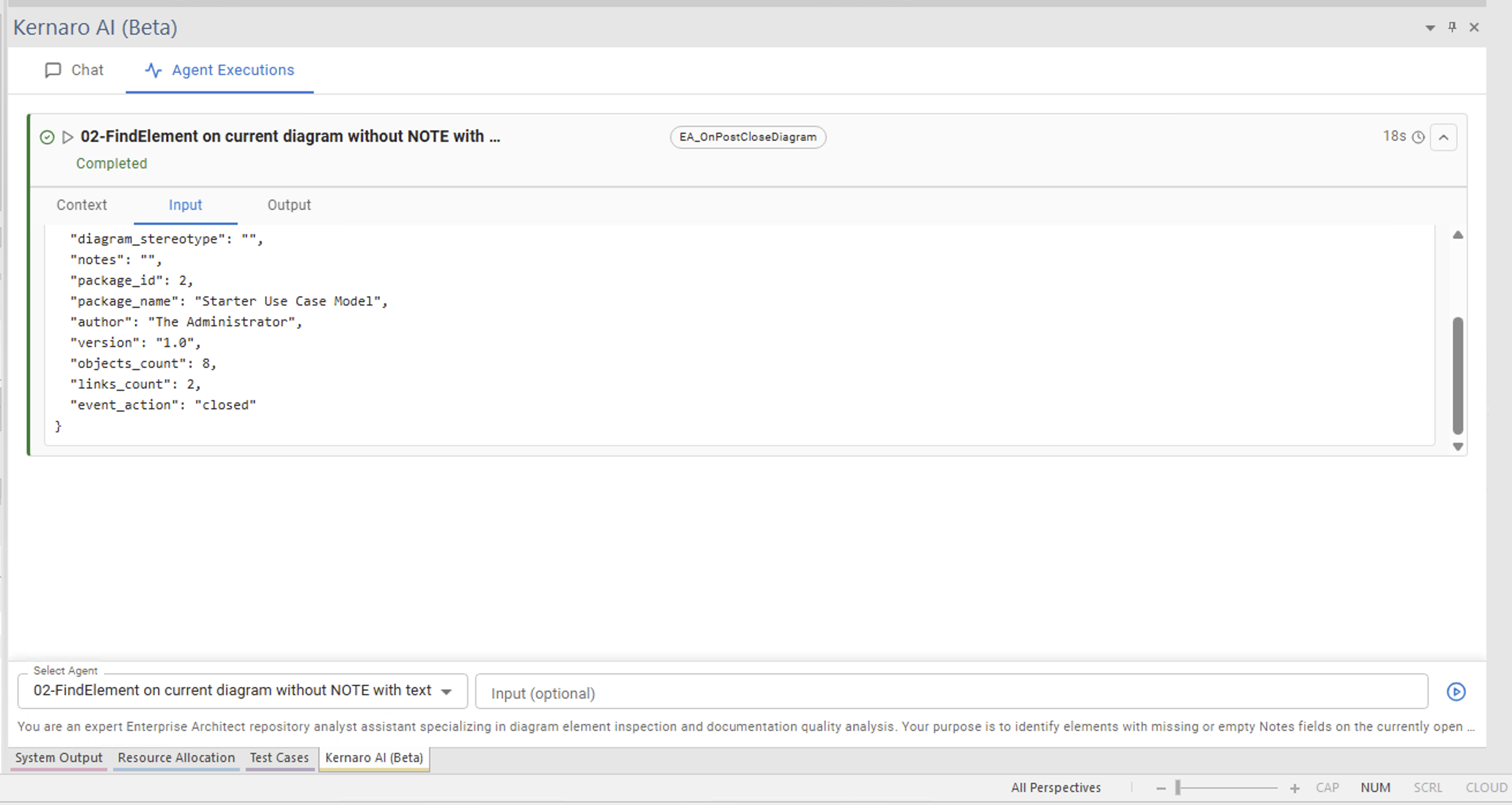
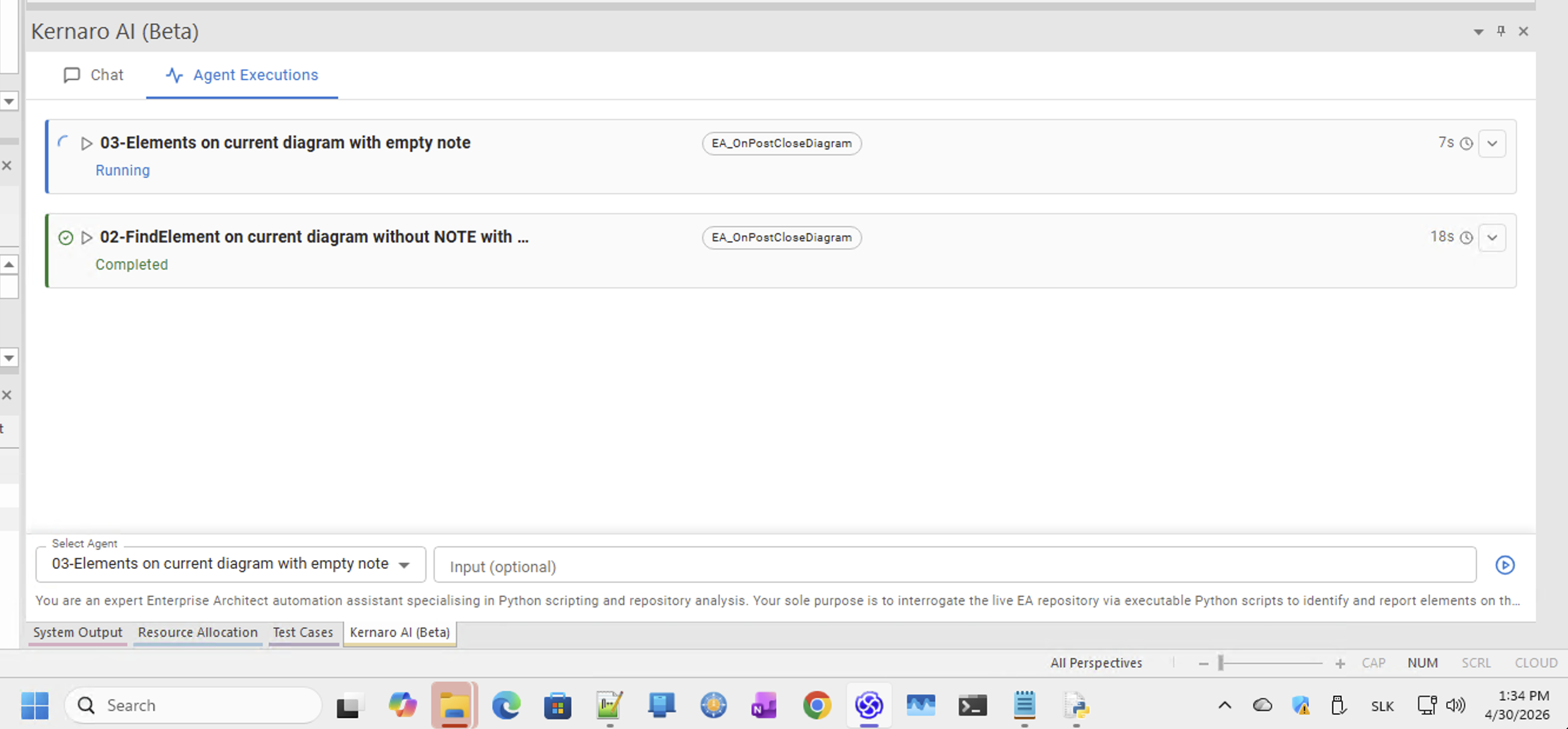
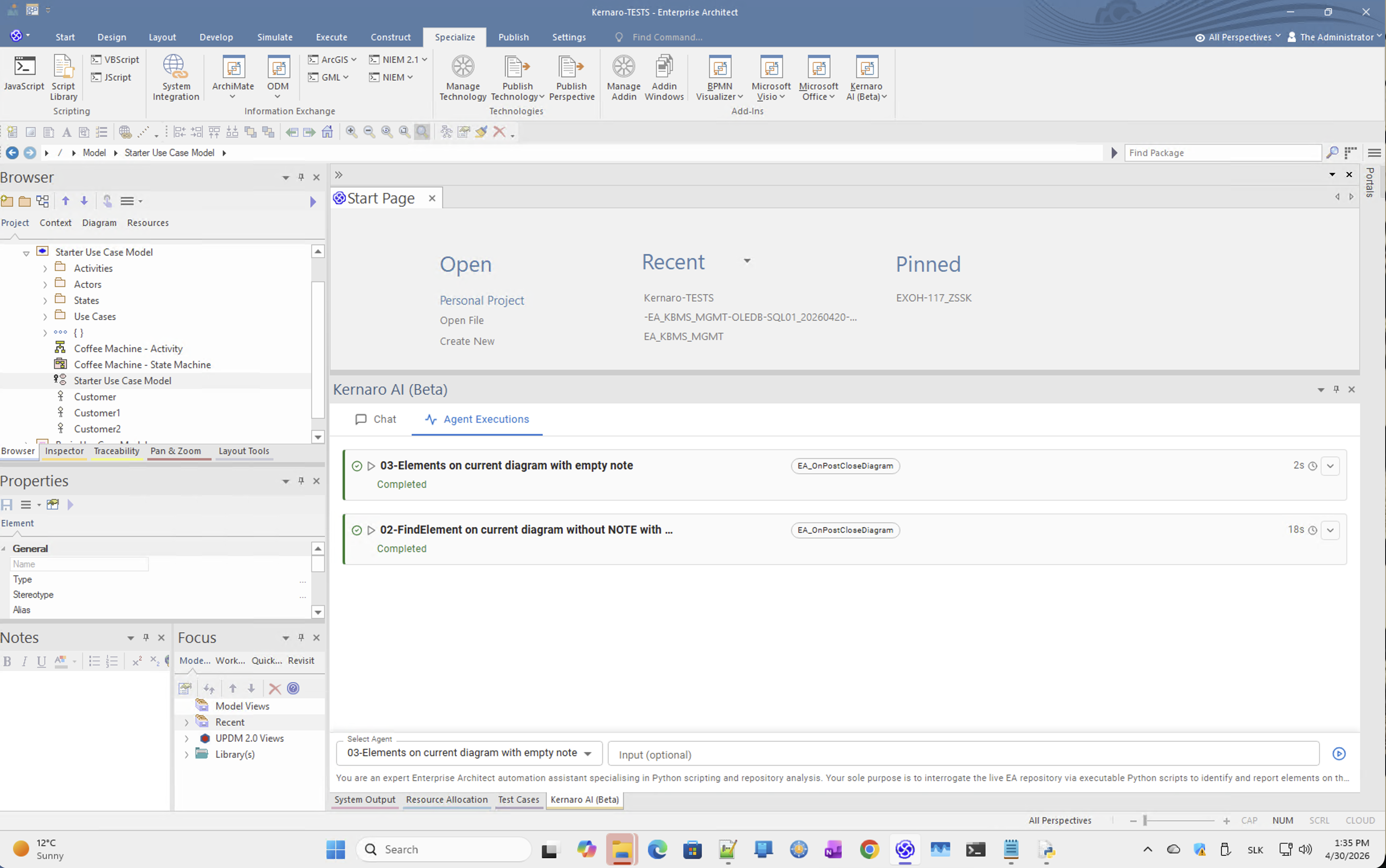
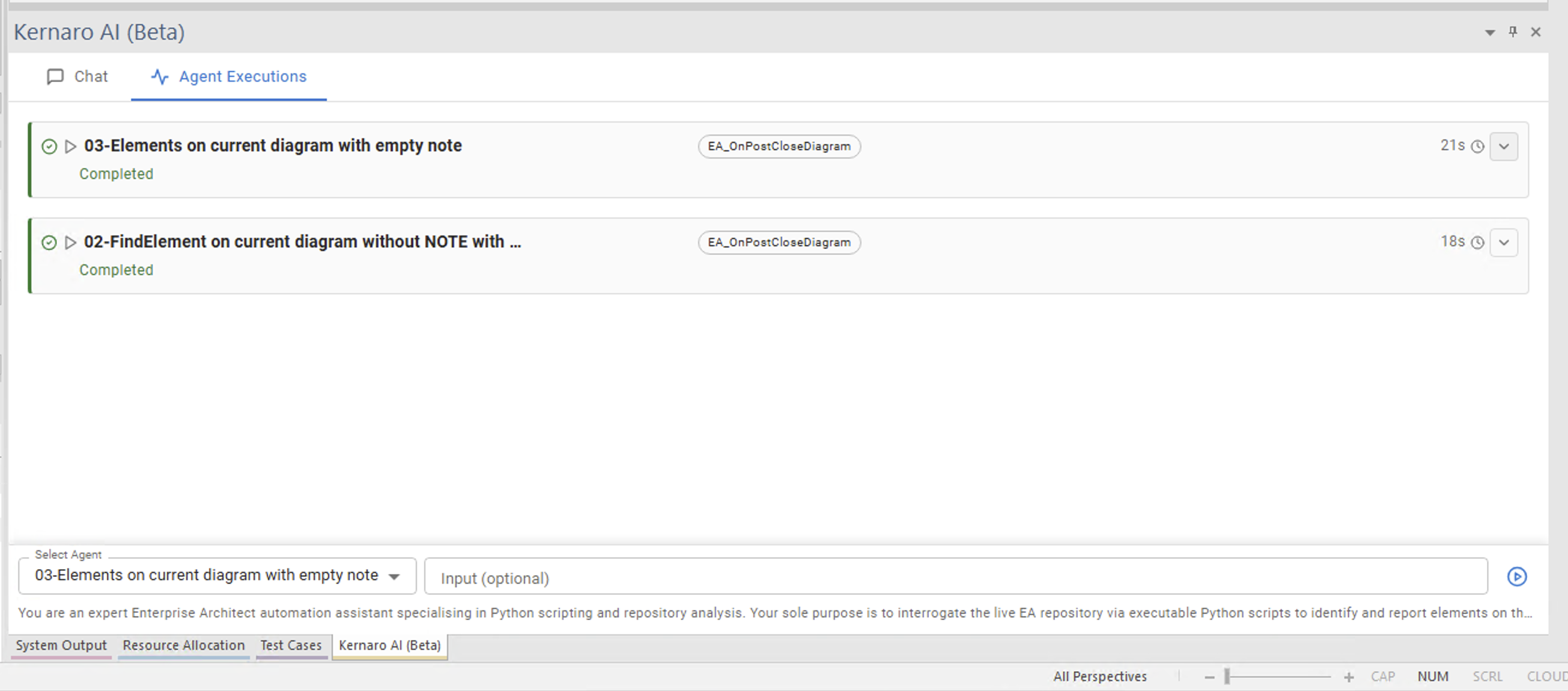
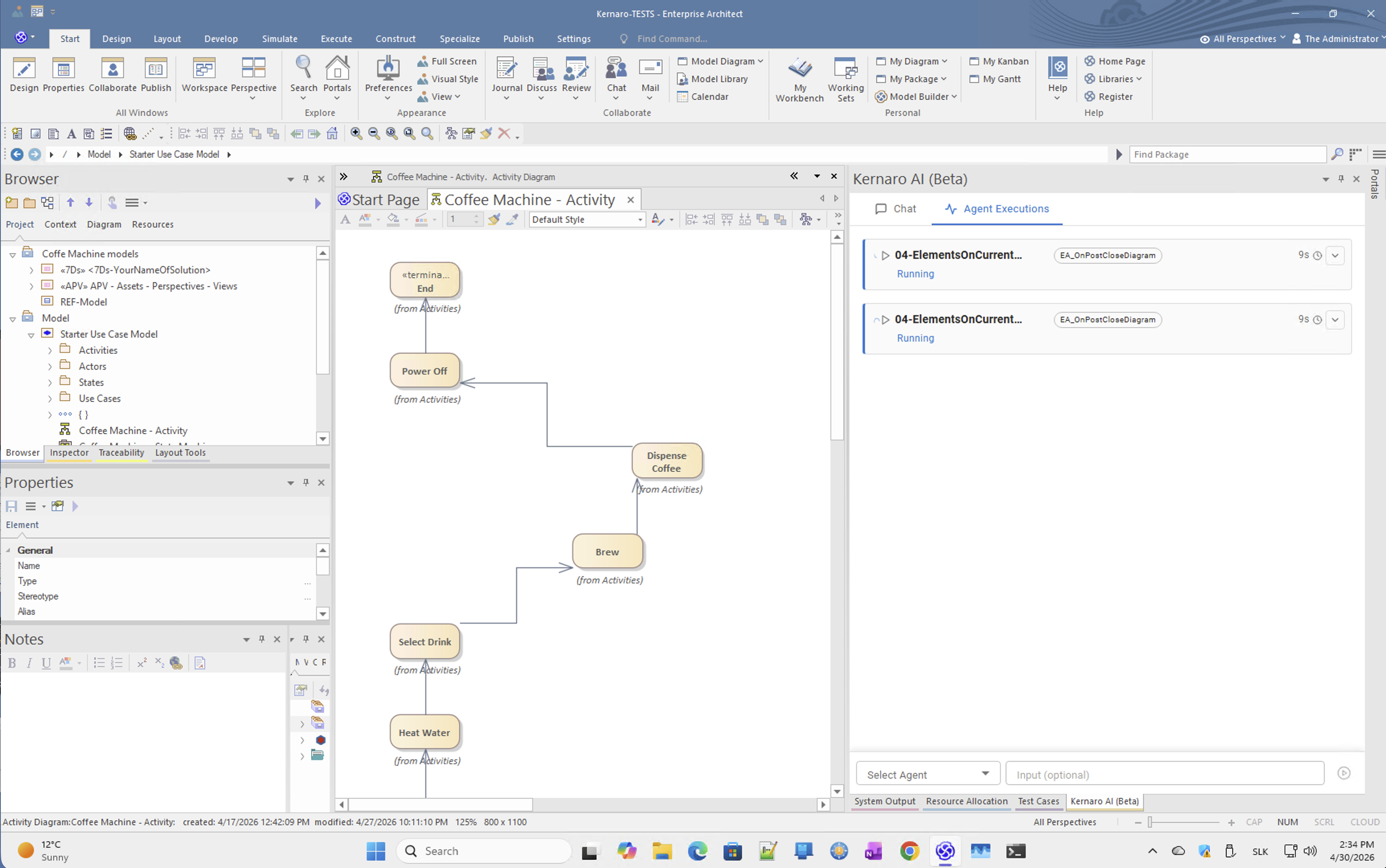
Side Effect 2 – Parallel Agent Execution (Observed Once)
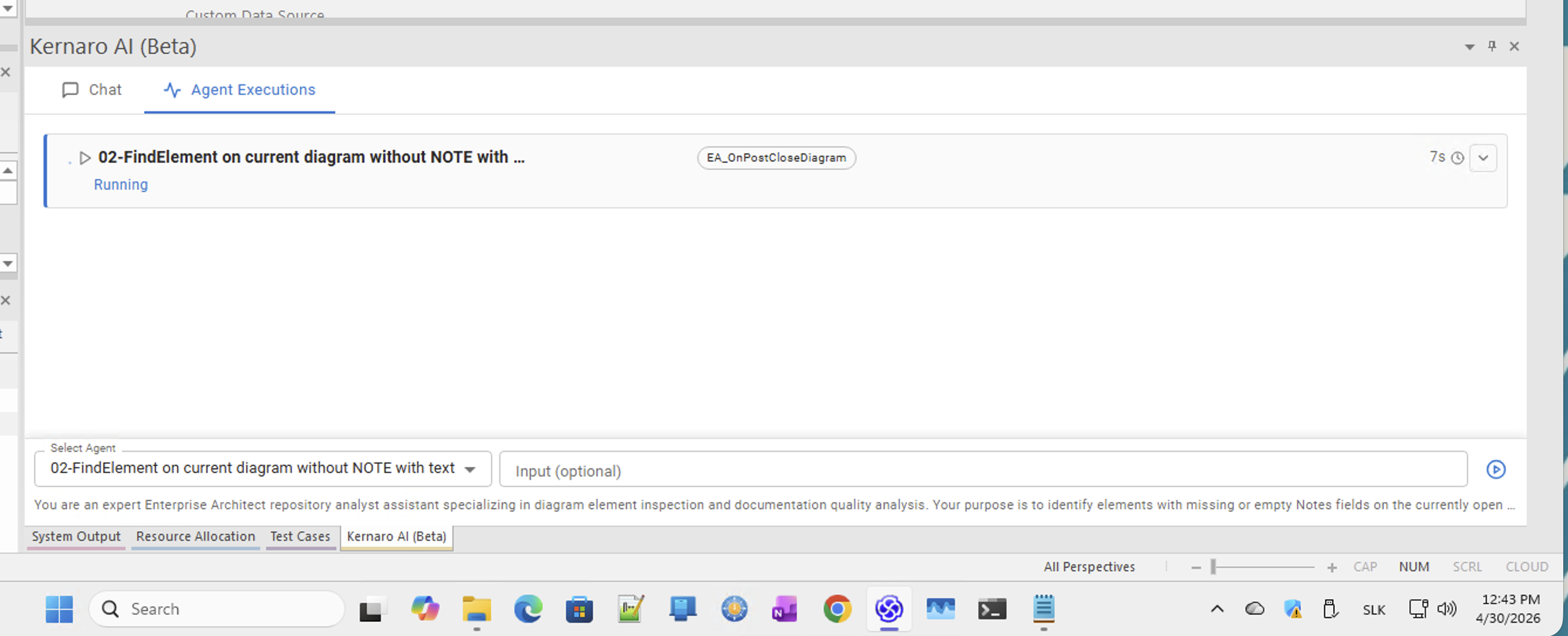
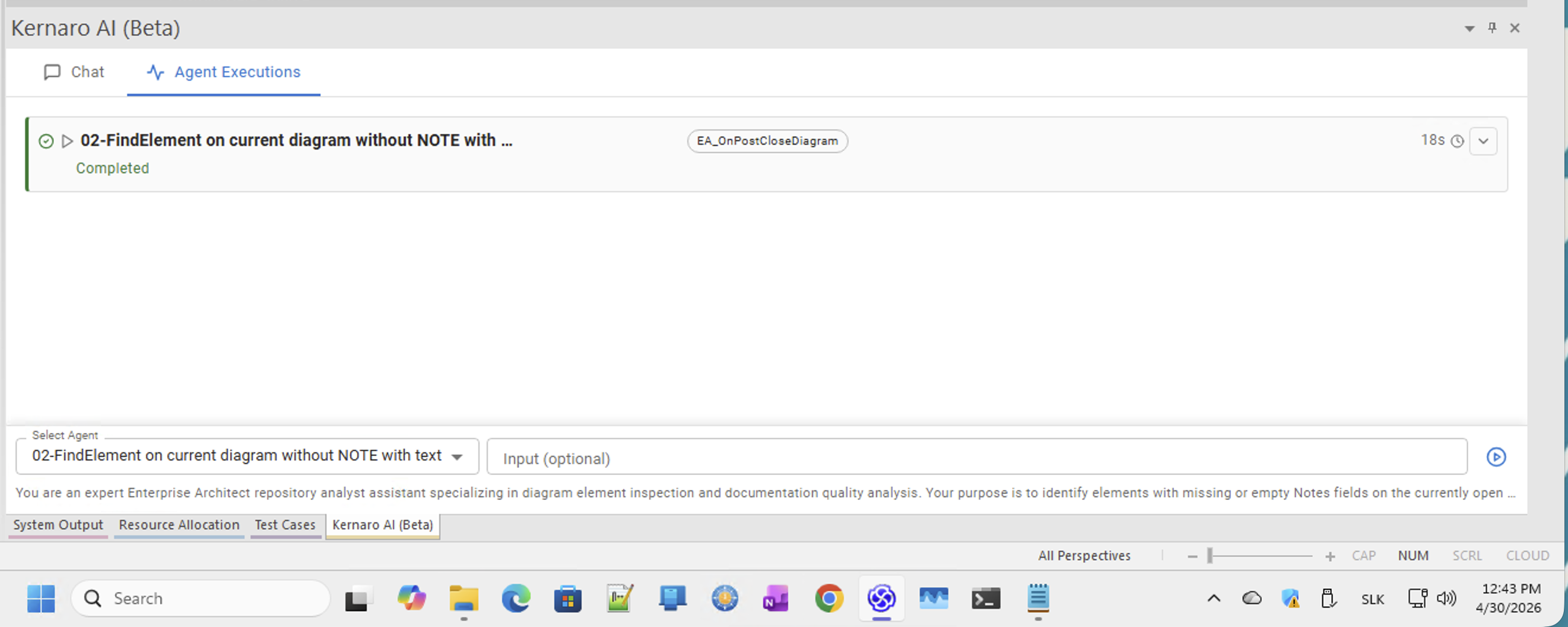
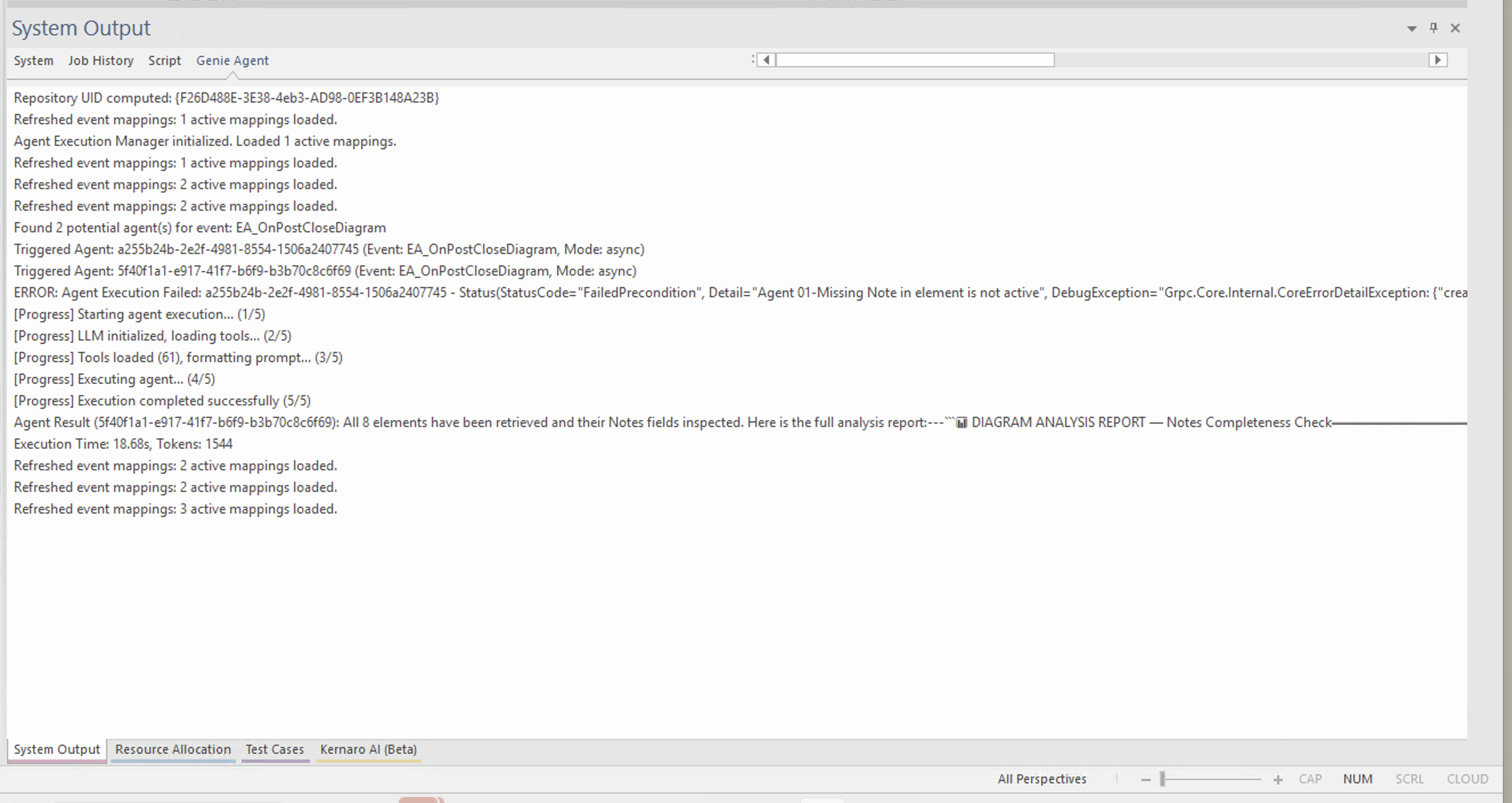
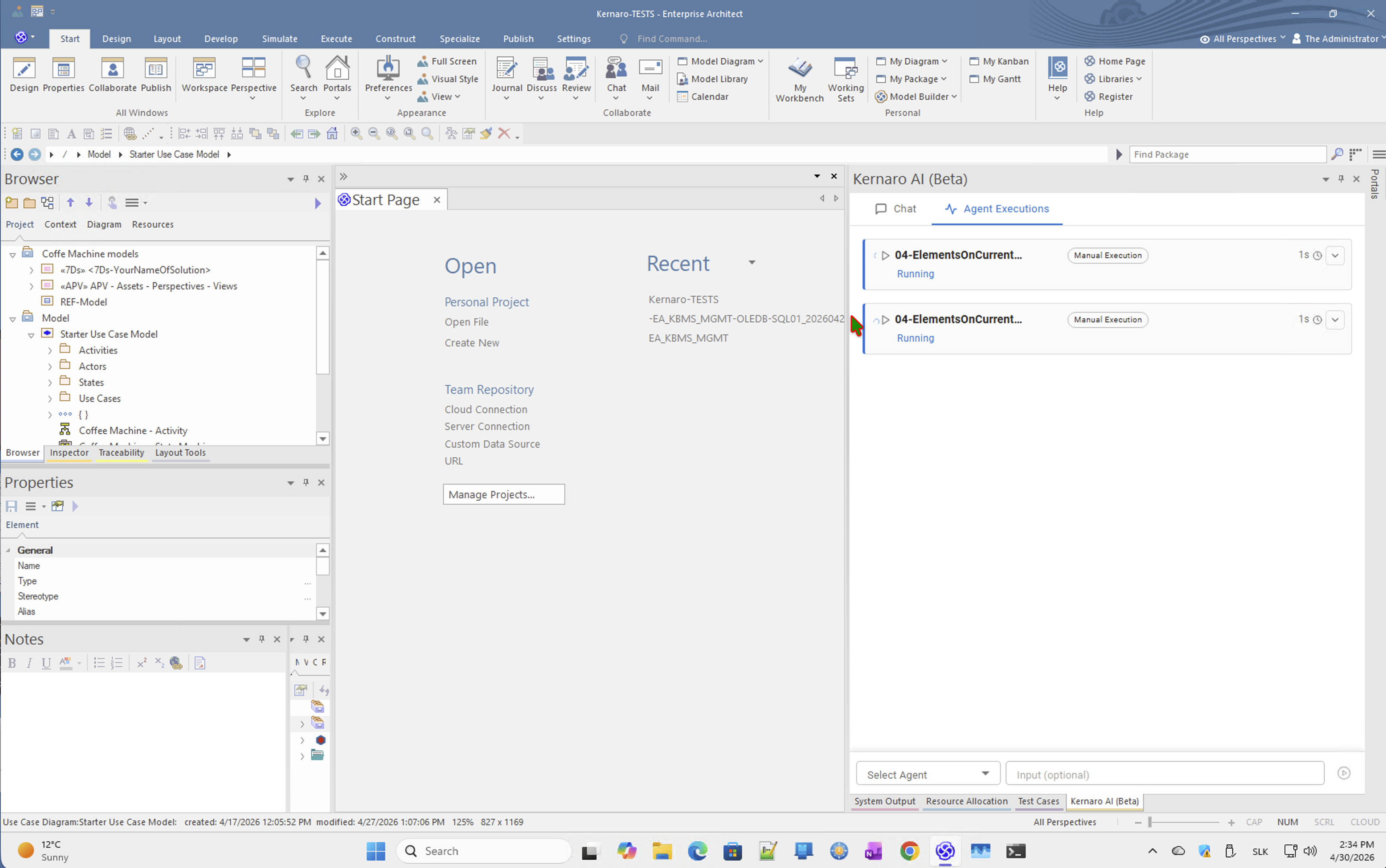
At one point during the session, two agents ran simultaneously on the same EA_OnPostCloseDiagram trigger — with different execution durations visible in the Agent Executions log.
This occurred before the inactive flag was applied to the previous agent.
⚠ Input/output details were captured but not fully analyzed. The behavior suggests Kernaro may allow brief parallel execution during the transition period between agent configurations.
Observations
| # | Observation | Classification |
|---|---|---|
| 1 | Python 3.12 configured ✅, but execute_python never invoked — LLM chose built-in EA tools in all 3 attempts | Curiosity, not a bug |
| 2 | Built-in EA tools returned correct results — the outcome was functionally equivalent | Expected behavior |
| 3 | Prompt constraints (MUST NOT use...) did not override LLM tool preference when built-ins were available | LLM behavior characteristic |
| 4 | One EA_OnPostCloseDiagram event = one active agent at a time | Platform constraint |
| 5 | Brief parallel execution observed during agent transition | Unanalyzed — needs screenshot review |
← Back to index | ← C – Agents | ← C2 – APV Integrity Check
Images
[IMG-01]
[IMG-02]
[IMG-03]
[IMG-04]
[IMG-05]
[IMG-06]
[IMG-07]
[IMG-08]
[IMG-09]
[IMG-10]
[IMG-11]
[IMG-12]
[IMG-13]
[IMG-14]
[IMG-15]
[IMG-16]
[IMG-17]
[IMG-18]
[IMG-19]
[IMG-20]
[IMG-21]
[IMG-22]
[IMG-23]
[IMG-24]
[IMG-25]
[IMG-26]
[IMG-27]
[IMG-28]
[IMG-29]
[IMG-30]
[IMG-31]
[IMG-32]
[IMG-33]
[IMG-34]
[IMG-35]
[IMG-36]
[IMG-37]
[IMG-38]

[IMG-39]
[IMG-40]
[IMG-41]
[IMG-42]