B3 – TOC Generation
← Back to index | ← B – Chat | ← B2 – Document Generation | → B4 – Coffee Machine Spec
B3 · TOC from model – up to L2 level
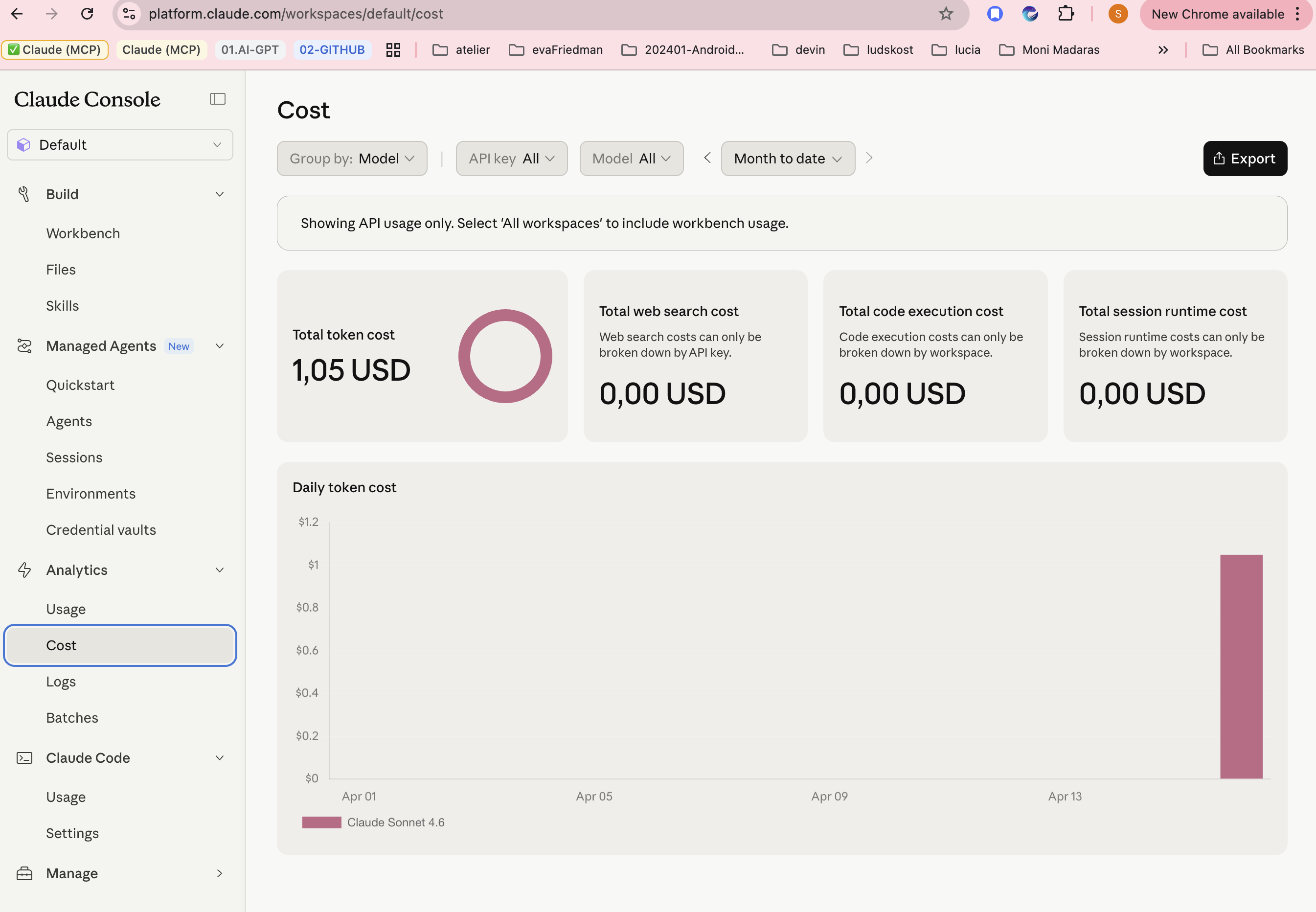
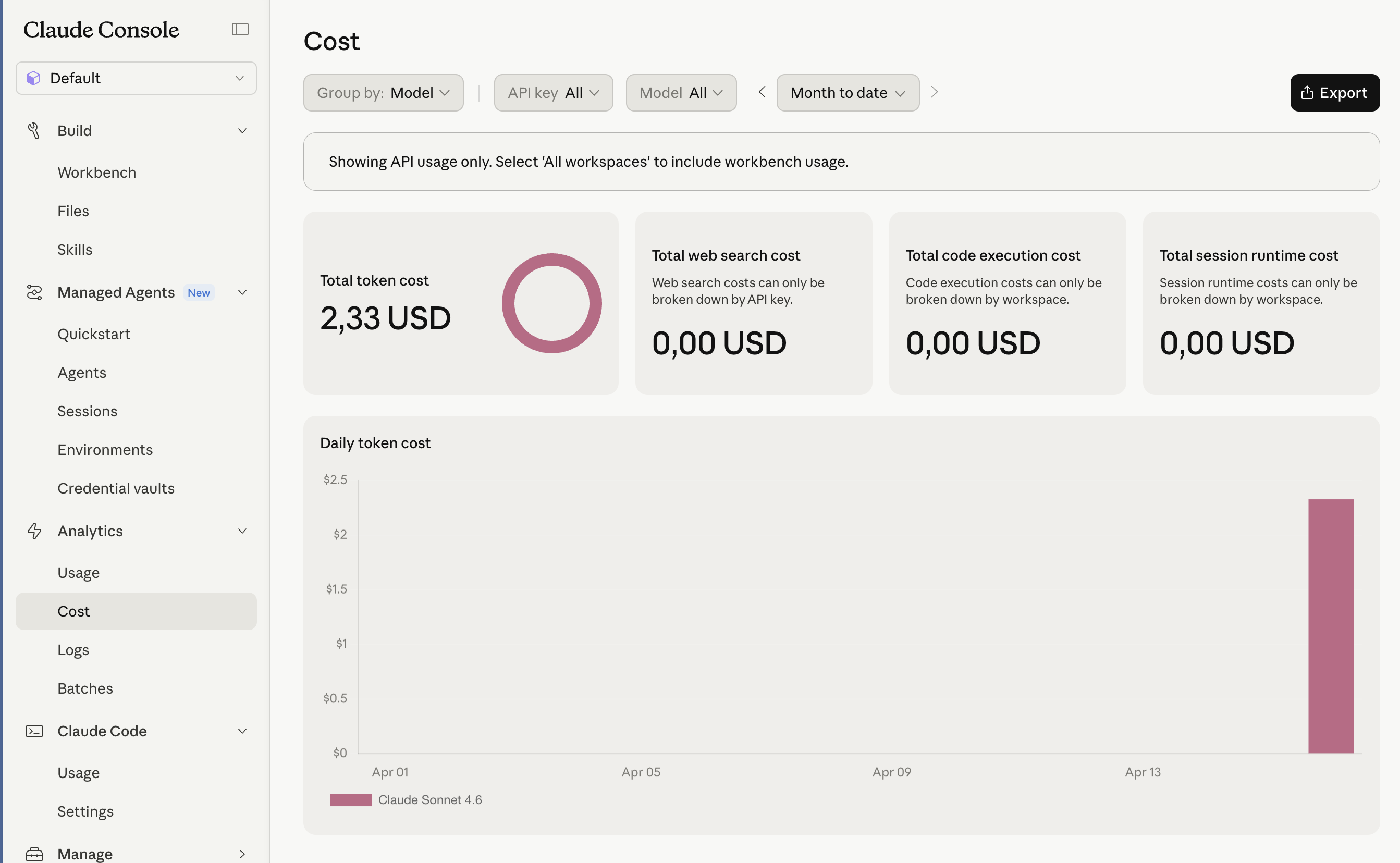
Generating a full Diagram Report from a model with 4,000+ diagrams is not a practical choice — not even with a local model. Processing the entire model is extremely time-consuming, and with LLM-based models it also results in high token consumption. However, generating a list of diagrams is a good starting point.
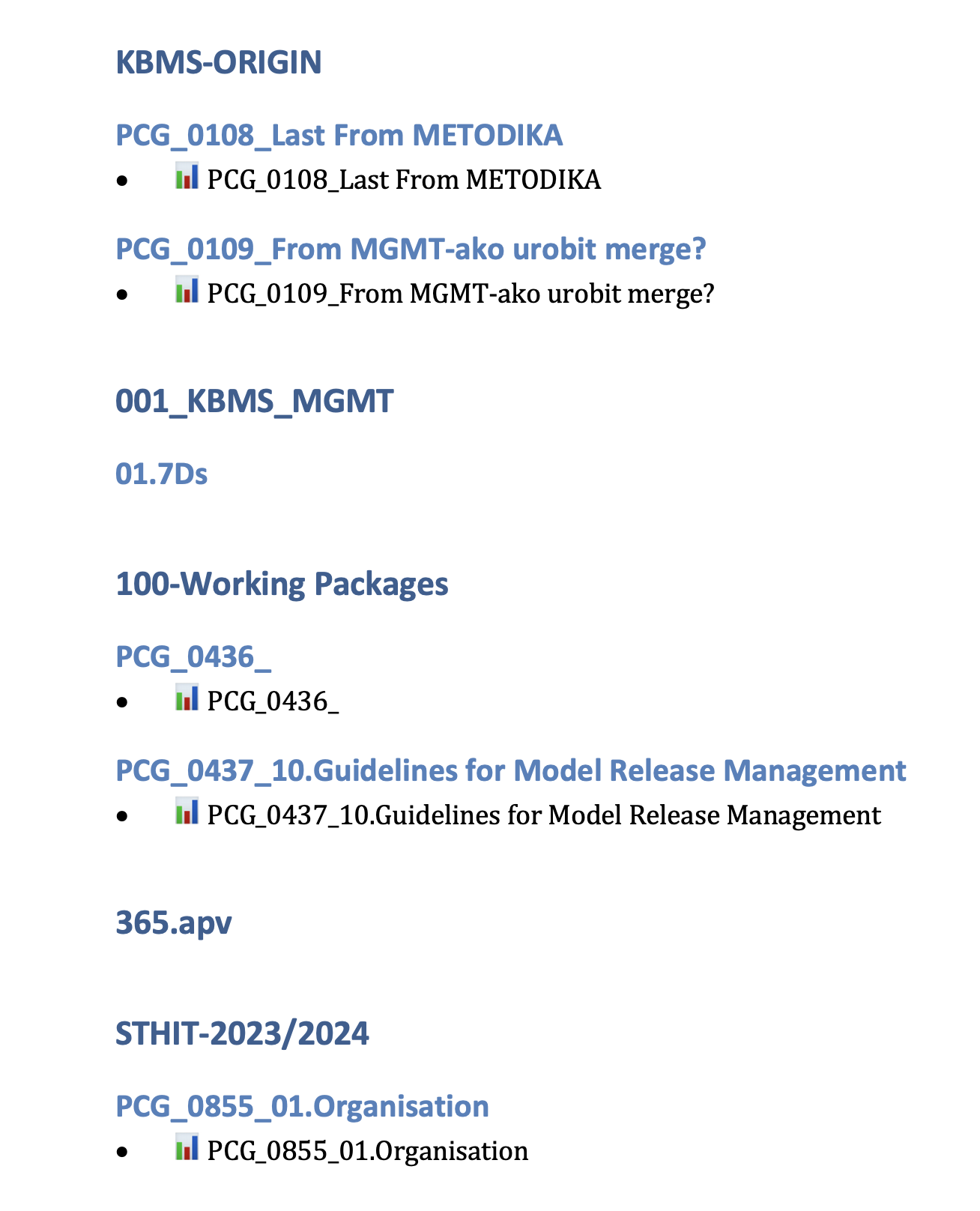
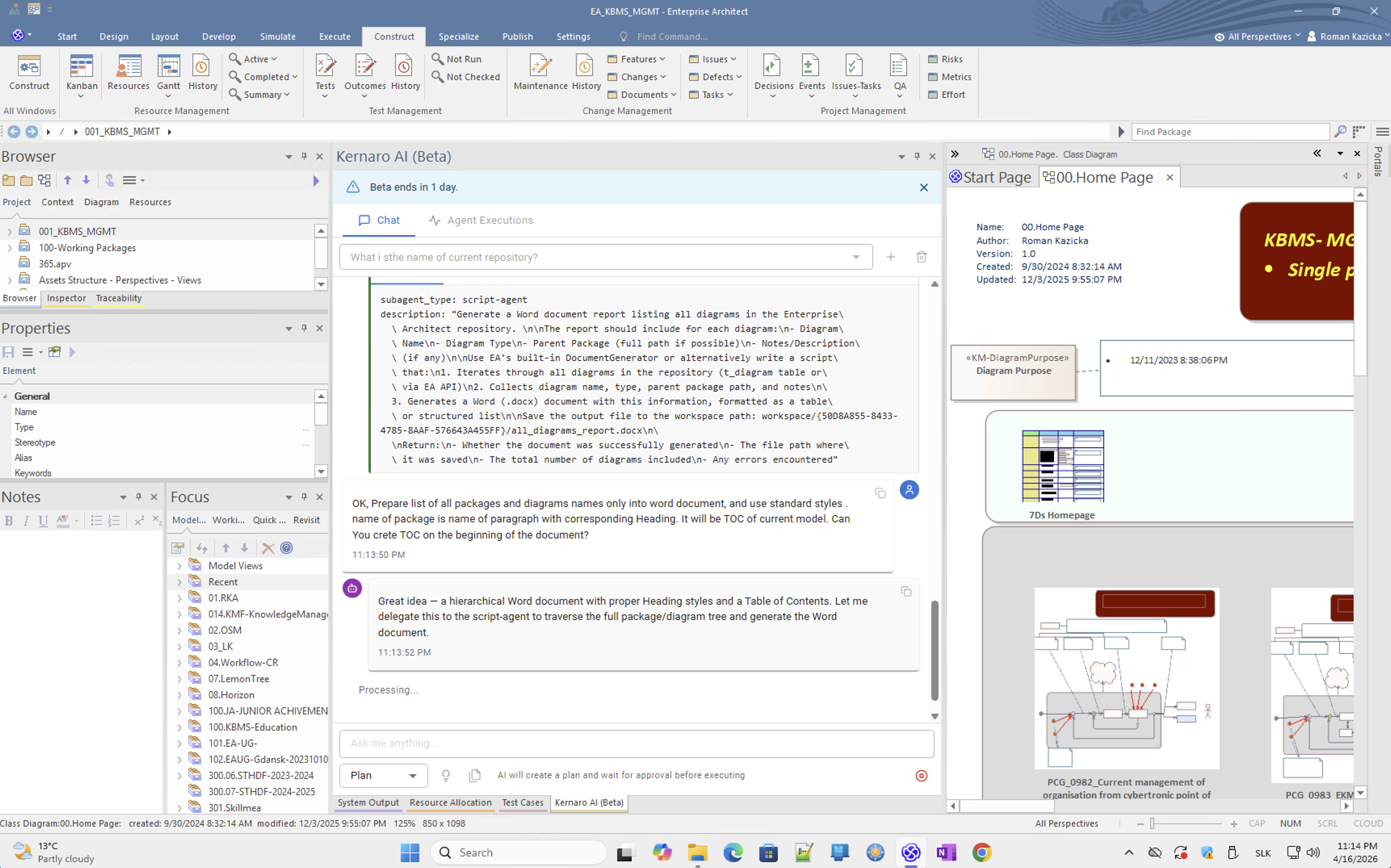
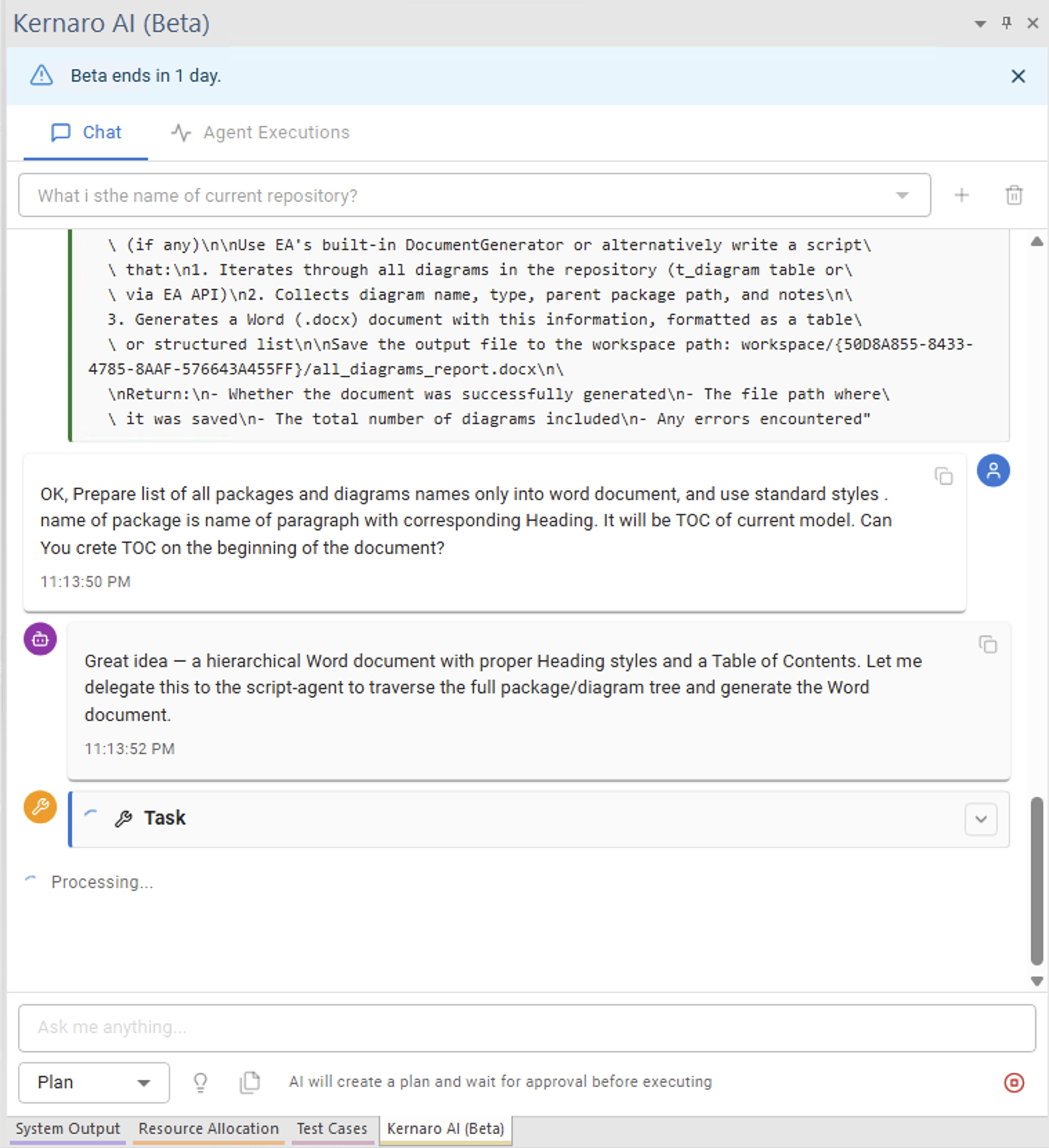
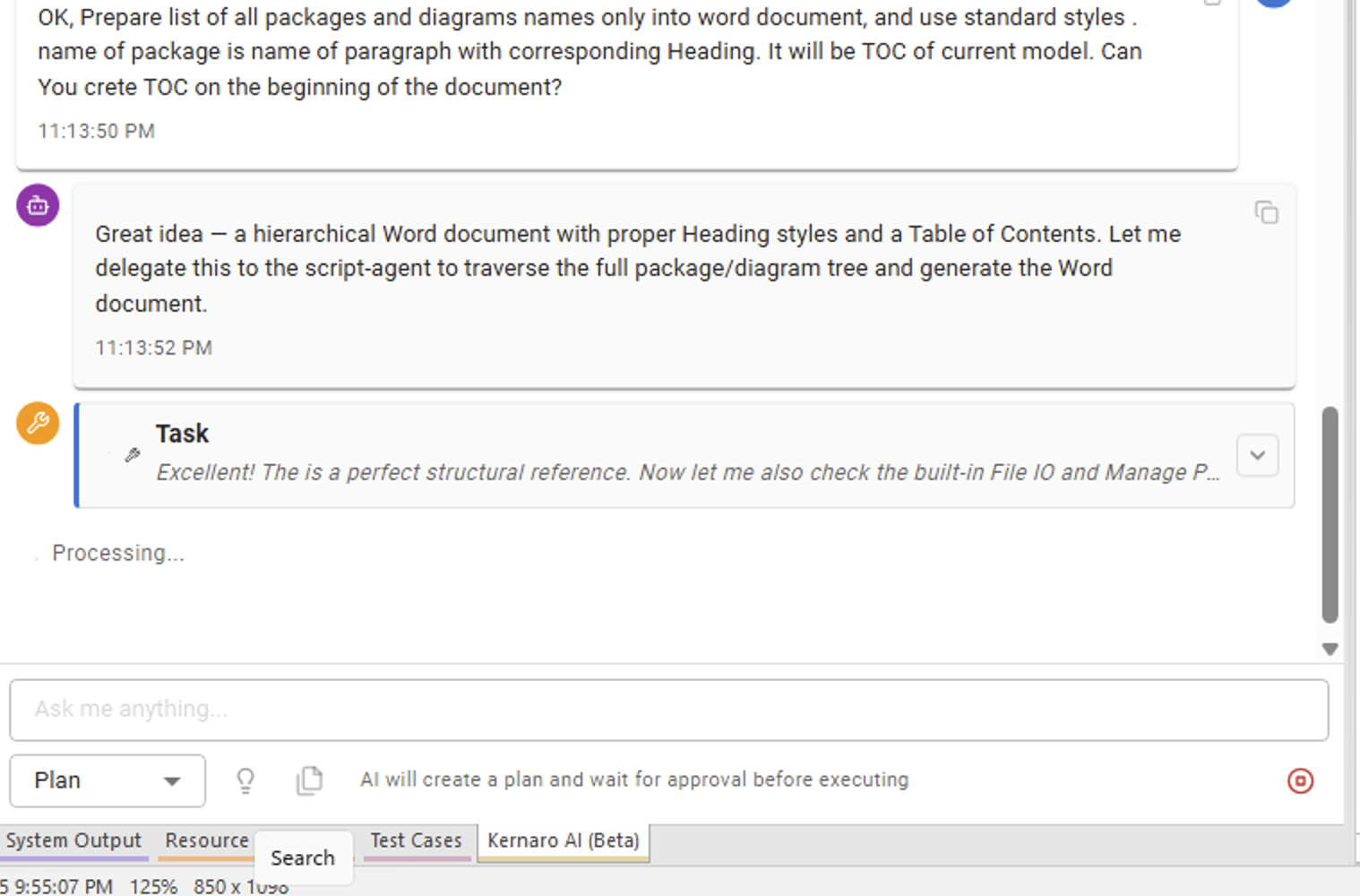
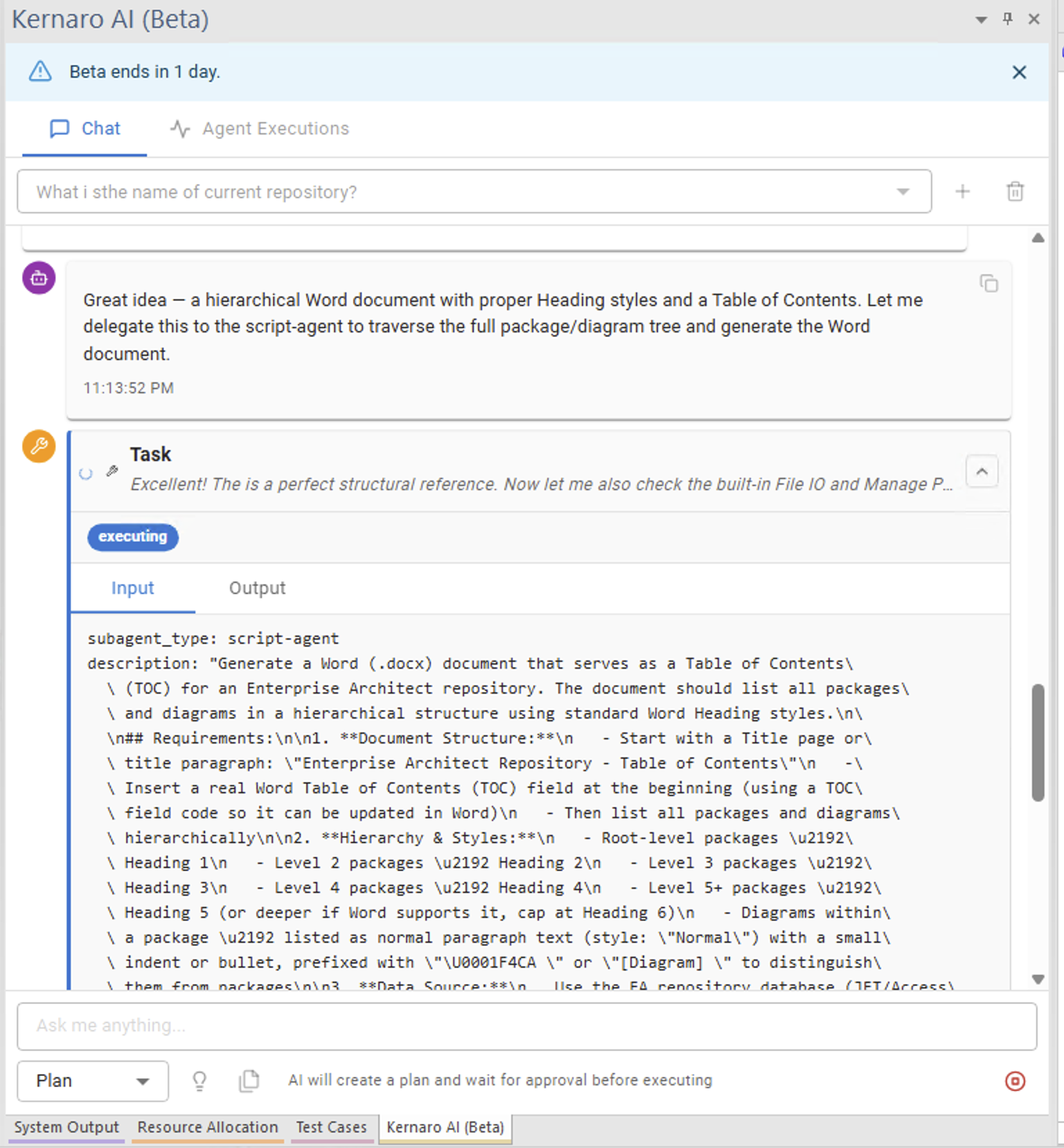
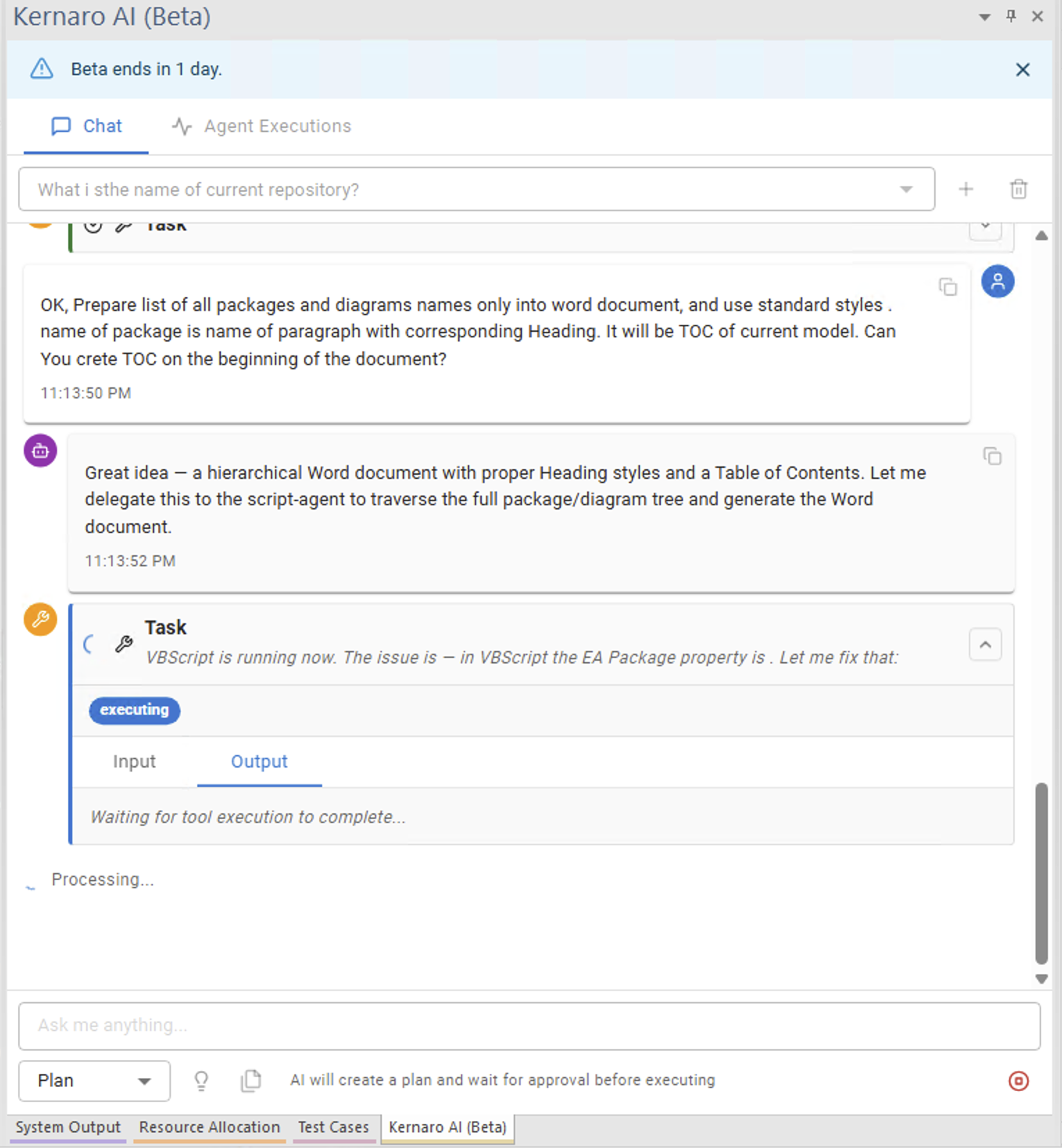
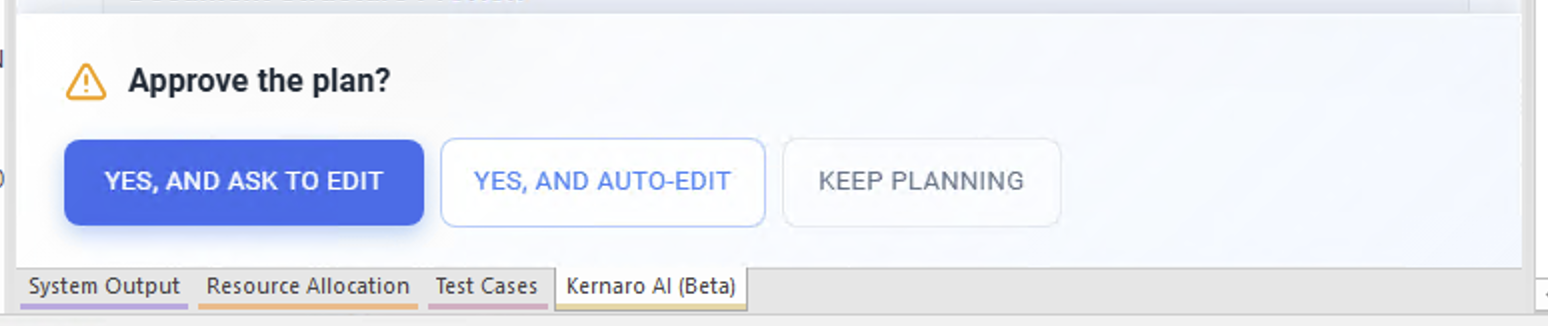
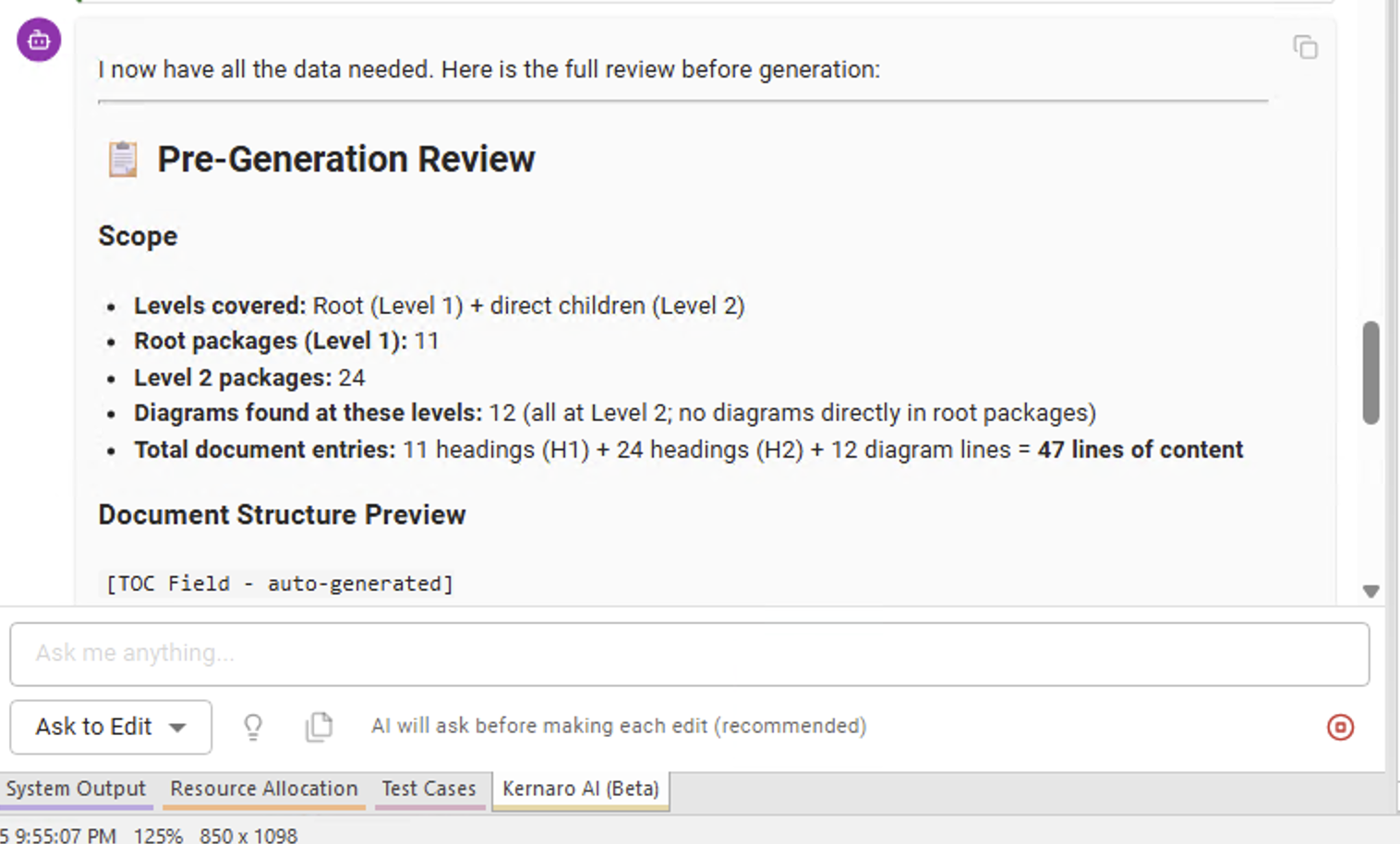
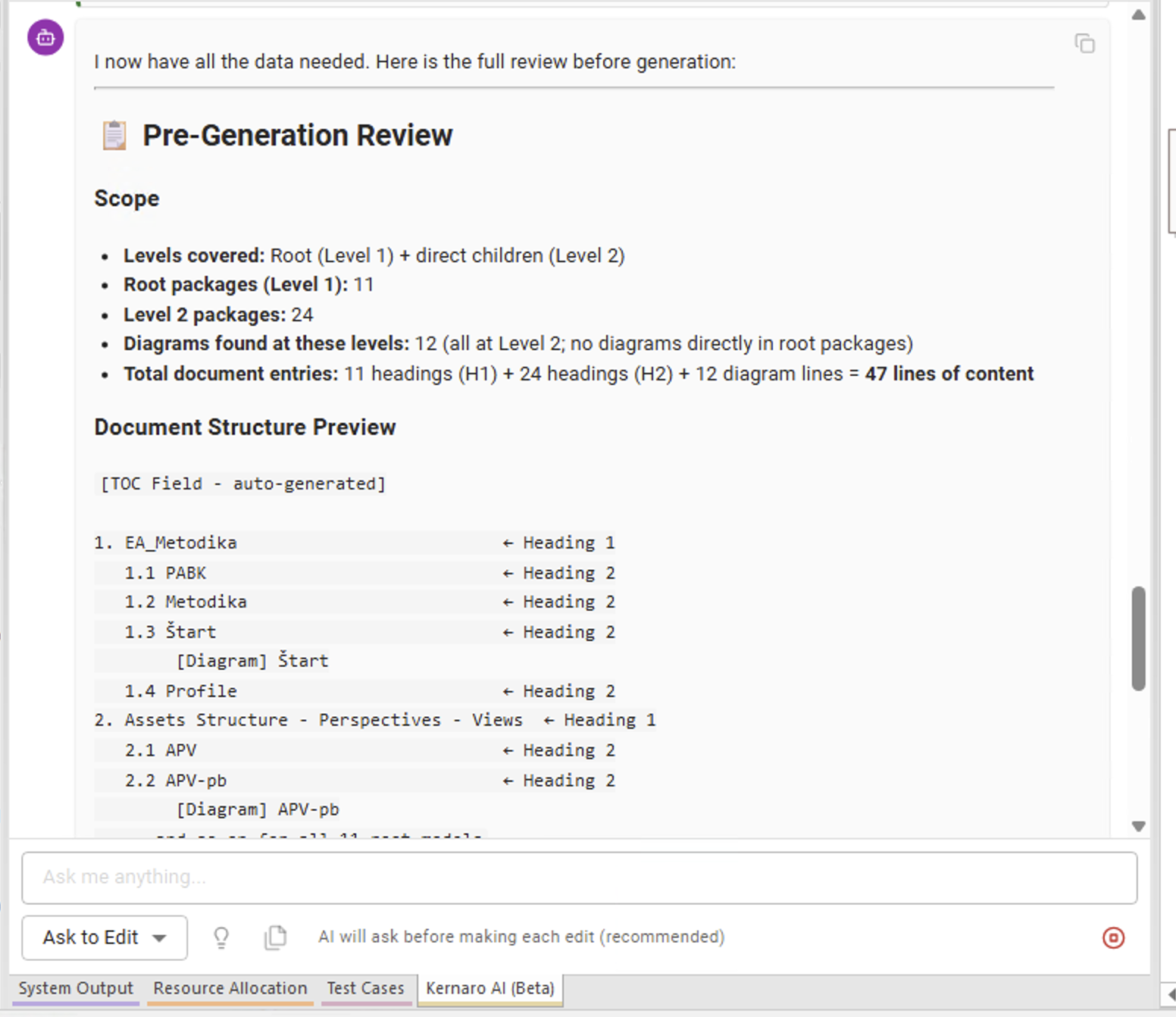
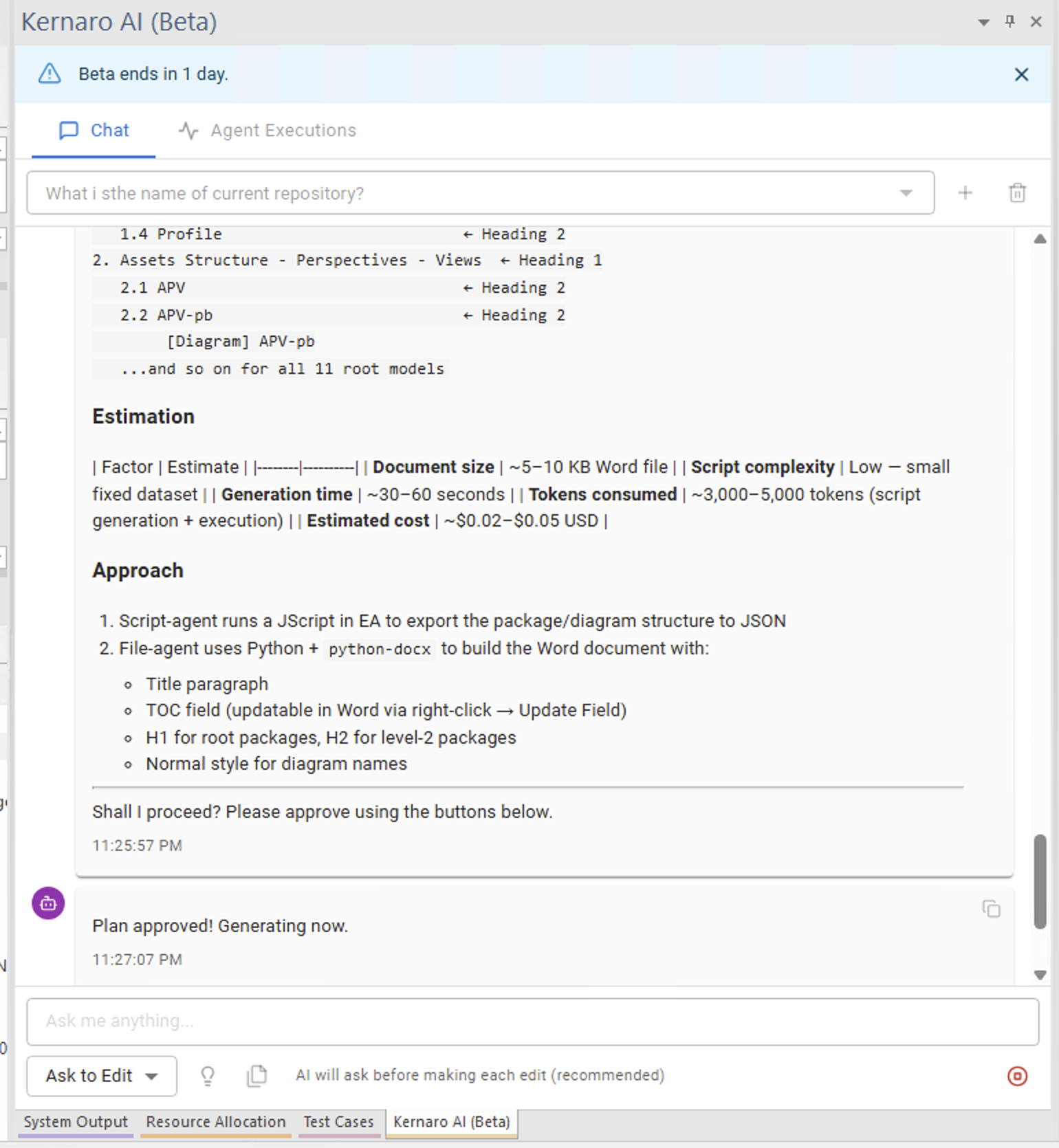
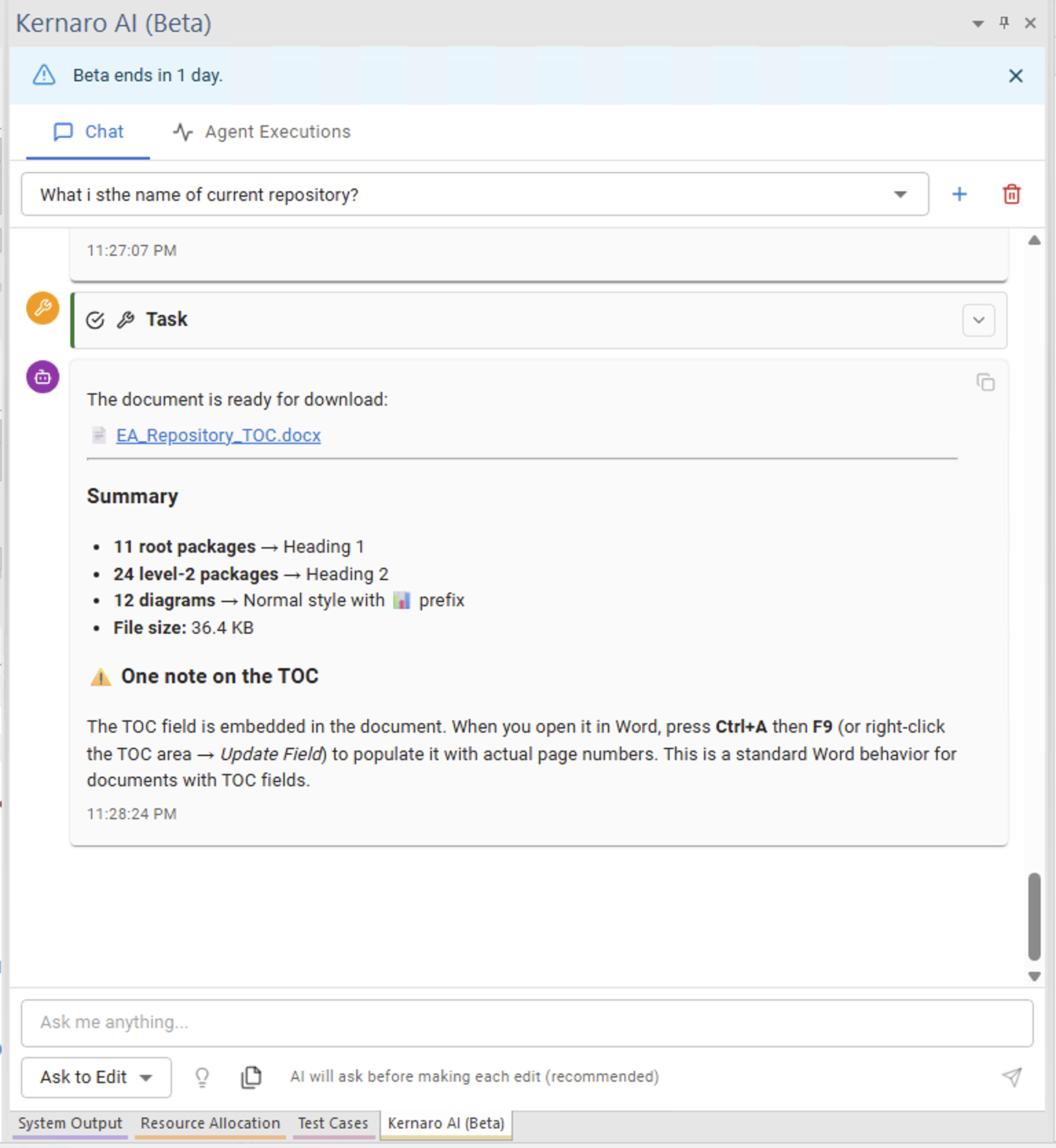
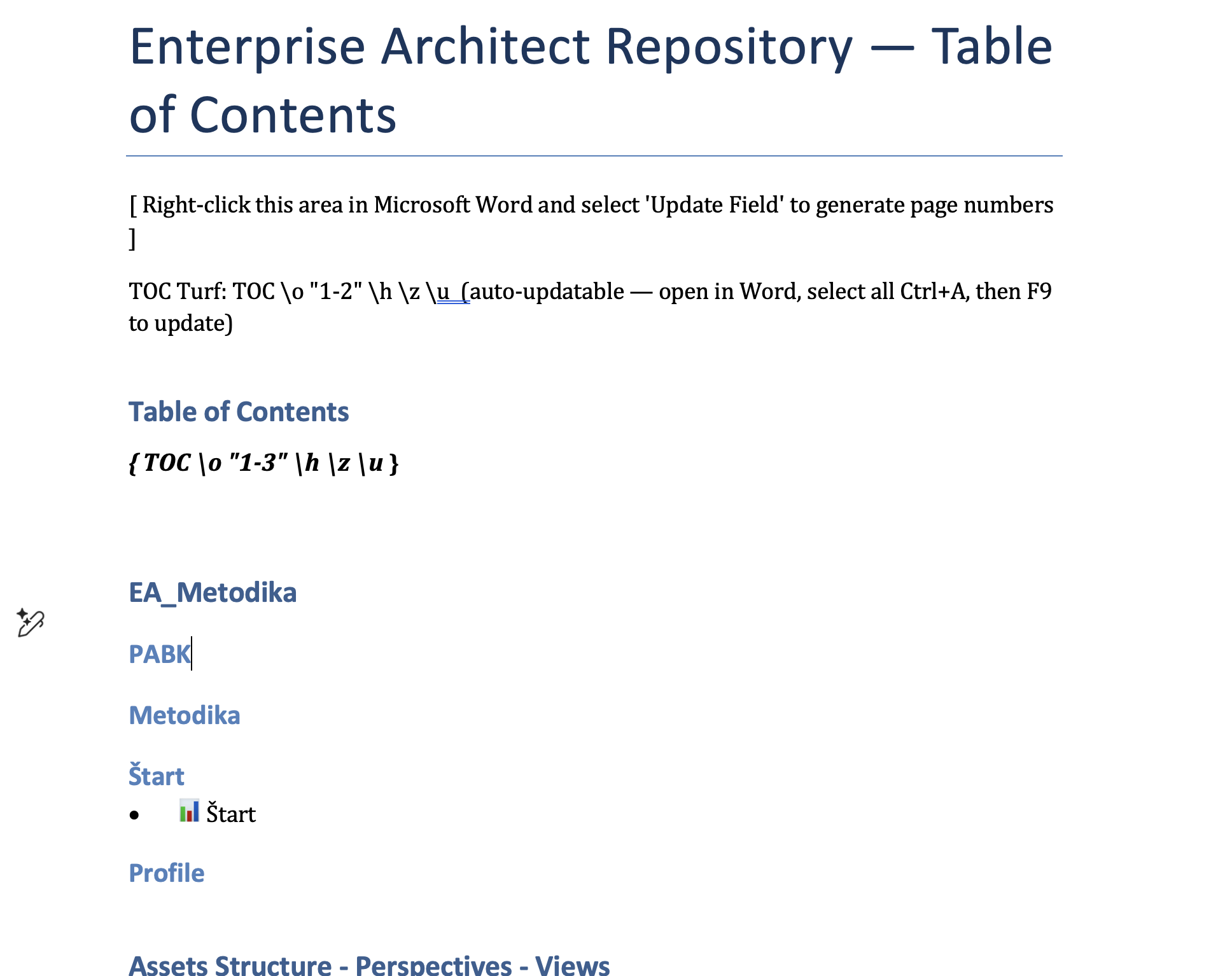
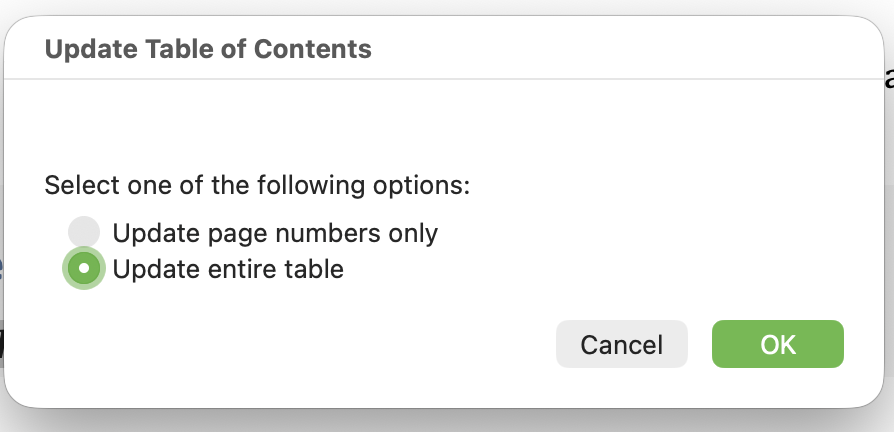
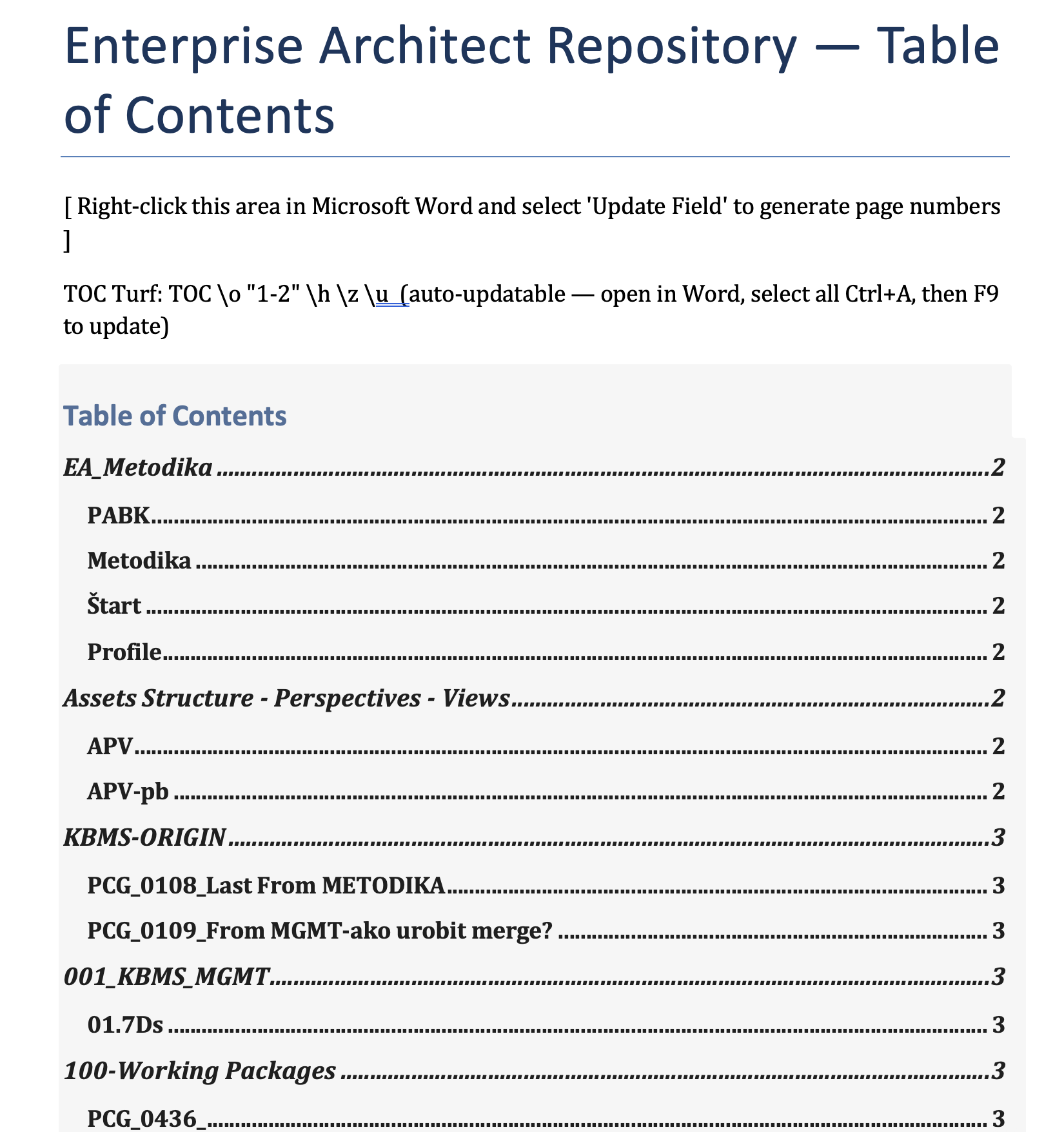
In the following section, we asked the AI agent to generate a list of diagrams up to Level 2 of the package hierarchy. Below is the generated file along with screenshots from the testing session.
Scenario: Generate a Table of Contents from the EA model, limited to package hierarchy up to Level 2.
Generated and manual added TOC
← Back to index | ← B – Chat | ← B2 – Document Generation | → B4 – Coffee Machine Spec
Images
[IMG-01]
[IMG-02]
[IMG-03]
[IMG-04]
[IMG-05]
[IMG-06]
[IMG-07]
[IMG-08]
[IMG-09]
[IMG-10]
[IMG-11]
[IMG-12]
[IMG-13]
[IMG-14]
[IMG-15]
[IMG-16]