B4 – Coffee Machine Functional Specification
generated UC document in MS Word
← Back to index | ← B – Chat | ← B3 – TOC Generation | → C – Agents
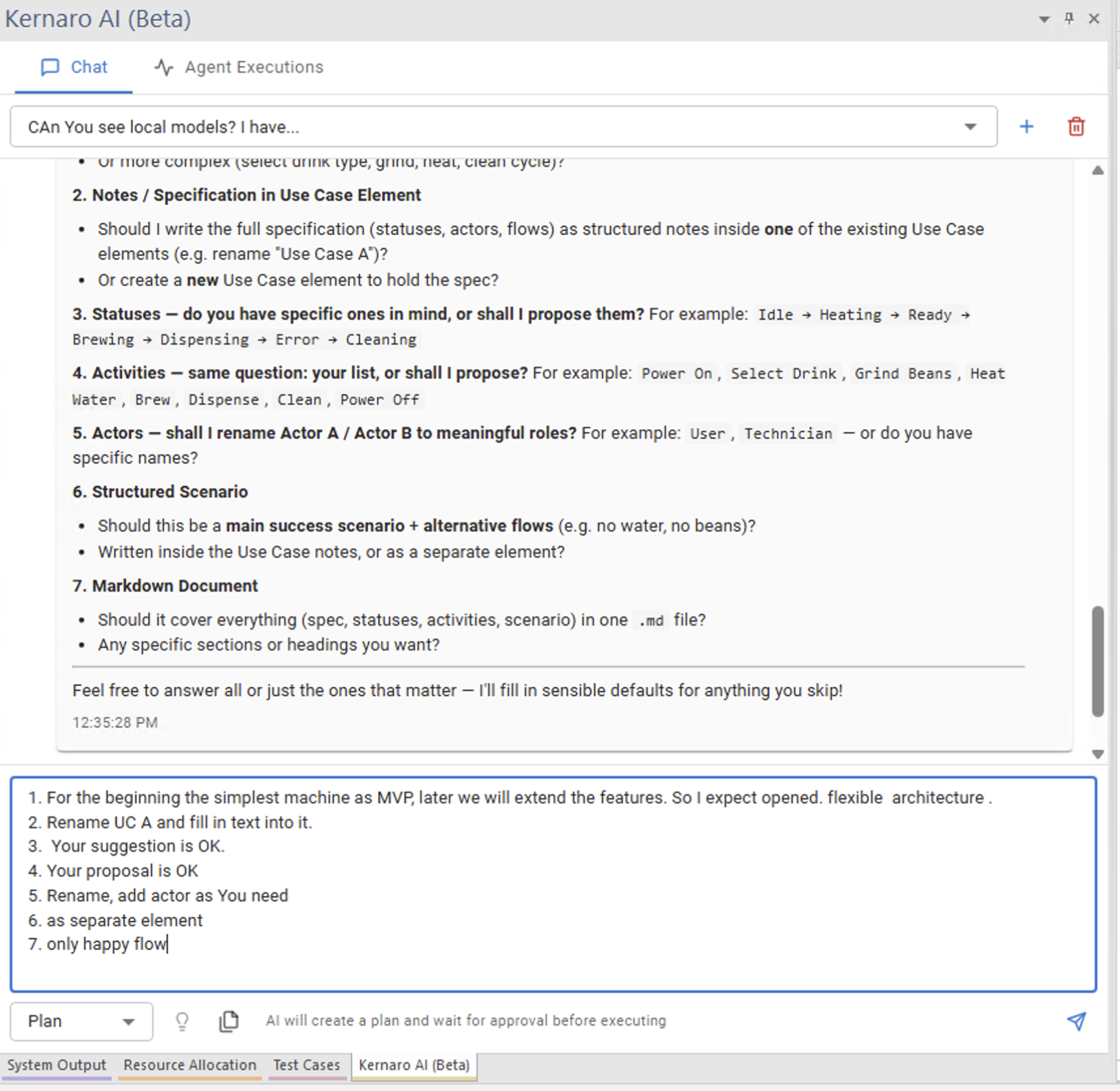
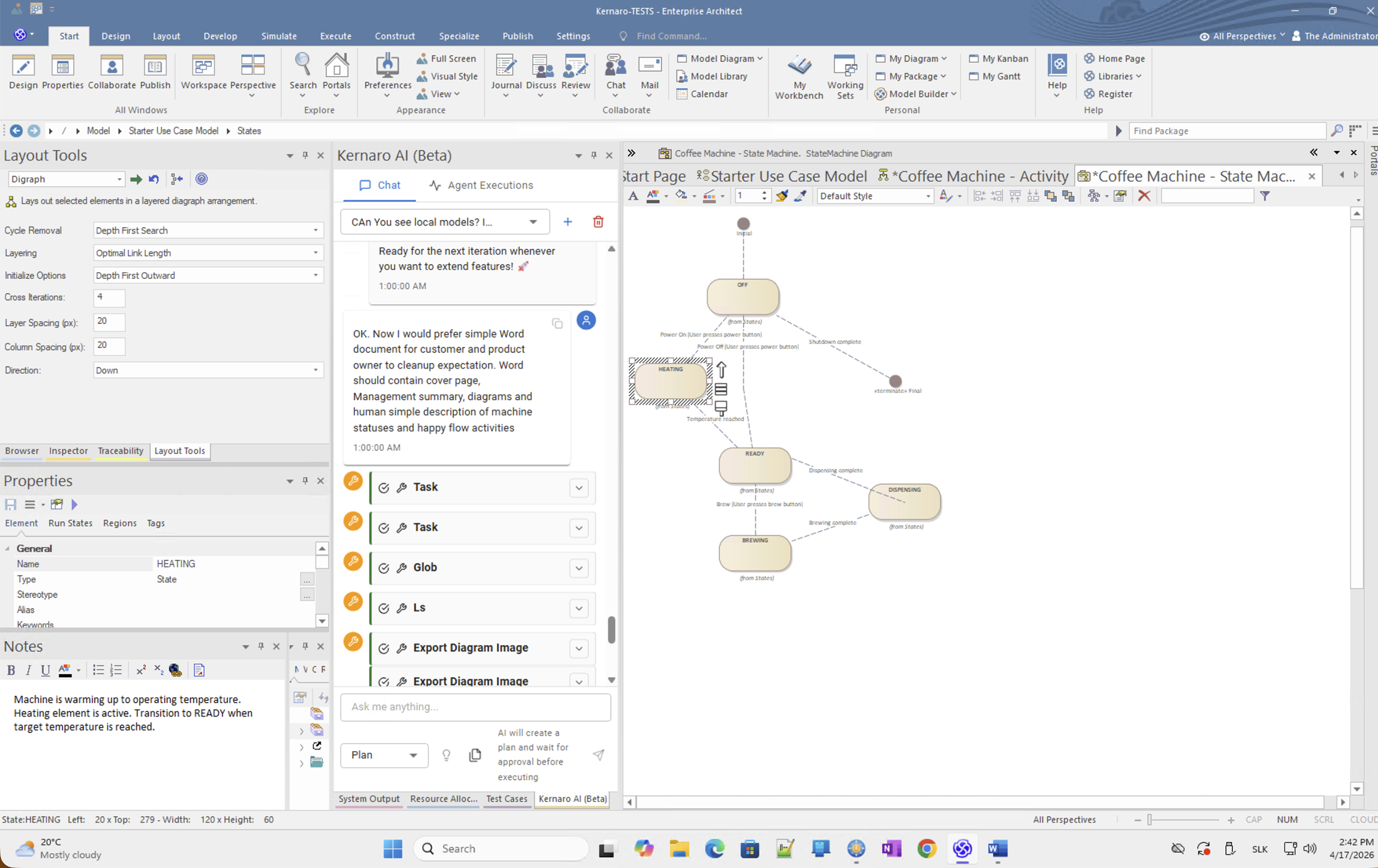
The Coffee Machine model was built entirely from natural language prompts on an empty QEA file. No manual EA modelling — Kernaro created the package structure, Use Case diagram, actors, Activity diagram, and State diagram through a sequence of chat instructions.
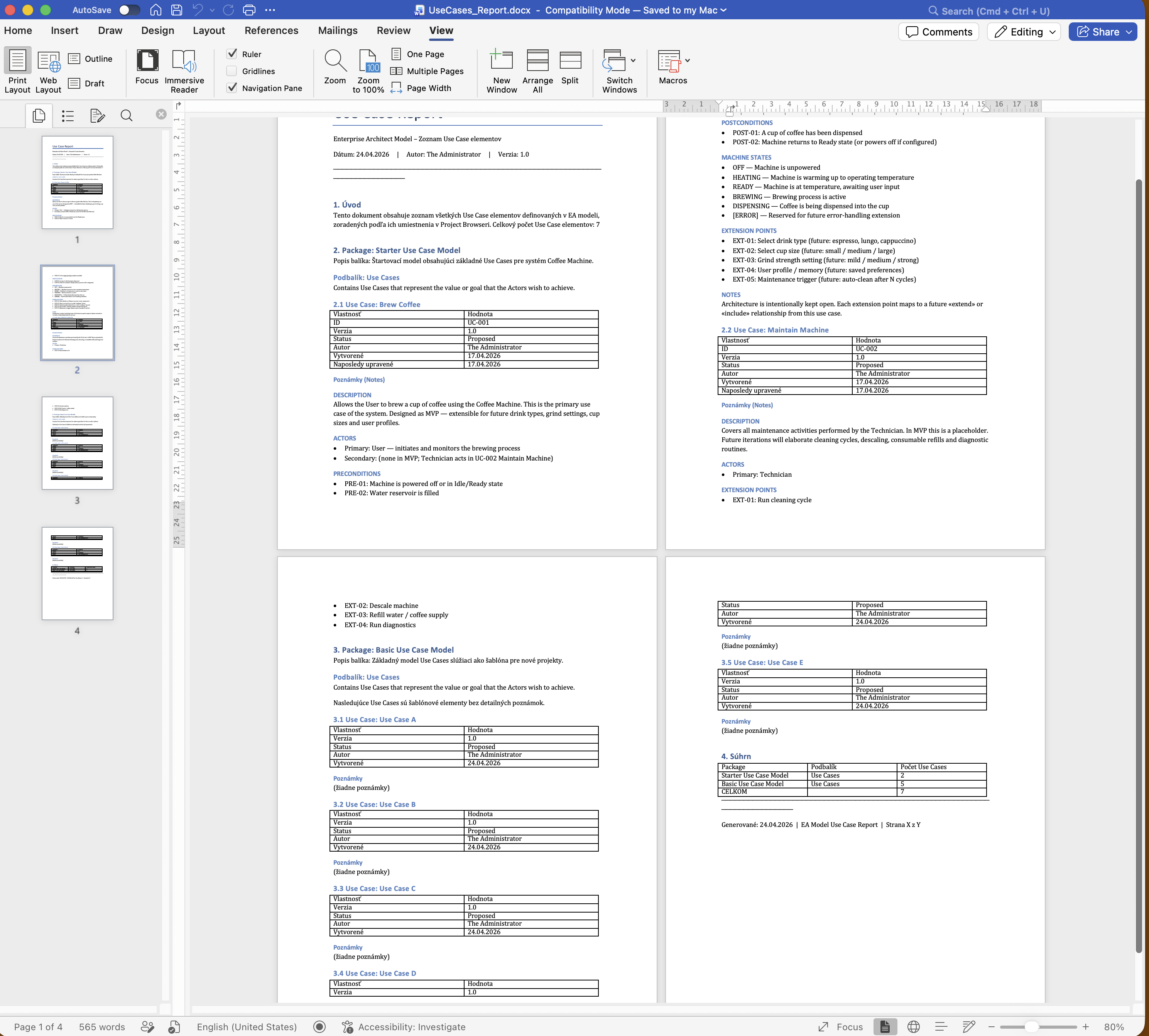
Output: a structured Word document covering Use Case scenarios, actor descriptions, and activity flows — ready for stakeholder review or as a contract basis.
→ [IMG-29] · Generated Use Case Report
B4 · Finding – Structured Scenarios not utilised (Operations used instead)
This finding is also referenced in E – Findings, section E3b.
Background
EA supports two distinct native mechanisms for capturing Use Case steps:
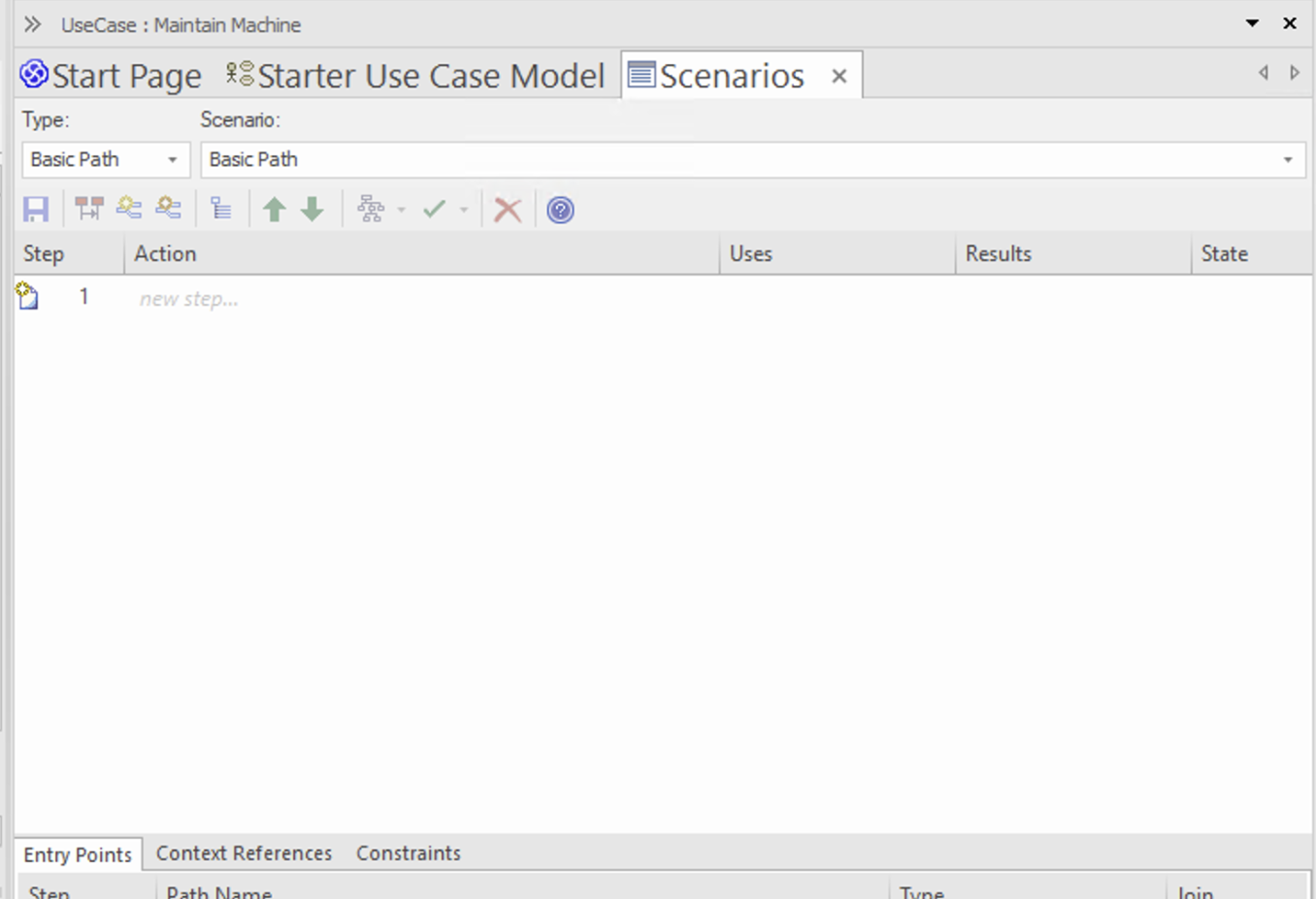
Structured Scenarios (Scenarios tab)
Accessible via UseCase → Scenarios tab. Columns: Step, Action, Uses, Results, State.
This is the full EA structured scenario – linked to test cases, traceable, exportable.
Operations
Accessible via UseCase → Inspector → Operations.
A formal list of operations with name and return type. Separate from Structured Scenario rows.
What happened
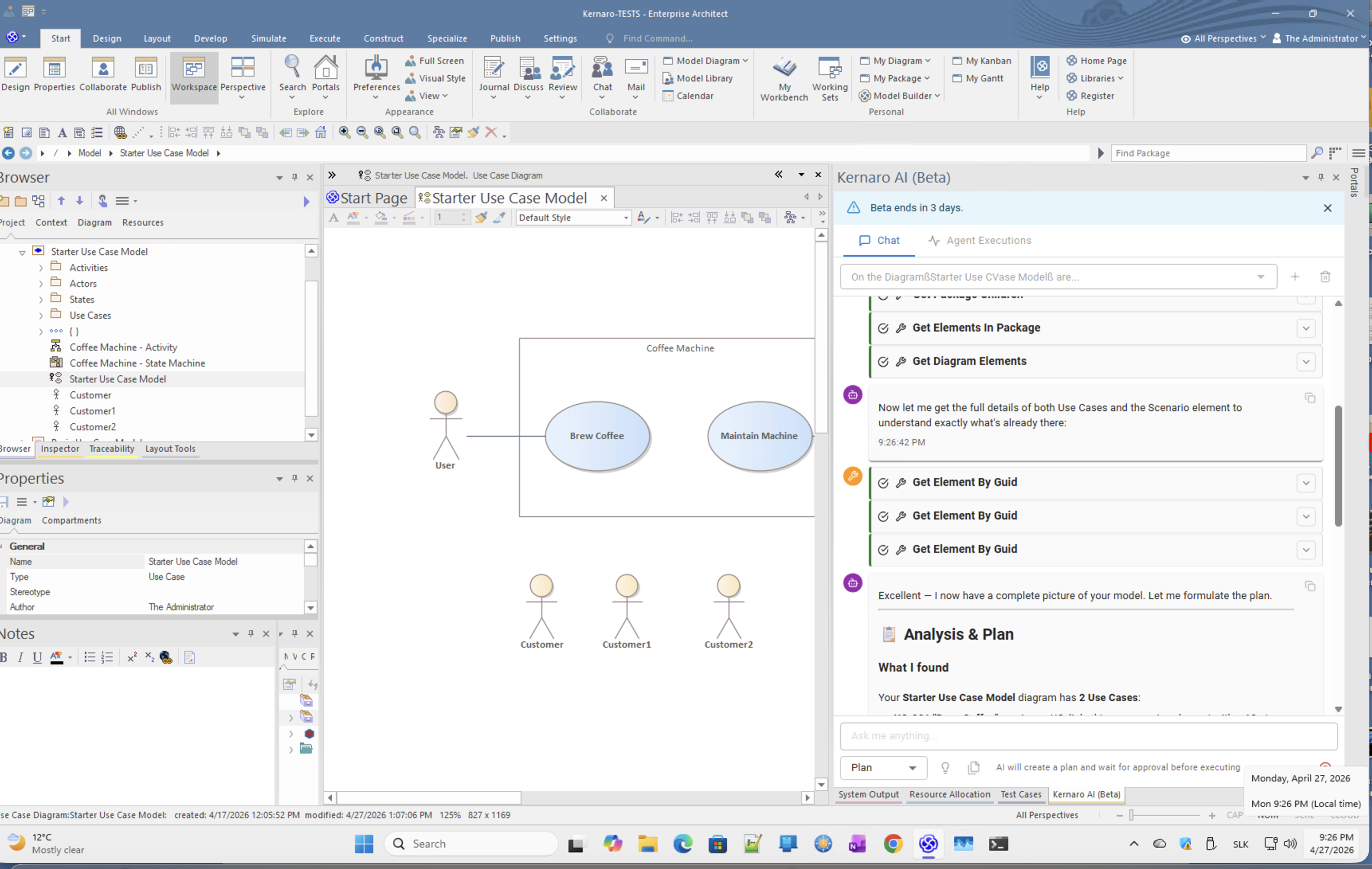
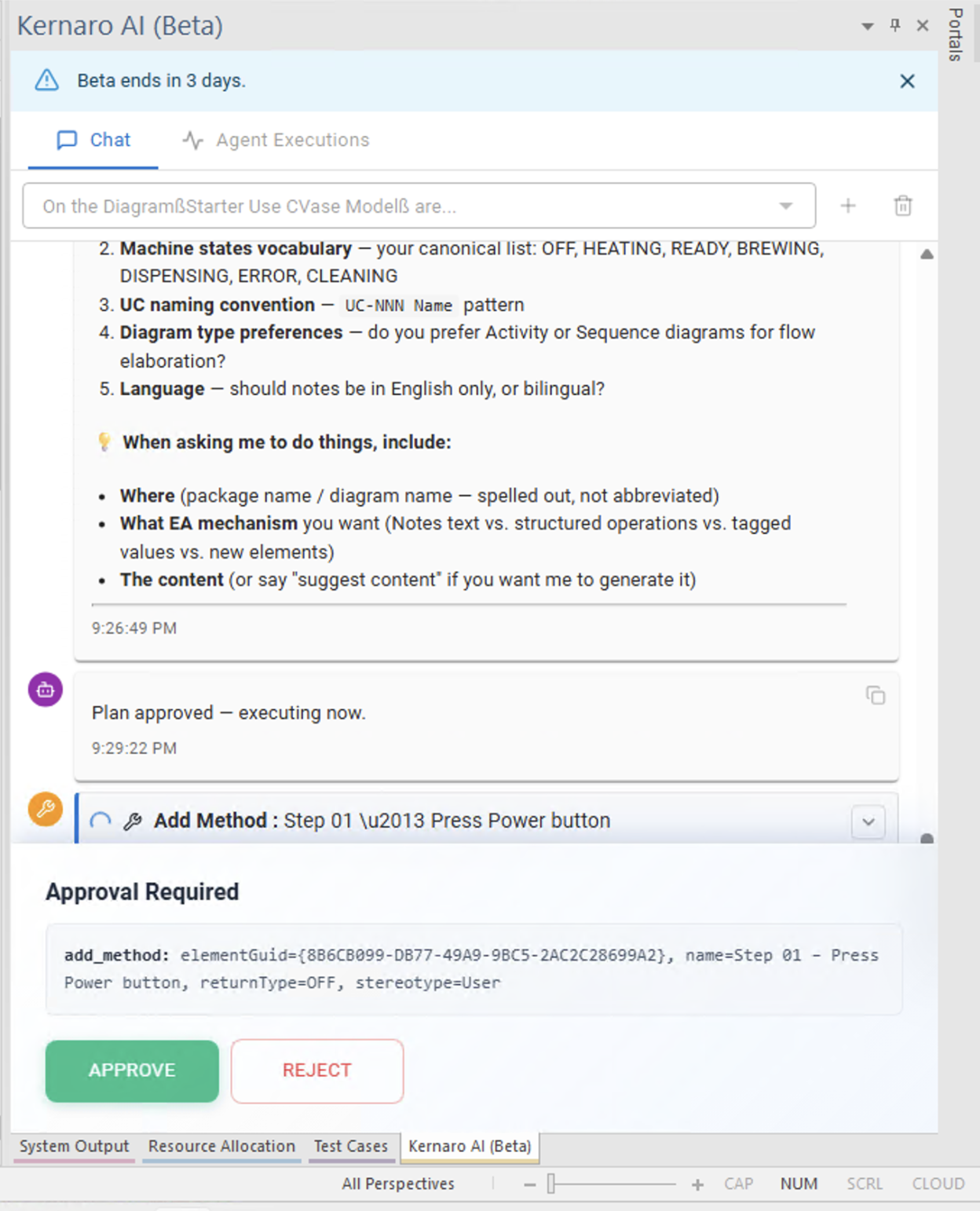
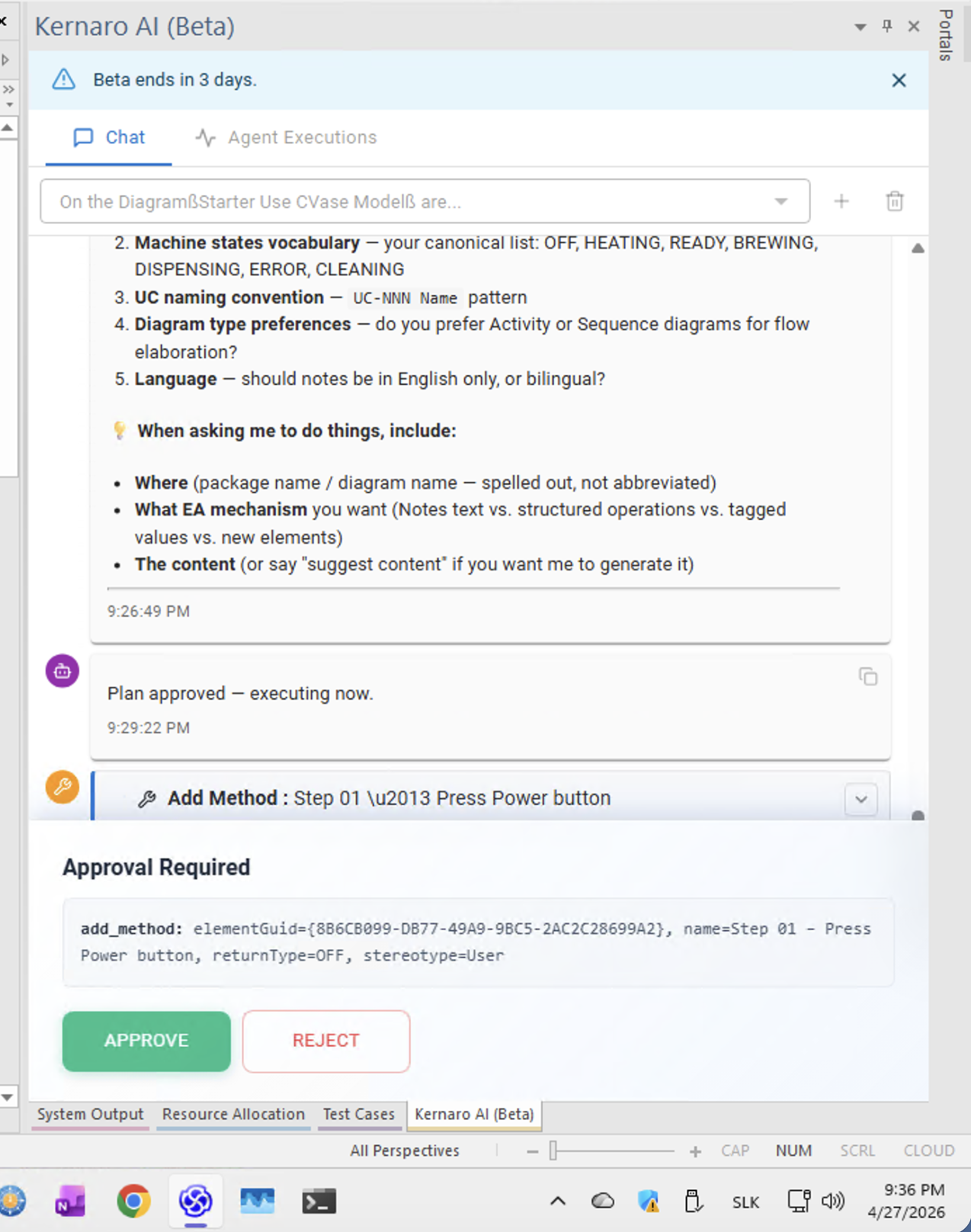
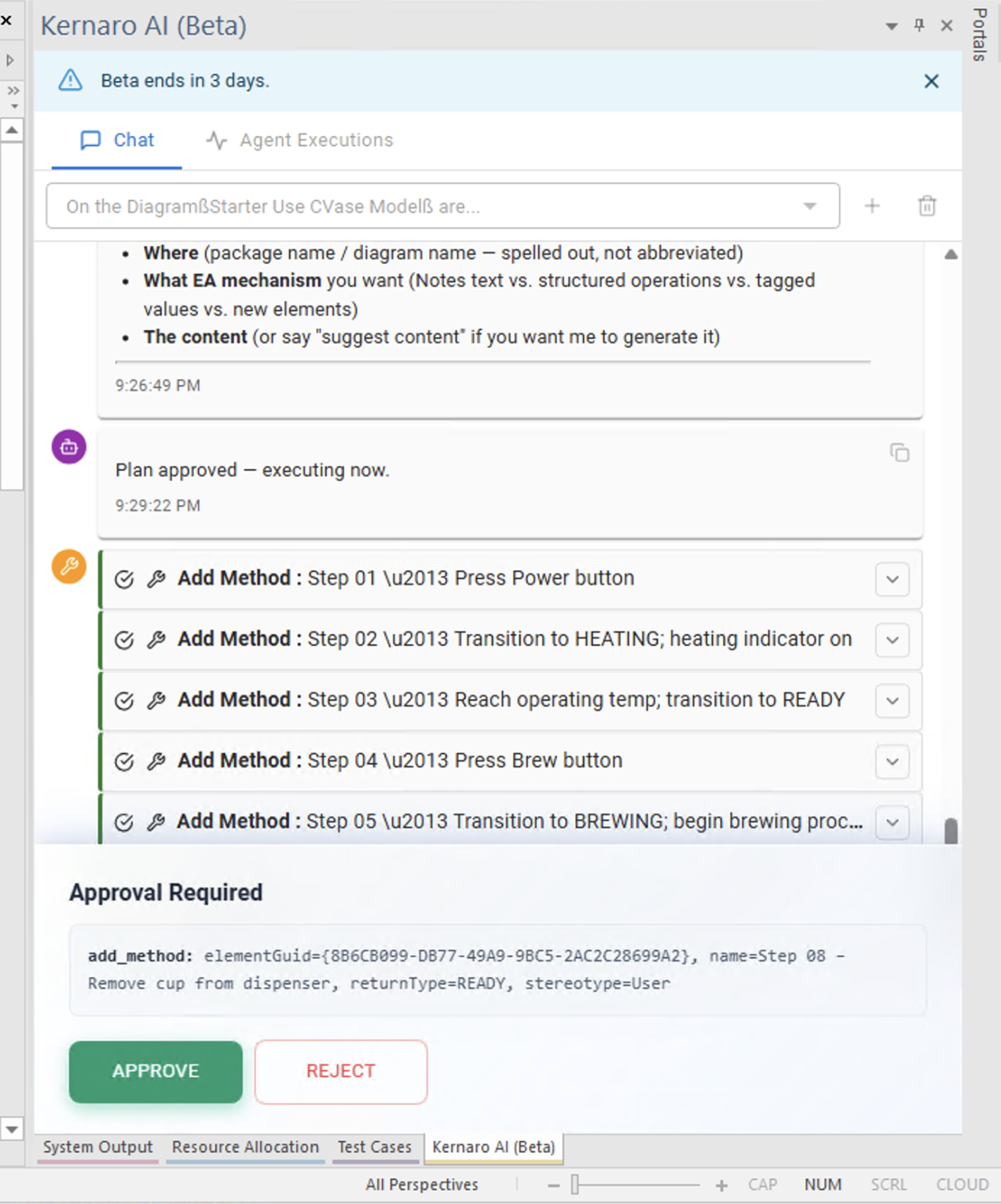
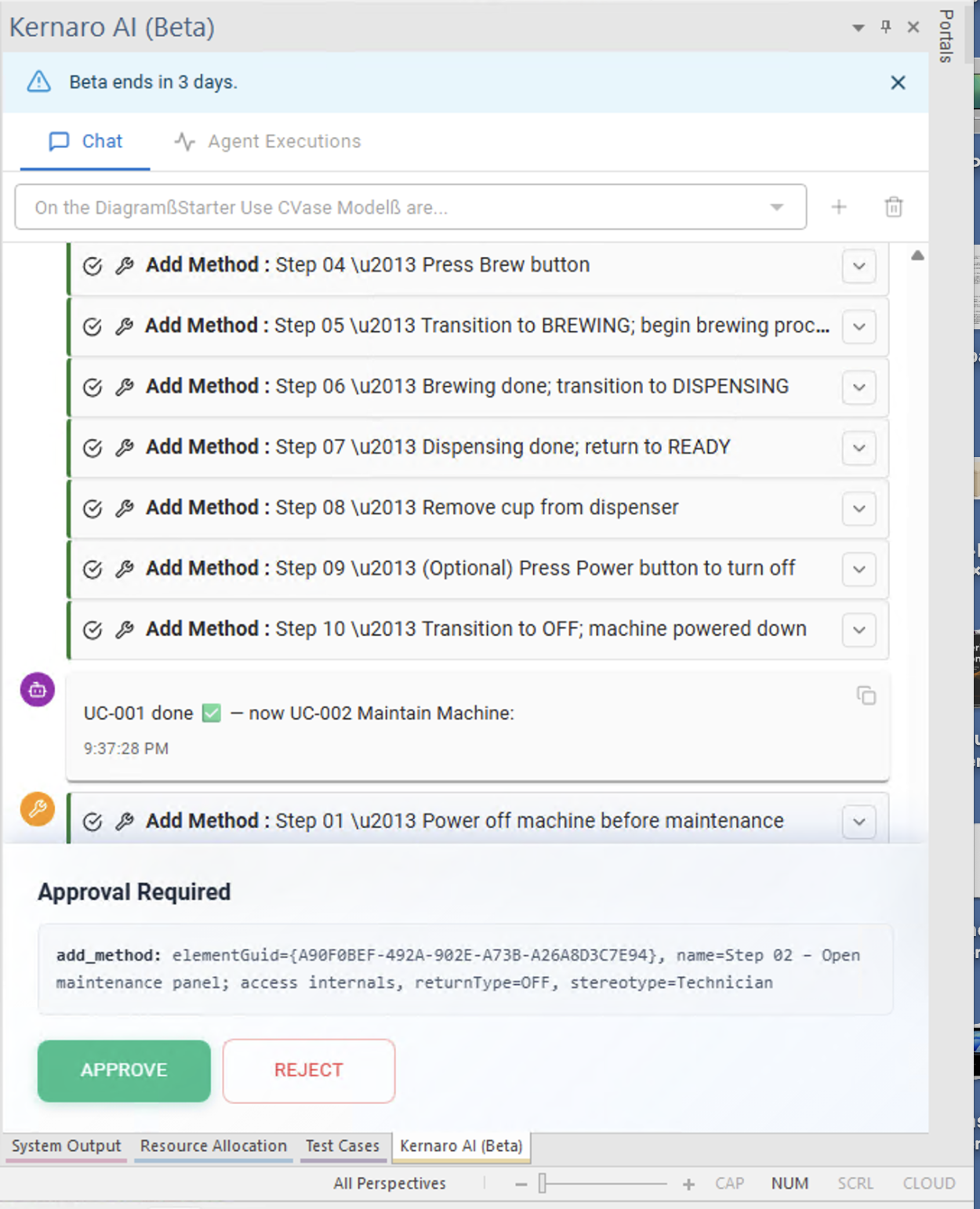
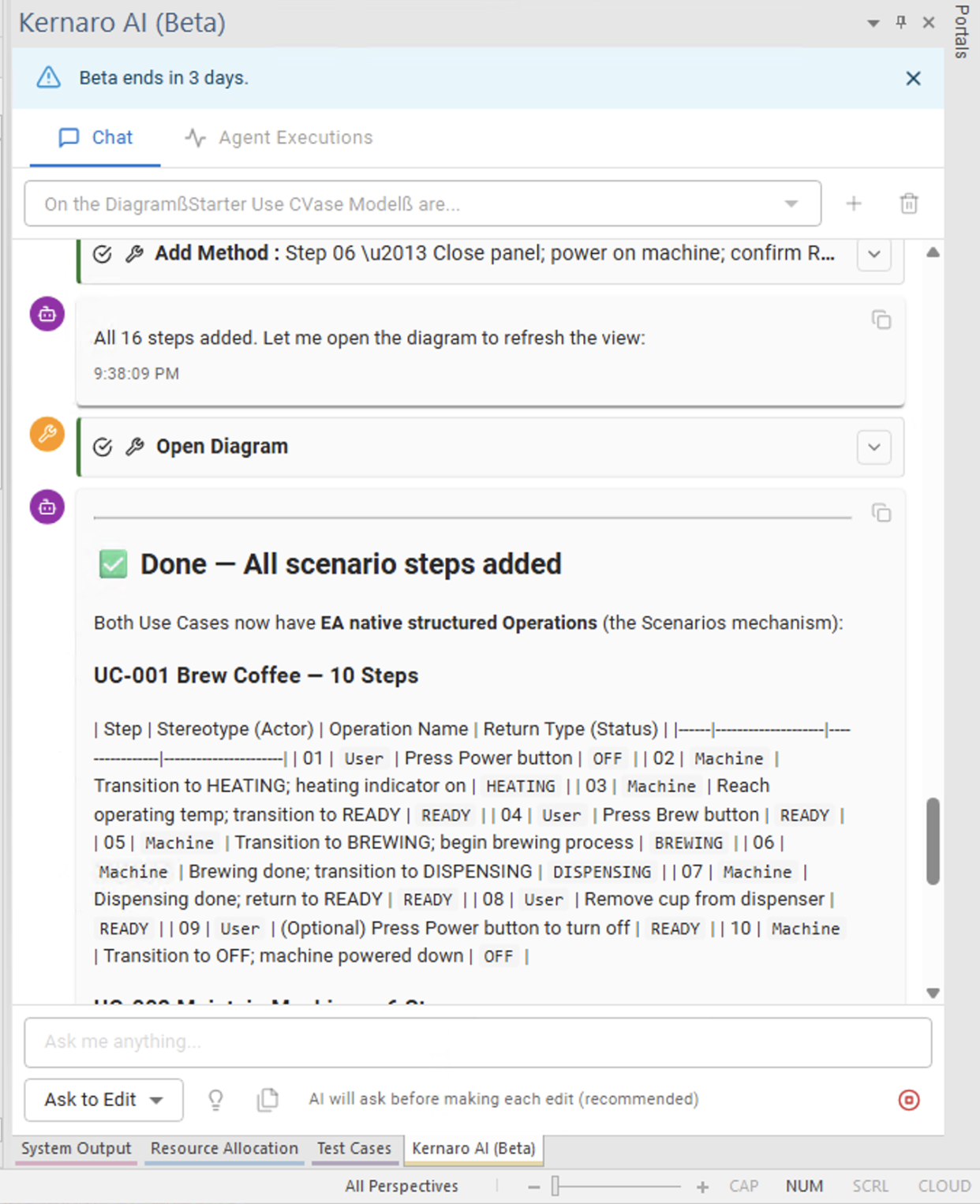
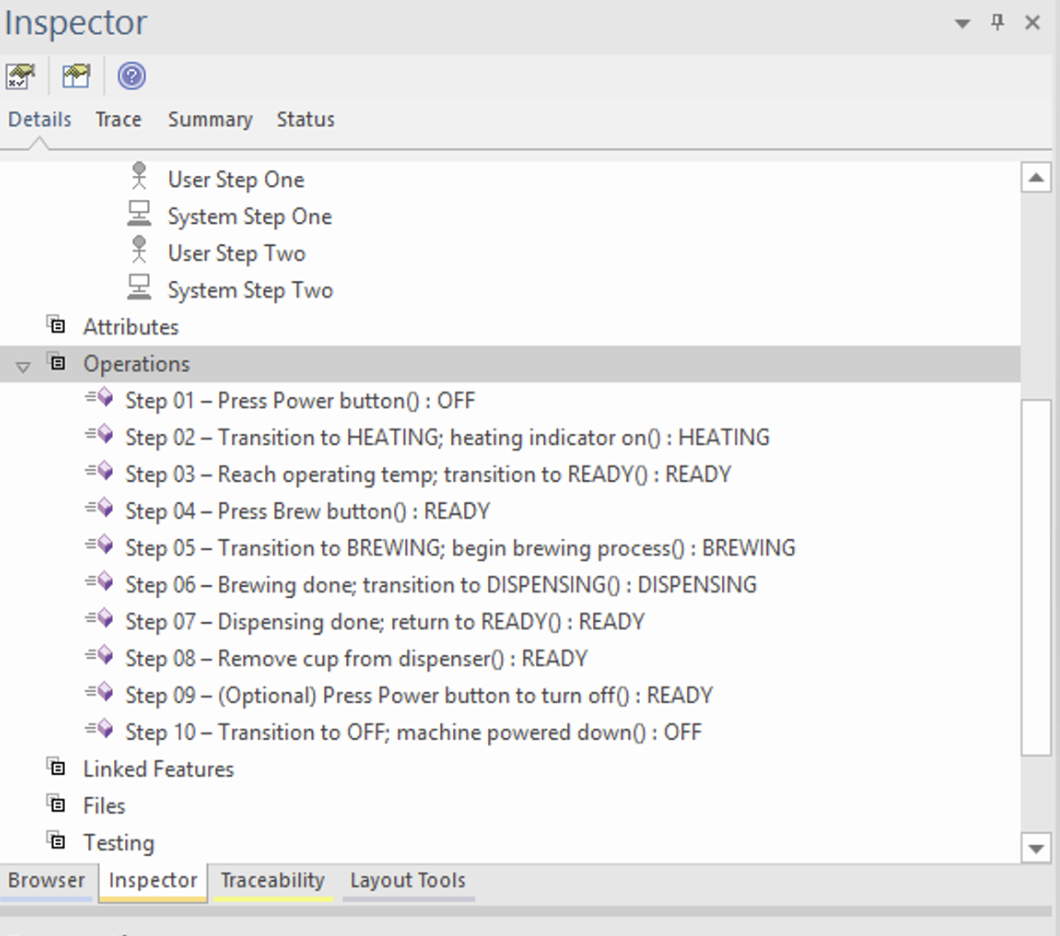
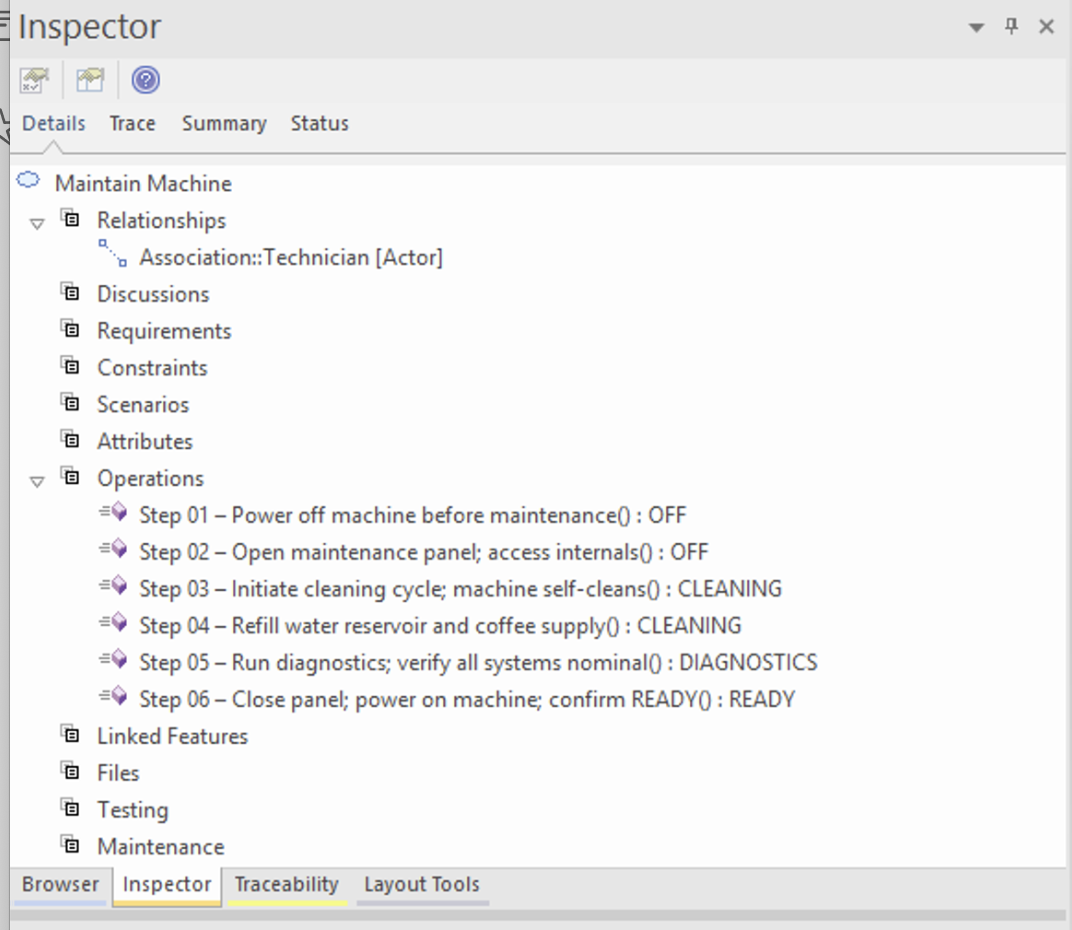
Kernaro populated Operations on the UseCase elements – the Scenarios tab remained empty.
Inspector → Operations: Kernaro populated 10 steps with state transitions (OFF → HEATING → READY → BREWING → DISPENSING).
Comparison
| Operations (what Kernaro used) | Structured Scenario (Scenarios tab) | |
|---|---|---|
| Location | Inspector → Operations | Scenarios tab → Basic Path |
| Structure | Step name + return state | Step + Action + Uses + Results + State |
| Scenarios tab populated | ❌ Empty | ✅ Filled |
| Reportable | ✅ Yes | ✅ Yes |
| Test case traceability | Partial | Full |
Assessment
Kernaro did not use a generic Class element – it correctly identified the UseCase element and used native Operations. This is meaningfully better than the initial test run. However, the Scenarios tab (full Structured Scenarios) remained empty, which limits downstream traceability to test cases.
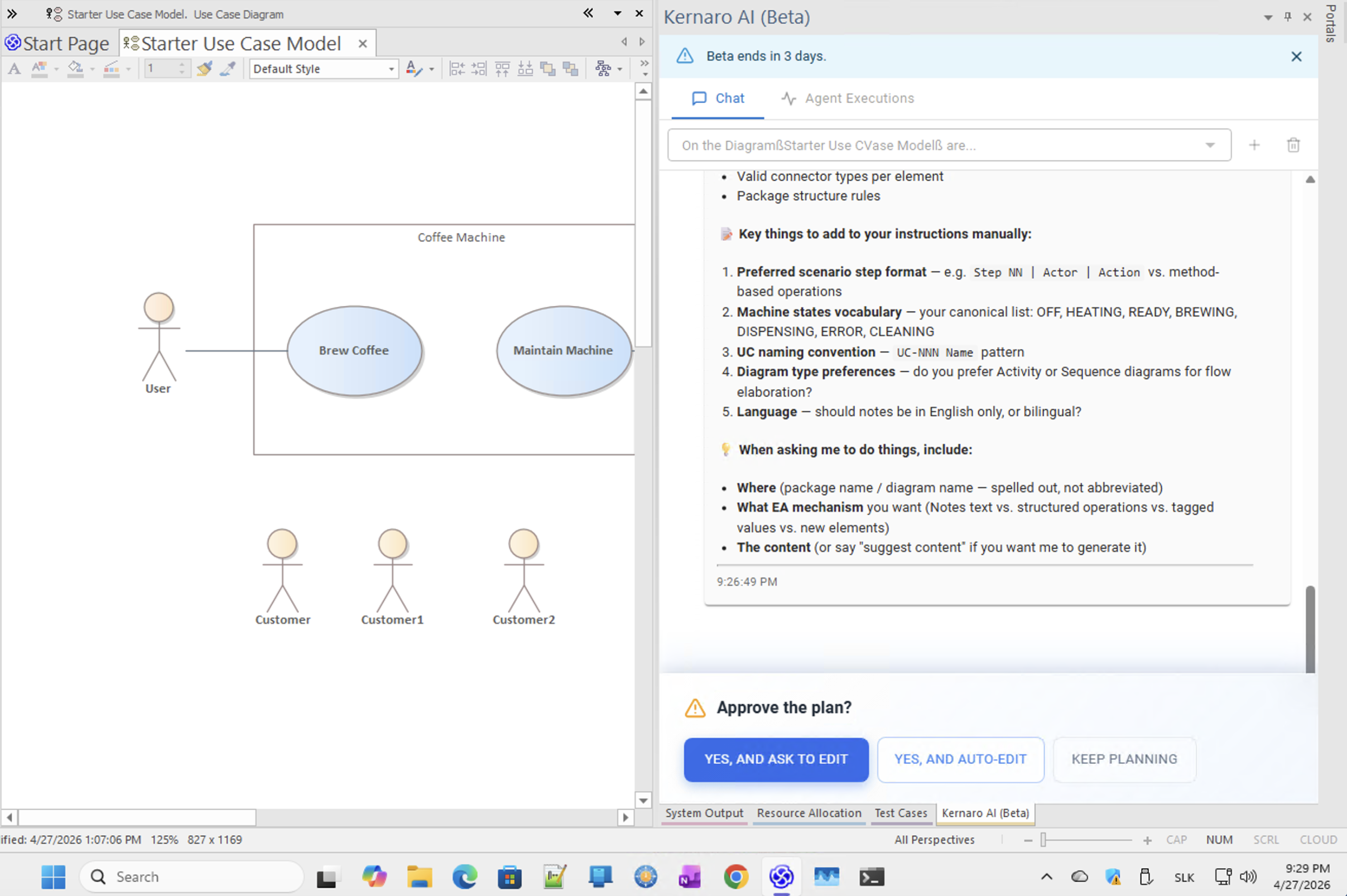
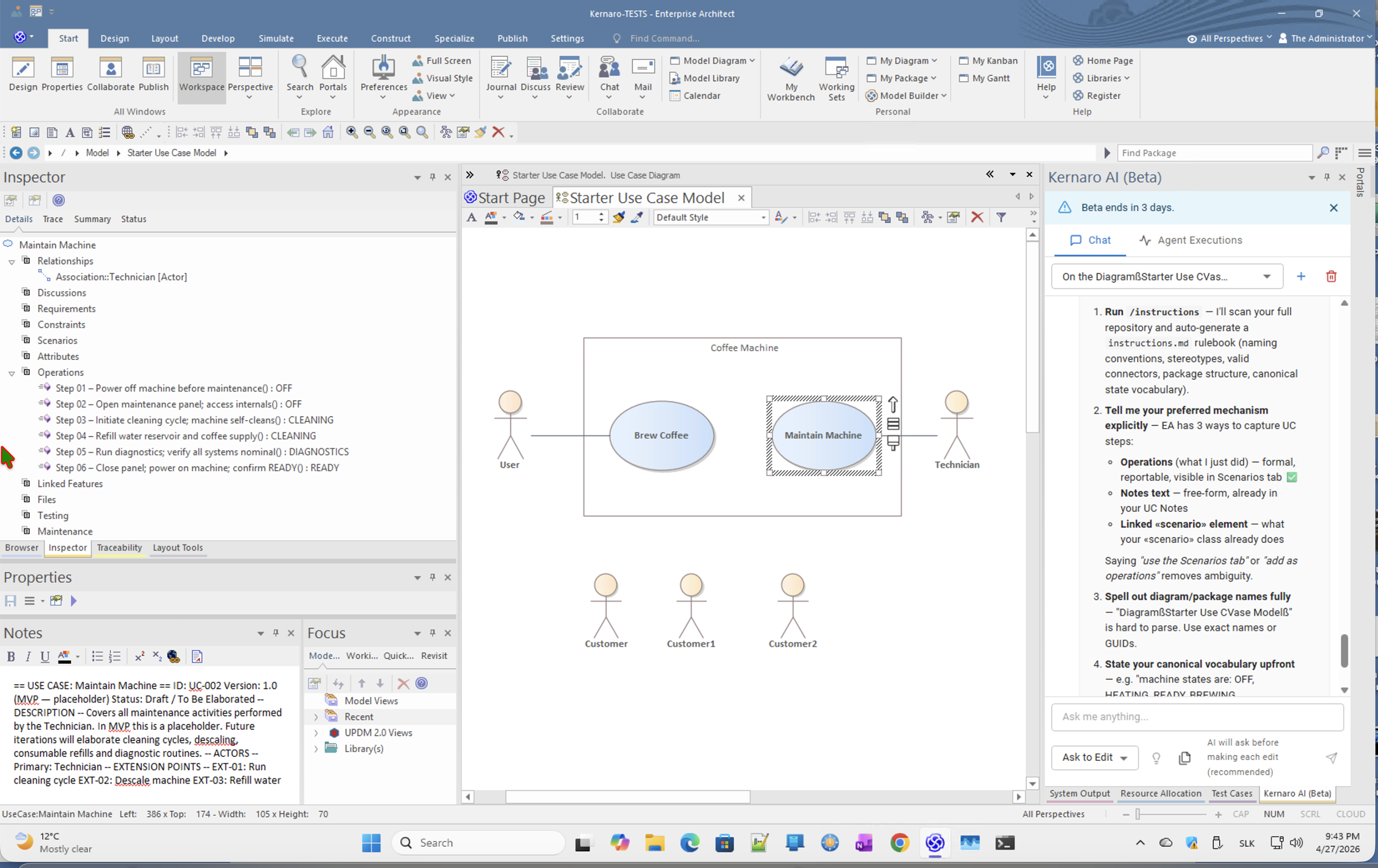
Root cause: prompt ambiguity. Kernaro confirmed this when asked – it listed three EA mechanisms and noted that saying "use the Scenarios tab" or "add as operations" removes ambiguity. Without explicit instruction, it defaulted to Operations.
Kernaro's self-advice
EA has 3 ways to capture UC steps: – Operations — formal, reportable, visible in Scenarios tab – Notes text — free-form – Linked «scenario» element — what your «scenario» class already does Saying "use the Scenarios tab" or "add as operations" removes ambiguity.
Recommended prompt addition
For each Use Case, populate the Scenarios tab with a Basic Path
using EA Structured Scenario format: Step, Action, Uses, Results, State.
Do NOT use Operations. Do NOT use Notes text.
Recommendation for Kernaro team
Default behaviour for Use Case modelling should prefer Structured Scenarios over Operations, especially when /instructions indicate an SDLC-oriented repository.
← Back to index | ← B – Chat | ← B3 – TOC Generation | → C – Agents
Images
[IMG-01]
[IMG-02]
[IMG-03]
[IMG-04]
[IMG-05]
[IMG-06]
[IMG-07]
[IMG-08]
[IMG-09]
[IMG-10]
[IMG-11]
[IMG-12]
[IMG-13]
[IMG-14]
[IMG-15]
[IMG-16]
[IMG-17]
[IMG-18]
[IMG-19]
[IMG-20]
[IMG-21]
[IMG-22]
[IMG-23]
[IMG-24]
[IMG-25]
[IMG-26]
[IMG-27]
[IMG-28]
IMG-29 · Generated Use Case Report – Coffee Machine specification